Explore the demo
The MediaBox A/V SDK demo demonstrates how the player, short video, and live streaming features of the end-to-end ApsaraVideo pipeline are implemented. You can try the demos online or on a mobile device, and then run the open-source demo projects to review the core implementation before you build your own integration.
Integration paths

ApsaraVideo Player provides two integration paths, one with a UI and one without. AliPlayerKit provides ready-to-use UI components for quick integration, and the Player SDK provides flexible customization for in-depth development. Both paths are built on the same core, covering scenarios from a quick start to full customization.
Demo source code
The following table lists the demo resources for each platform. To explore complete playback scenarios, start with the full demo for your platform. To explore standalone playback features, use the API-Example projects.
Platform |
|
|
|
|
Web | Android | iOS | Flutter | |
Features | Feature demos and integration | Feeds, mini-series, and short video | Feeds, mini-series, and short video | Feeds, mini-series, and short video |
Try it |
|
|
| |
Full demo | Demo source code (For full playback scenarios) | Demo source code (For full playback scenarios) | ||
Standalone feature | N/A | API-Example (For standalone playback features) | API-Example (For standalone playback features) | |
UI integration | N/A |
|
|
|
Integration guide | ||||
Scenario | N/A | Mini-series solution (For mini-series scenarios) | ||








Try the demo
The built-in resource download service in the demo is a temporary service set up by Alibaba Cloud. It is intended for demonstration purposes only, and its availability is not guaranteed. Do not use this service in a commercial or production environment.
For production use, you must replace the temporary server address with your own resource download server. Alibaba Cloud does not provide support or related functions for this temporary resource address.
Start with the Web demo in your browser, and then try the mobile demo on your device. To run the demo source code locally, see Run the demo.
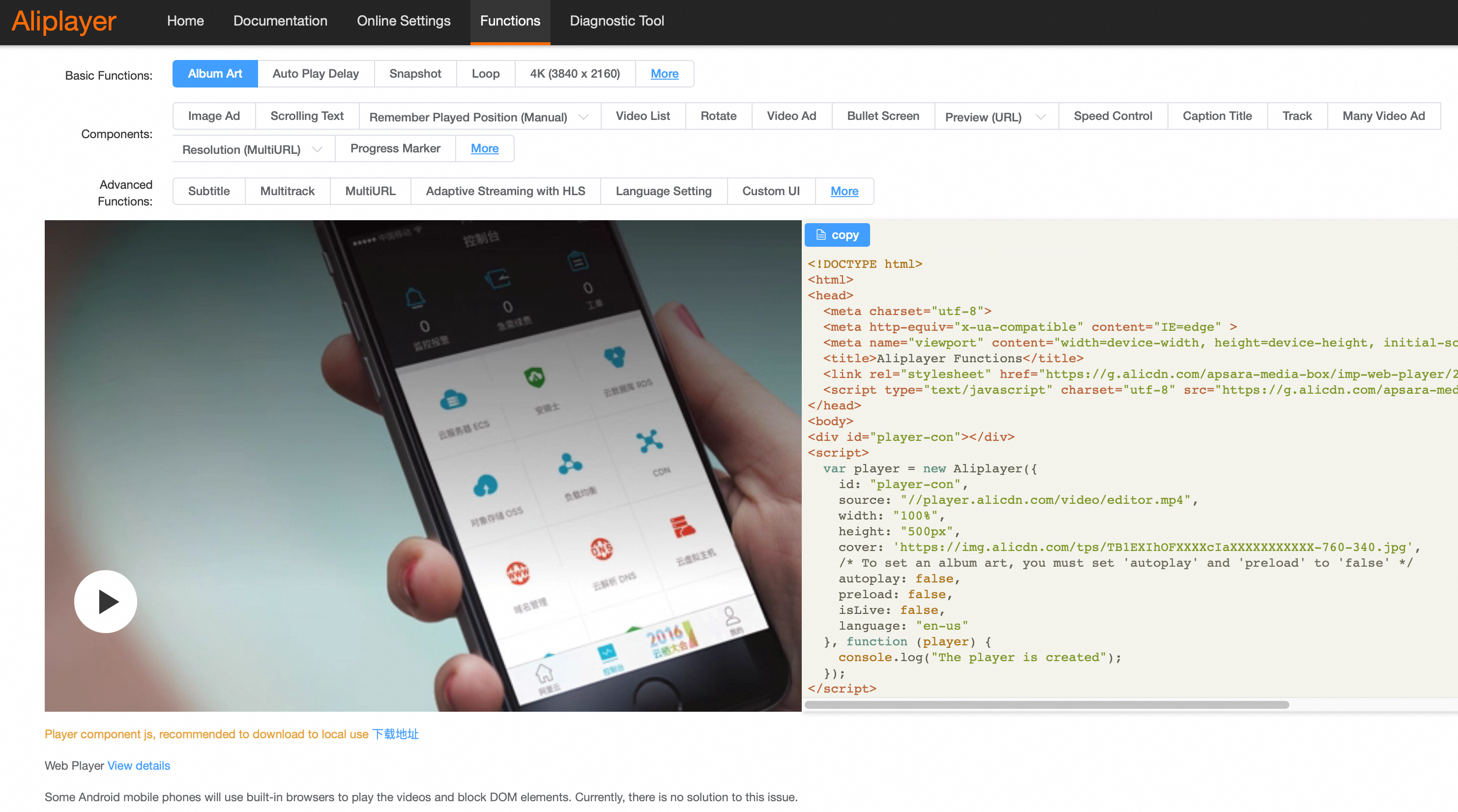
Web
You can try the Web demo online.
Mobile
The mobile demo supports Feeds, mini-series, and short video scenarios.
Feeds scenario: Supports nested tabs and vertical swipe-to-play, ideal for feed-based applications.
Mini-series scenario: Provides a drawer-style episode list, allowing users to tap to jump to specific episodes.
Short video scenario: Features a vertical, full-screen, immersive player. Users can swipe up and down to switch between videos.
AliPlayerKit
AliPlayerKit is a UI architecture framework for video player applications. It provides low-code, extensible player components and scenario-based solutions.
You can integrate video playback capabilities in a few lines of code without calling low-level player APIs. It includes built-in business scenarios such as long-form video, short video, live streaming, and playlists. The framework features a slot system for flexible UI combinations and a policy system to extend business logic.
How to try it:
Install the demo by scanning a QR code: find the QR code in the UI integration row to install the demo.
Run the sample project: Download the source code from the Android project, iOS project, and Flutter project to explore all functions and features.
Demo preview

Run the demo
ApsaraVideo Player SDK is a solution for building professional audio and video applications. Before you begin your own integration, run the open-source demo to understand its core implementation.
To quickly run the integration solution with UI, see Integration solution with UI for Android, Integration solution with UI for iOS, and Integration solution with UI for Flutter.
Prerequisites
Obtain a player SDK license and its associated License Key. For instructions on how to bind the license to your application, see Bind the license.


To obtain the License Key and the license file, complete the following steps in the ApsaraVideo VOD console:
Go to the My Licenses page.
On the License Management tab, copy the License Key.
Click Associate License to bind your application.
Click Download Certificate below the application name in the table to obtain the license file.
Clone the project
Run the following command to clone the demo project:
Android
git clone https://github.com/MediaBox-Demos/AliPlayer-Android.git
cd AliPlayer-Android
iOS
git clone https://github.com/MediaBox-Demos/AliPlayer-iOS.git
cd AliPlayer-iOS
The clone steps above cover Android and iOS. For the Web and Flutter demos, download the source code from the links in the Demo source code table.
After you clone the project, continue with the setup guide for the module that you want to run. For details, see the Modules section.
Directory structure
Android
AliPlayer-Android/
├── Demo/                     # Full-featured demo app
├── API-Example/              # API sample project written in Java
├── SDK/                      # SDK files and documentation
├── README.md                 # Project description (Chinese)
├── README-EN.md              # Project description (English)
└── LICENSE                   # Open source license
iOS
AliPlayer-iOS/
├── Demo/                             # Full-featured demo app
├── API-Example/                      # API sample project written in Objective-C
├── Swift-Call-OC-Example/            # Sample project for calling Objective-C from Swift
├── SDK/                              # SDK files and documentation
├── README.md                         # Project description (Chinese)
├── README-EN.md                      # Project description (English)
└── LICENSE                           # Open source license
Modules
Choose a module based on what you want to explore. The full-featured demo covers complete playback scenarios, and API-Example focuses on standalone playback features. The setup guide linked in each module walks you through running that module.
Full-featured demo
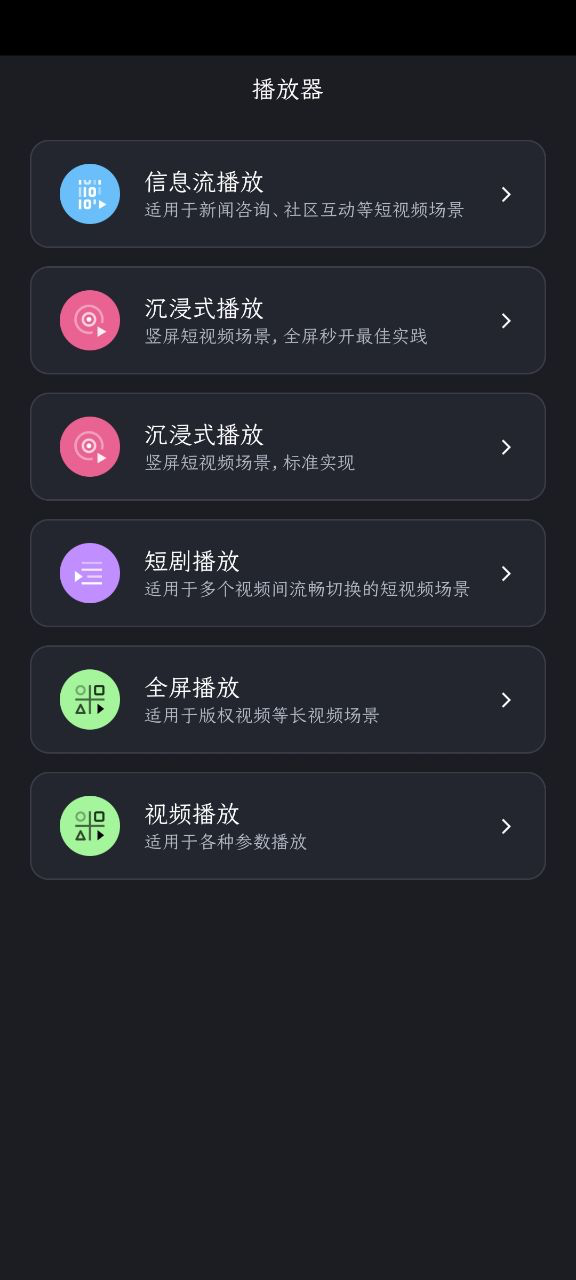
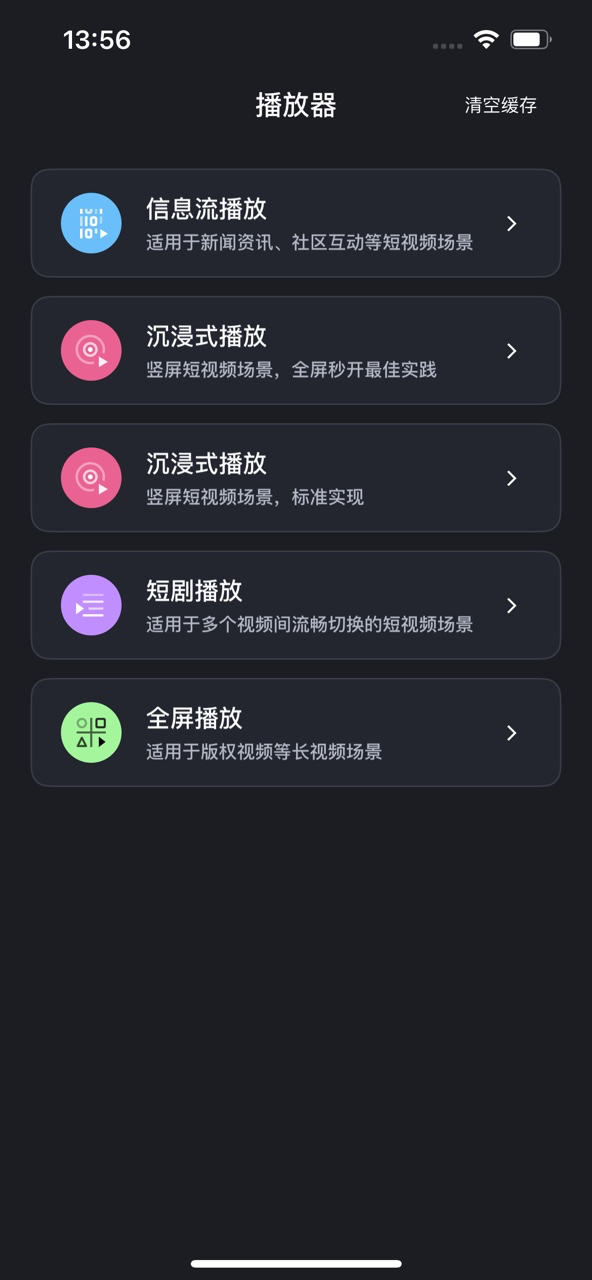
This module is a production-level demo application for the player. It includes various playback scenarios and UI components, such as Feeds, mini-series, and short video playback. For setup instructions, see the Android Full-Featured Demo Guide and the iOS Full-Featured Demo Guide.
Android preview
iOS preview
API-Example
Android
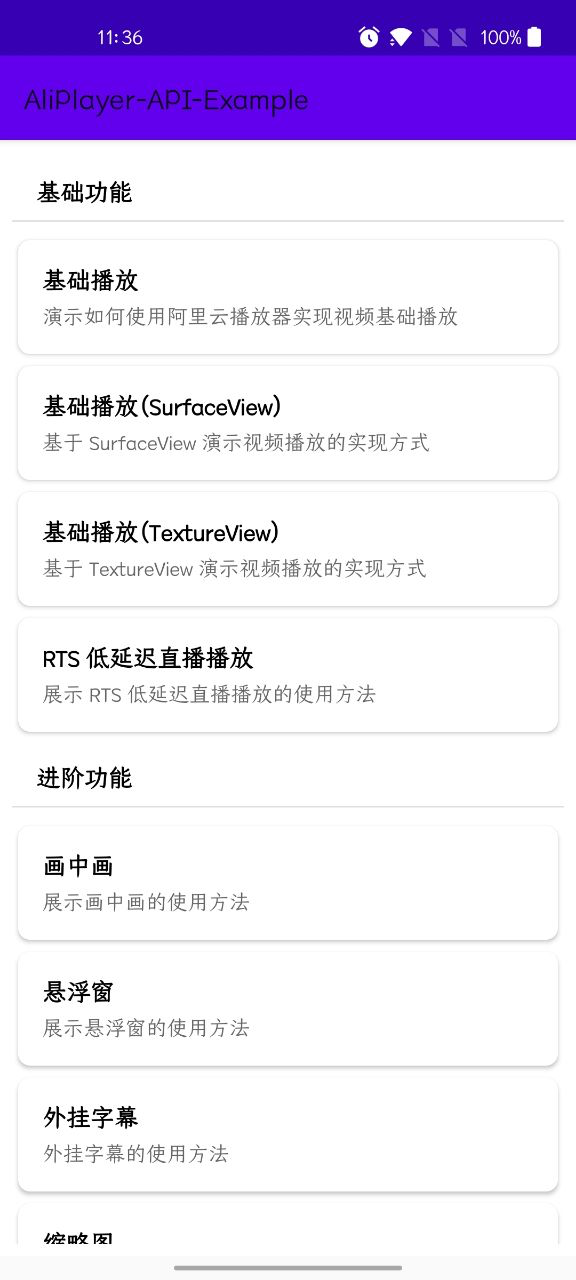
This modular Android sample project, developed in Java, demonstrates the core features of the SDK. It uses a strict modular design where each module implements a single feature to ensure clear logic. The project uses a Schema route mechanism to decouple modules and provide unified management. For setup instructions, see the API-Example Guide.
iOS
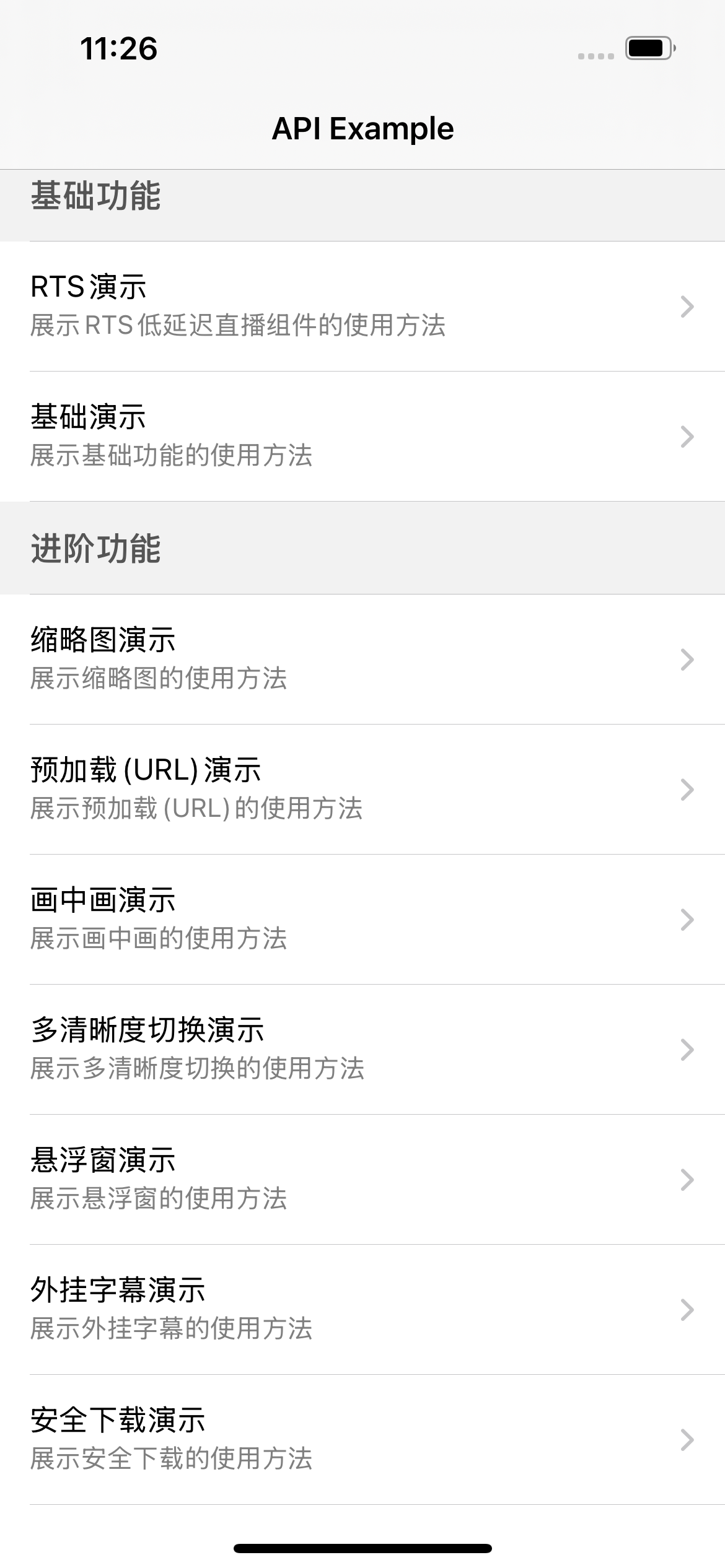
This iOS sample project, developed in Objective-C, uses a plug-in architecture managed by CocoaPods to help you quickly integrate core SDK features. Each plug-in focuses on a single feature demonstration with minimal code for clarity. A URL scheme mechanism decouples navigation between plug-ins. For setup instructions, see the API-Example Guide.
If your application's business logic is written in Swift, you can refer to the Swift-Call-OC-Example Guide for hybrid development based on the API-Example project. This project is helpful when running API-Example and integrating the SDK within a Swift-based business layer.