How to use a DingTalk Robot?
A DingTalk robot sends real-time updates from your code repositories to a DingTalk group. This topic describes how to configure these notifications.
How to enable a DingTalk group robot
In your target DingTalk group, click Group Settings, then Robot, and then Add Robot.
Select the Alibaba Cloud Codeup robot.
On the configuration page, enter a custom Robot Name, and then copy the generated webhook URL.
Go to your code repository and choose . Click New webhook. Paste the webhook URL into the URL field, select a Trigger and complete the configuration:
The trigger options include Push events (selected by default), Tag push events, and Comment and merge request events. Select them as needed. You can also enter a Secret Token and a description. After you complete the fields, click OK.
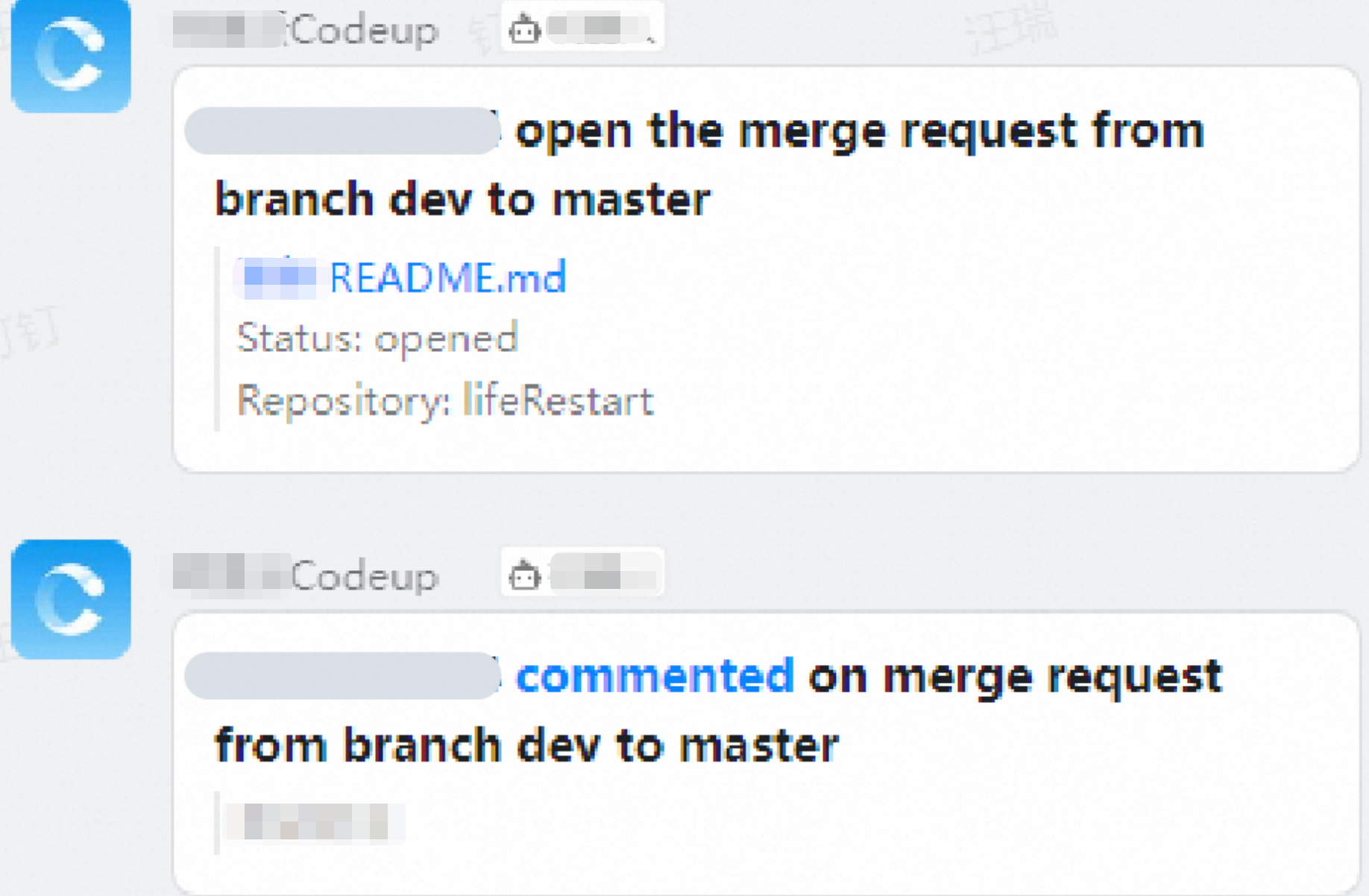
The Codeup robot is now configured. When a triggering event occurs in the repository, the robot pushes a real-time notification to the DingTalk group.
To revoke notifications, go to . Select the robot that you want to remove and click Remove Robot.