Access token
Use personal access tokens to call OpenAPIs.
Create an access token
-
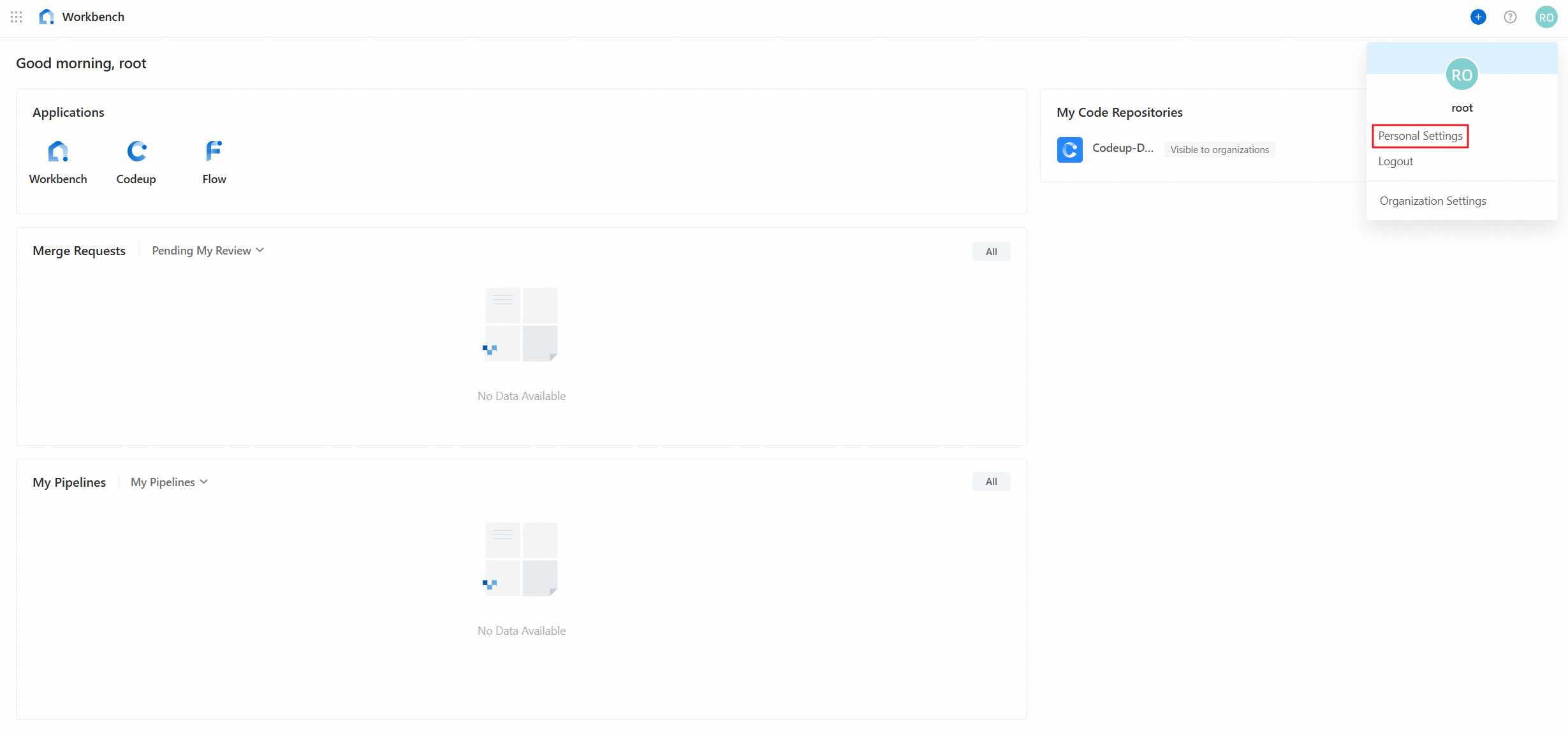
Log on to Alibaba Cloud DevOps. Click your profile picture in the upper-right corner and select Personal Settings.
-
In the left-side navigation pane, click Access Token, and then click Create Access Token. Configure the following settings:
-
Token Name: Enter a name.
-
Expiration Date: Set the token expiration date.
-
Select Permissions: Select the permissions to control access..
-
-
Click Create, and then copy and save the token.
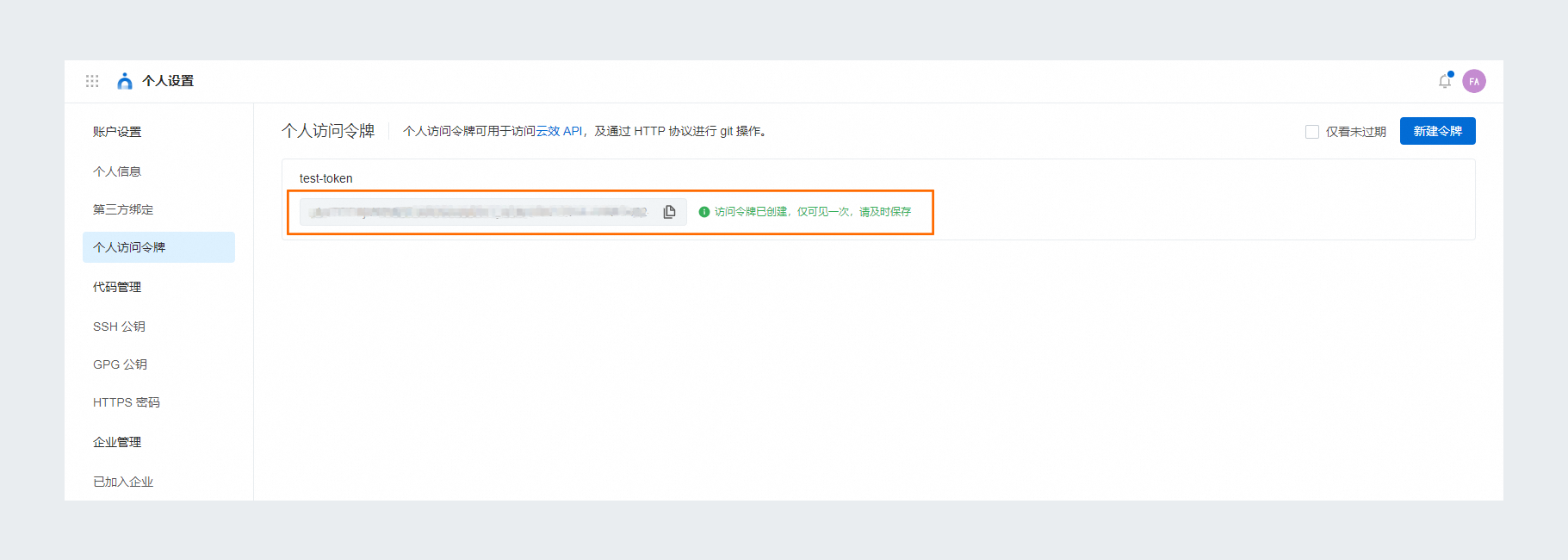 Important
The token is displayed only at creation and cannot be retrieved later. Alibaba Cloud DevOps encrypts your token for secure storage. Keep it safe.
Access token permissions
The following figure shows all available permissions.
Manage access tokens
-
To modify a token, click the
 icon.
icon. -
To delete a token, click the
 icon. Deleting a token immediately revokes its permissions.