在PPU上编译ONNX Runtime
本文为您介绍在PPU上编译ONNX Runtime的过程,您可以参考此文,并根据自己的镜像环境和软件版本进行编译。
ONNX Runtime简介
ONNX Runtime是一个跨平台的机器学习推理和训练加速器,支持PyTorch、TensorFlow、Keras等深度学习框架,以及scikit-learn、LightGBM、XGBoost等经典机器学习模型。ONNX Runtime兼容不同的硬件、驱动程序和操作系统,并在适用的情况下,利用硬件加速器及图形优化和转换来提供最佳性能。ONNX Runtime训练可以通过对现有PyTorch训练脚本添加一行代码,减少多节点NVIDIA GPU上transformer模型的训练时间。
编译ONNX Runtime过程记录
1. 拉取Docker镜像
在终端中运行如下命令拉取并运行Docker镜像。
此处以阿里云内部镜像为例进行操作说明(此镜像外网无法拉取),您可以针对不同的软件,及所需的环境选取不同的ACS容器镜像进行操作,ACS镜像请参见ACS容器镜像版本发布记录。
docker pull reg.docker.alibaba-inc.com/ai-tmp/pytorch:22.04-py3-cuda11.6-torch1.12-ubuntu20.04-py38-ppu202307081210
docker run -it  --name onnxruntime-ppu --shm-size=8g -it --pid=host --privileged=true -v /mnt/:/mnt/ -v /aisw/:/aisw/ -v /sys/kernel/debug:/sys/kernel/debug reg.docker.alibaba-inc.com/ai-tmp/pytorch:22.04-py3-cuda11.6-torch1.12-ubuntu20.04-py38-ppu202307081210  /bin/bash
2. 安装依赖
ONNX Runtime需要3.26版本的cmake,当前镜像环境不满足,因此需要重新配置cmake,操作命令如下:
wget https://github.com/Kitware/CMake/releases/download/v3.26.0/cmake-3.26.0-linux-x86_64.tar.gz
tar -zxvf cmake-3.26.0-linux-x86_64.tar.gz
export PATH=/path-to-cmake/bin:$PATH
3. 编译
执行git命令拉取ONNX Runtime代码(本示例拉取的代码版本为7cac114e522c694d669819869c965ea6f4f89751)
git clone --recursive https://github.com/Microsoft/onnxruntime.git
cd onnxruntime配置完环境后开始编译,PPU上执行如下命令:
./build.sh --config RelWithDebInfo --build_shared_lib --parallel --enable_training --build_wheel --allow_running_as_root --use_cuda --cuda_home $CUDA_HOME --cudnn_home=$CUDA_HOME --cuda_version=11.6 --skip_tests编译过程中会遇到inline-ptx mma的错误。
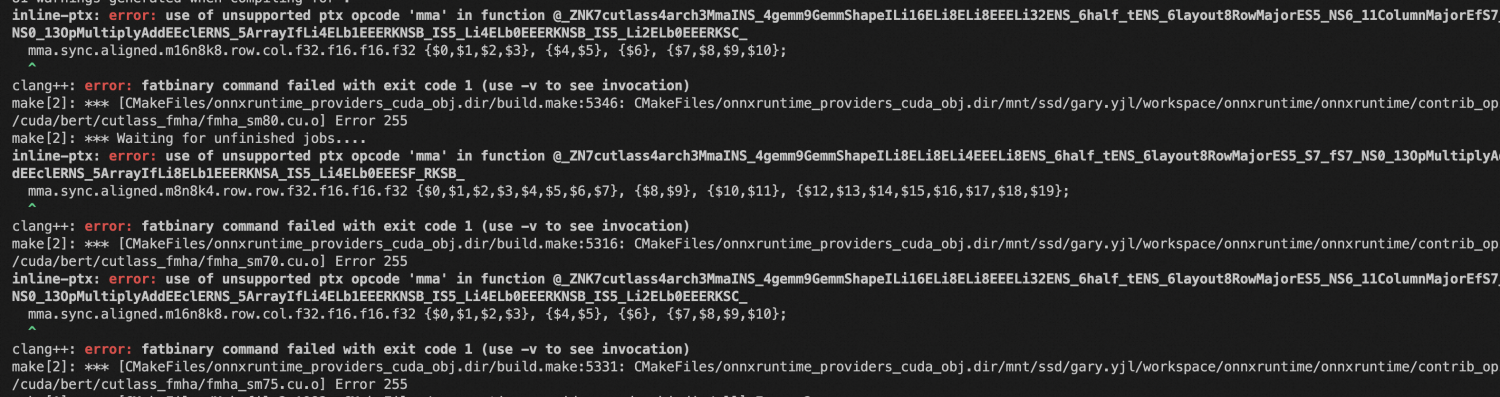
解决方法:
将
onnxruntime/contrib_ops/cuda/bert/cutlass_fmha/fmha_sm70.cu、fmha_sm75.cu、fmha_sm80.cu三个文件中相关内容先注释掉,然后再重新编译,之后不会有其他报错直到编译成功。对Nvidia的cutlass进行替换,详情请参见5. 替换cutlass编译。
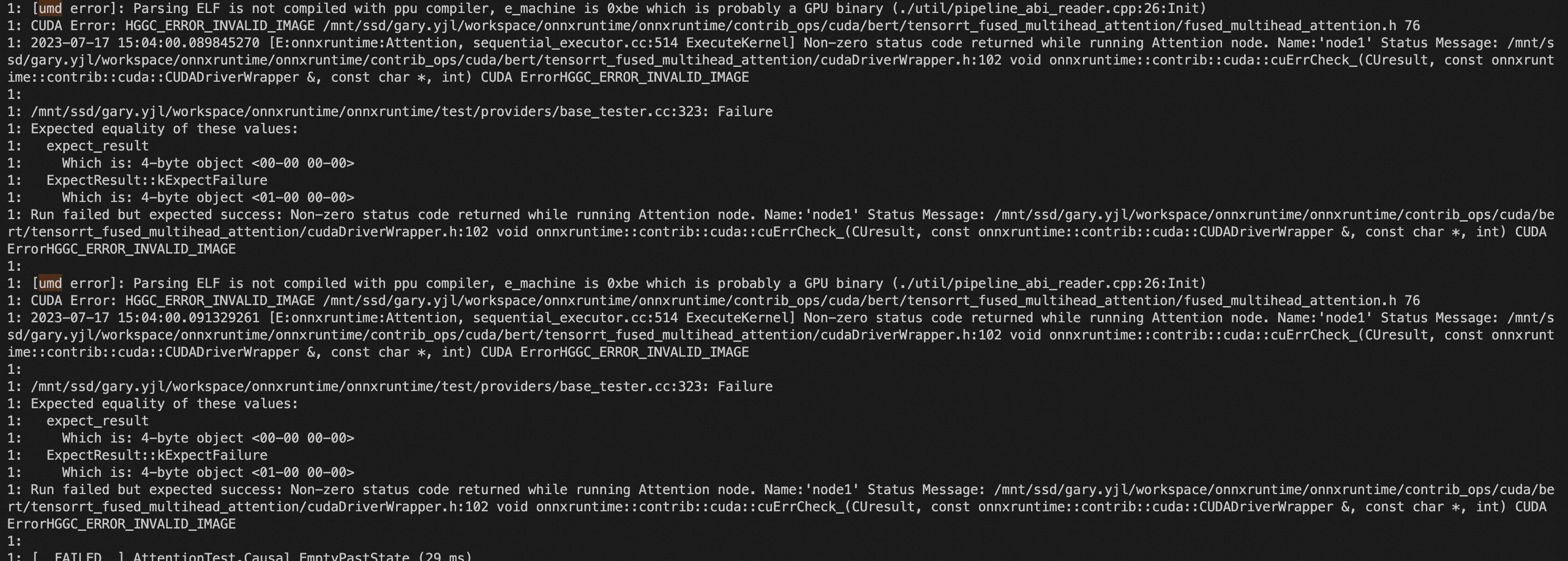
上述命令加了--skip_tests选项没有跑单元测试,如果不加的话会在编译结束的时候开始单元测试,单元测试的时候会有umd的错误:
build成功后安装build出来的*.whl:
python -m pip install build/Linux/RelWithDebInfo/dist/*.whl4. 测试
可以使用ONNX Runtime运行一下mnist的网络进行测试。
cd samples/python/training/orttrainer/mnist/
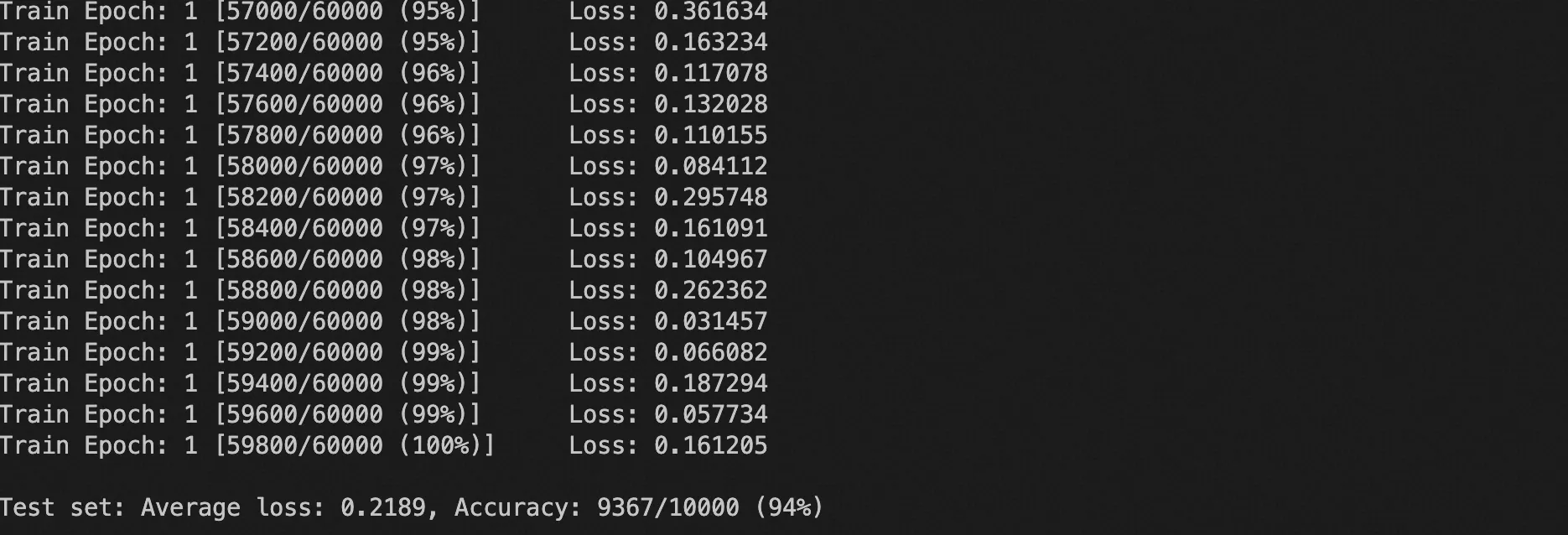
python ort_mnist.py 能够成功跑完训练,最后的accuracy也得到了正常的结果。
5. 替换cutlass编译
3. 编译中编译报错是在cutlass上,并通过将相关代码注释回避了cutlass的问题能够跑通,现在将Nvidia的cutlass进行替换,然后重新进行实验。
onnx_runtime的cutlass包默认在onnxruntime/build/Linux/RelWithDebInfo/_deps/cutlass-src下,把该目录下的文件删除并替换成如下新的cutlass文件。
cd build
rm Linux/RelWithDebInfo/_deps/cutlass-src -rf
cp /path-to-ppucutlass/ ./Linux/RelWithDebInfo/_deps/cutlass-src -r然后需要替换新cutlass文件中的一些路径名字,在目录cutlass-src/tools/replace_cudart.sh下提供了一个替换脚本,但是该脚本默认不会替换build目录下的内容,因此,需要对该替换脚本进行修改,将最后一个for循环替换为:
for str in ${list} ${nvrtc_list} ${header_list}; do
    arr=(${str//:/ })
    cuda=${arr[0]}
    hggc=${arr[1]}
    oldstr=${hggc}
    newstr=${cuda}
    if [[ "cu2hg" == "${convert}" ]]; then
        oldstr=${cuda}
        newstr=${hggc}
    fi
    echo "replace ${oldstr} to ${newstr}"
    echo `grep -rlIw "${oldstr}" "${dir}" --exclude-dir={"test","docs","examples","ppu","cmake"} --exclude=*$filename`
    grep -rlIw "${oldstr}" "${dir}" --exclude-dir={"test","docs","examples","ppu","cmake"} --exclude=*$filename| xargs sed -i "s/${oldstr}/${newstr}/g"
done
最后在脚本所在路径下执行该脚本:
./replace_cudart.sh替换完成回到onnxruntime的根目录执行编译命令
./build.sh --config RelWithDebInfo --build_shared_lib --parallel --enable_training --build_wheel --allow_running_as_root --use_cuda --cuda_home $CUDA_HOME --cudnn_home=$CUDA_HOME --cuda_version=11.6 --skip_tests编译会受限遇到hggc_aiu.h文件找不到的问题,这里先暂时手动将onnxruntime/build/Linux/RelWithDebInfo/_deps/cutlass-src/include/aiu/gemm/threadblock/aiu_api.h文件中的#include "hggc_aiu.h"改为绝对路径以继续编译:
#include "/usr/local/PPU_SDK/include/hggc_aiu.h"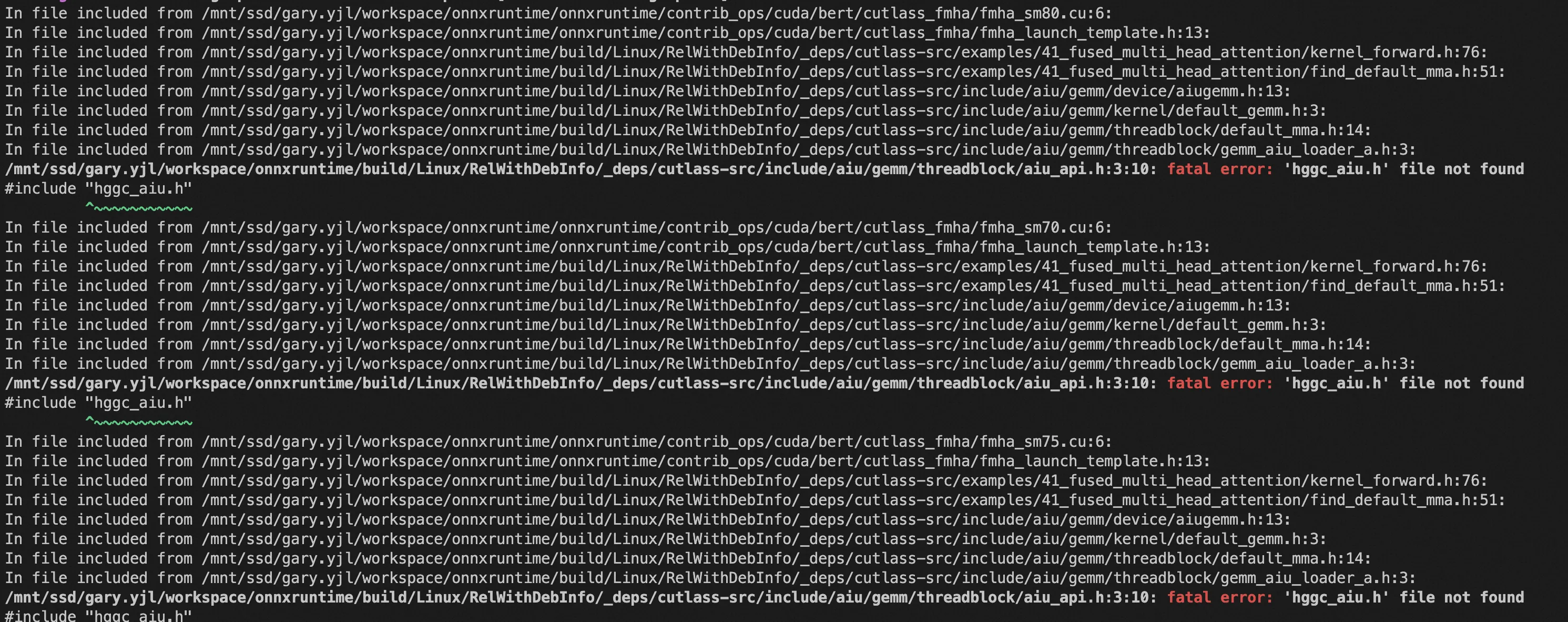
替换完成后接下来编译会遇到如下几个问题:
Status会有ambiguous的问题:
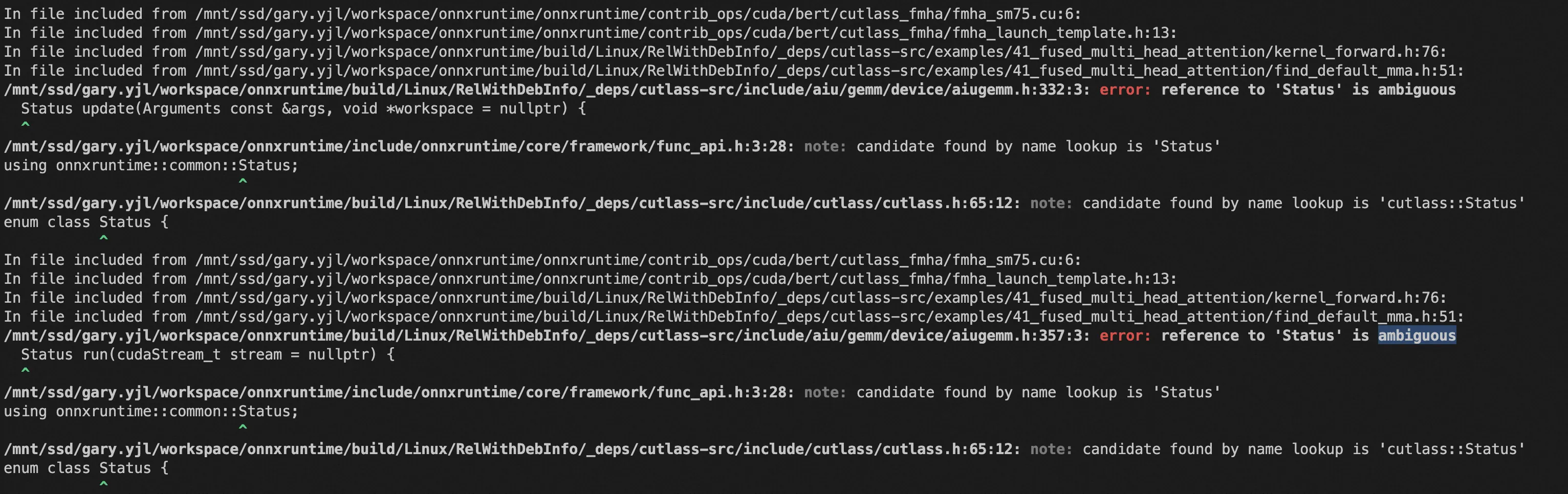
onnxruntime/build/Linux/RelWithDebInfo/_deps/cutlass-src/include/aiu/gemm/device/aiugemm.h中namespace的问题会导致有两个不同的Status定义,产生二义性。可以将该文件中会报ambiguous error的地方的Status暂时改为cutlass::Status绕过这个错误。未声明的问题。
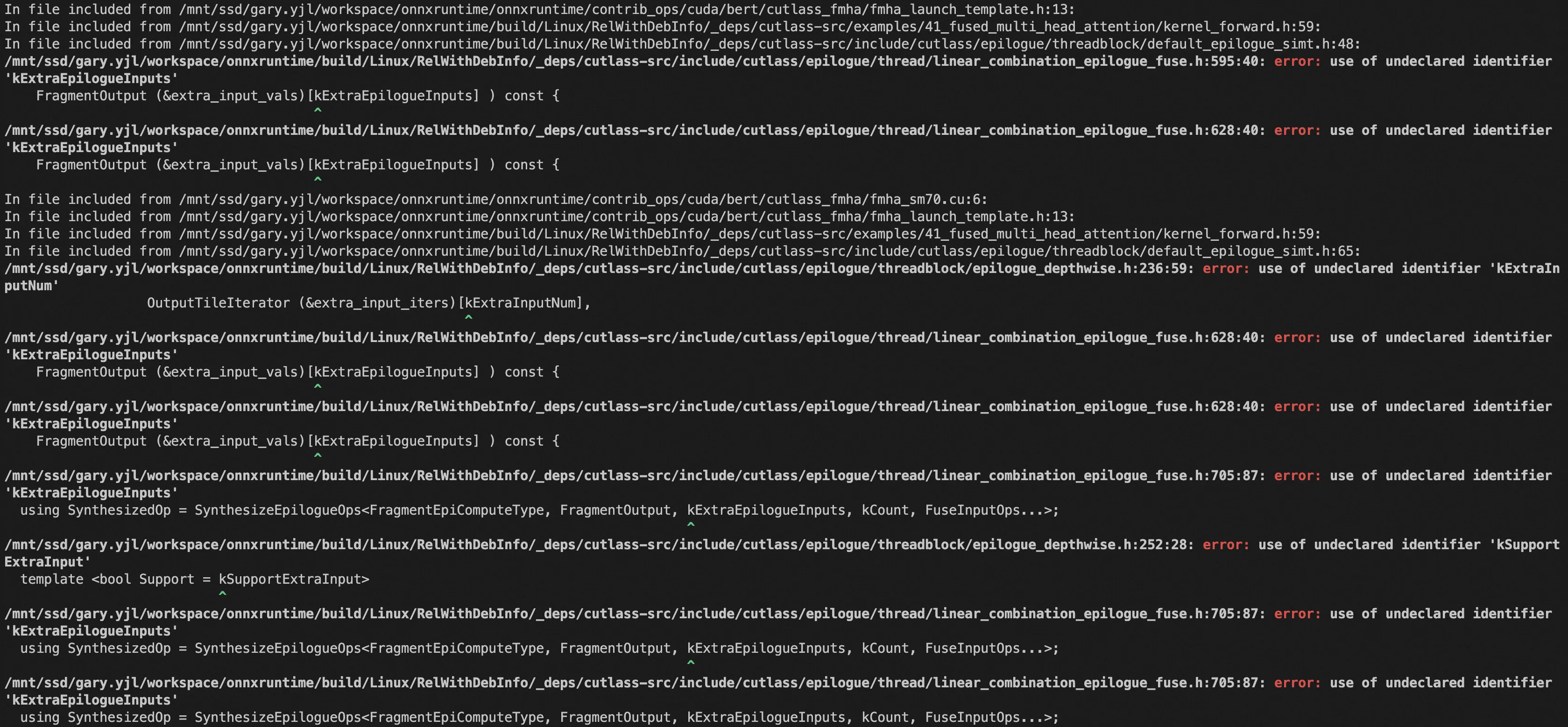
cutlass-src/include/cutlass/epilogue/thread/linear_combination_epilogue_fuse.h和cutlass-src/include/cutlass/epilogue/threadblock/epilogue_depthwise.h会有部分变量未声明,可能是文件中的ALI_FUSE_OP_EXT宏定义有问题。
AttentionKernel中Params缺少参数。
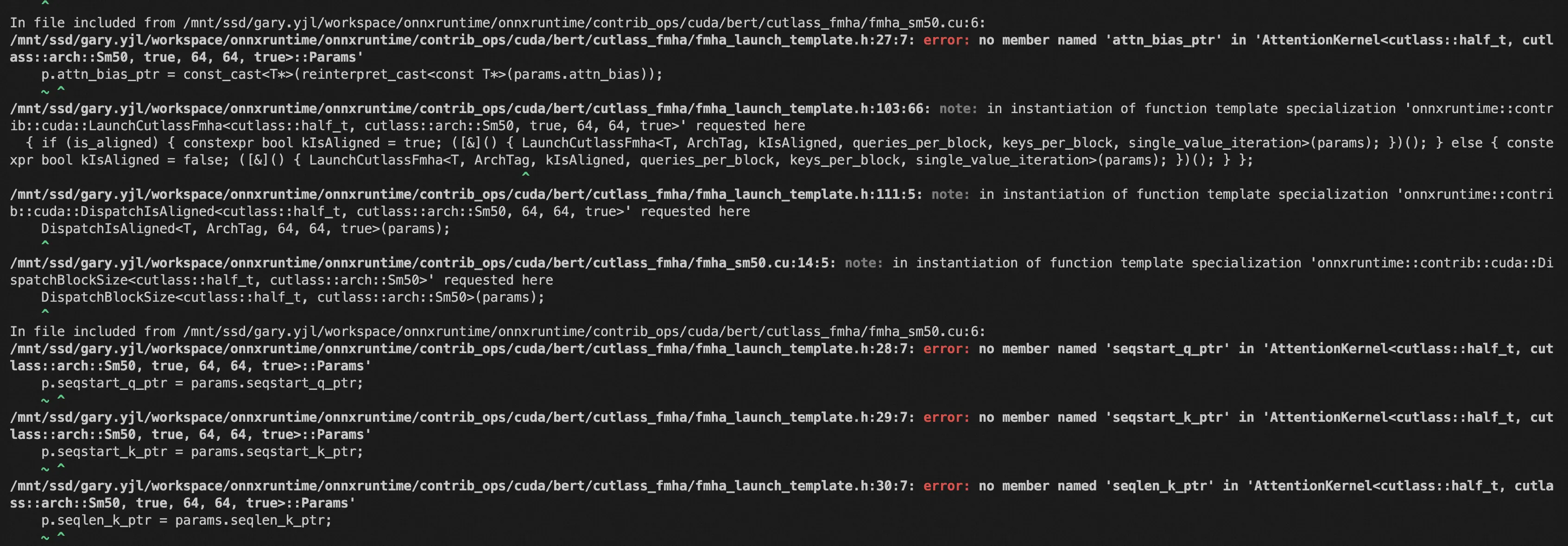
onnxruntime/build/Linux/RelWithDebInfo/_deps/cutlass-src/examples/41_fused_multi_head_attention/fused_multihead_attention_fixed_seqlen.cu的AttentionKernel缺失参数:seqstart_q_ptr、seqstart_k_ptr、seqlen_k_ptr、attn_bias_ptr,这些参数Nvidia的cutlass下都有。