IVR integration
This topic describes how to integrate functions into an IVR.
Function overview
IVR integration functions allow you to add functions you created in Function Compute to your Cloud Contact Center instance. You can then call these functions from an IVR function module within your IVR flow. These functions can access your own systems, enabling interaction between the IVR and third-party systems to support features such as order queries, password resets, and identity verification.
Access the feature
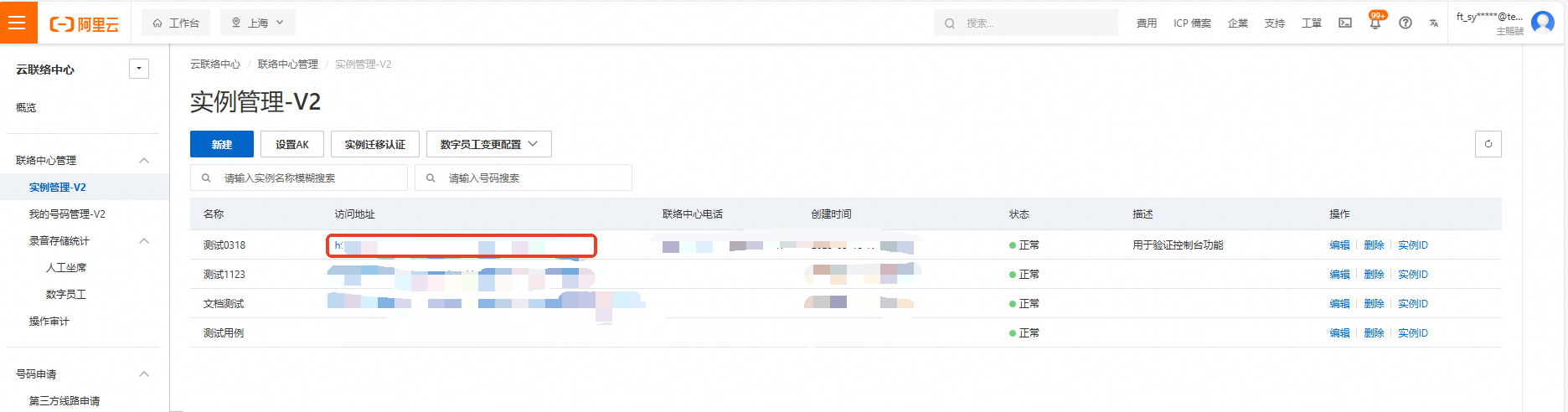
Log on to the Cloud Contact Center console. In the left navigation pane, choose Instances-V2 and click the endpoint of a specific instance to open its console.
Click the menu button in the upper-right corner of the page and select Voice Services to open the Voice Services console. In the left navigation pane, select Settings.
On the Settings page, select the IVR integration functions tab.

For more information, see IVR function management.