Skill group management involves setting up, configuring, and managing skill groups to help customer service teams organize and assign work efficiently. This topic describes how to use each feature of skill group management.
Access the feature
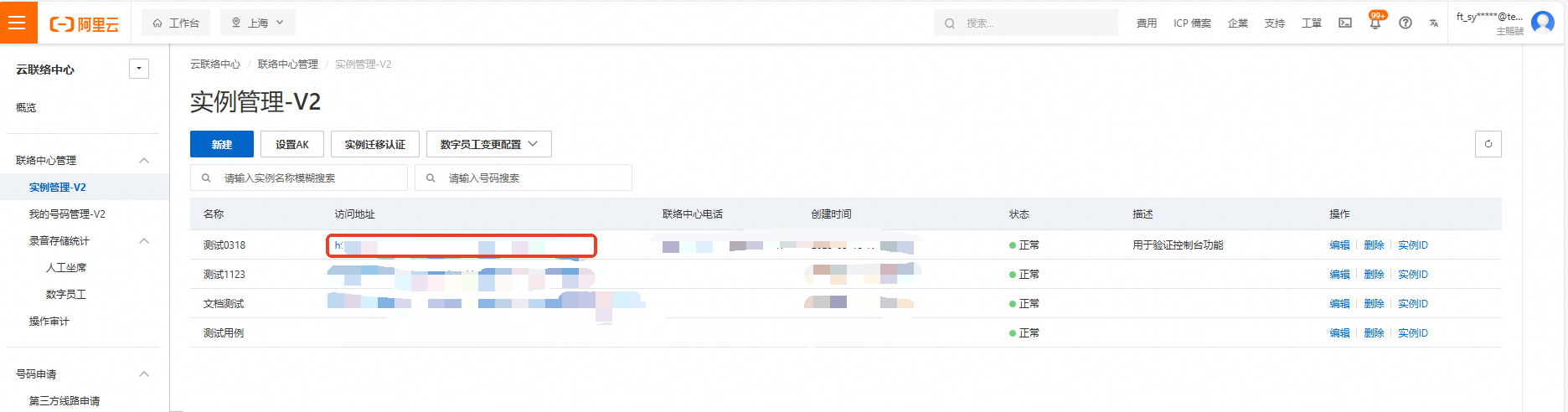
Log on to the Cloud Contact Center console. In the left navigation pane, choose Instances > Instance Management - V2. Click the endpoint of a specific instance to open its console.
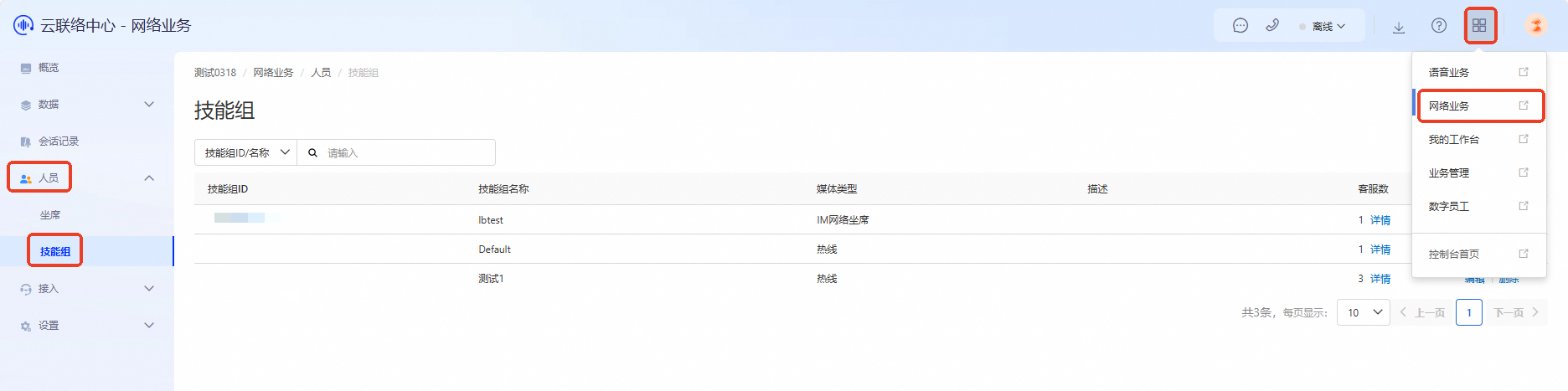
Click the menu button in the upper-right corner of the page and select Web Services to open the Web Services console. In the left navigation pane, choose Agents > Skill Groups.
Search for skill groups
Search for a specific skill group by its ID or name.

Add a skill group
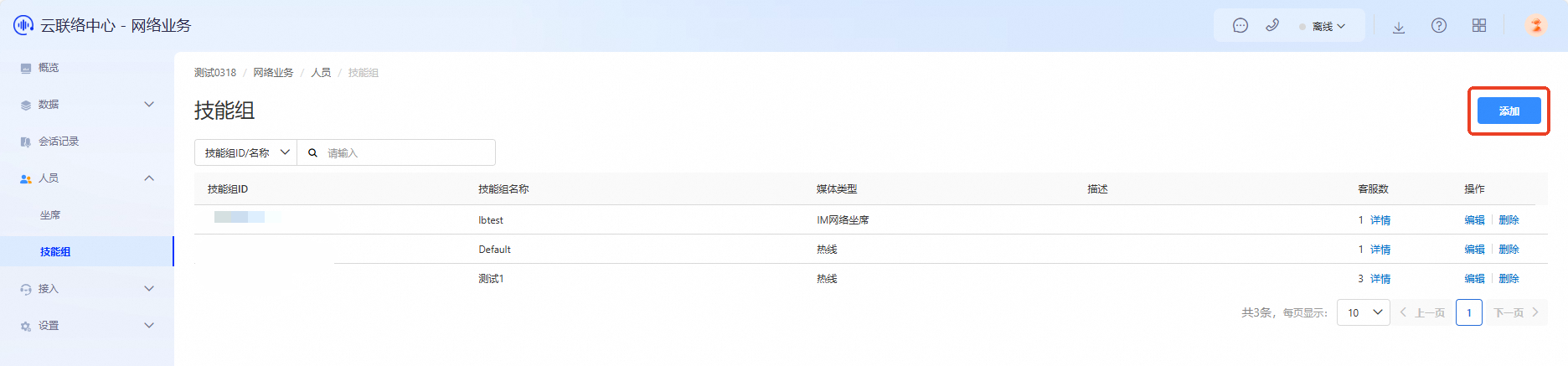
Click Add in the upper-right corner of the skill group management interface to open the Create Skill Group page.
Fill in the following information according to your actual business requirements, and click OK to complete the creation.
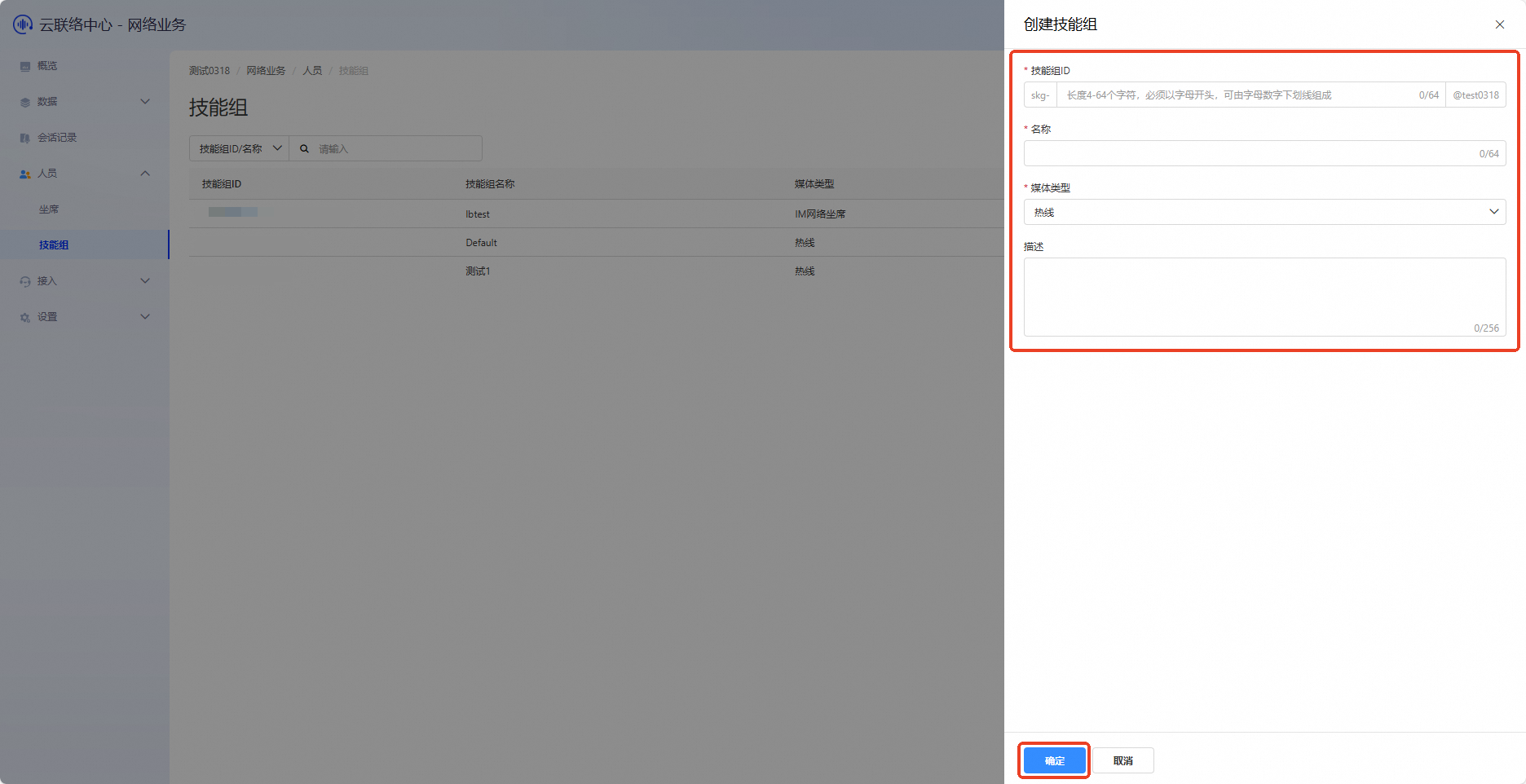
Skill group ID: Assign a unique identifier to distinguish this skill group from others in the system.
Name: Give the skill group a clear, recognizable name for easy identification.
Media type: Specify the media types the skill group supports, such as voice calls, IM web services, video, or tickets. Choose the appropriate media type based on your business needs.
Description: Provide a brief description of the skill group’s main responsibilities, features, or service scope to help others understand and use it.
Edit a skill group
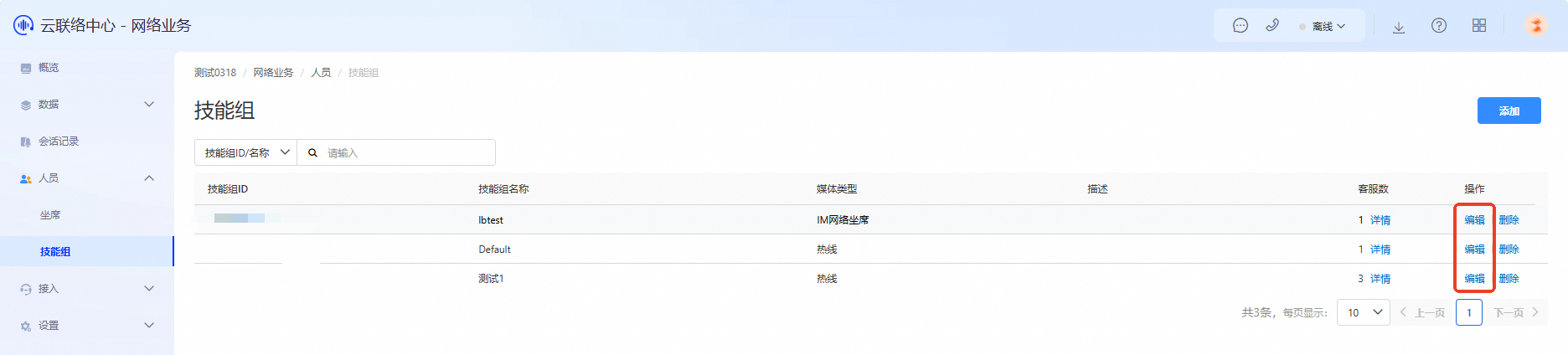
In the skill group list, click Edit in the Actions column to open the edit page. Update the skill group information and click OK to save.
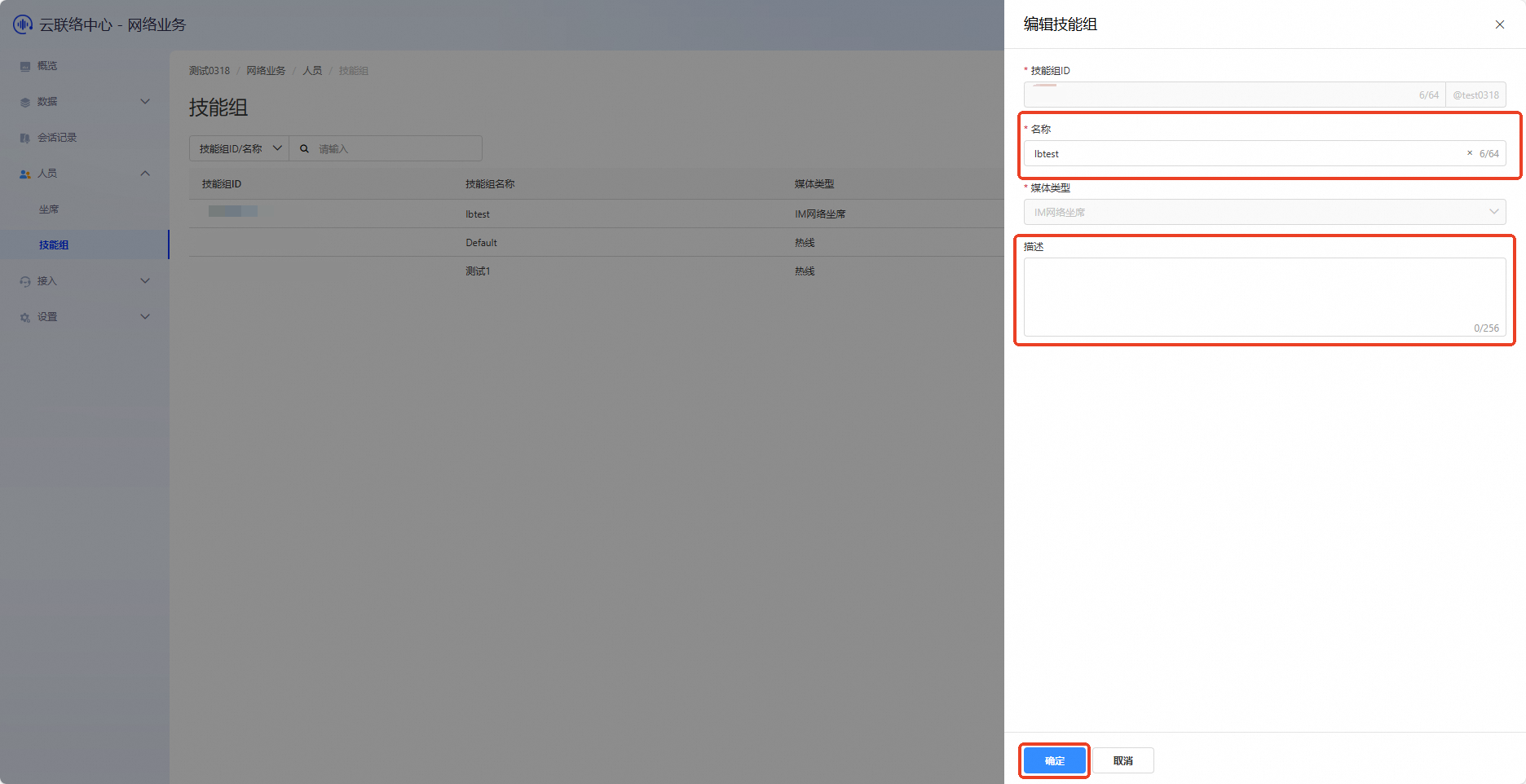
You can currently edit only the Name and Description.
Edit agents in a skill group
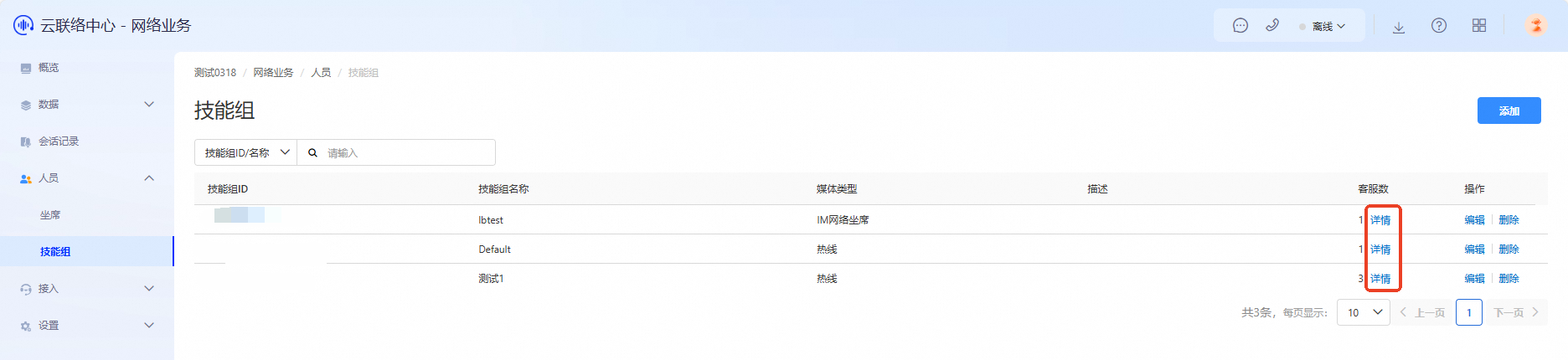
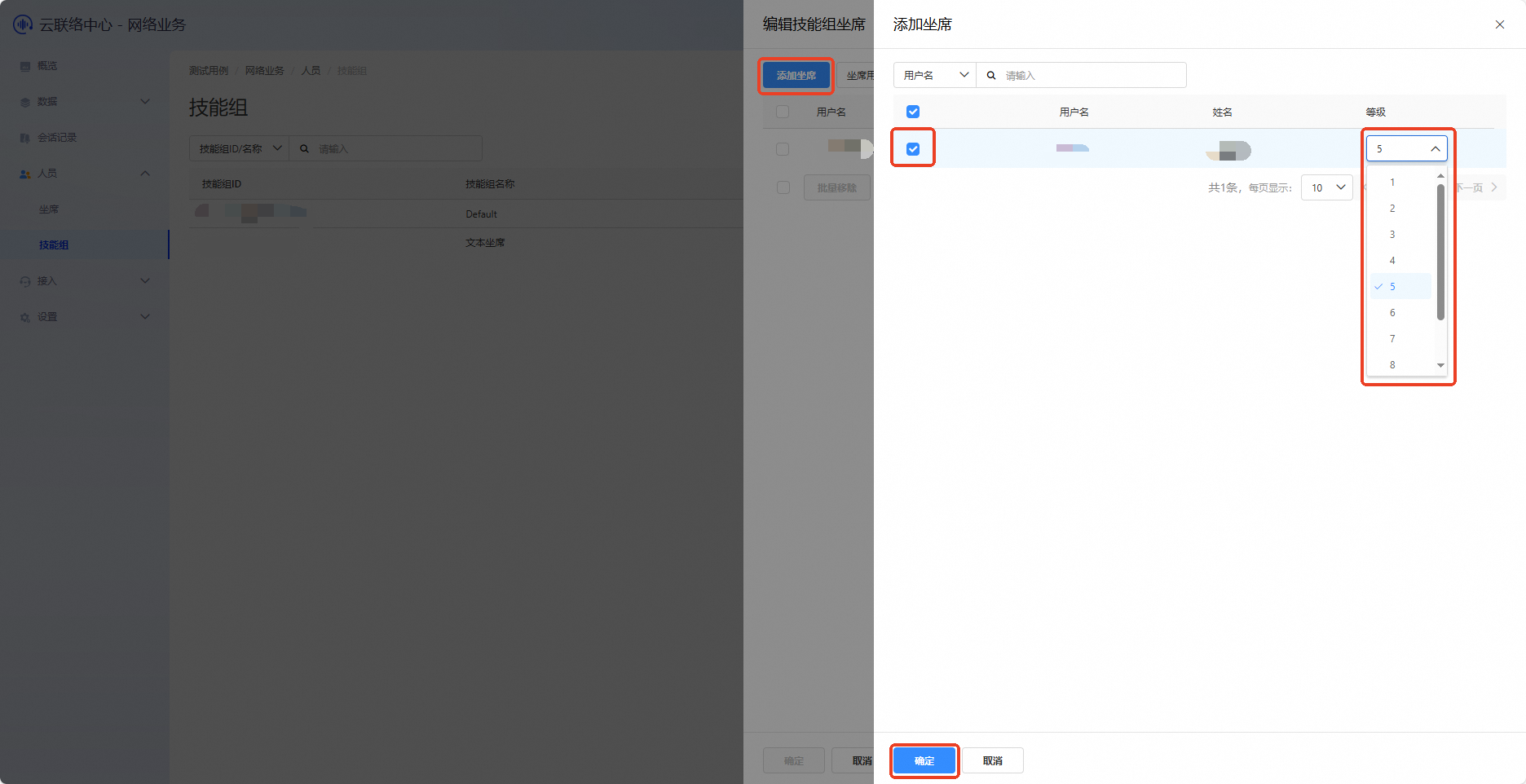
In the skill group list, click Details in the Agent Count column to open the agent details page.

Click Add Agent to add agents. You can also set agent levels as needed.
NoteAgent level is an identifier used to classify agents based on their roles and permissions in your business operations.
Delete a skill group
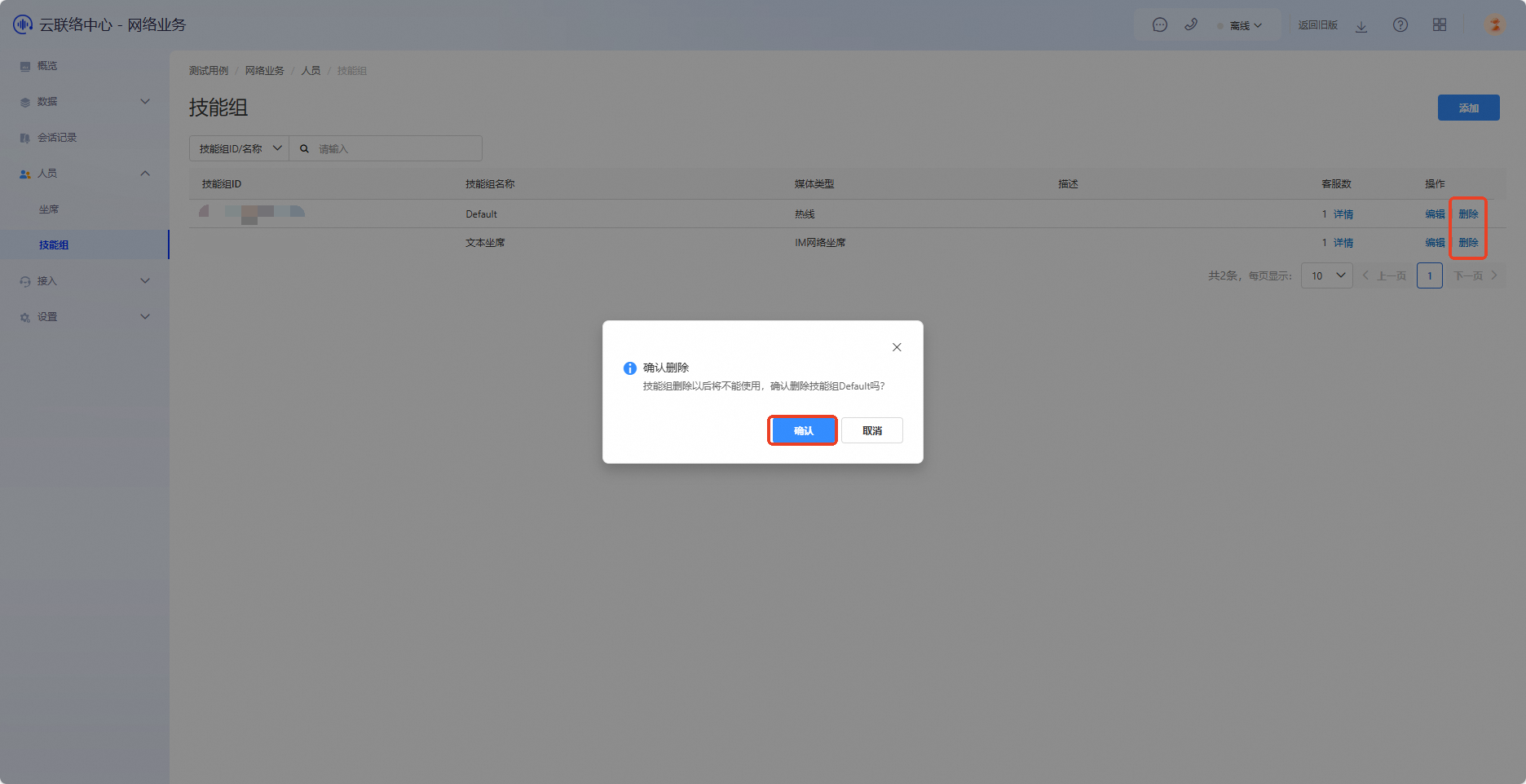
In the skill group list, click Delete in the Actions column. In the confirmation window, click Confirm to delete the skill group.