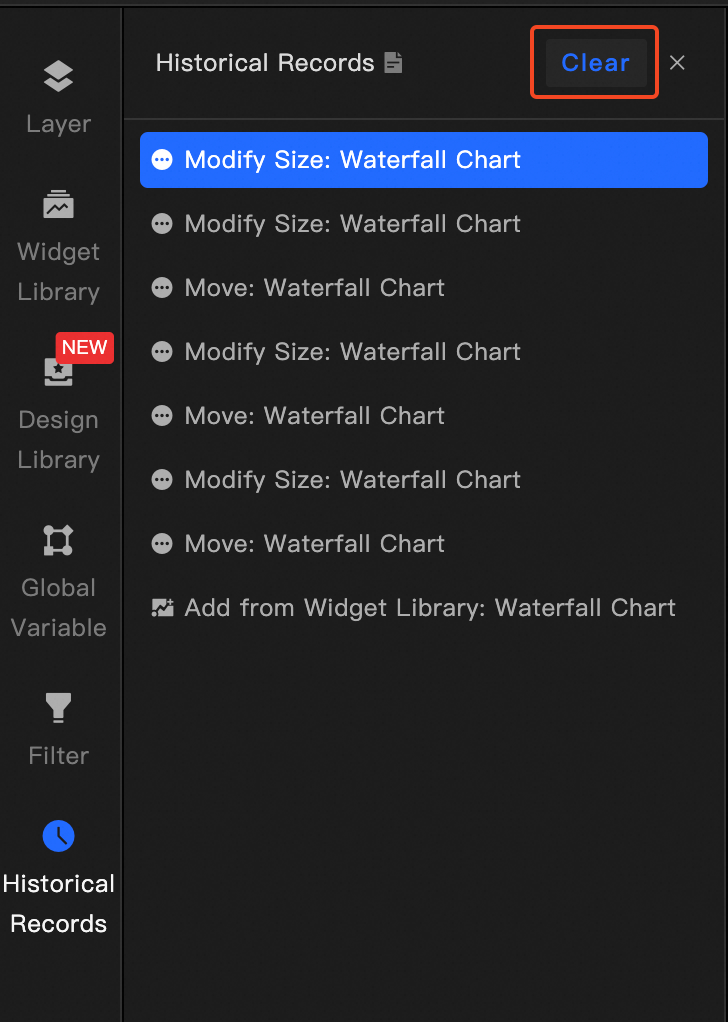
historical records
Use the history feature in Canvas Editor to roll back or clear recent changes on a canvas.
The history feature is available in DataV 7.0. Use the new console to access this feature.
-
To prevent conflicts between multiple users, history is cleared when the page is refreshed. To roll back operations, make sure the page is not refreshed.
-
The Alibaba Cloud Management Console automatically logs you out after three hours of inactivity. When you log back in, the page refreshes and history is cleared. To avoid unexpected logouts, log on to the Alibaba Cloud Management Console, click your account name in the upper-right corner, go to Account Center, select Account Security, and extend the logon retention period.
Prerequisites
-
You have logged on to the DataV console.
-
You have entered the Canvas Editor page.
Roll Back to Corresponding Record
-
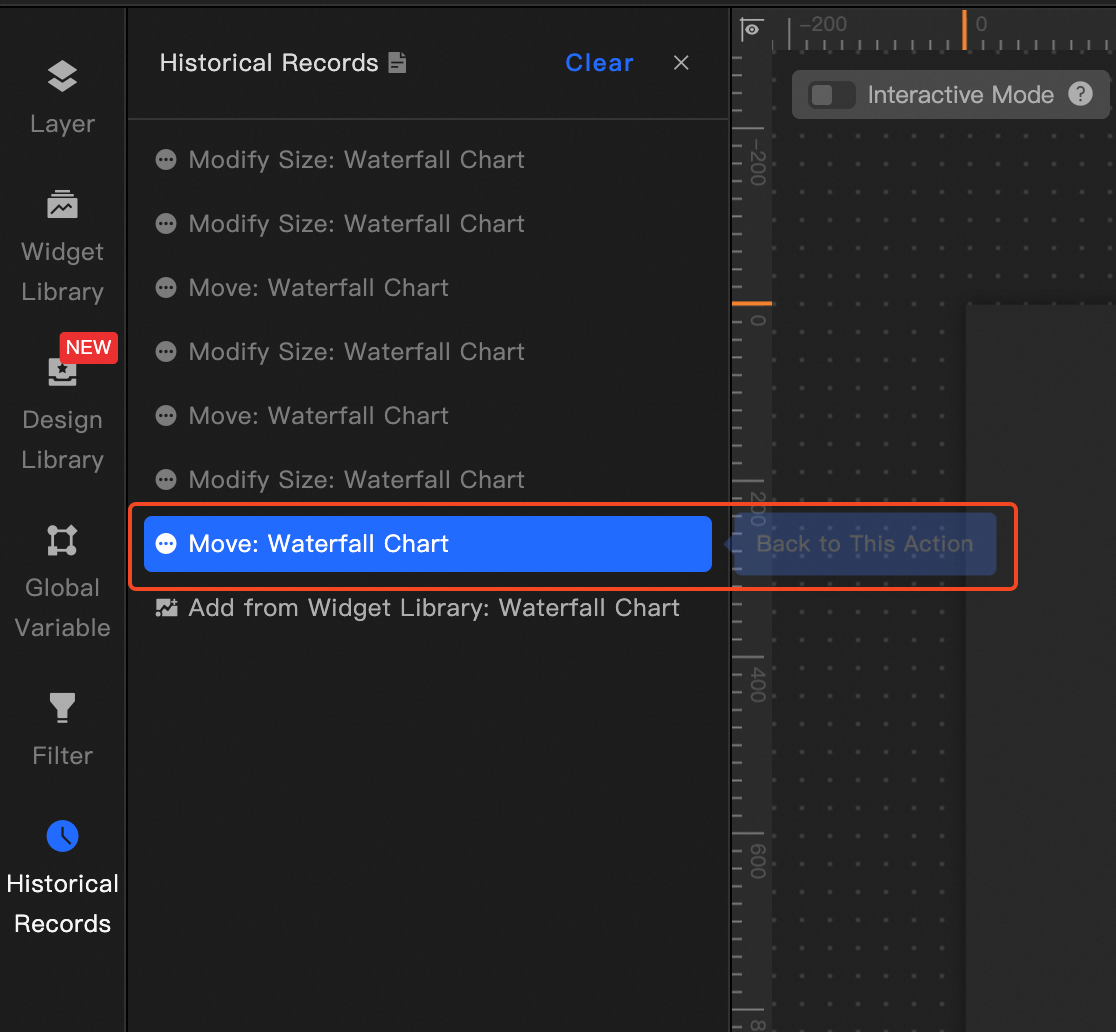
In the left-side navigation pane, click History. The History tab appears.
-
Move the pointer over the target record and click the left mouse button.
-
The Canvas Editor reverts to the state captured in that record.
Clear History
-
In the left-side navigation pane, click History. The History tab appears.
-
Click Clear above the history list.