Python analysis
Notebook supports writing and running Python code. You can use Python to implement your analysis logic, print results, and create charts and tables. This topic describes the Python analysis feature in analysis units.
Prerequisites
You have created a project. For more information, see Create a project.
You have created an analysis report. For more information, see Supported analysis unit types.
Use Python for analysis
On the current page, click Python to add a Python analysis unit.
Enter Python code in the input box.
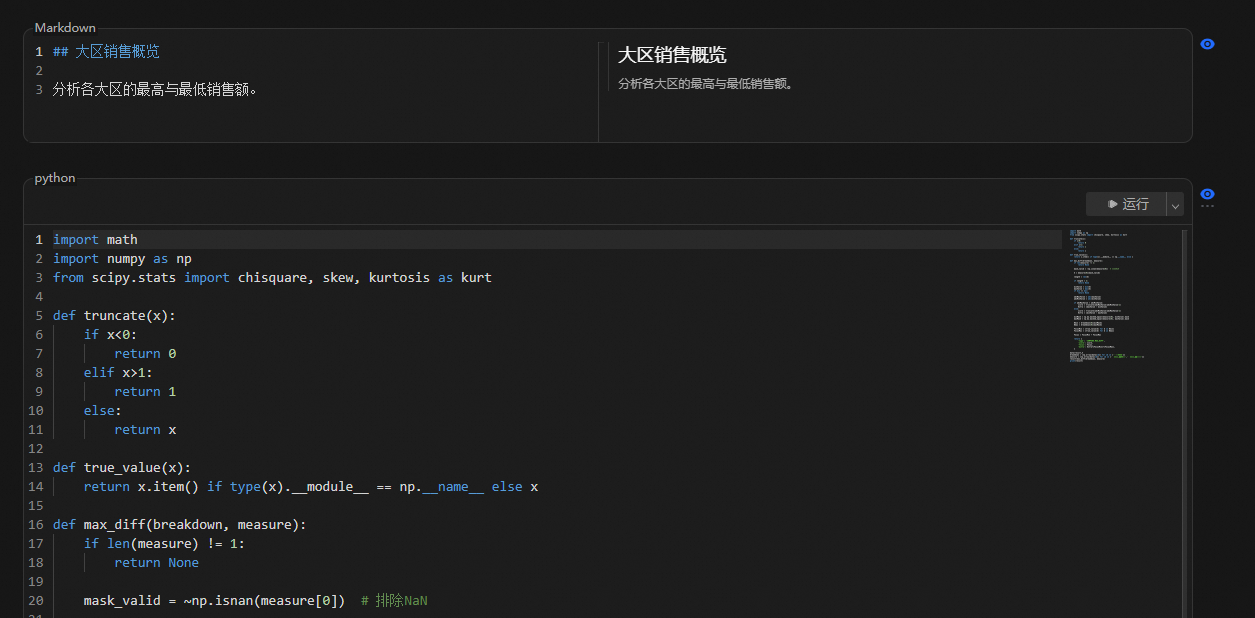
Click Run. The system automatically starts the analysis.
View the analysis results.
Displaying Python results
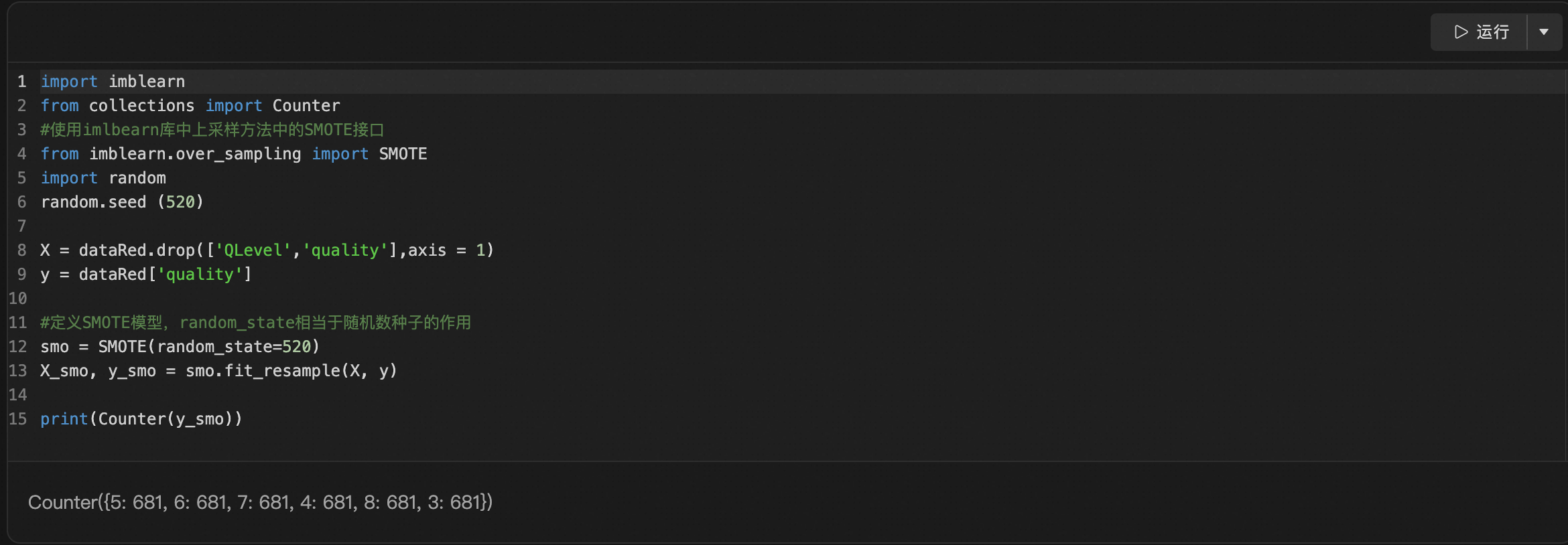
Log printing
You can use the appropriate Python syntax to print the required results or procedures.
System logs are also generated at runtime. They are hidden by default. You can choose to display the system logs.
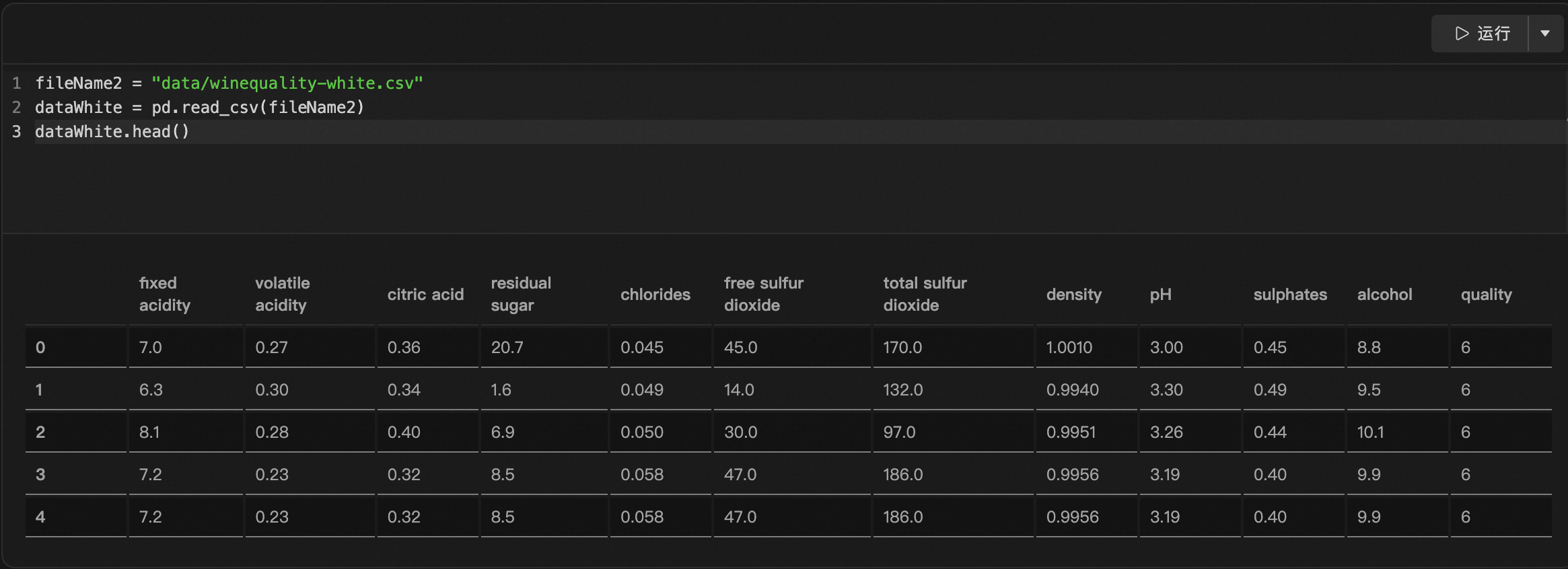
Creating tables
You can use the appropriate commands to create the required tables.
Creating charts
You can use the appropriate commands to create the required charts.
You can click a chart to enlarge it.