Comment Management
This feature is available only to existing paid customers and is no longer sold to new customers.
The comment management feature lets you manage comments on your articles from followers of your Official Account.
Go to Social Interaction > Your Workspace > Official Account > Comment Management. The Comment Management page appears, as shown in the following figure.
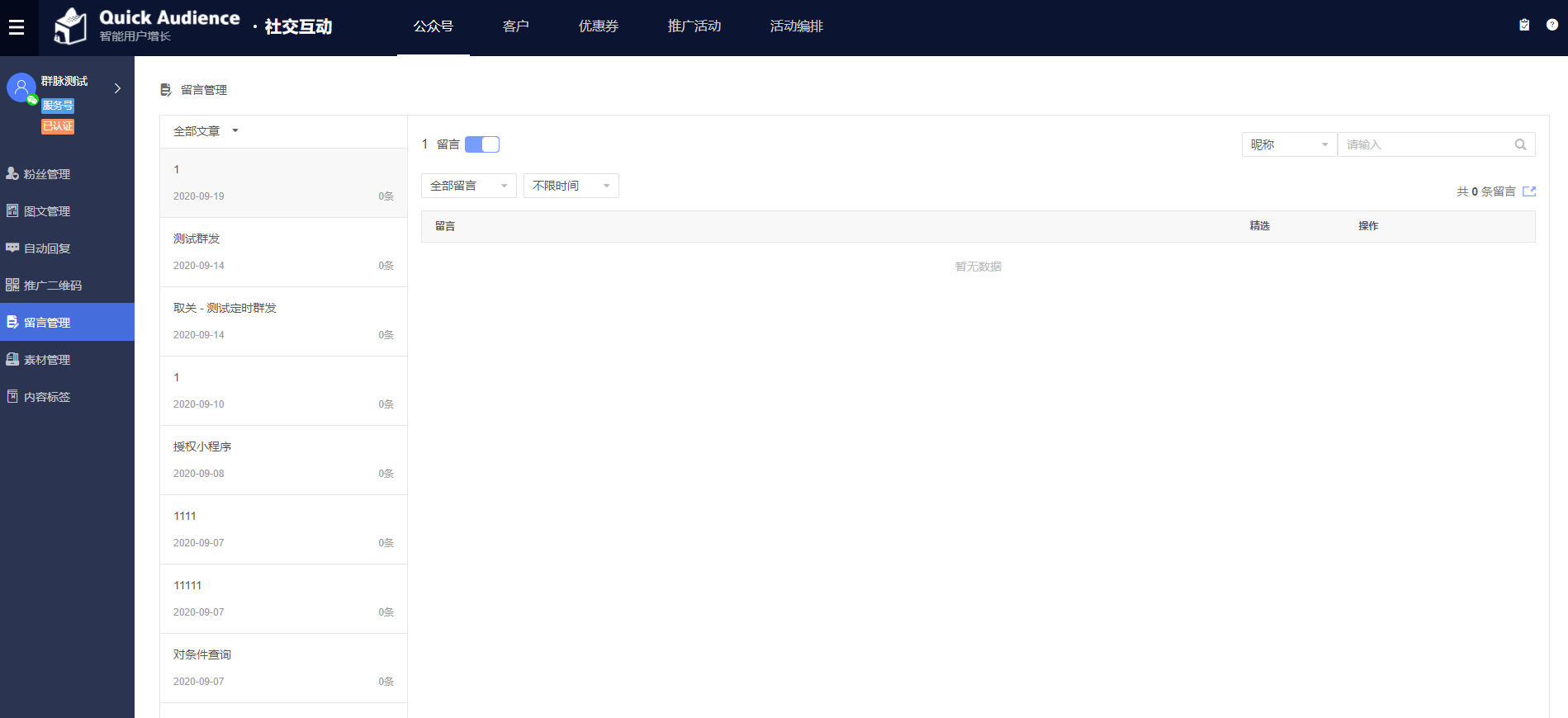
Select an Official Account from the upper-left corner. The left pane lists all articles for the account and shows the total number of comments for each. From the All articles drop-down list, select Articles with comments to display only articles that have comments.
Select an article from the list on the left. The comments for that article appear on the right. You can:
Enable or disable the comment feature for the article.
Search for comments by follower nickname, comment content, or OpenID.
Display All comments or only Featured comments.
Filter comments to show only those from the last five days, today, yesterday, or the day before yesterday.
Set a comment as a featured comment.