Watermark management
This feature is available only in the AI Premium Edition. For details about different editions, see Version Information.
1. Overview
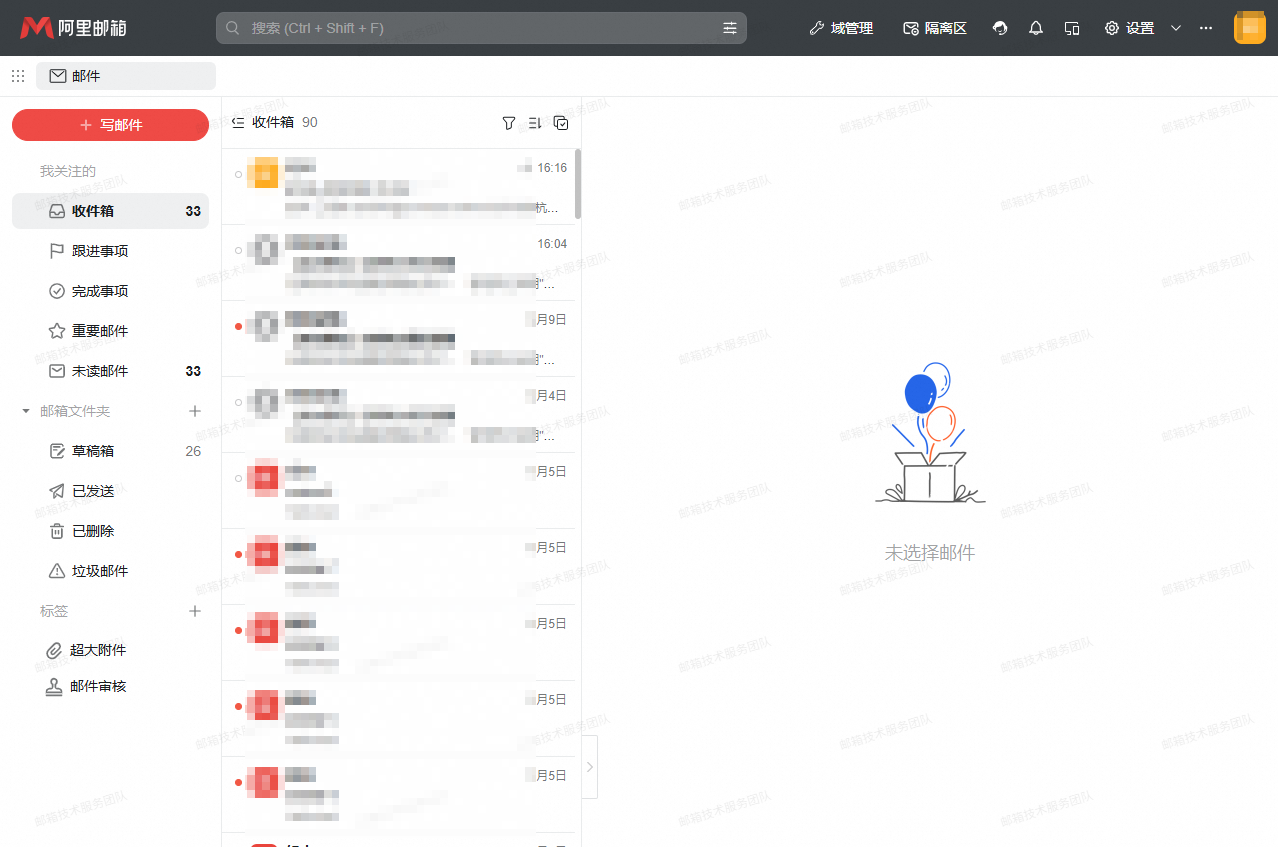
The global watermark is an enterprise-grade data loss prevention (DLP) feature. After an administrator enables this feature, the system automatically applies a semi-transparent watermark to pages viewed by designated employees in the Alibaba Mail web client, such as the inbox, email body, and attachment preview. This deters information leakage from screenshots or photos and improves the traceability and security of sensitive data.
2. Feature toggle
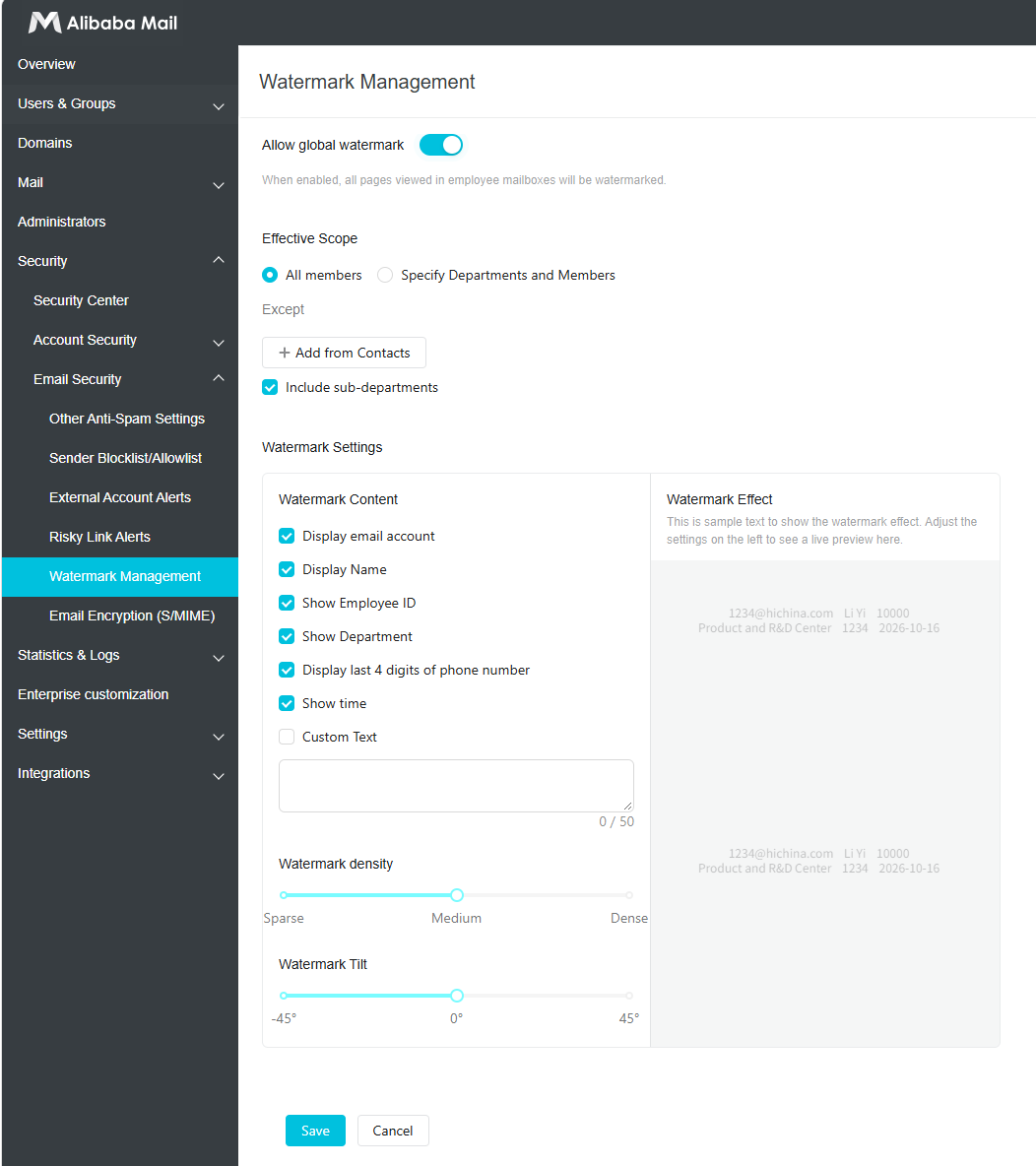
Enable global watermark
Default state: Disabled
Effect:
When enabled, employees within the specified scope will see the configured watermark on all pages of the Alibaba Mail web client. These pages include the inbox, email body, and attachment preview.Note:
This feature applies only to the Alibaba Mail web client and the Alibaba Mail client. It does not apply to third-party clients such as Outlook or Foxmail.
The watermark is dynamically rendered on the front end and does not alter the original email content.
3. Scope
Administrators can flexibly define the scope of the watermark policy:
Option 1: All members
The watermark applies to all active employee accounts in your organization.
Option 2: Specific departments and members
You can manually add specific departments or members (for example,
xx).The following advanced controls are available:
Full screen copy
Parameter | Description |
Include sub-departments | If you select this option, the scope includes all sub-departments under the selected department. |
Except for (exclusion mode) | In exclusion mode, you can specify departments or members to exclude from the watermark policy. The "Include sub-departments" option is also supported in this mode. |
Example:
If you select "Specific Departments and Members", add the "Finance" department, and select "Include sub-departments", the watermark applies to all members of the Finance department and its sub-departments, such as the Budget and Cashier groups.
If you switch to "Except for" mode and exclude the "Interns" department, the watermark applies to all employees except for the interns.
4. Watermark settings
4.1 Watermark content
Administrators can customize the watermark content by selecting a combination of the following fields:
Display email address (Example: user@example.com)
Display name (Example: John Doe)
Display employee ID (Example: 10000)
Display department (Example: Product and R&D Center)
Display last 4 digits of phone number (Example: ****5678)
Display time (Format: YYYY-MM-DD, Example: 2025-12-12)
Custom text (Supports up to 50 characters. Example: "Internal Confidential · Do Not Distribute")
Tip: To improve traceability in case of a data leak, include at least "Display name + Display time" or "Display email address + Display employee ID".
4.2 Watermark style
Full screen display
Parameter | Description | Value |
Watermark density | Controls how sparsely or densely the watermark covers the page. | Sparse / Medium / Dense (Adjusted with a slider) |
Watermark tilt | Sets the rotation angle of the watermark text. | Adjustable from -45° to 45°. |