This quickstart tutorial shows you how to get started with the Dianxiaomi Enterprise Edition Agent.
Enterprise toolbox
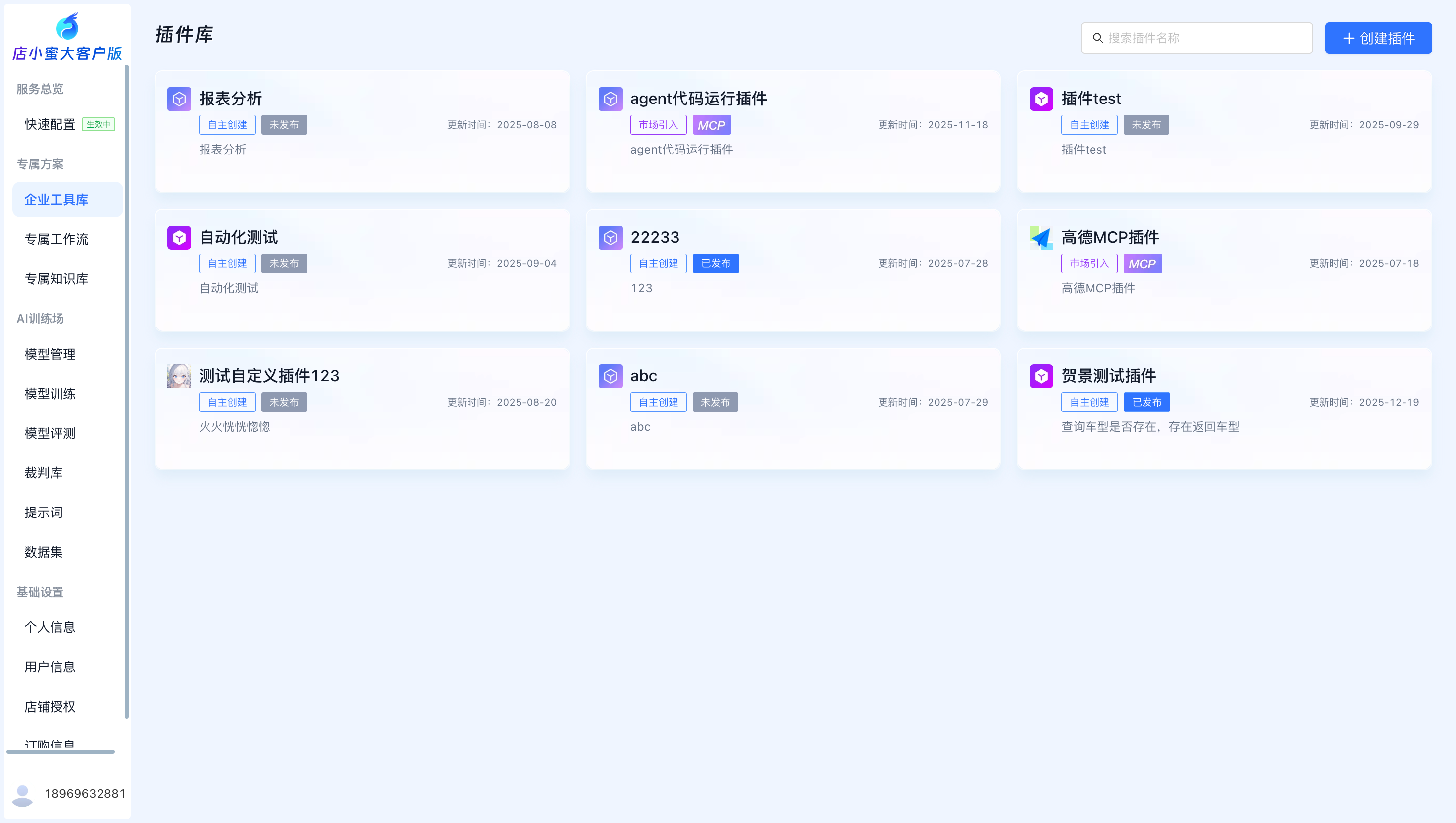
The platform supports custom plugins that enable you to flexibly extend your Agent applications with personalized features.
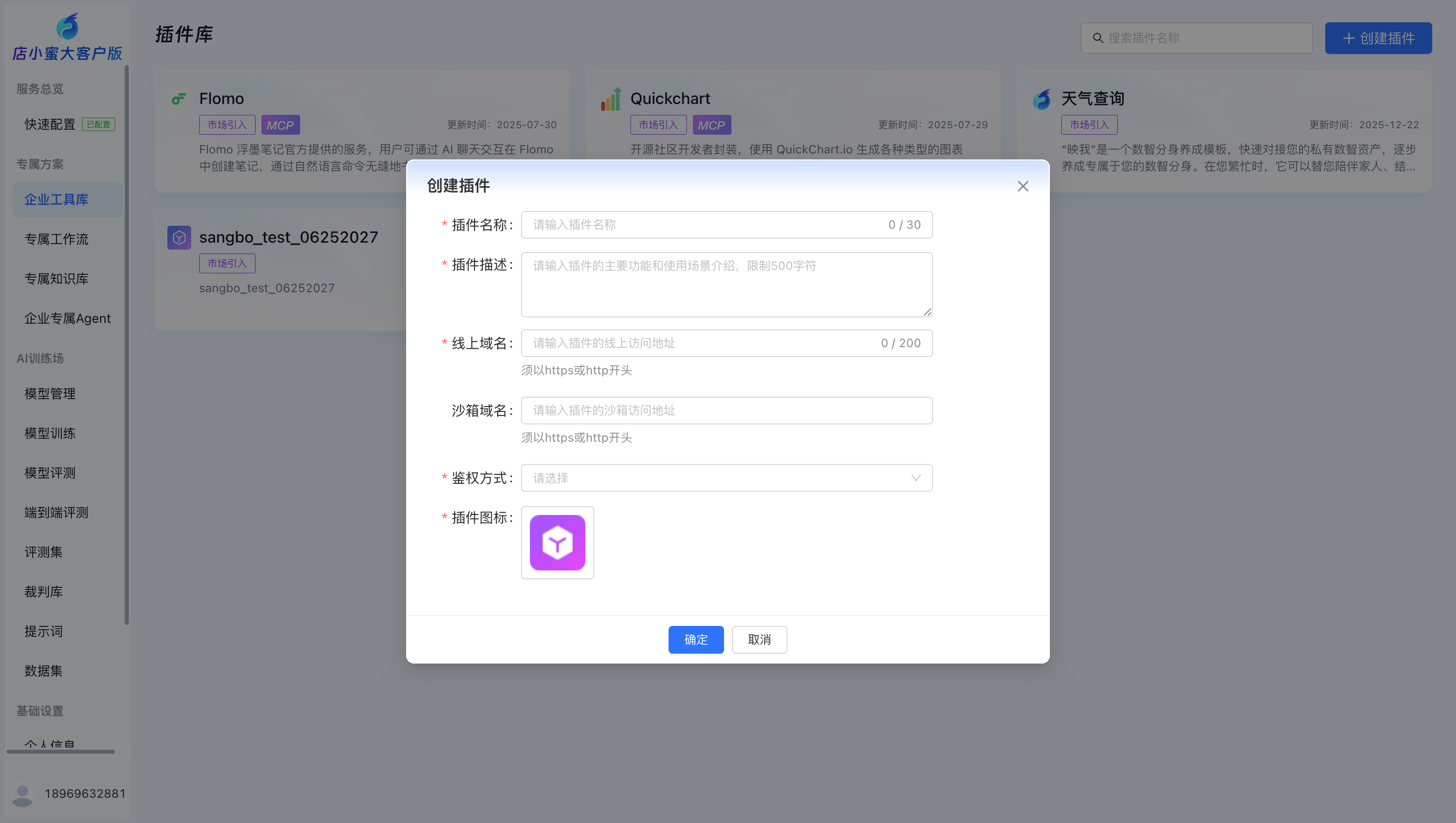
Go to Enterprise Toolbox > Create Plugin to enter the plugin information. If authentication is required, you can choose from different authentication methods.
Exclusive workflow
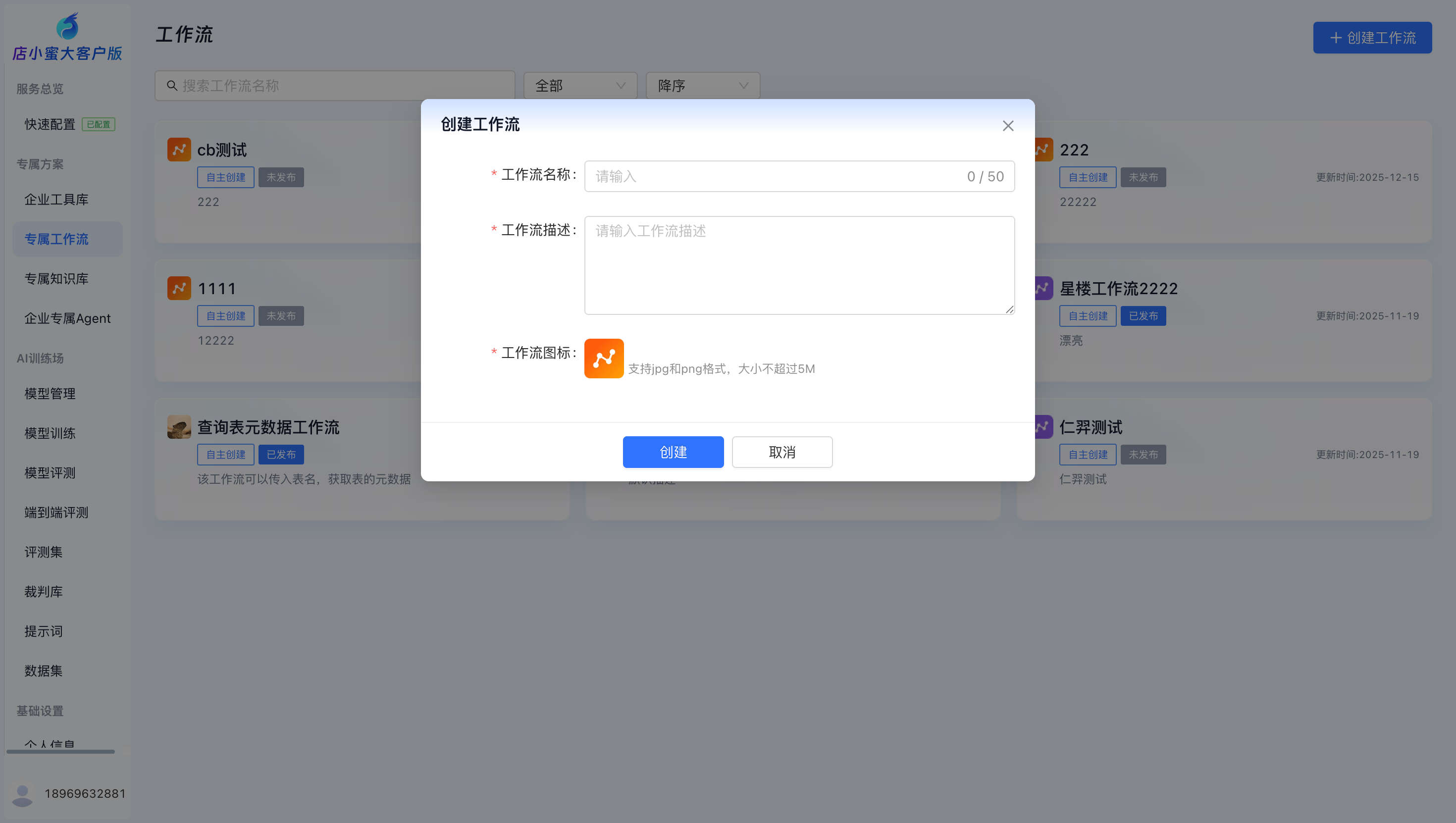
A workflow breaks down complex tasks into a sequence of steps, reducing system complexity and improving efficiency.
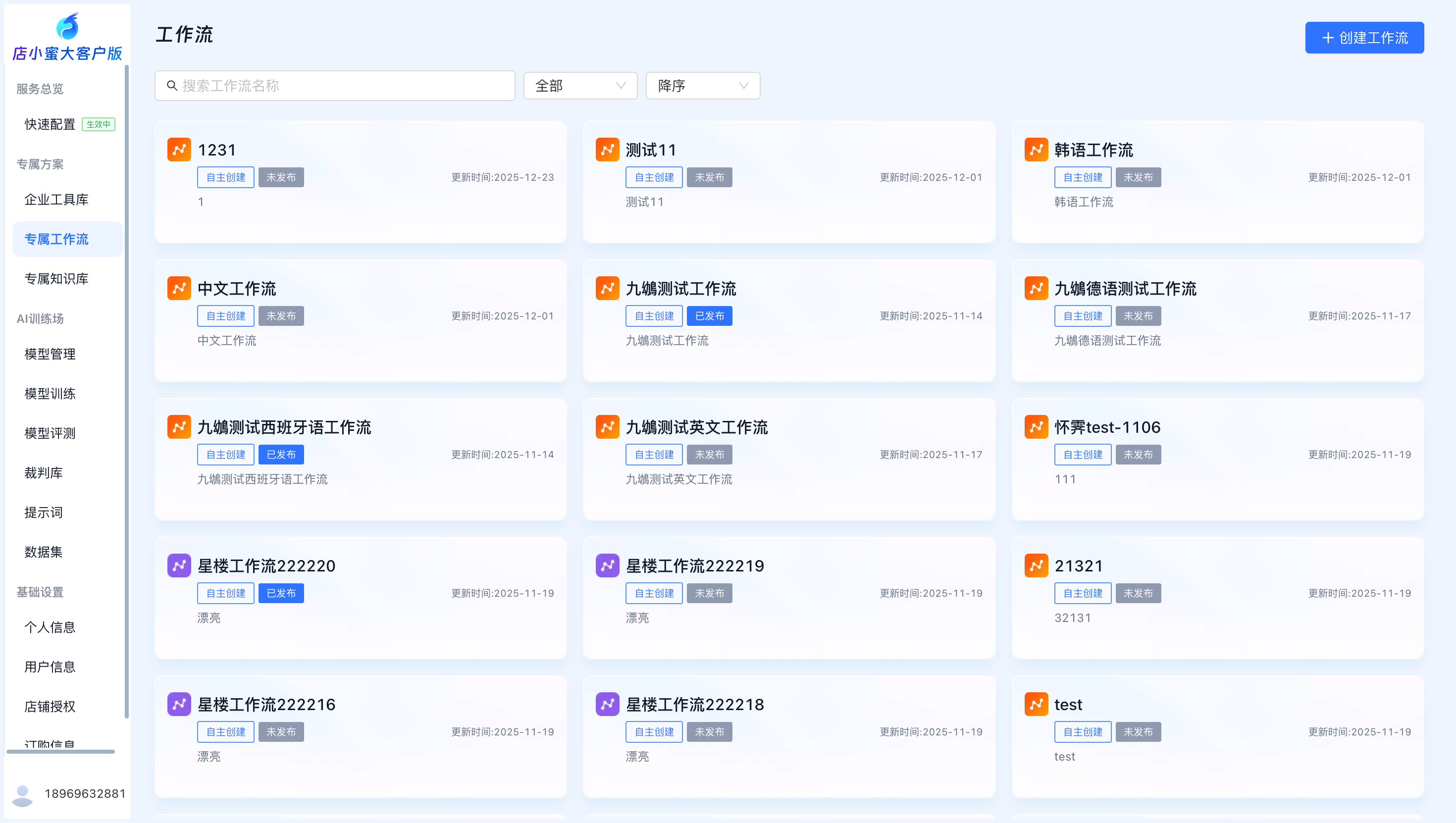
Click Exclusive Workflow > Create Workflow, enter the workflow information, and then click OK to open the workflow configuration page.
Exclusive knowledge base
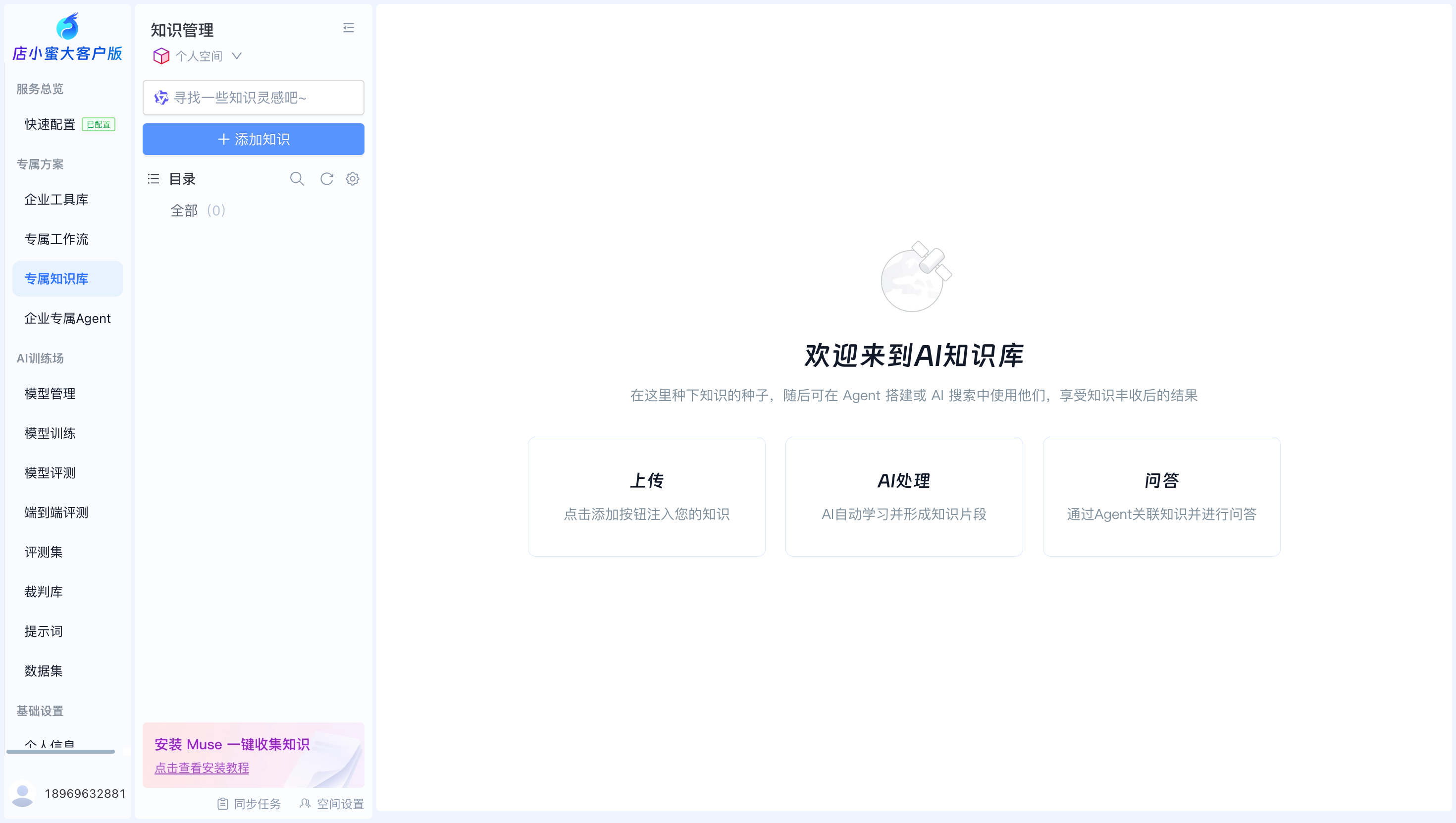
Go to Exclusive Knowledge Base > Knowledge Management to manage your personal and team workspaces.
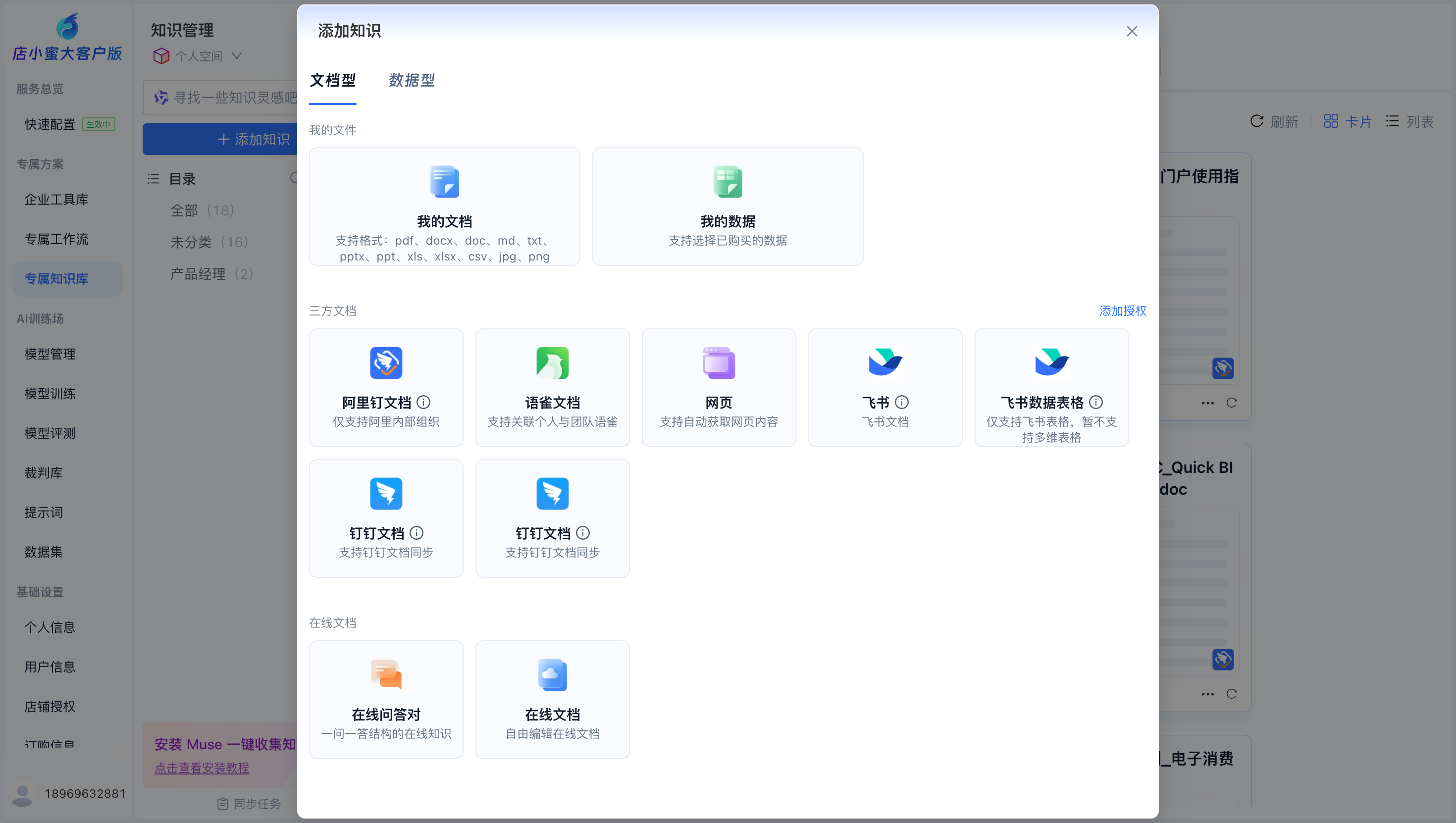
You can click "Add Knowledge" to upload document-based and data-based knowledge bases.
Enterprise agent
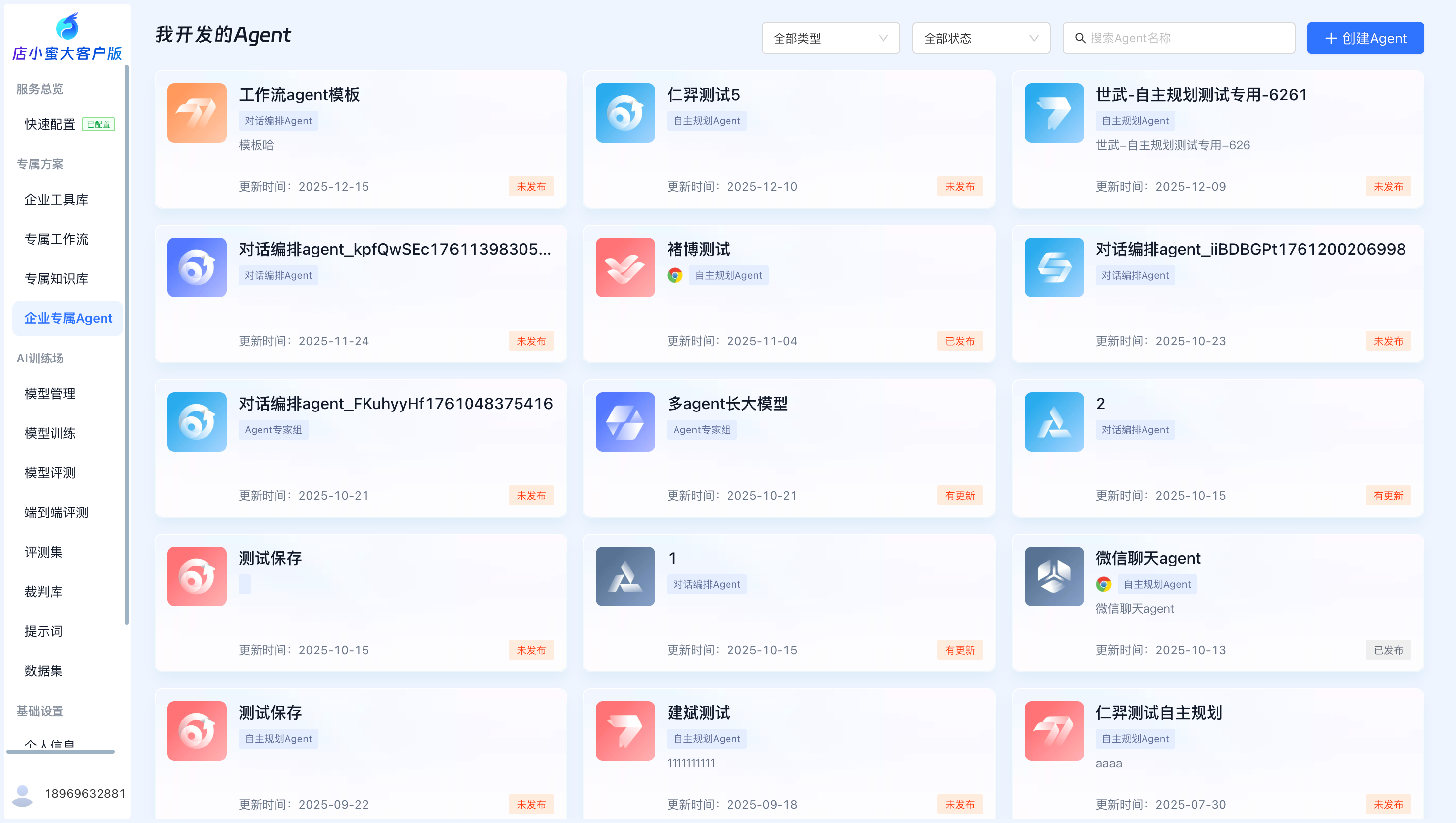
You can create Agents without code and integrate external capabilities into your applications to solve your business problems.
Two application modes are supported. Go to Workspace > Create Application and select an Agent type: Autonomous Planning Agent, Conversational Orchestration Agent, or Orchestration Agent Expert Group.
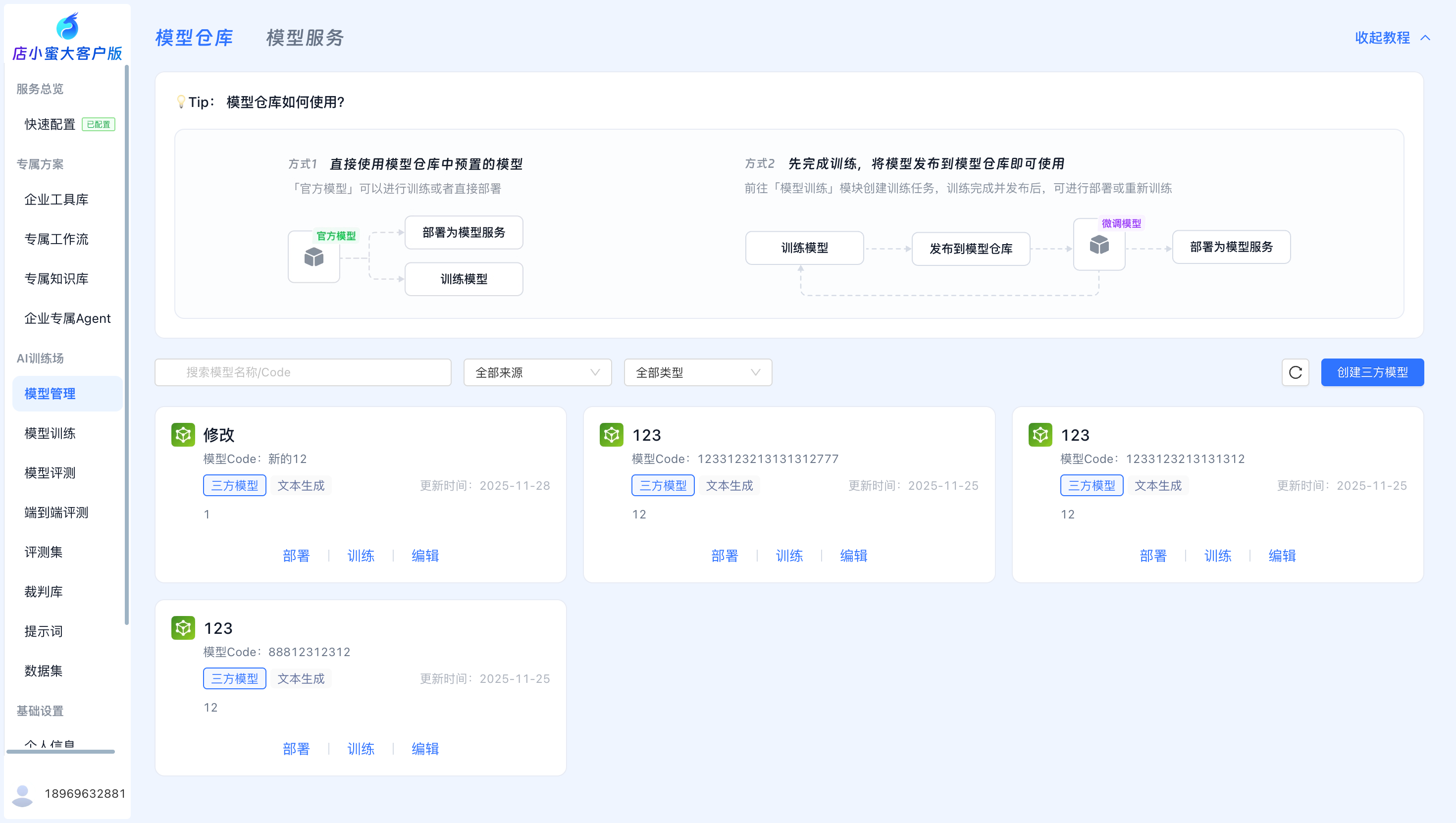
Model management
You can manage all of your enterprise's model services, including official models and custom models that you have uploaded.
Model training
You can create model training tasks.
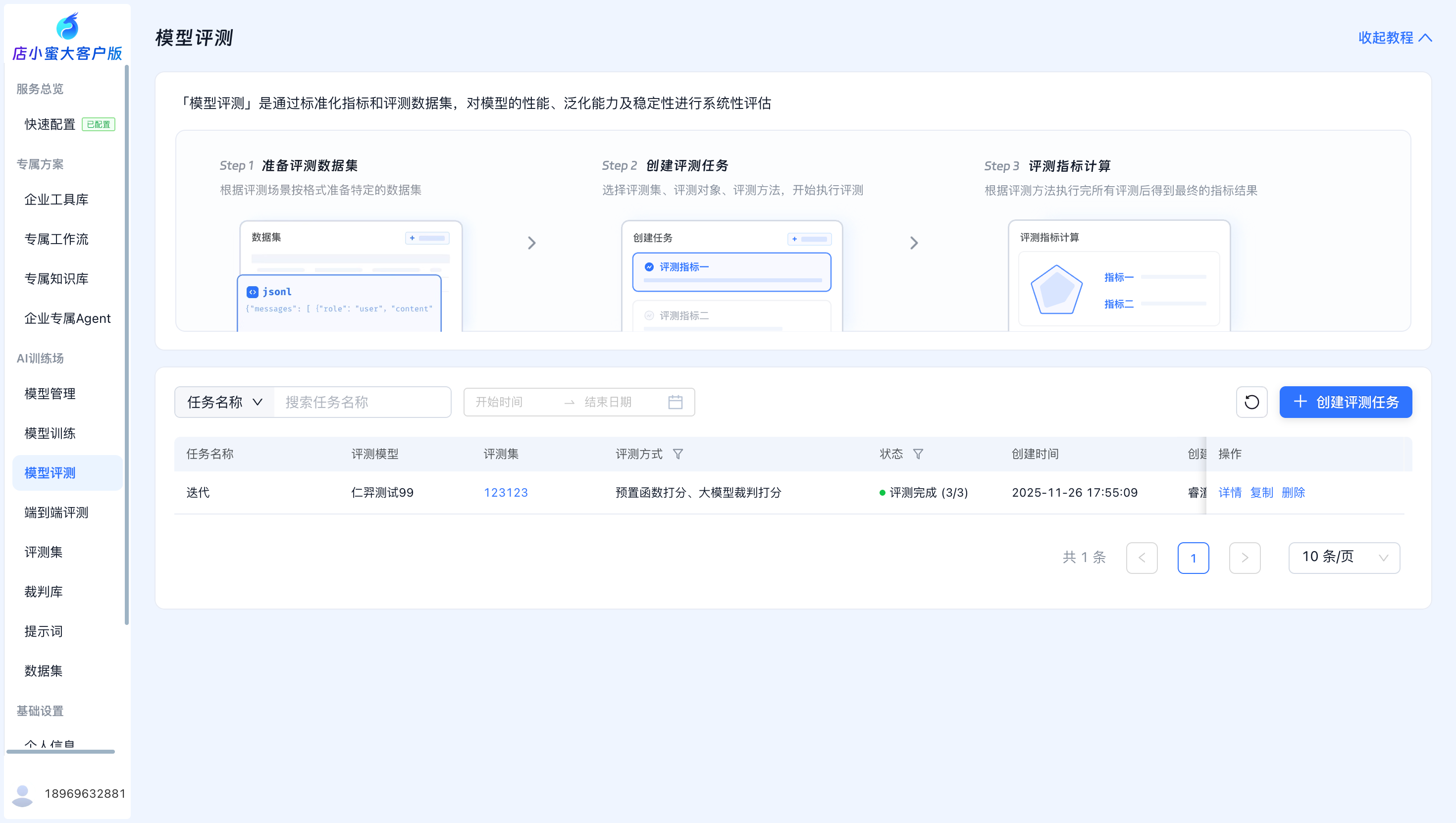
Model evaluation
You can create model evaluation tasks.
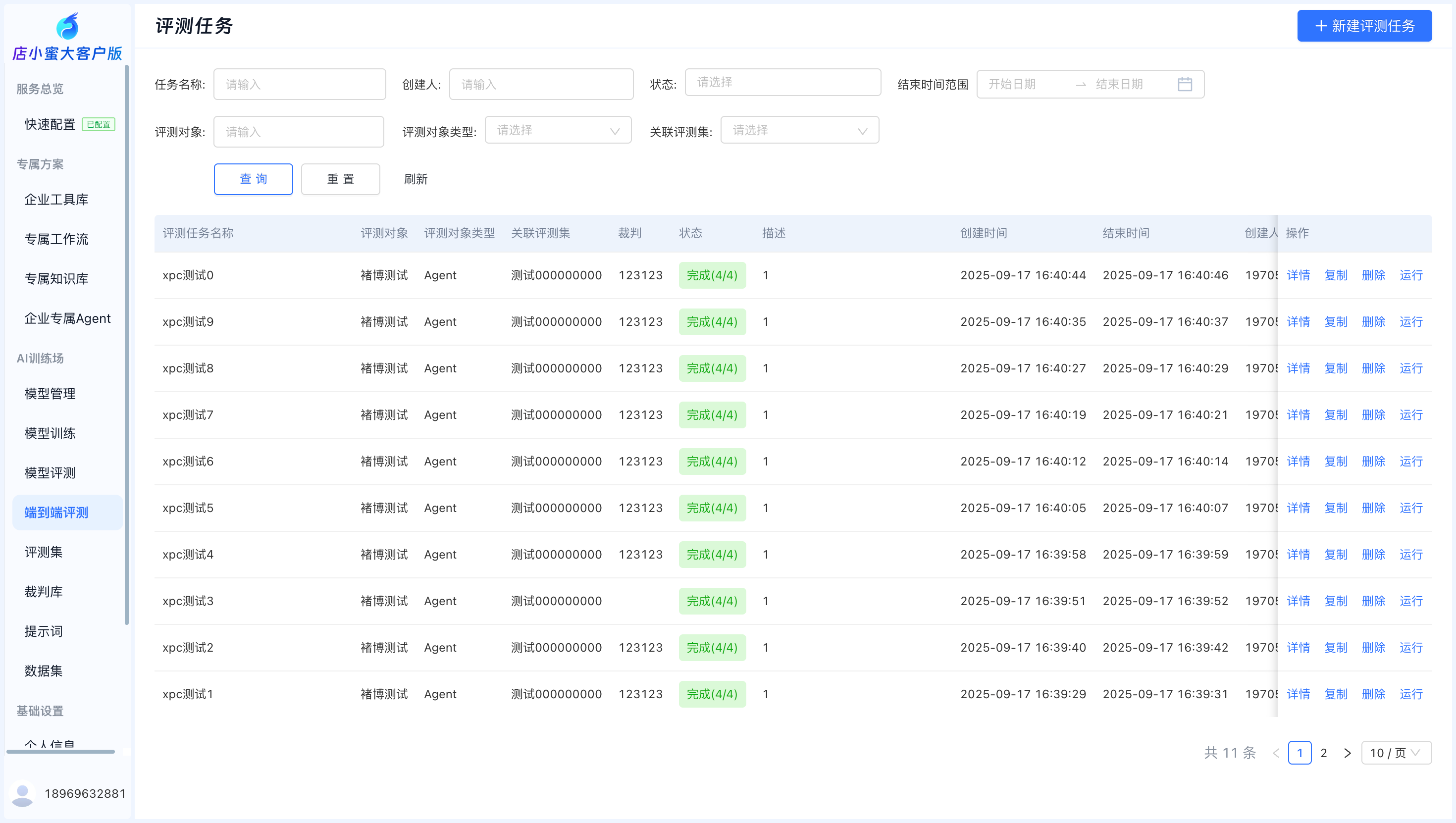
End-to-end evaluation
You can define an executable evaluation process by orchestrating an evaluation dataset, an object under test (model or Agent), and referee rules to generate an automated evaluation pipeline.
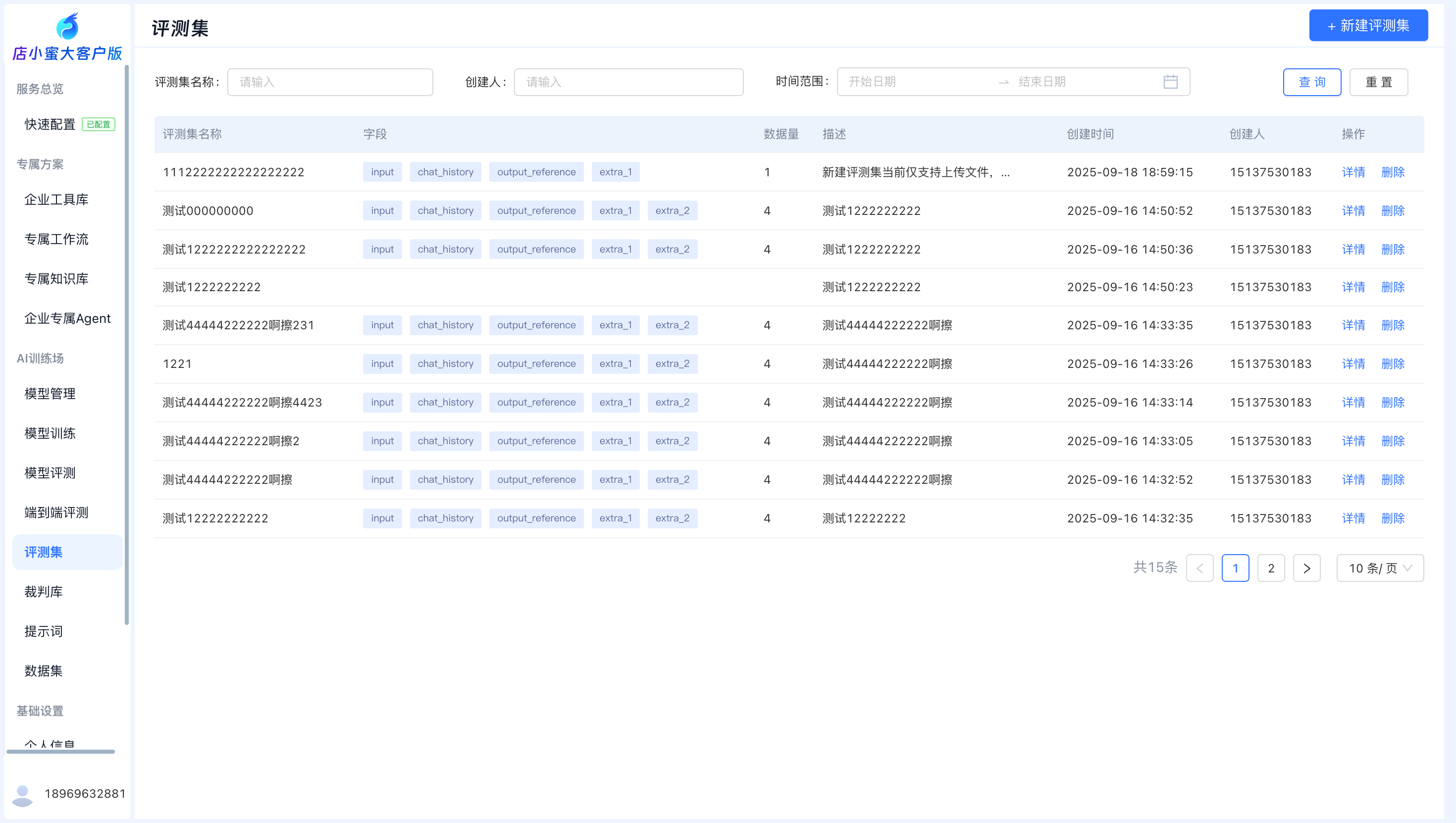
Evaluation datasets
You can upload test datasets to measure the performance of models and Agents on specific tasks.
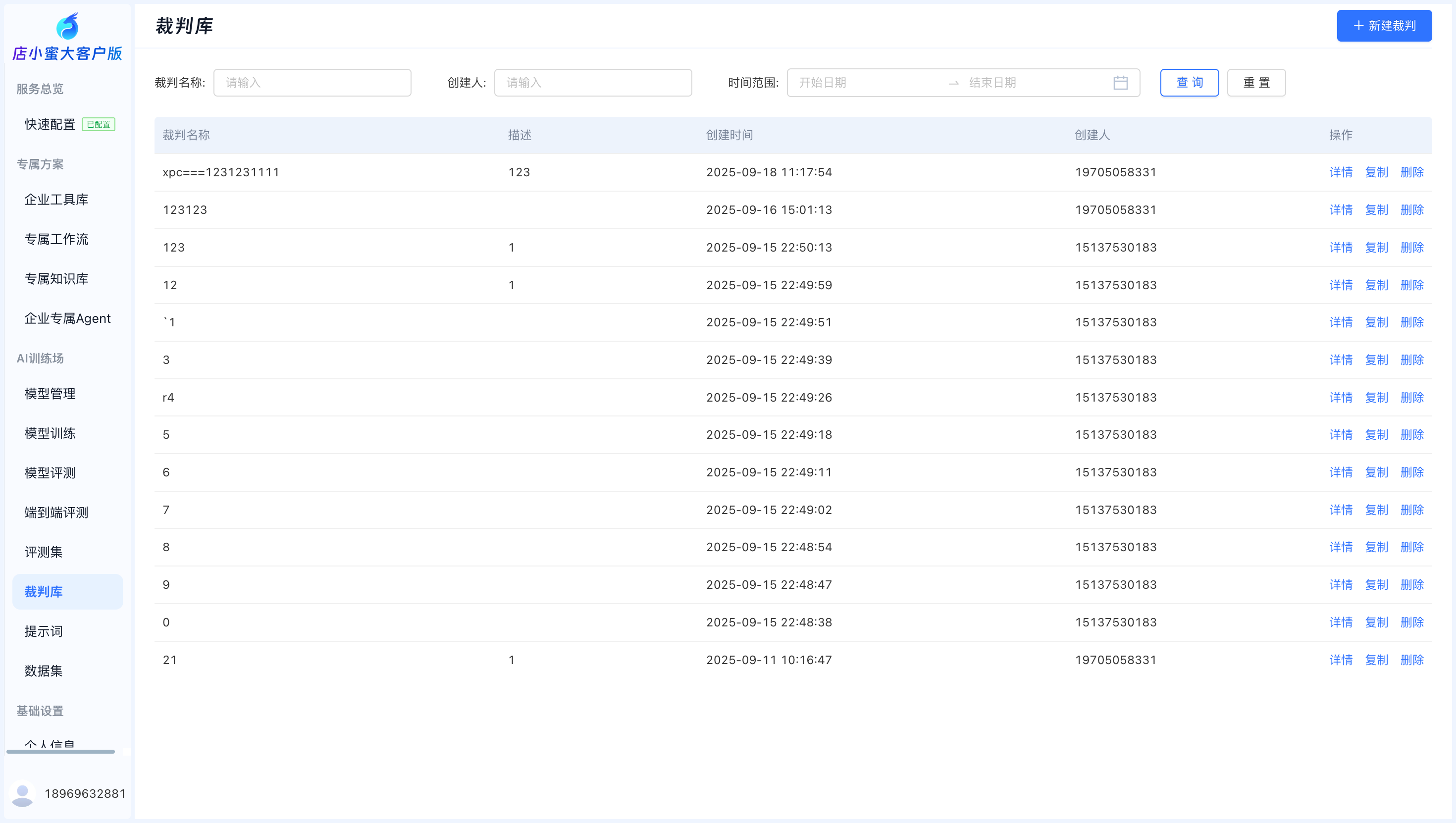
Referee library
The referee library provides a multi-strategy, pluggable, automated scoring engine for objectively scoring evaluation results.
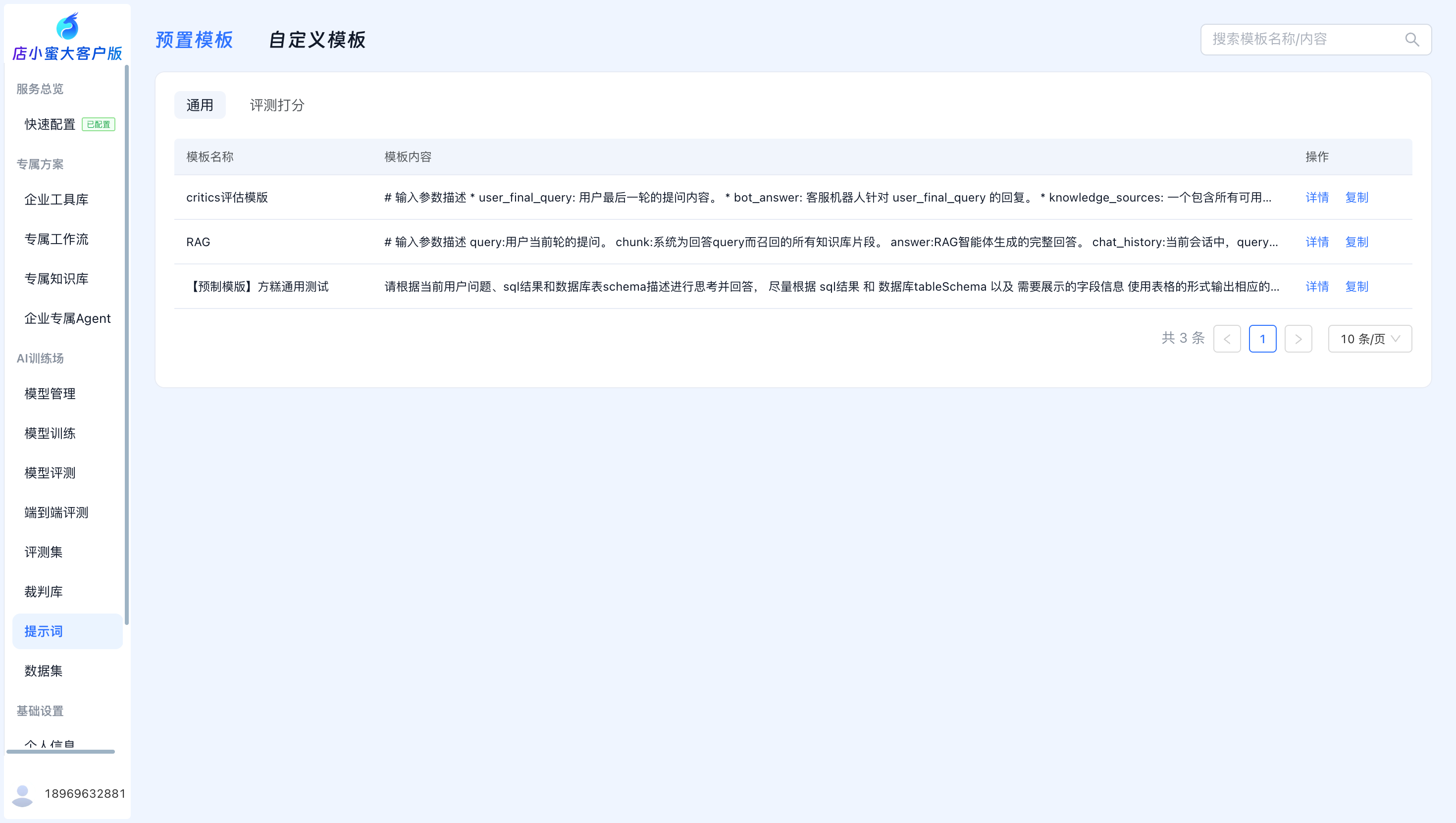
Prompts
Prompt management allows you to view and copy official preset templates.
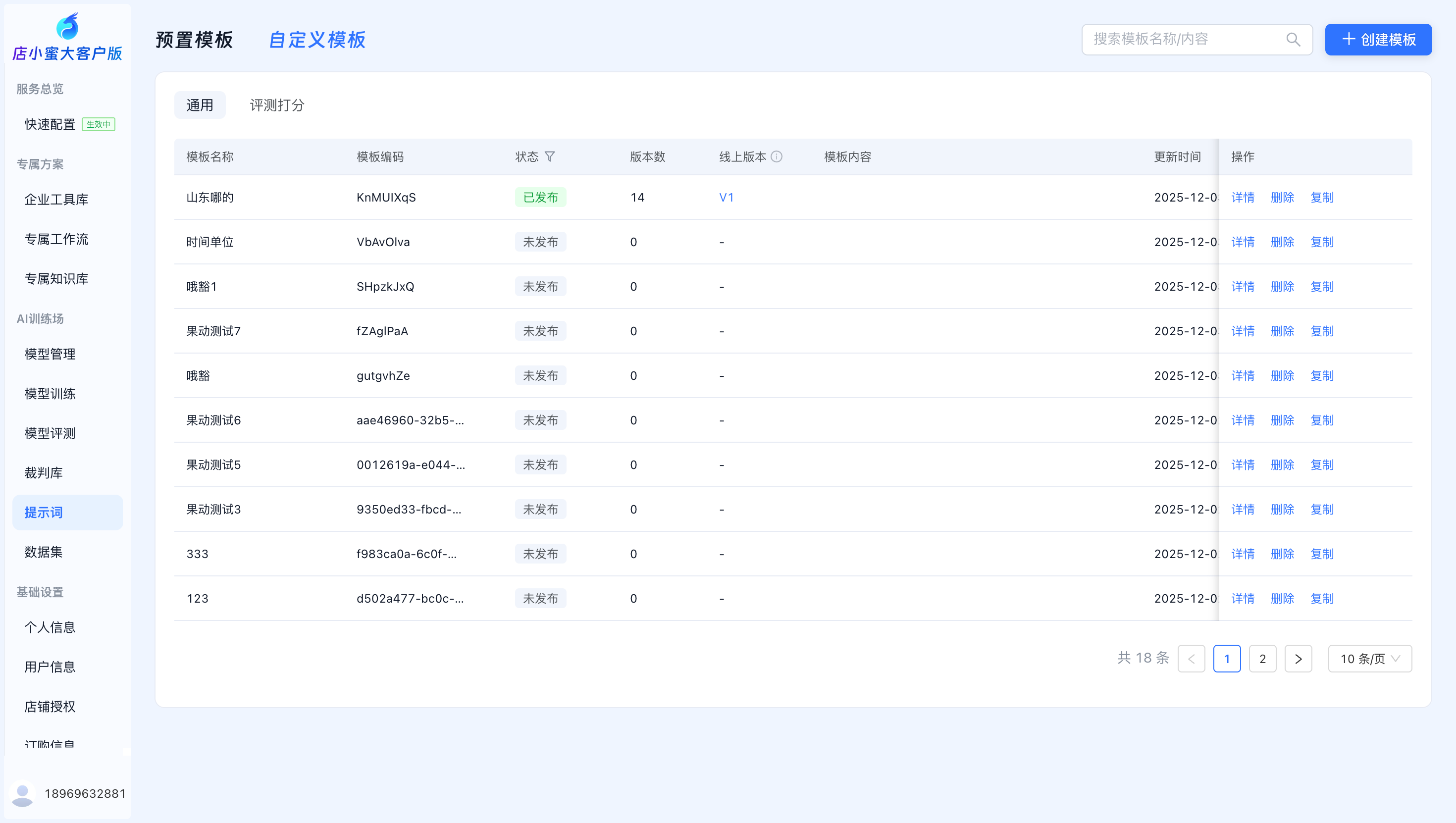
Click Create Template to create a custom template. After you save and publish it, you can use it in custom service workflows.
Datasets
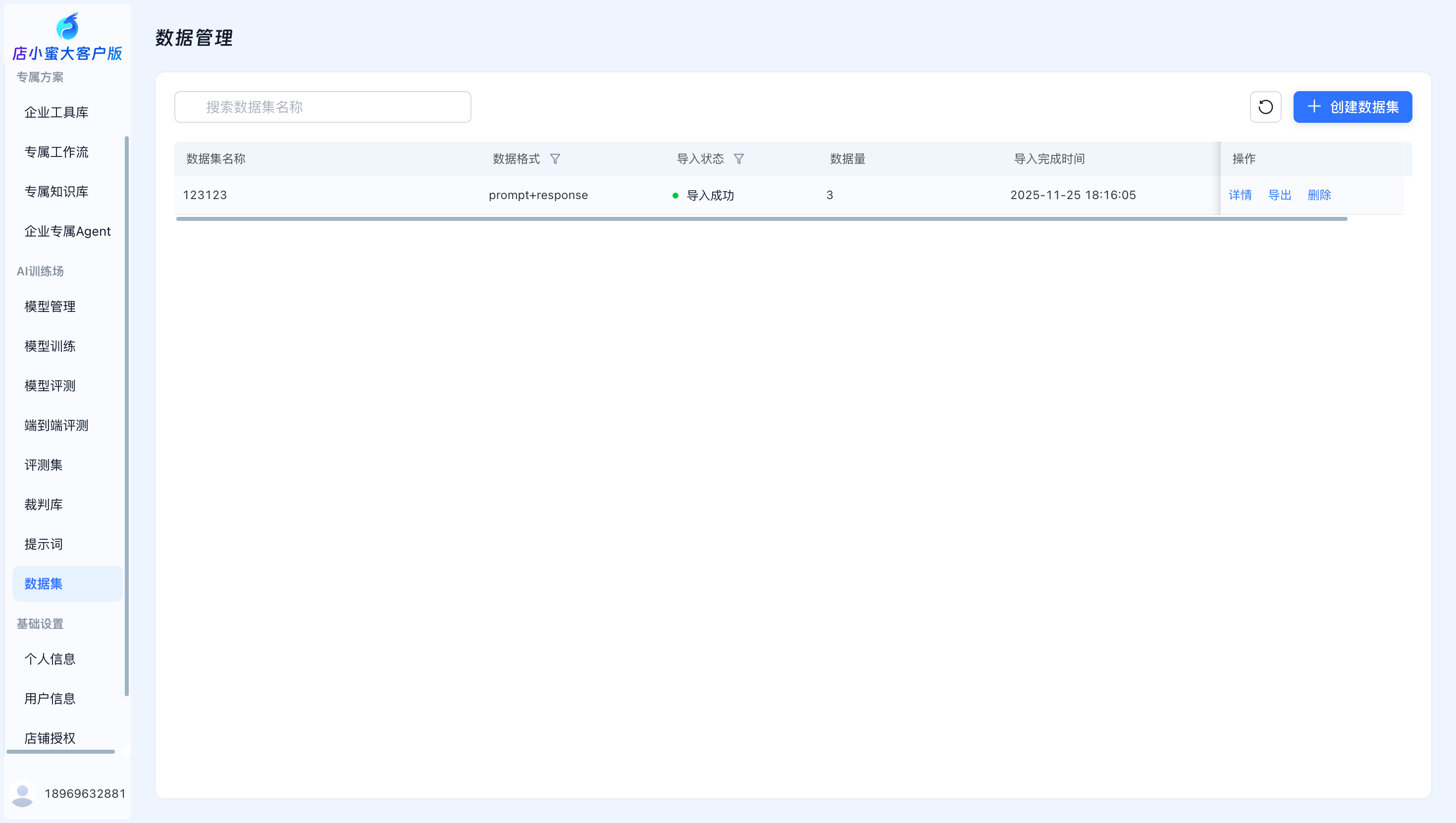
Dataset management allows you to upload datasets (such as training sets and evaluation datasets) for use in model training and model evaluation tasks.