This document shows you how to get live stream links from popular platforms.
TikTok
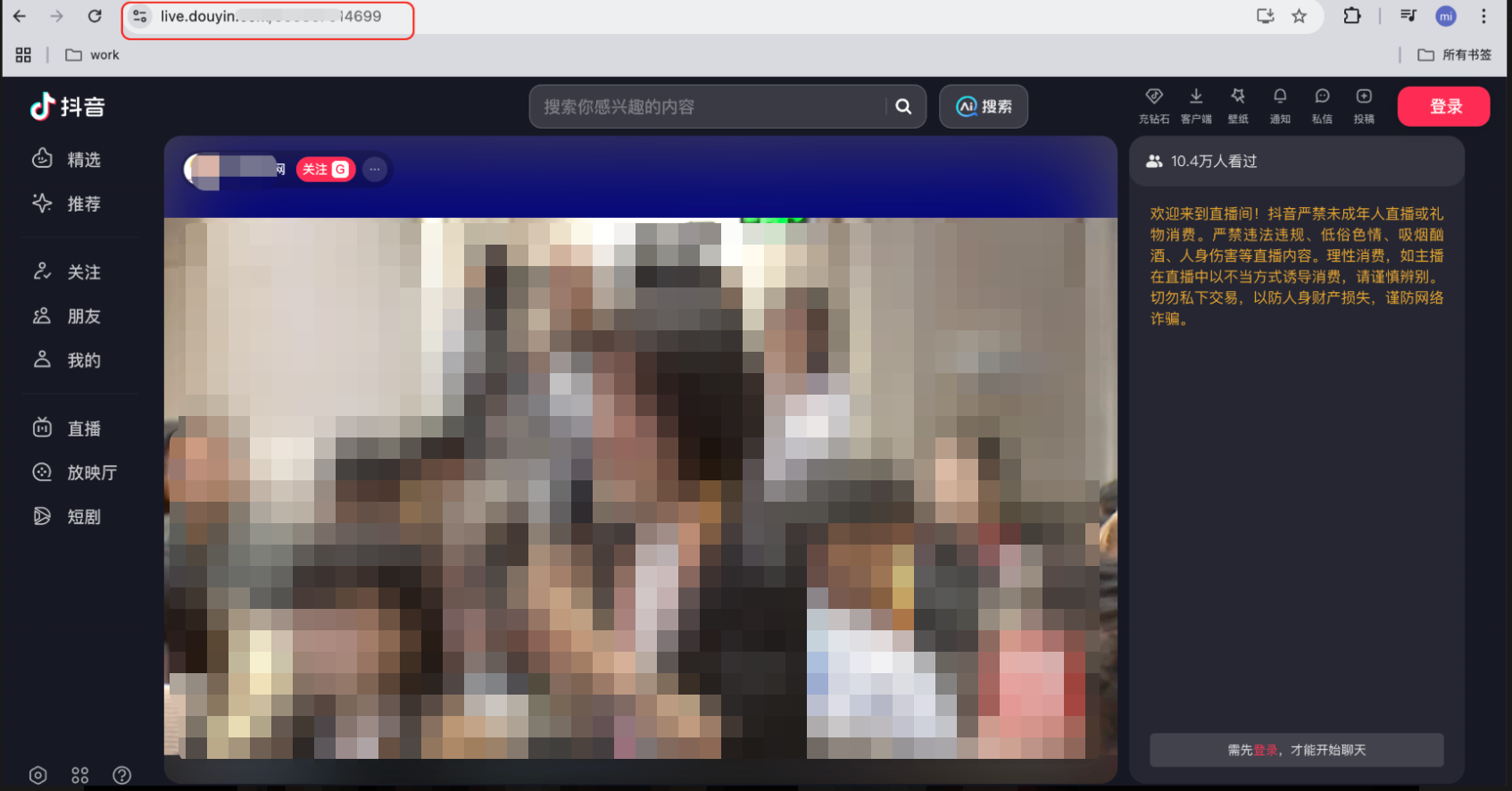
On your PC, open the live stream and copy the URL from your browser's address bar.
Taobao
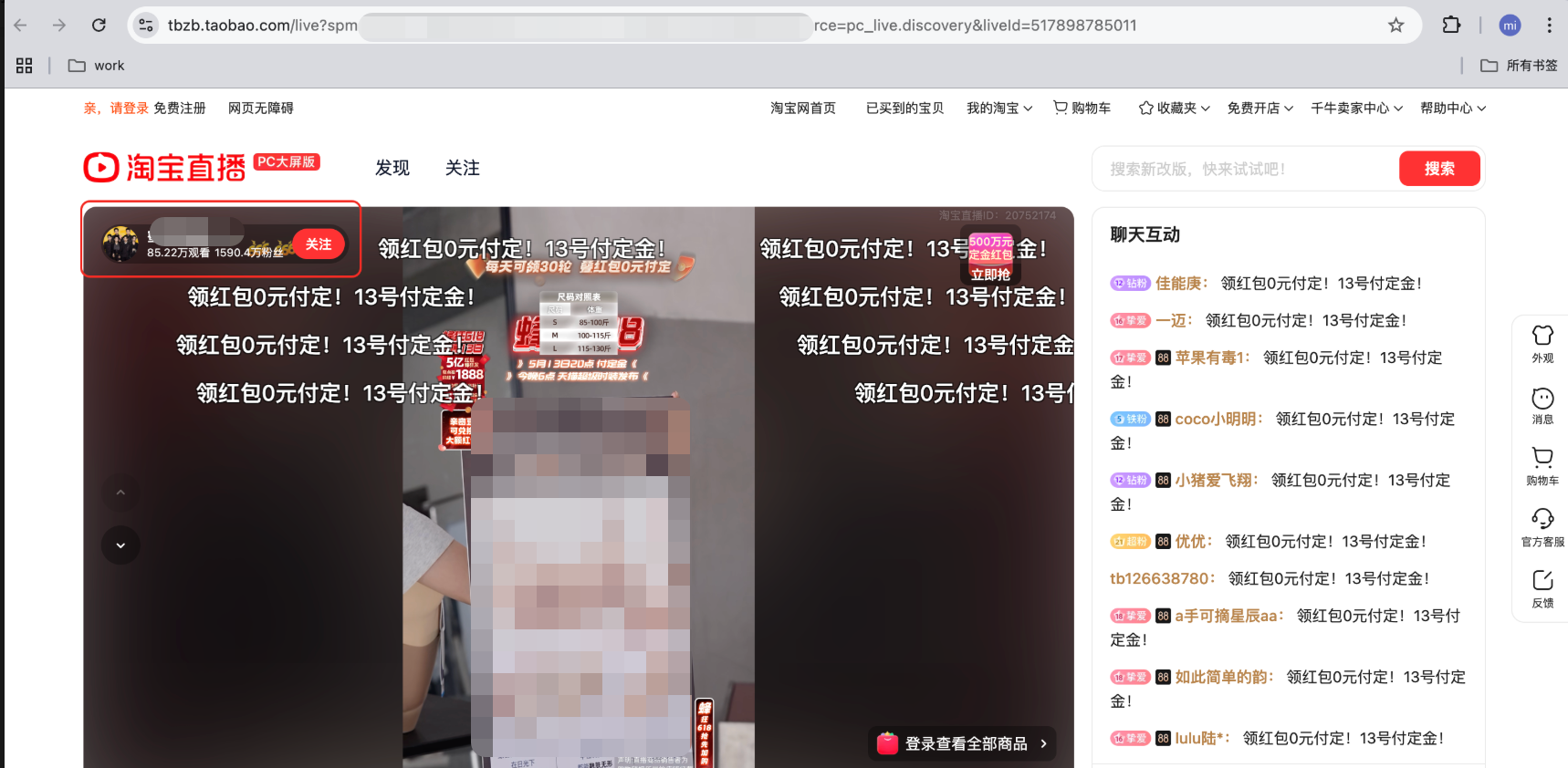
On your PC, open the Taobao live stream and click the streamer's profile.
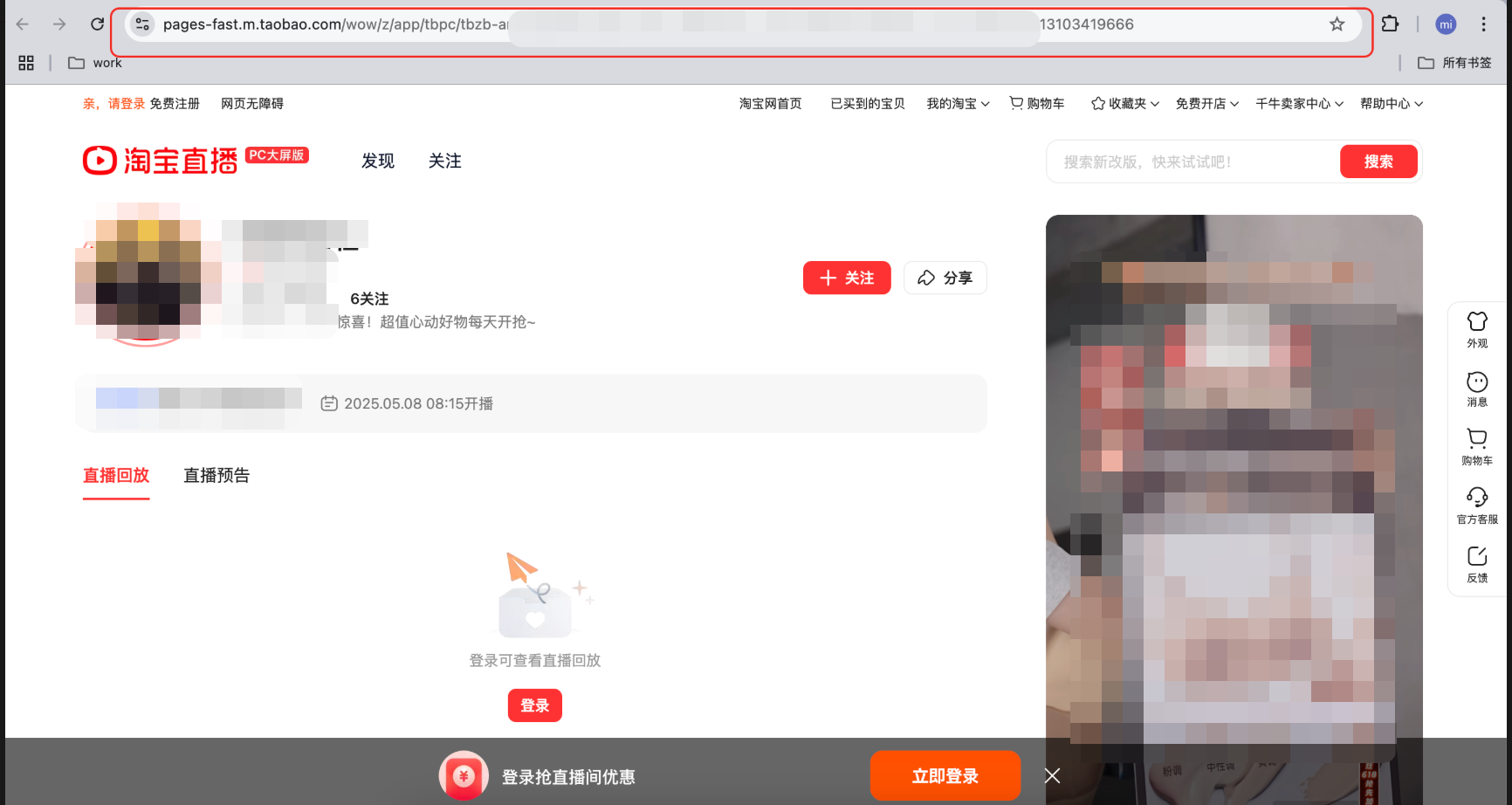
On the streamer's homepage, copy the URL from your browser's address bar.
JD.com
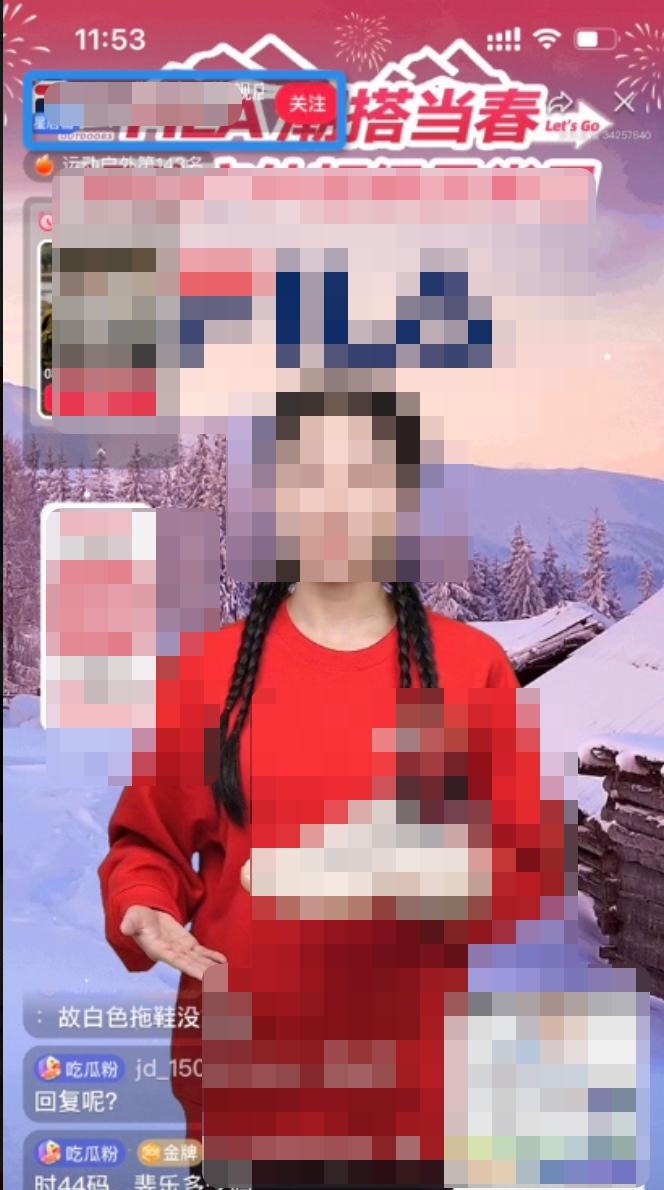
In the JD.com mobile client, find the target live stream and tap the store name.
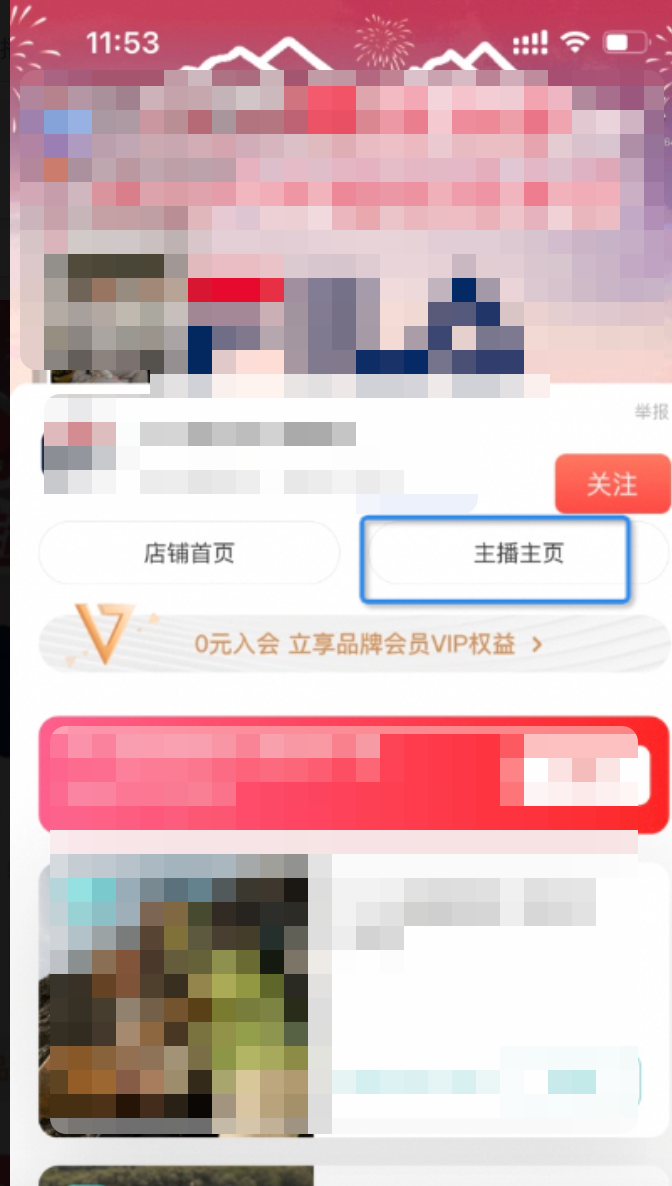
Tap the streamer's homepage.
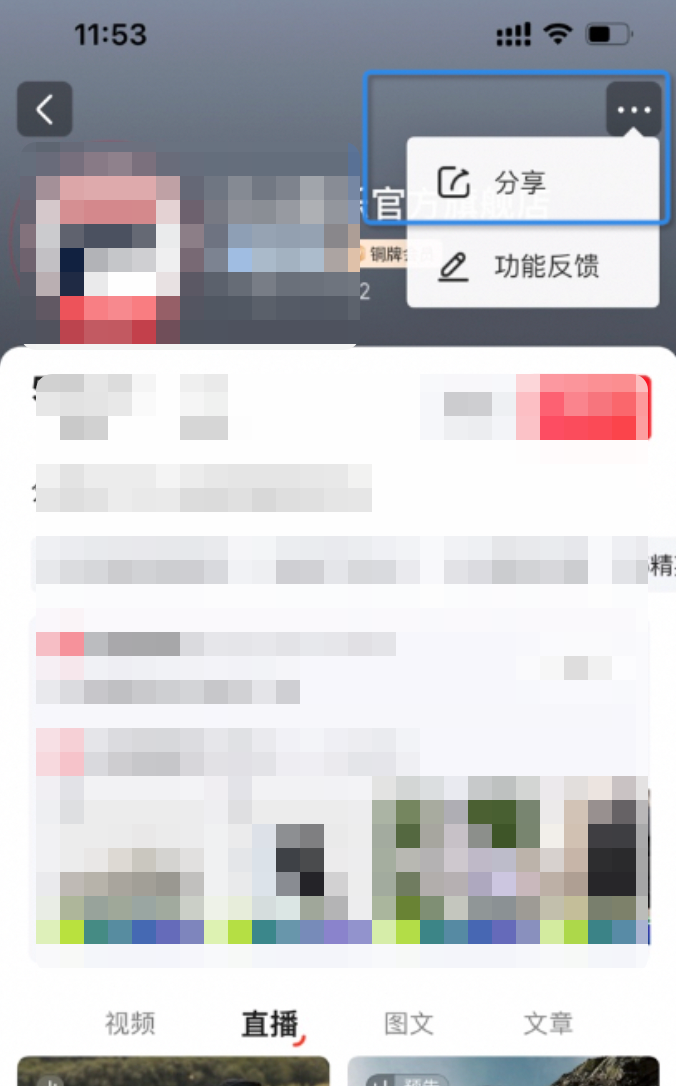
Tap the three-dots icon in the top-right corner, and then tap the share button.
Tap Copy Link.
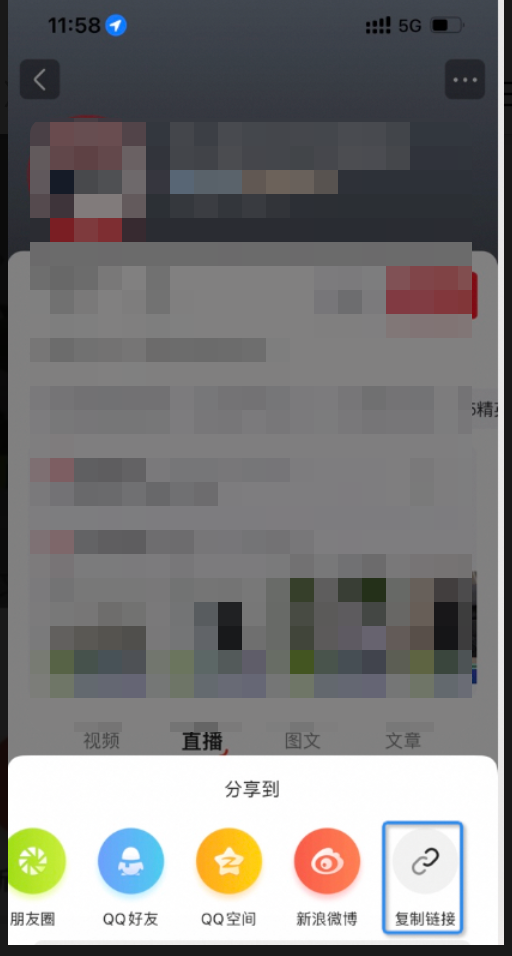
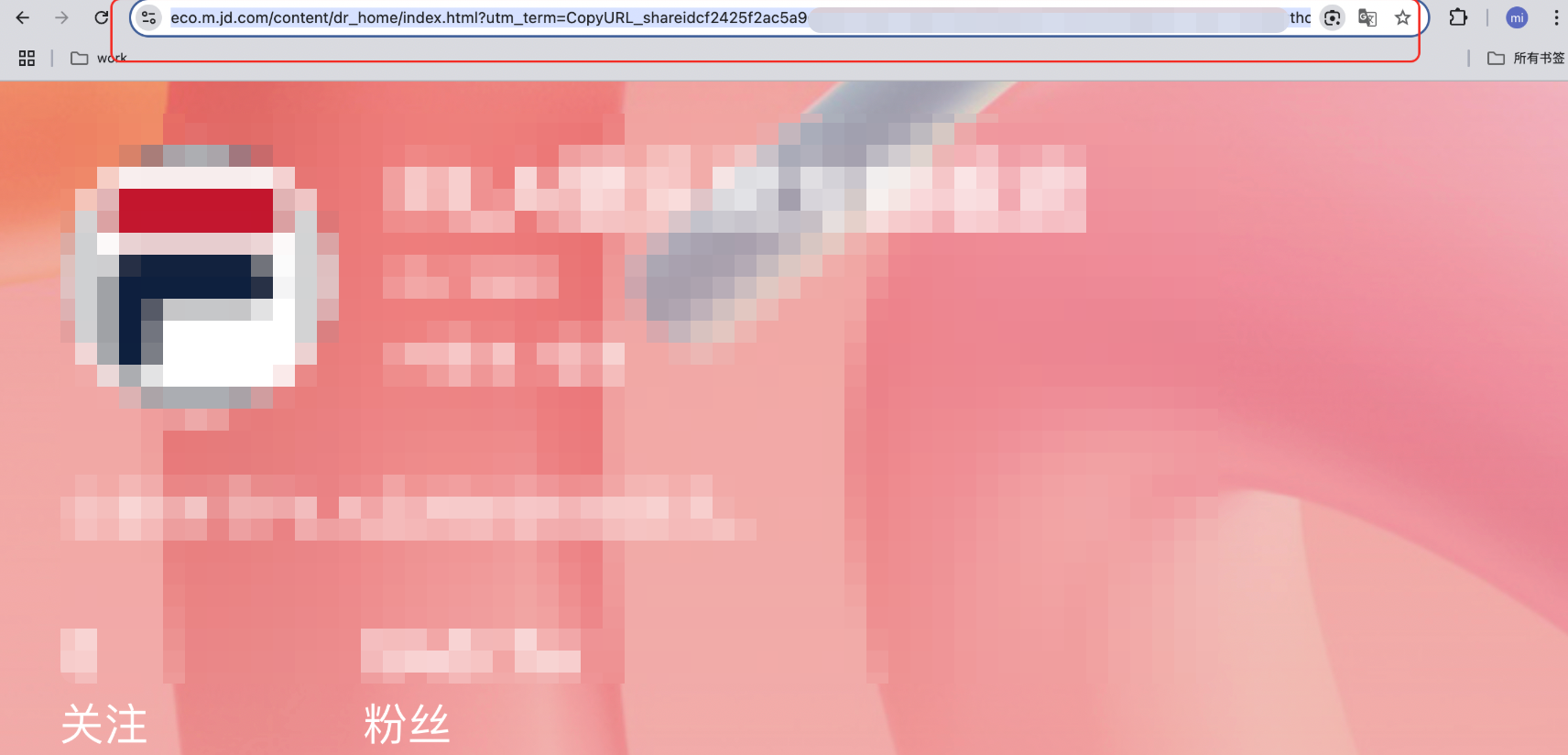
Open the copied link in a browser on your PC and copy the new URL from the address bar.
Kuaishou
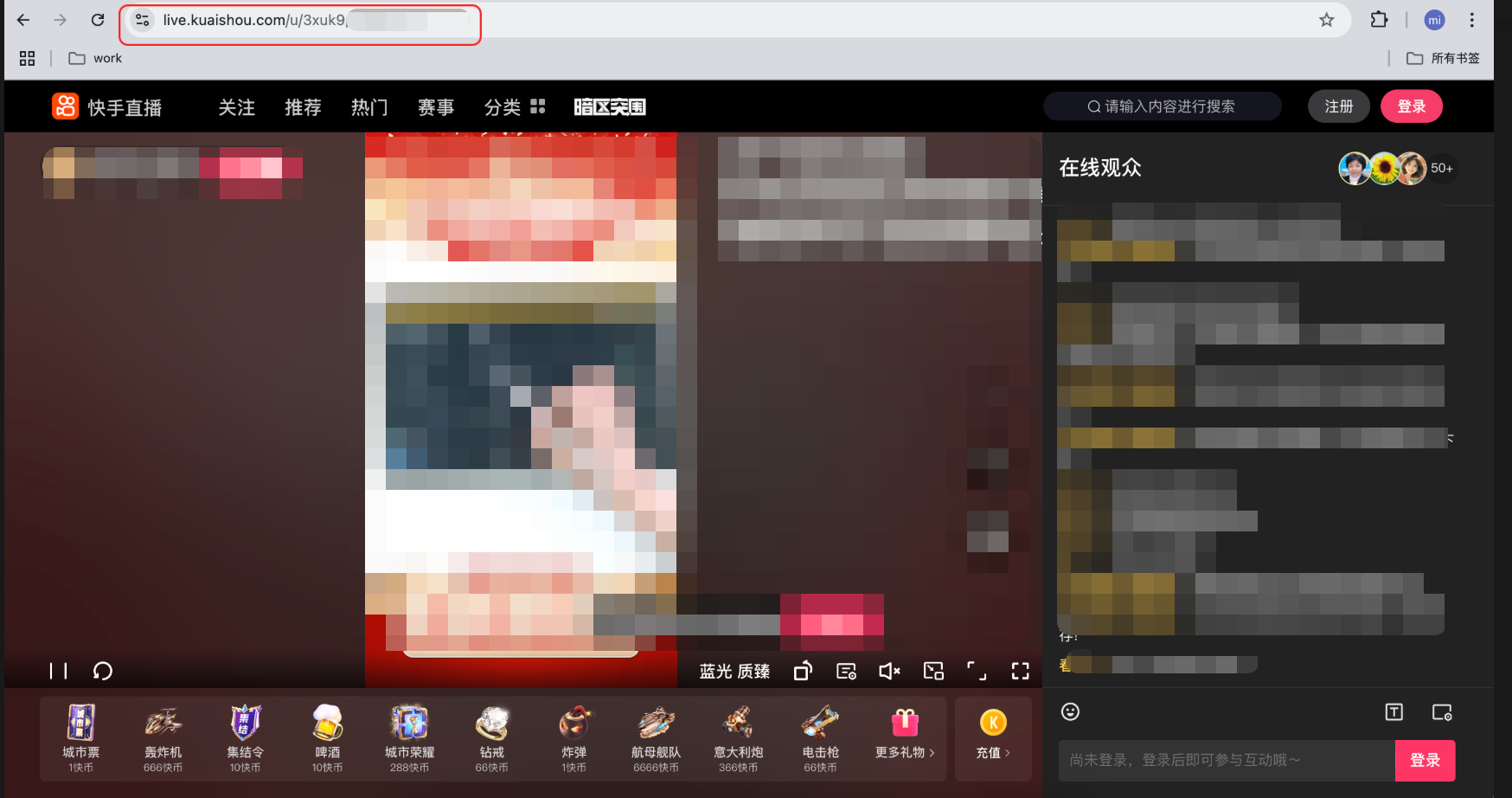
On your PC, open the live stream and copy the URL from your browser's address bar.
Xiaohongshu
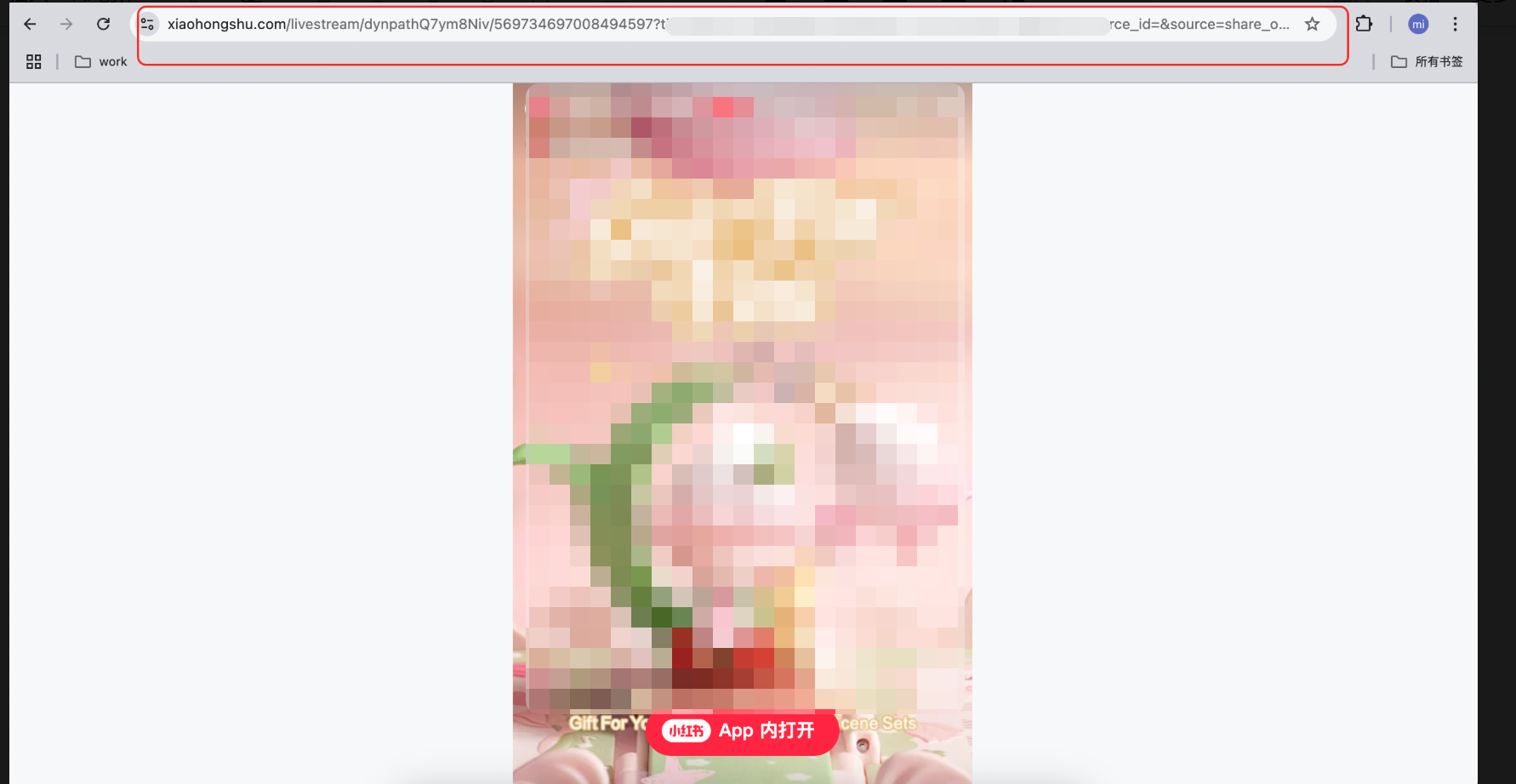
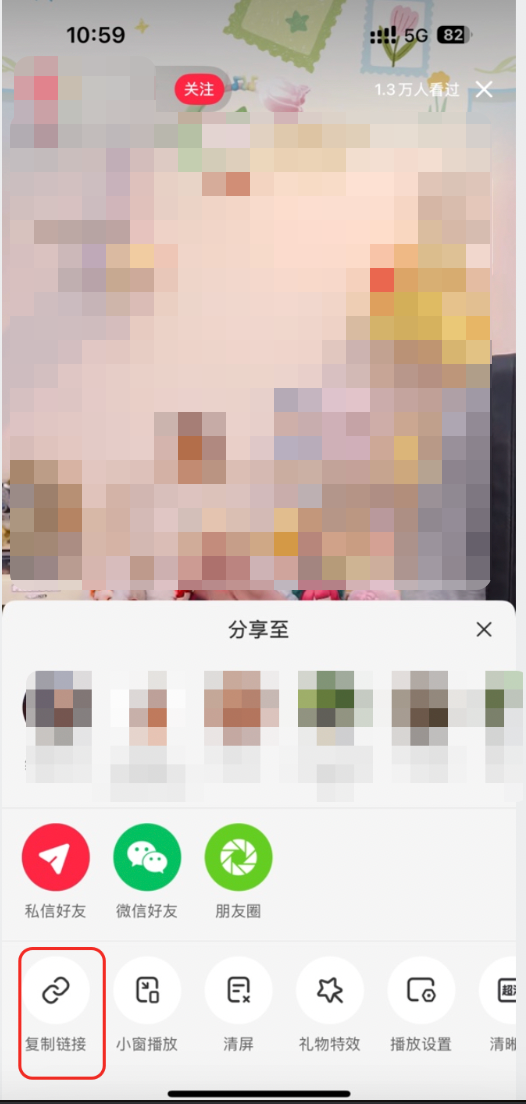
In the Xiaohongshu mobile client, find the live stream, tap the share button, and then copy the link.
Open the copied link in a browser on your PC and copy the new URL from the address bar.