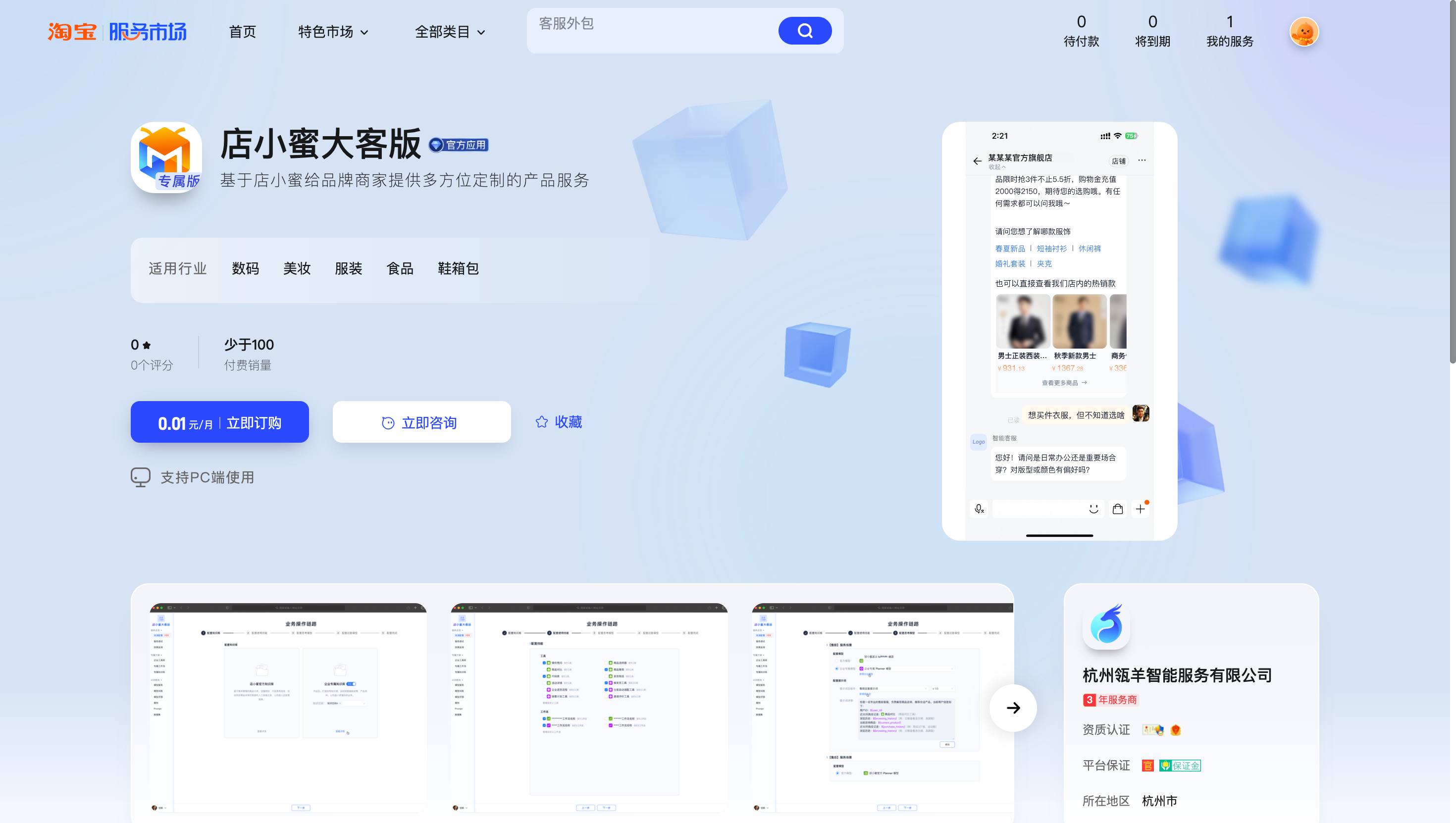
This guide explains how to start using the Dianxiaomi Enterprise Edition Agent.
First, complete data authorization in the Dianxiaomi Enterprise Edition console.
Step |
Description |
Screenshot |
|
1 |
Place an order on the Taotian Service Marketplace |
Service Marketplace URL: https://fuwu.taobao.com/ser/detail.htm?service_code=FW_GOODS-1001288902 |
|
2 |
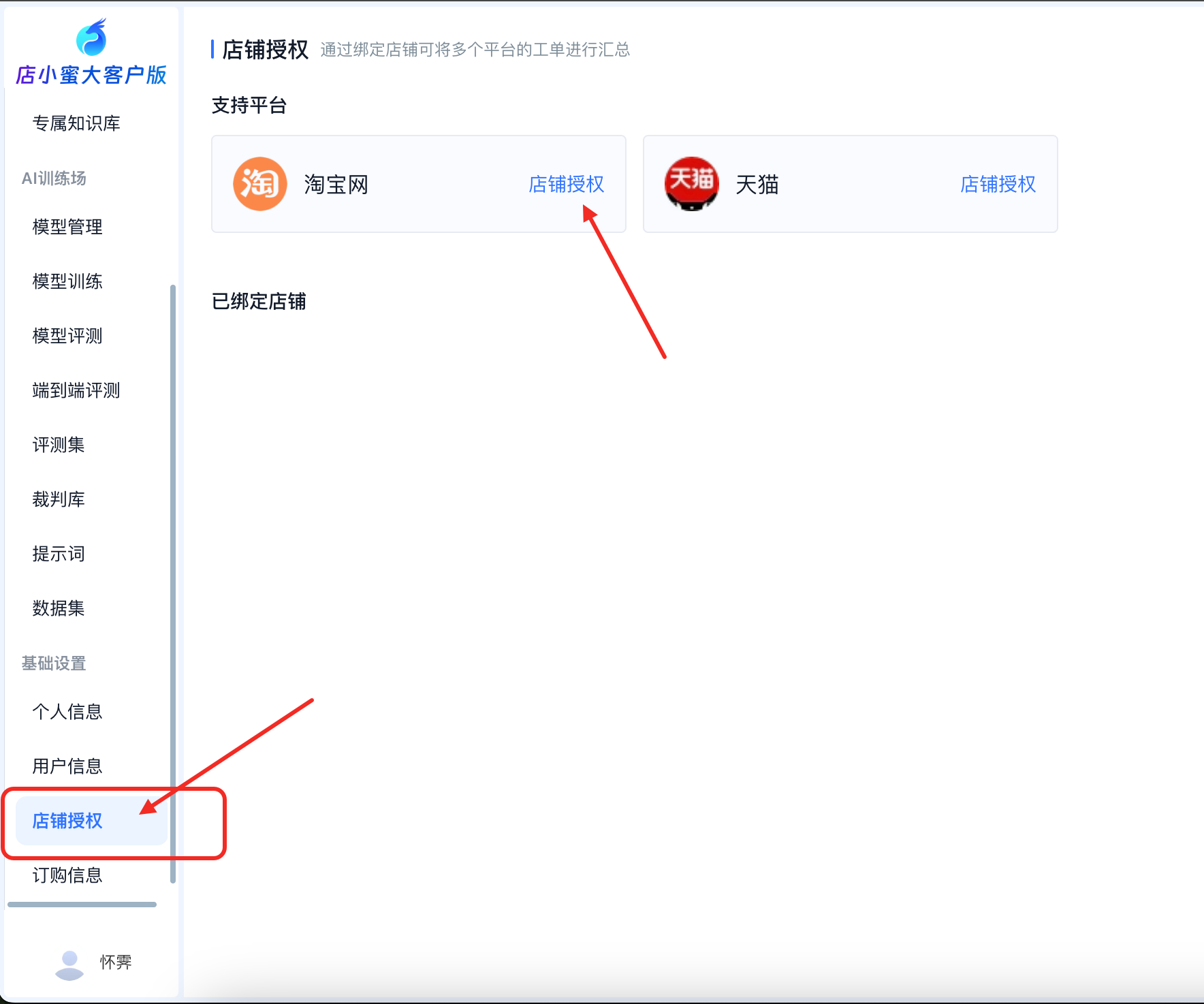
Enable shop authorization in the Enterprise Edition console |
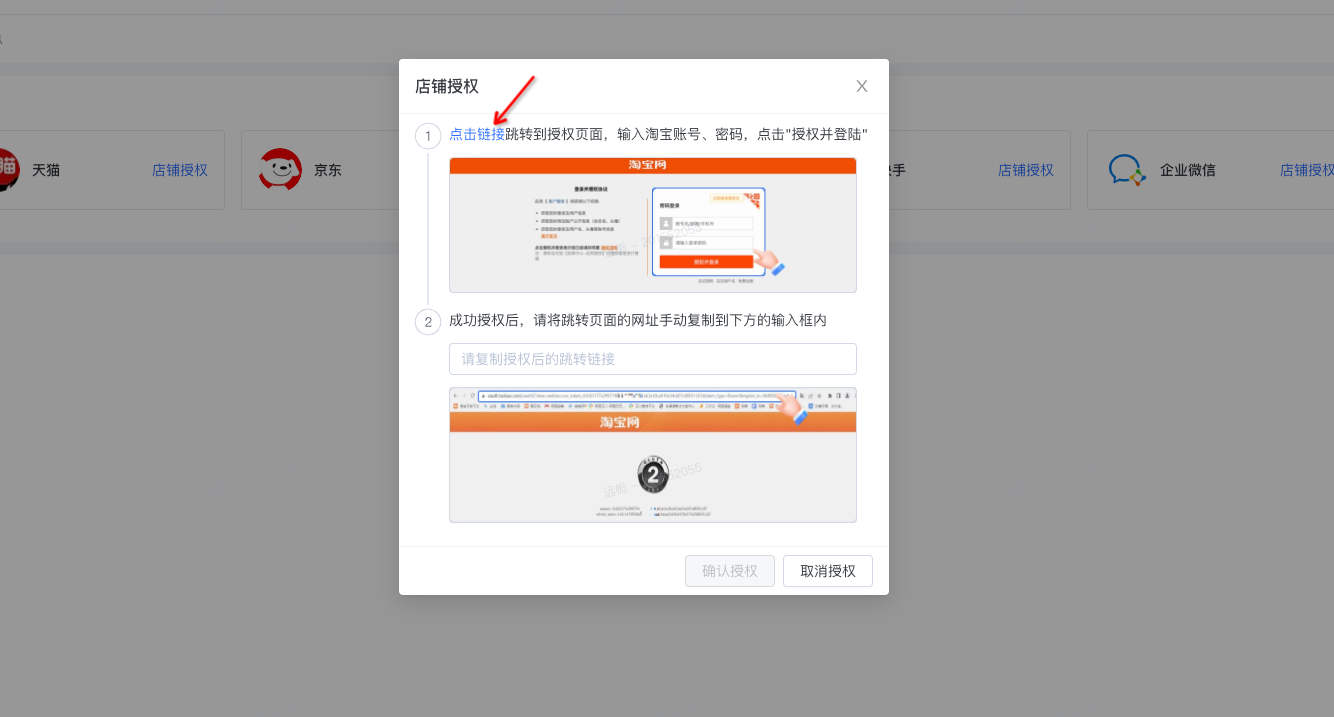
Click the Taobao authorization URL to open the authorization page. Enter your Taobao account and password, and then click "Authorize and Log In". https://oauth.taobao.com/authorize?response_type=token&client_id=35245023&state=1212&view=web |
|
3 |
Get the authorization URL |
Copy the authorization URL from the image on the right. Paste the URL into the input field on the workbench, and then click "Confirm Authorization". |
|
4 |
Complete the authorization |
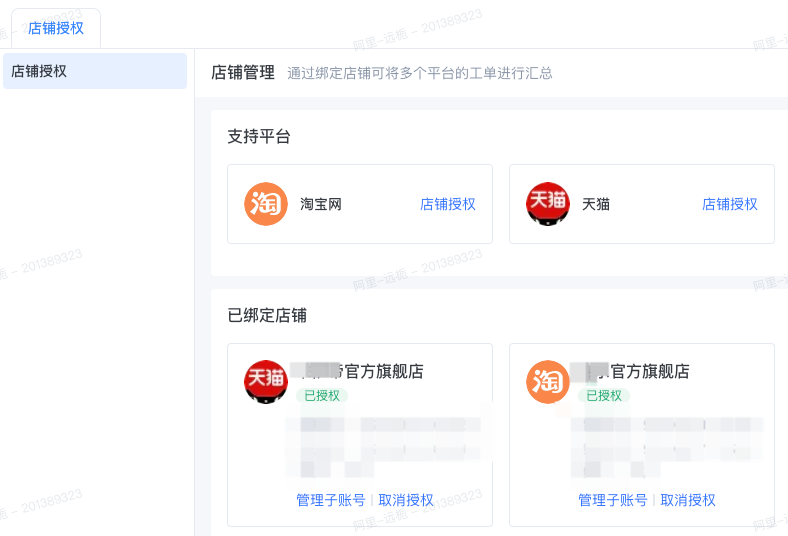
After you complete these steps, the Shop Authorization page displays the corresponding shop name and the "Authorized" status. |
|
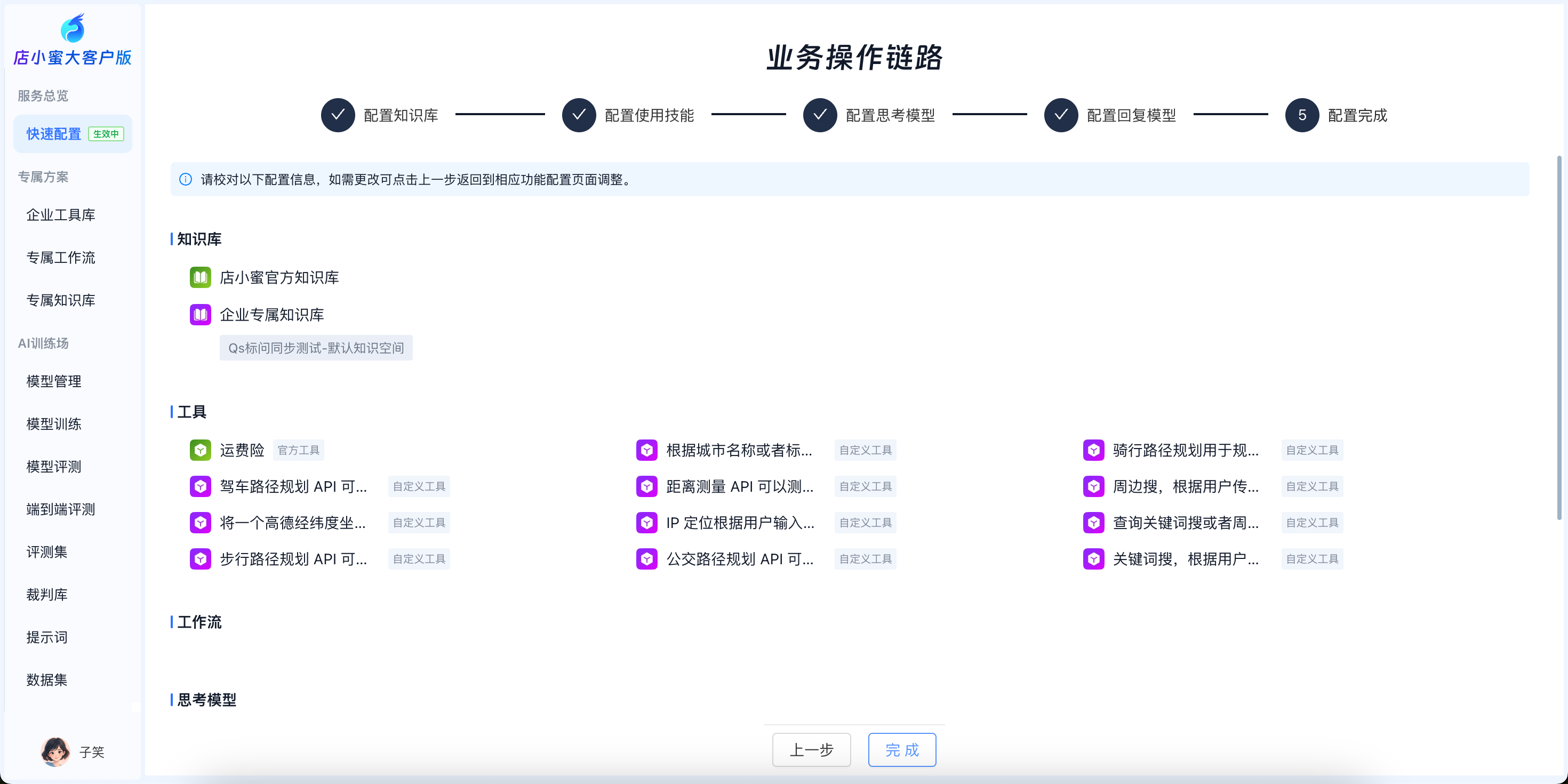
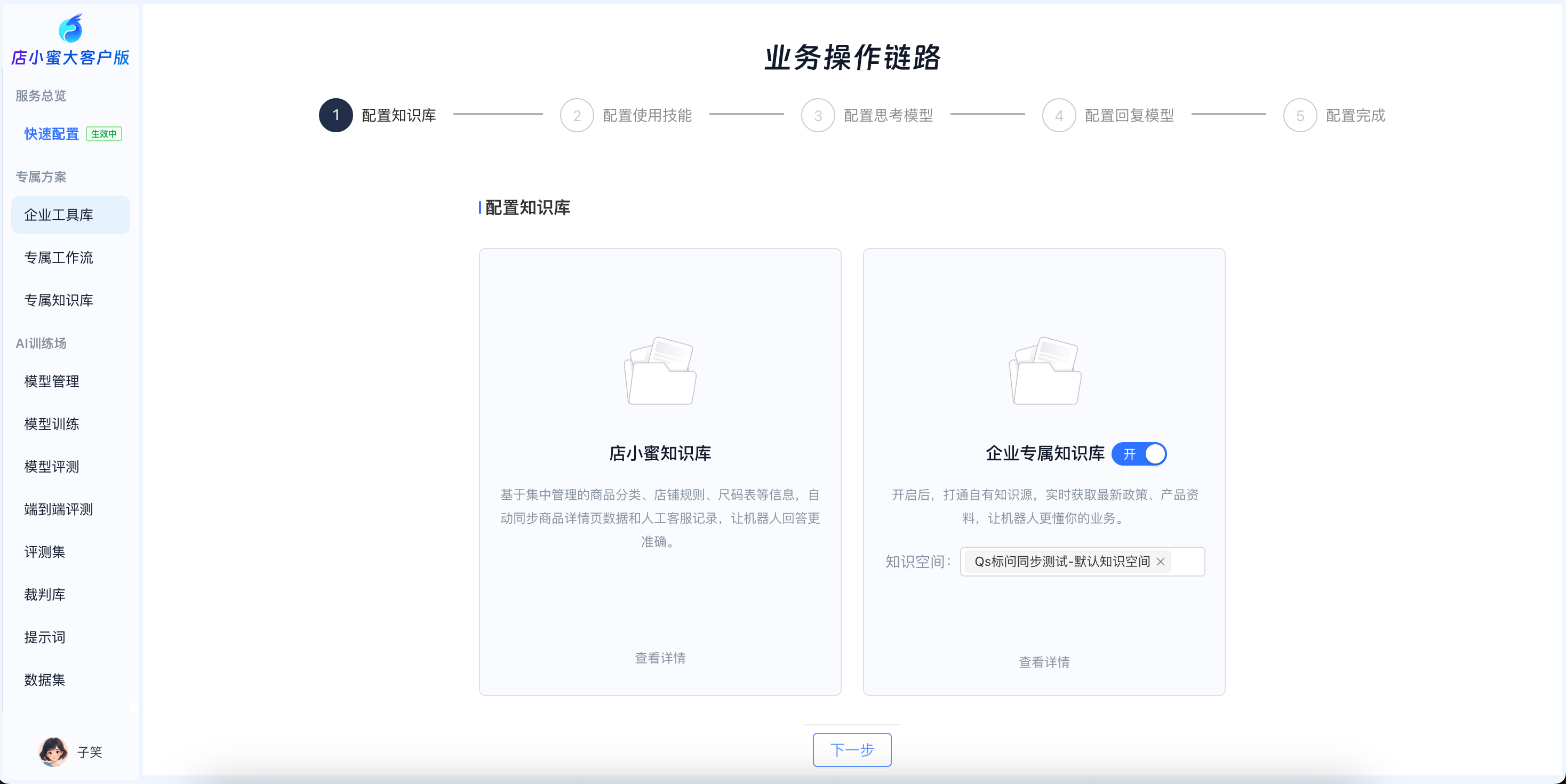
After completing the authorization, you can use quick configuration to set up a customized service pipeline.
Step 1: Configure the enterprise knowledge base.
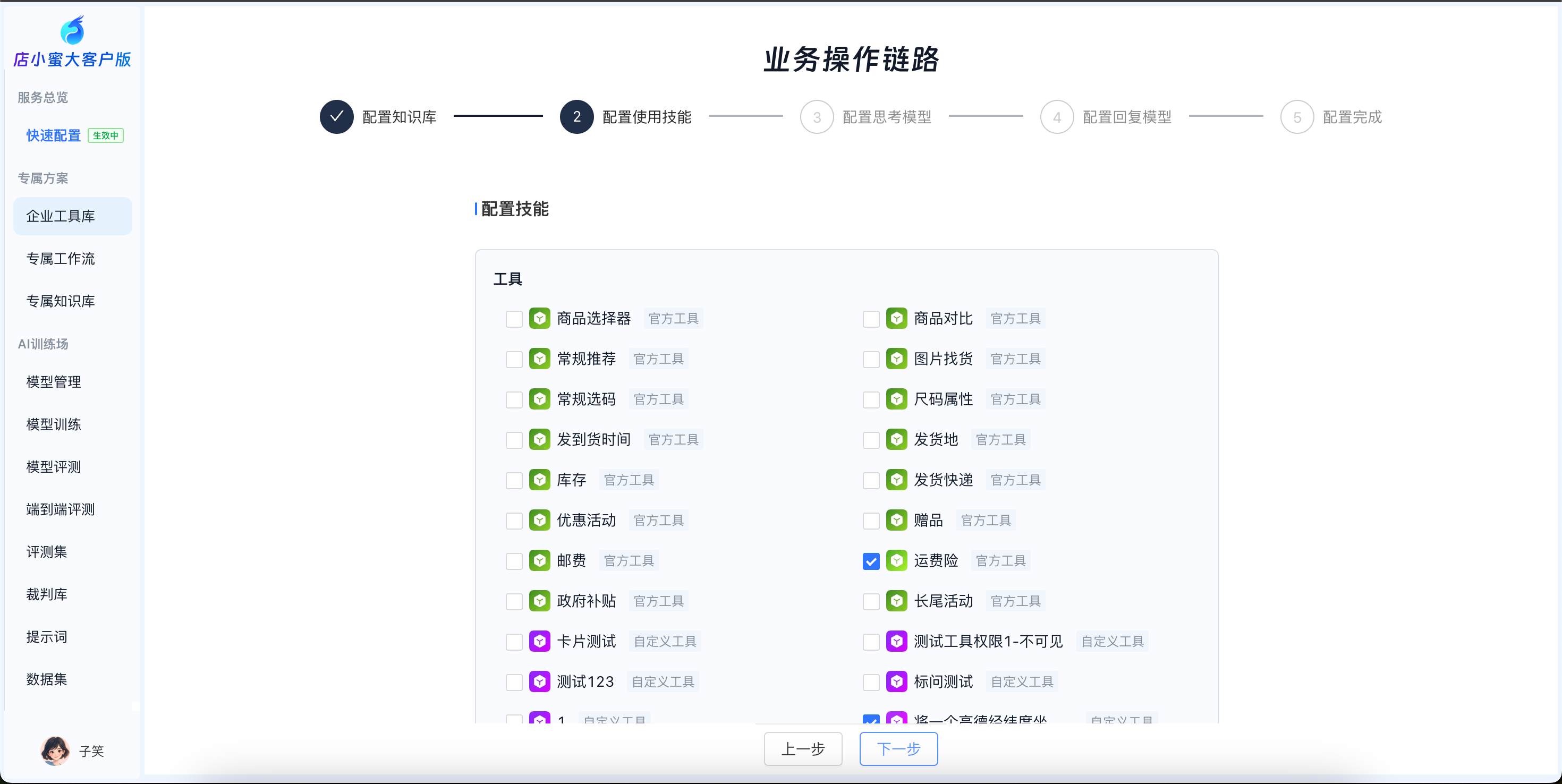
Step 2: Select official Dianxiaomi tools or custom enterprise tools. You can customize tools, workflows, and agents.
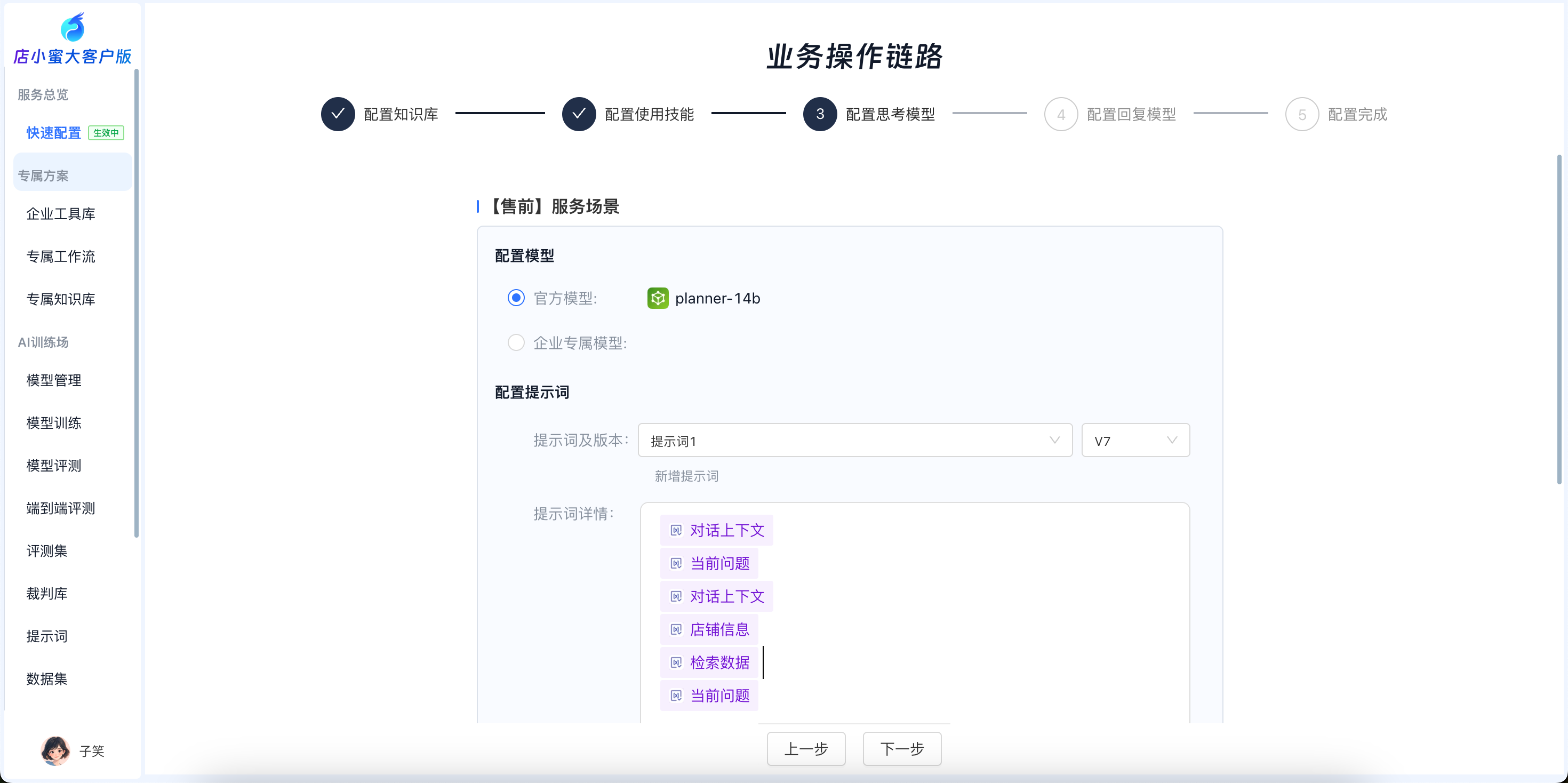
Step 3: Configure the thinking model. You can select an official Dianxiaomi model, integrate an enterprise-specific model, and configure enterprise prompts.
Step 4: Configure the response model. You can select an official Dianxiaomi model, integrate an enterprise-specific model, and configure enterprise prompts.