Baidu site verification fails after file upload
Updated at:
Copy as MD
Baidu site verification fails after file upload
1. In the website console, go to System Settings > Site Information. Turn off Website Acceleration. Click Save and Publish to publish the entire site. Then, click Complete Verification.
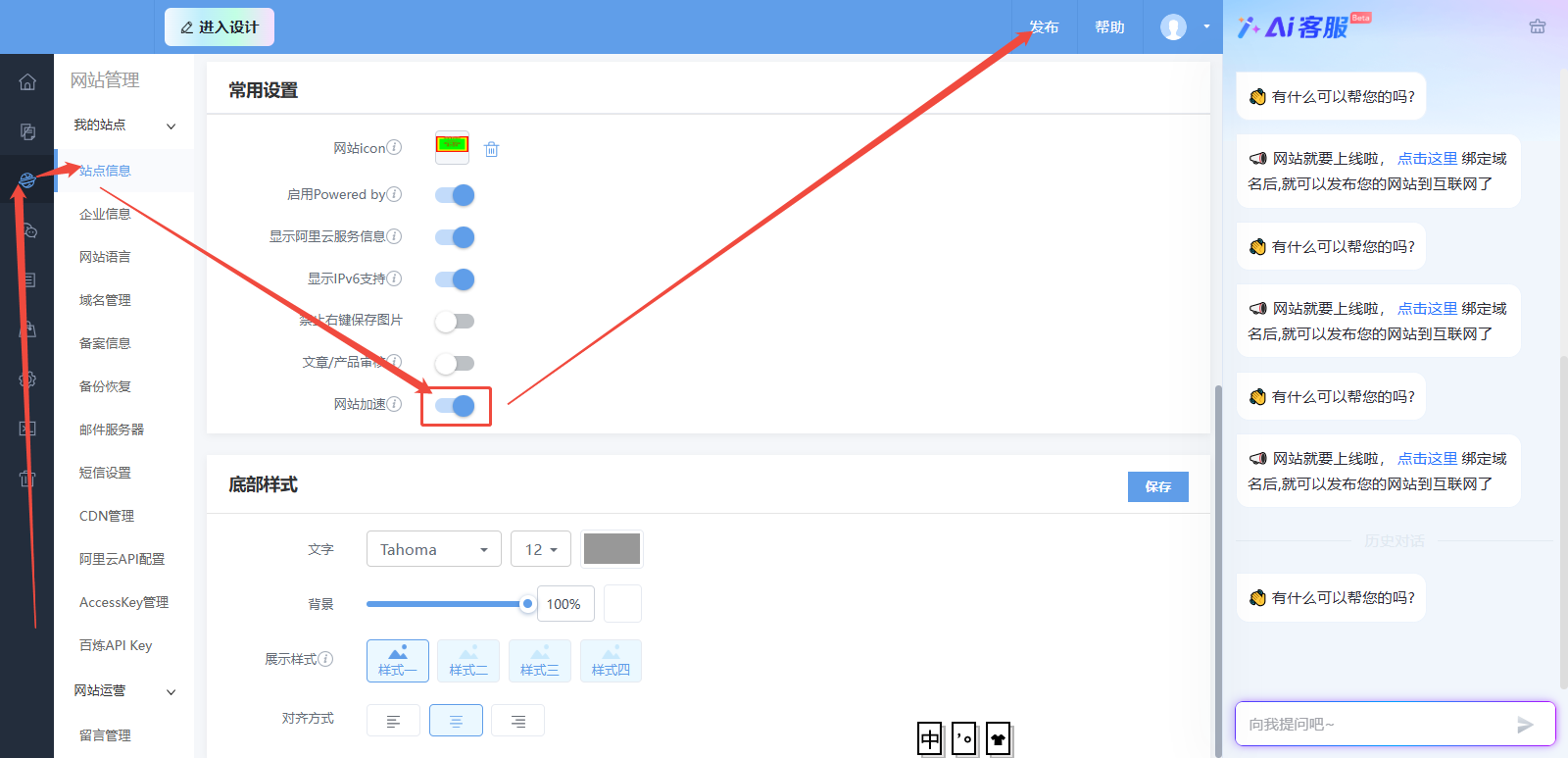 2. If verification still fails, check that the protocol for your domain name is correct. Then, select "HTML tag verification" as the verification method. Add the code to the HTML tag verification field. Click Save and Publish, and then click Complete Verification again.

Is this page helpful?