My Analysis
My Analysis is the management center in Quick BI AIPro where you can store and manage all analyses you generate through conversational analysis.
Prerequisites
You have generated and saved at least one analysis through intelligent conversation analysis.
Or another user has shared an analysis with you.
Entry point
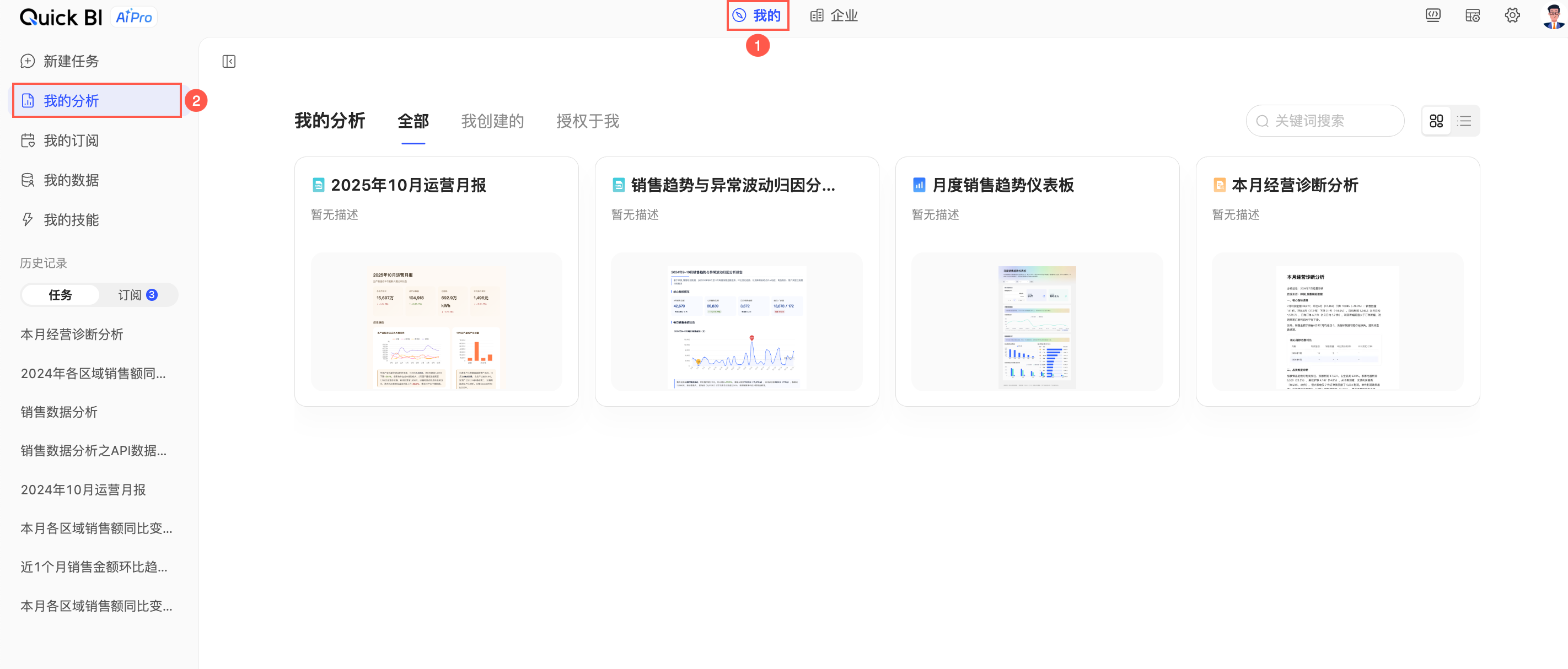
Log in to Quick BI AIPro and go to My > My Analysis.
View my analysis
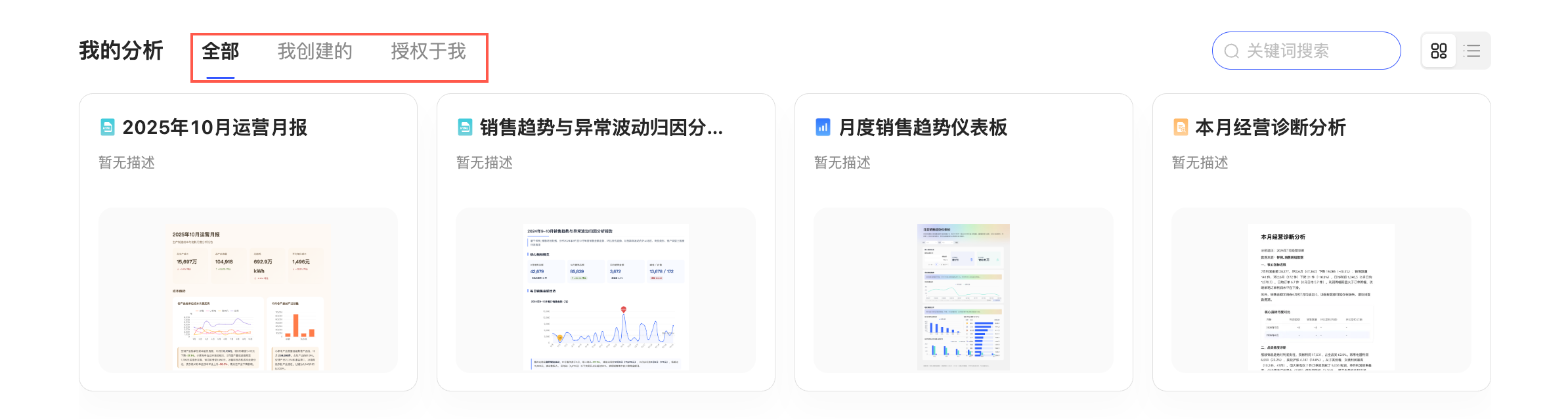
On the My Analysis page, you can view all analyses you can access, including those Created by Me and Shared with Me.
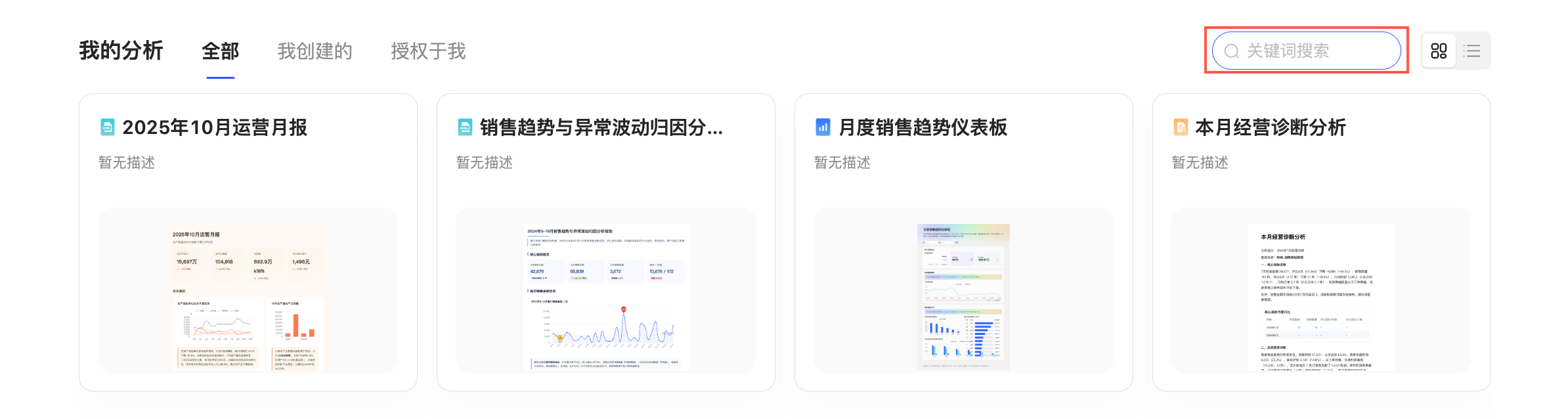
You can use keyword search to find your analyses.
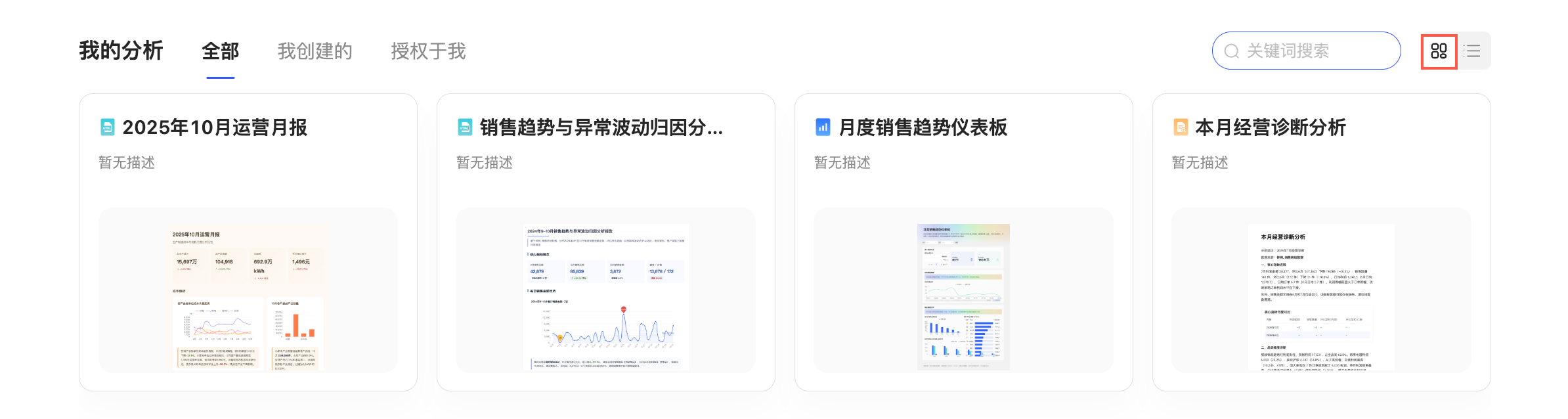
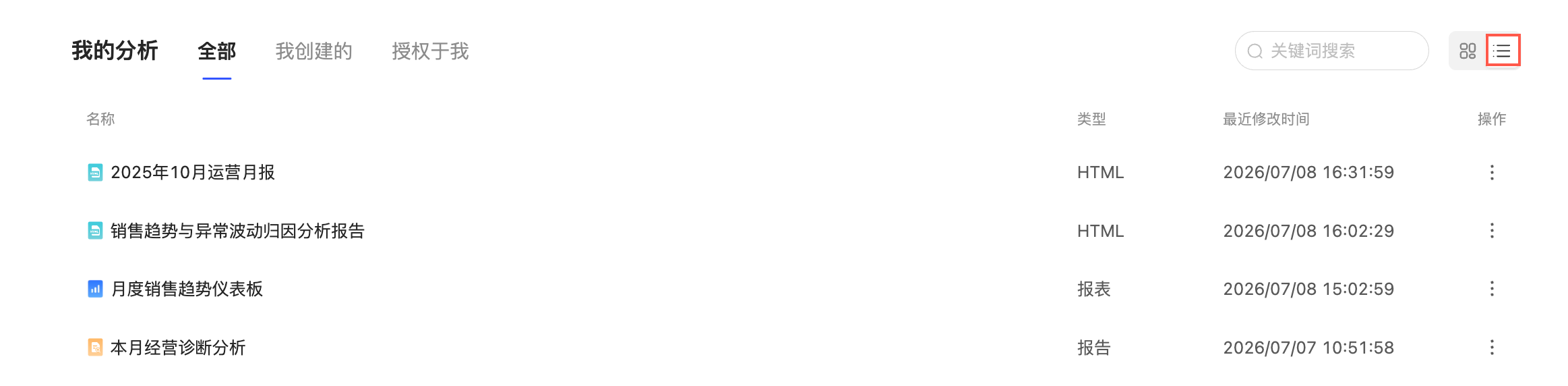
You can switch between thumbnail view and list view.
Thumbnail View
List View
Manage my analysis
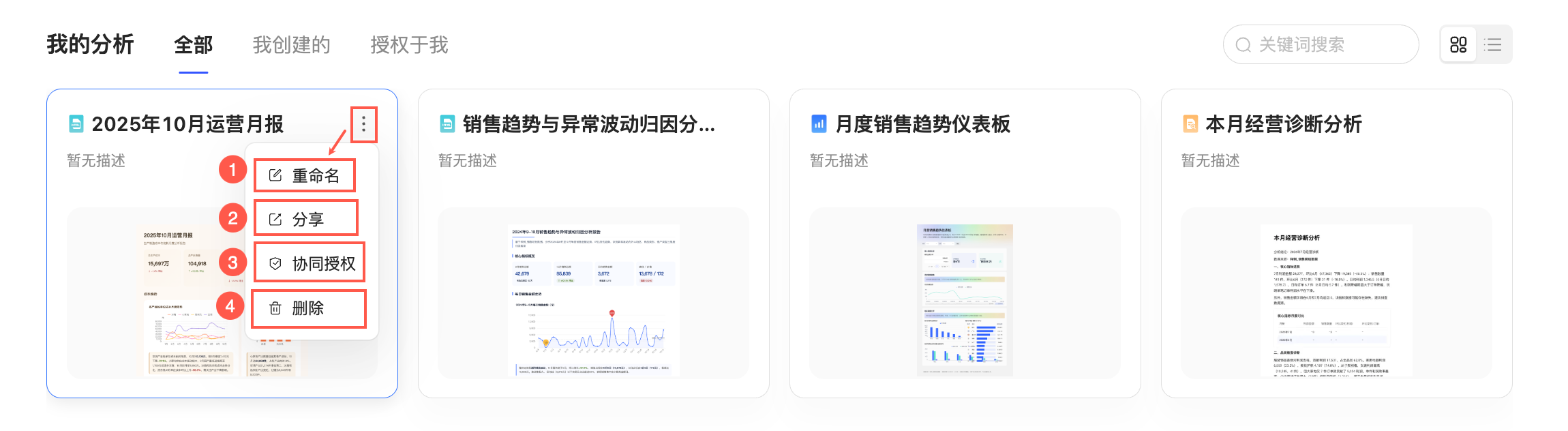
You can perform the following operations on an analysis in My Analysis.
No. | Actions | Description |
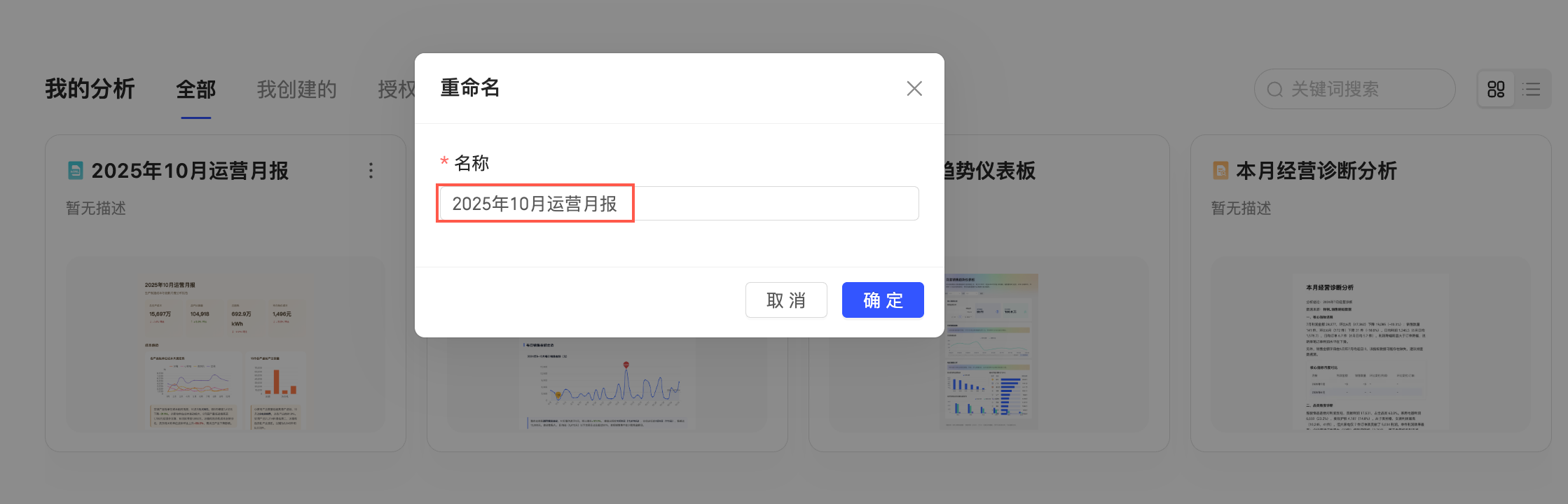
① | Rename | Renames the current analysis.
The new name takes effect after you click OK. |
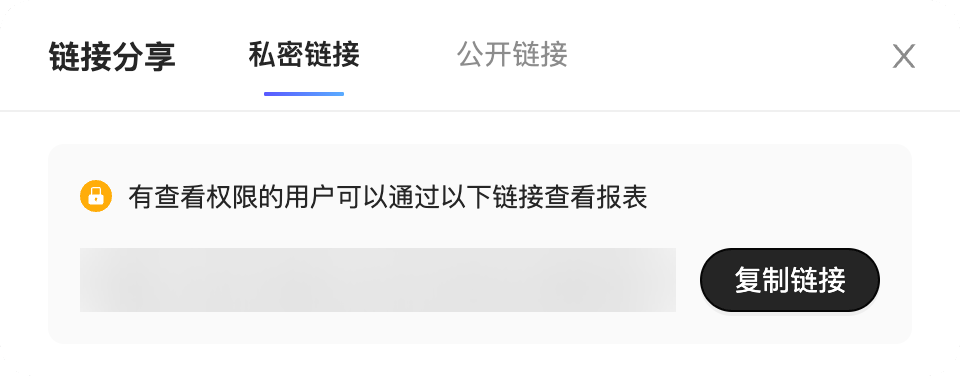
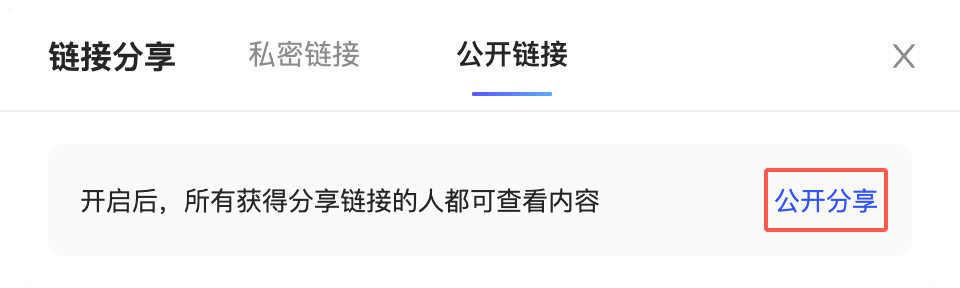
② | Share | Shares the analysis with other users using a private link or a public link.
|
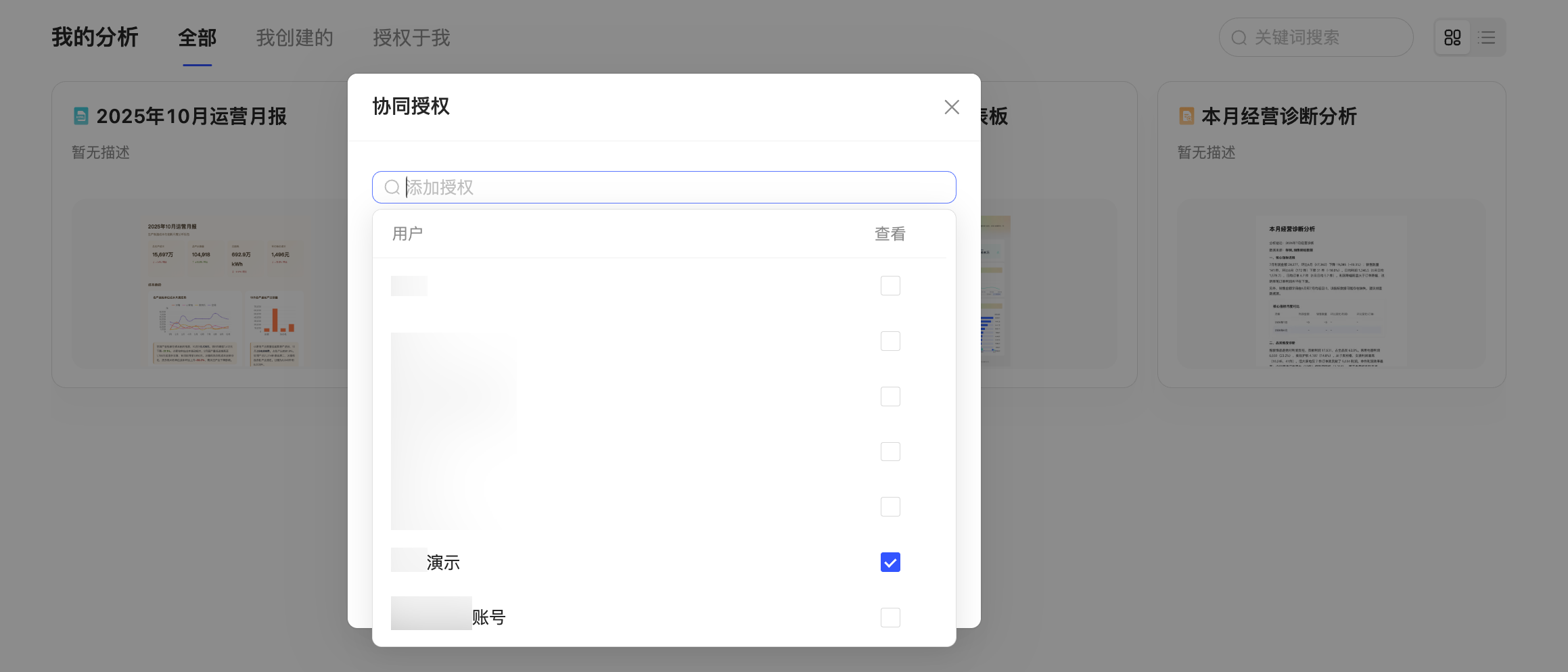
③ | Collaboration authorization | Grants View permission to specified users.
|
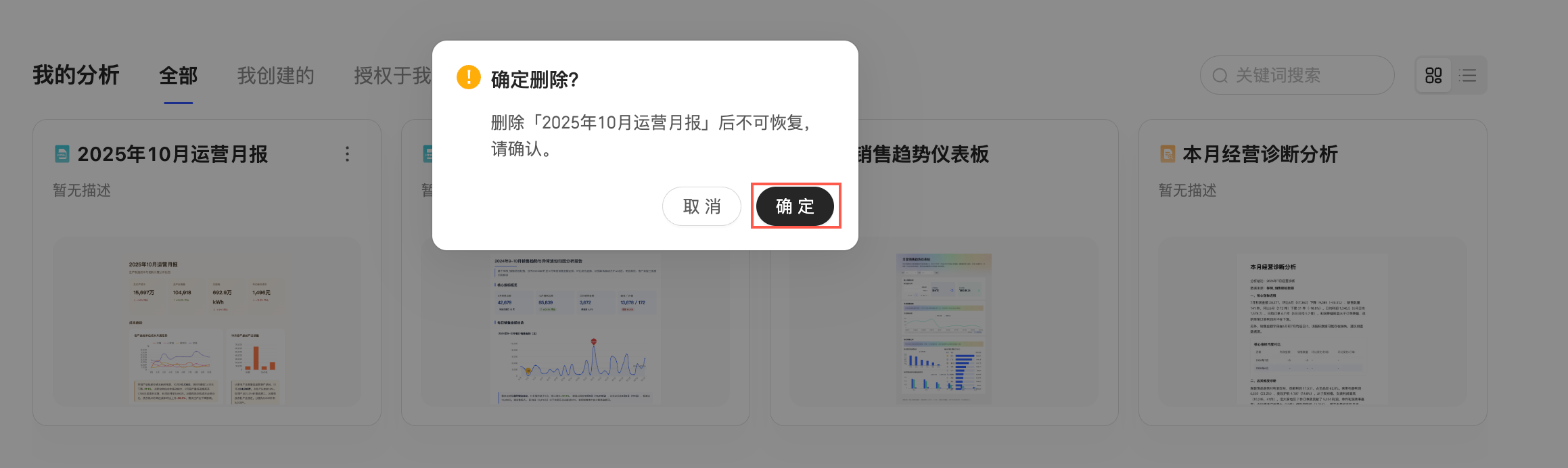
④ | Delete | In the confirmation dialog, click OK to delete the analysis.
|