Logon error for Alibaba Mail web client: Incorrect username, password, or Captcha
Solutions
The error message displayed after you click Log on identifies the cause of the failure. Find your error below and follow the steps to resolve it.
Incorrect username or password — The username and password do not match.
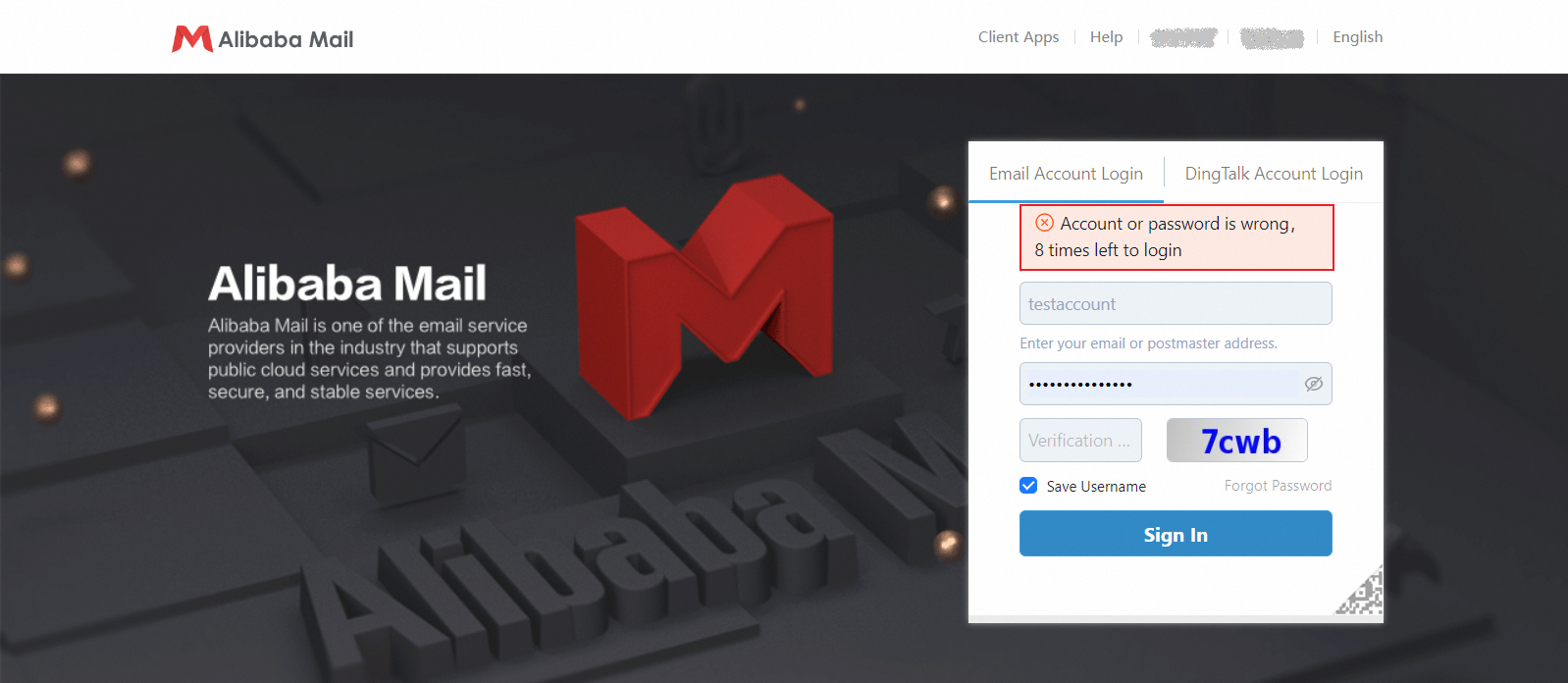
Check the following:
If logon fails for all accounts, your mailbox service has likely expired. Renew the service to continue. If only some accounts fail, proceed with the checks below.
Check that the username is spelled correctly. Copied text can include hidden characters, so type the username manually.
Verify that the password is correct. Check for extra or missing characters and confirm the capitalization is correct.
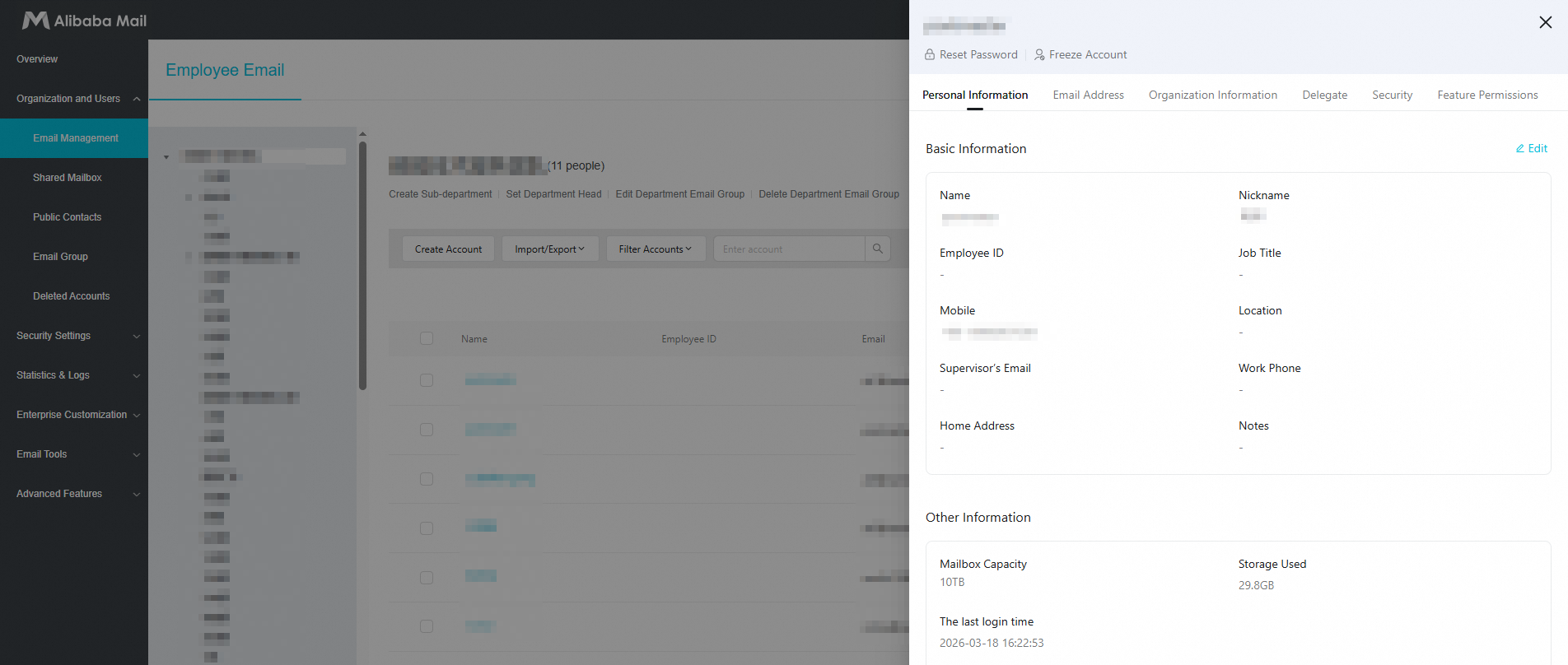
If logon still fails after several attempts, contact your mailbox administrator. The administrator can go to the domain management page, edit your mailbox account, and select Reset Password to set a new password.
Incorrect CAPTCHA — The characters you entered do not match the CAPTCHA image. The system requires a CAPTCHA after three failed password attempts.
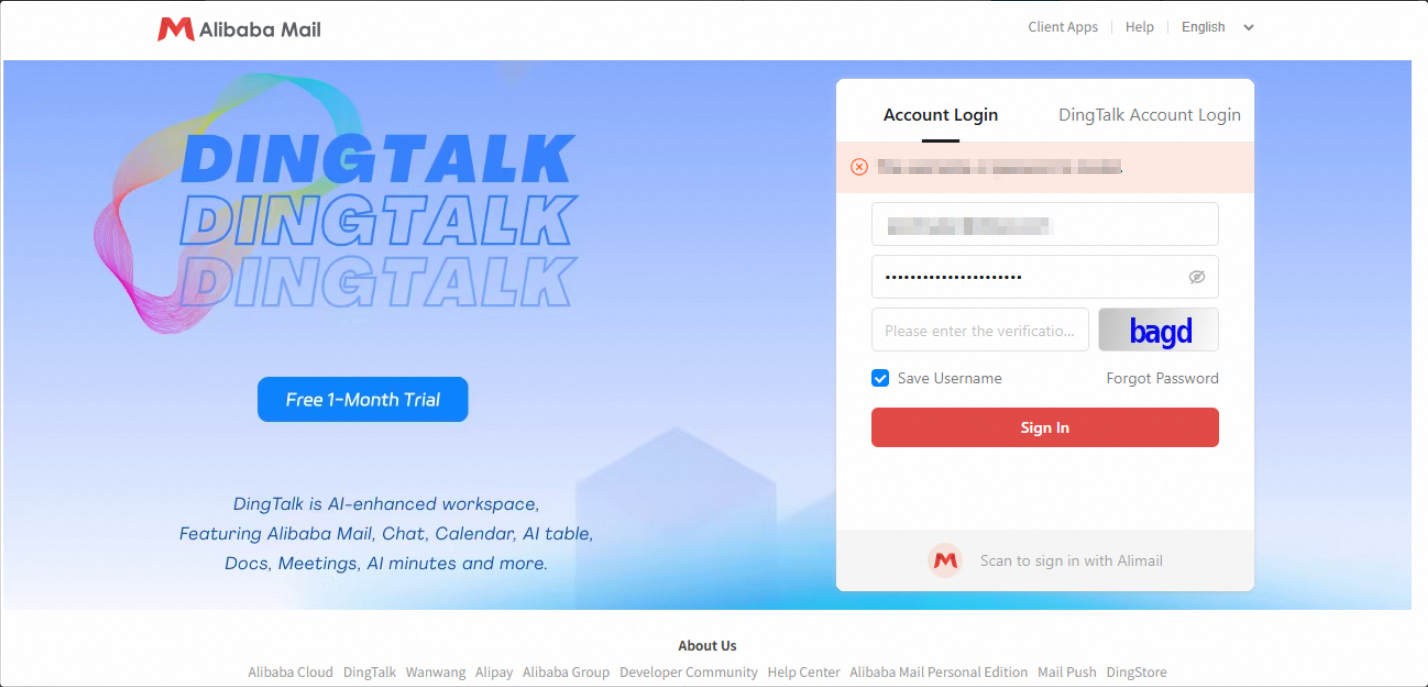
Re-enter the characters. CAPTCHA is case-sensitive, so match the exact capitalization shown in the image. You can also click the CAPTCHA image to refresh it, then enter the new characters.
If the error persists after entering the correct CAPTCHA, your browser cache may be the cause. Press F5 or Ctrl+F5 to refresh the browser, then re-enter the CAPTCHA.