Verify mailbox domain name ownership
This topic describes how to verify the ownership of a mailbox domain name.
Scenarios
You must verify domain name ownership when you request a free mailbox or change your mailbox domain name. Verification is required if the domain name is not associated with the same account as your mail service. This process prevents malicious use of your domain name and ensures you can create your mailbox.
If the domain name is incorrect or if you are using the Domain Name Privacy Protection service, cancel the request.
Verification process
When you request a free Alibaba Mail mailbox:
1. If you select a domain name that is not associated with your account, you must first verify its ownership.
A prompt appears, as shown in the following figure.
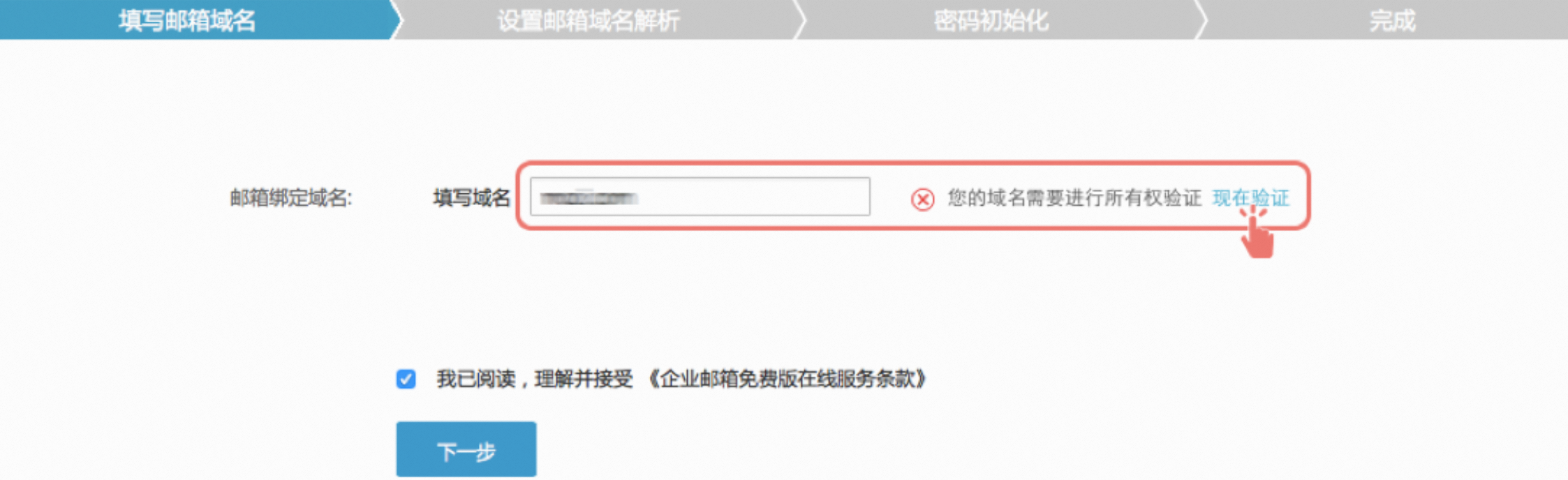
2. The system queries the WHOIS database for the domain owner's email address and sends an ownership verification email to that address.
If the address is correct, click Confirm and Send. The system sends the email to the domain owner for confirmation.
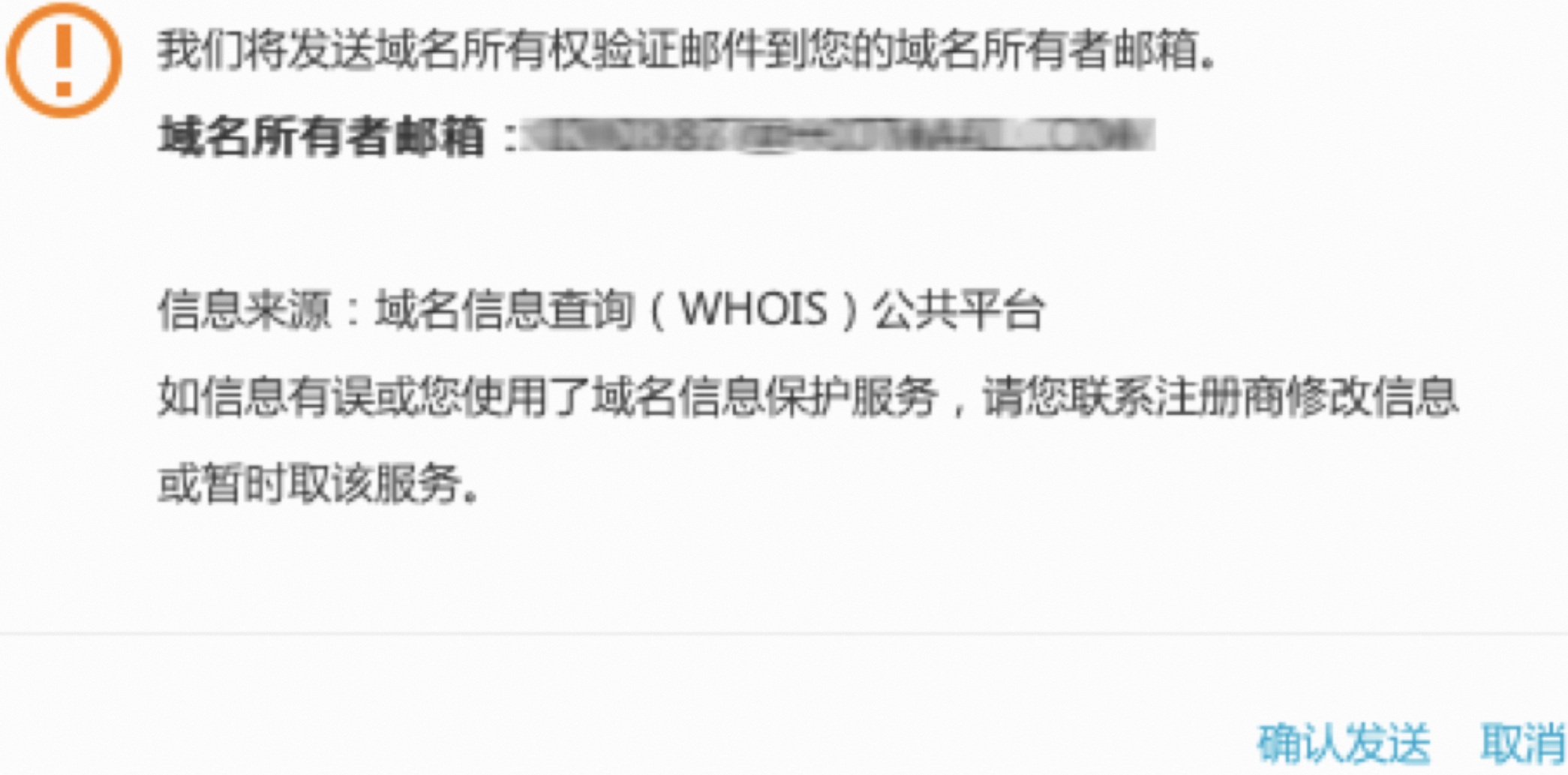
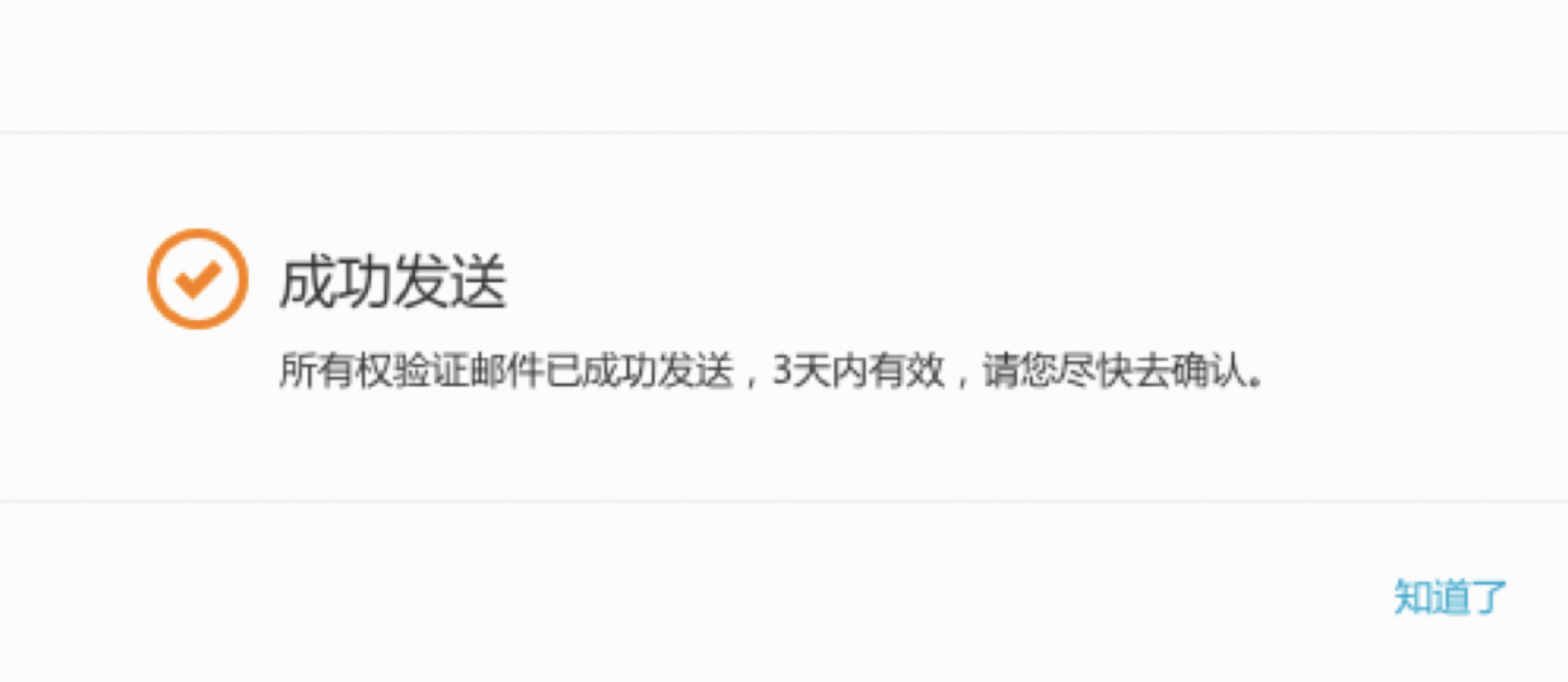
3. After the domain owner receives the email, they can click the confirmation link to authorize the Alibaba Cloud account to use the domain name for the mailbox request.
4. To confirm the authorization, you must be logged on to the Alibaba Cloud account that made the request. If you are logged on to a different account, log on again with the correct one.
5. After successful authentication, you are logged on.
When you change a domain name:
1. The same verification process is also required.
2. The system sends a verification email to the domain owner. The domain owner must click the confirmation link in the email to confirm the change.
3. After the verification is complete, you can finish the operation.