Douyin Marketing Task Management
Updated at:
You can view and manage Douyin marketing tasks on the Douyin Marketing page. To access this page, in the left-side navigation pane, choose Workspace> User Marketing > Reach Marketing > Douyin > Douyin Marketing.
The page displays the task name, content, type, publishing account, sending time, and sending status. 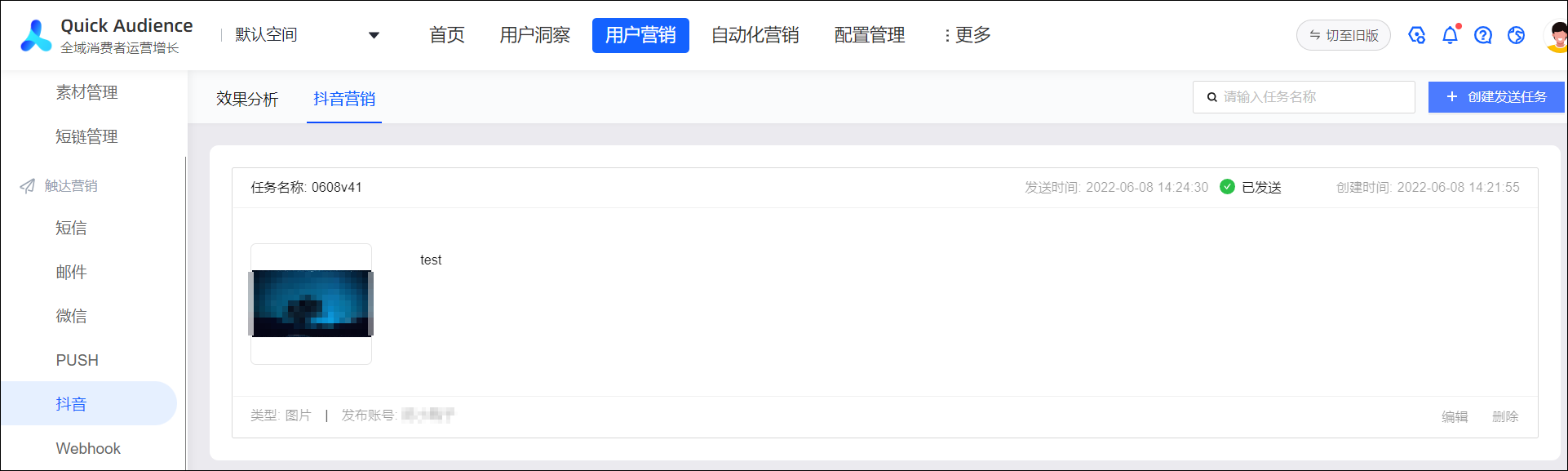
The sending status can be one of the following values:
-
To be sent
-
The command is being run.
-
Sent: Sent successfully
-
Delivery failed.
The following operations are available:
-
Edit: Edit a pending task.
-
Delete: Delete a pending task or a failed task.
Is this page helpful?