Modify the name of a data synchronization task
This topic describes how to modify the name of a data synchronization task.
Limits
Data Transmission Service lets you modify the names of tasks that are in the Not Started, Running, Paused, or Failed state.
You cannot edit the name of a subtask that is created to modify sync objects while the parent data synchronization task is running. For more information about modifying sync objects, see View and modify sync objects and their filter conditions.
Each task name must be unique within your user account.
Procedure
Log on to the OceanBase Management Console .
In the navigation pane on the left, click Data Transmission Service > Data Synchronization.
On the Data Synchronization page, move the pointer over the name of the target task and click the Edit icon that appears.

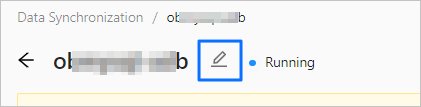
Alternatively, click the name of the target task to open its details page, and then click the Edit icon next to the task name.
In the Edit Task Name dialog box, enter a new task name.

Click OK.