How to quickly search for emails on the web
Search for emails in Alibaba Mail by entering a keyword or applying filters for contacts, folders, attachments, and read status.
Basic search
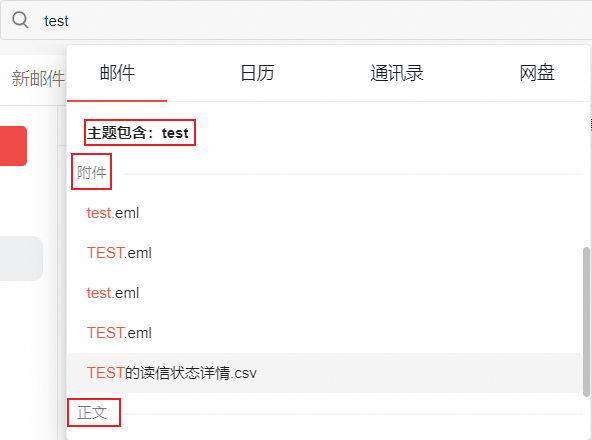
Type a keyword in the search box. The search matches against the email subject, body, and attachments.
Advanced search
To open advanced search, click the search box. The advanced search button appears on the right.

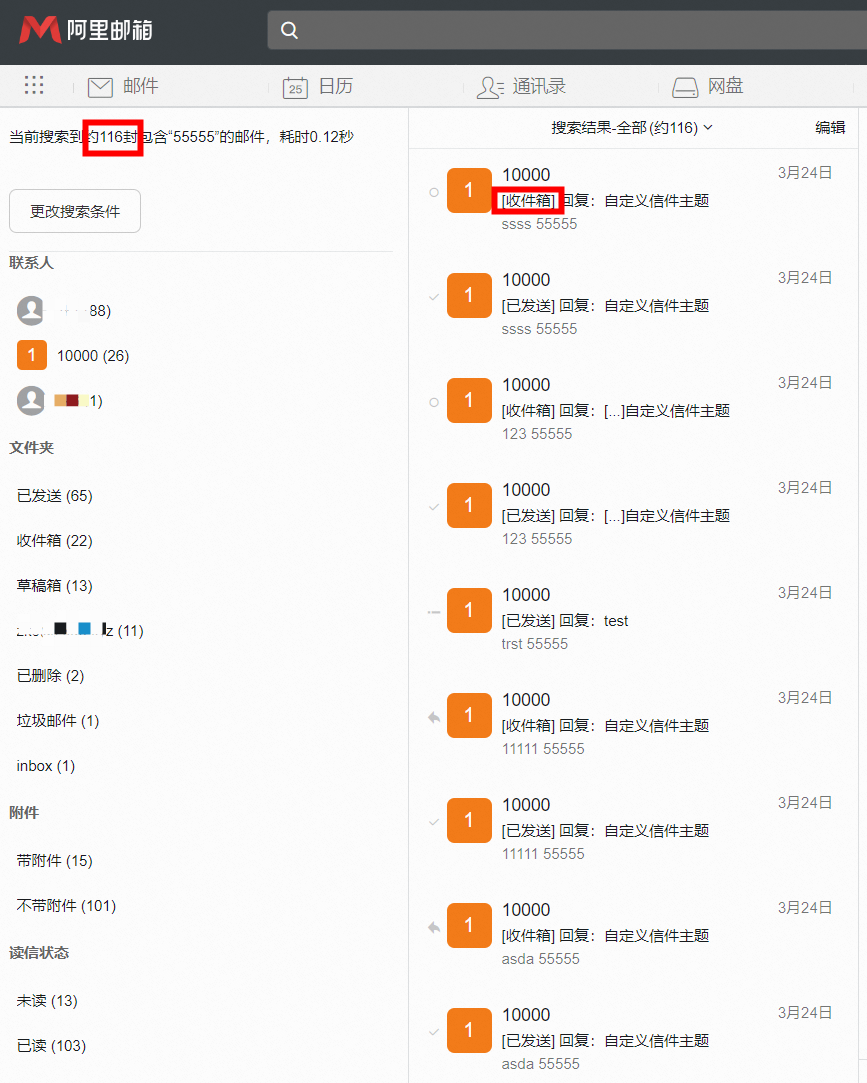
Search results show the number of matching emails, each email's folder location, and whether it has an attachment.
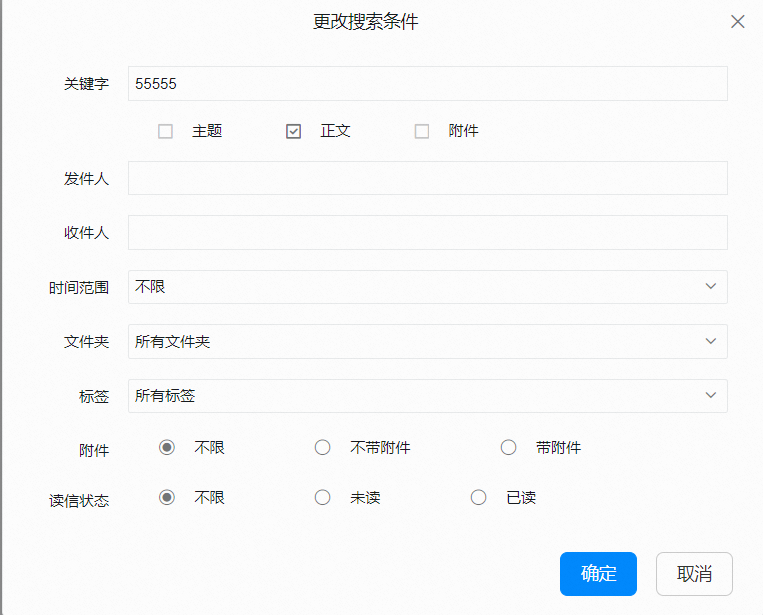
To narrow results, apply one or more filters: contacts, time range, folders, attachments, and read status.
Time range
From the Time range drop-down list, select a preset range (Last 1 day, Last 7 days, Last 30 days, Last 90 days, Last 180 days, or Last 360 days), or select Custom time range to manually set a start date and an end date. After you finish, click Search to filter emails within the specified date range. To find emails from a single day, set the start date and the end date to the same day.
If no results are found, check whether the correct folder is selected, refresh the page, or try a different browser. If a mail rule automatically moves the emails to another folder, check that folder.
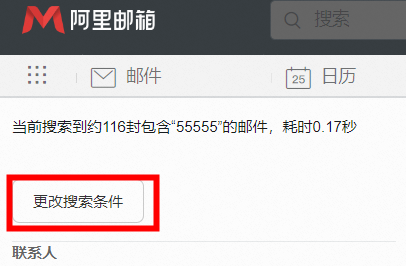
To combine multiple filter conditions, click Change search conditions.