EDAS provides a microservice developer sidebar. Use the sidebar to perform common operations on application nodes, microservice configurations, and services in IntelliJ IDEA. This topic describes how to use the sidebar.
Limits
Only Kubernetes (K8s) applications are supported.
The Alibaba Cloud Toolkit plugin must be version 2023.6.1 or later.
Application nodes
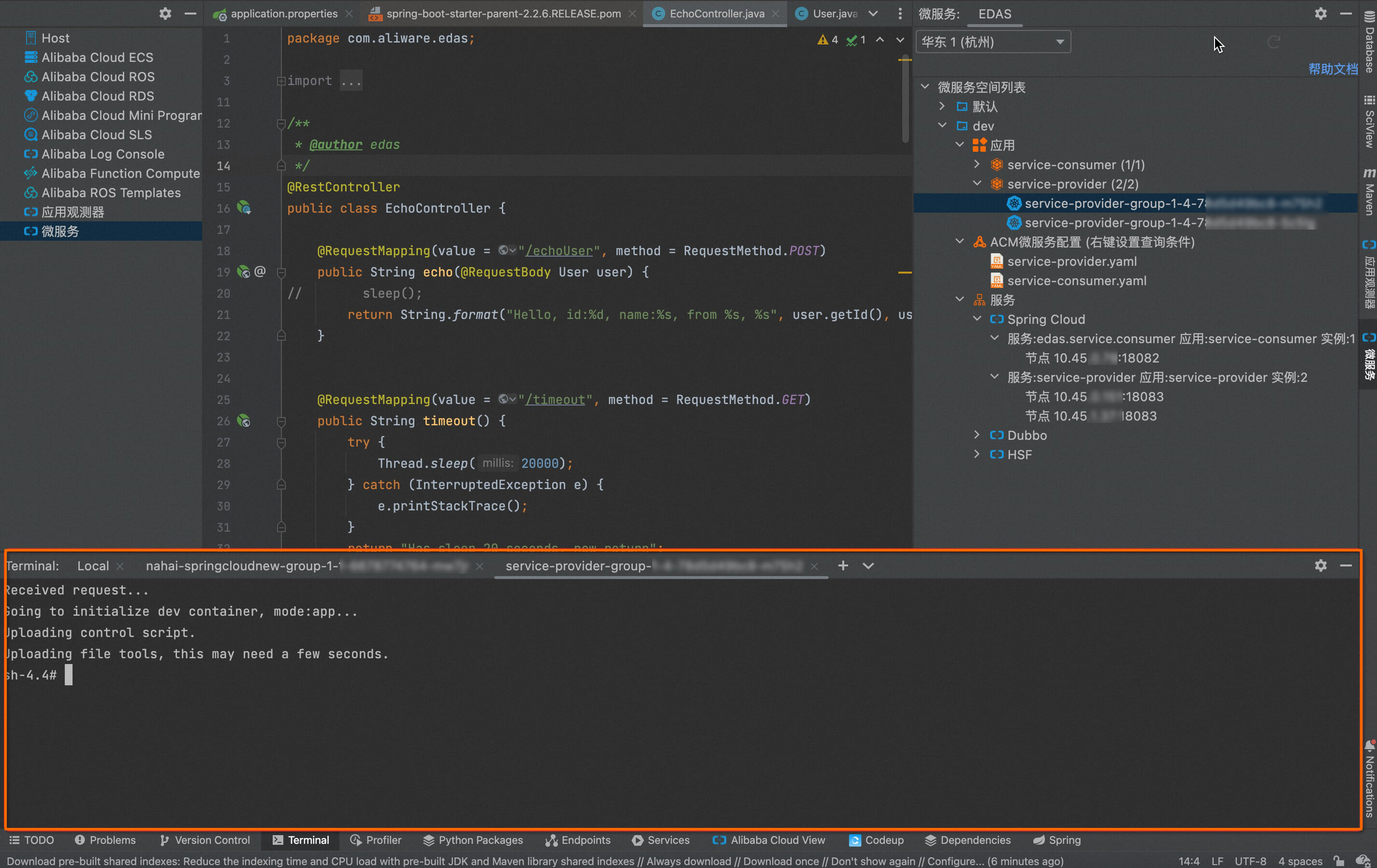
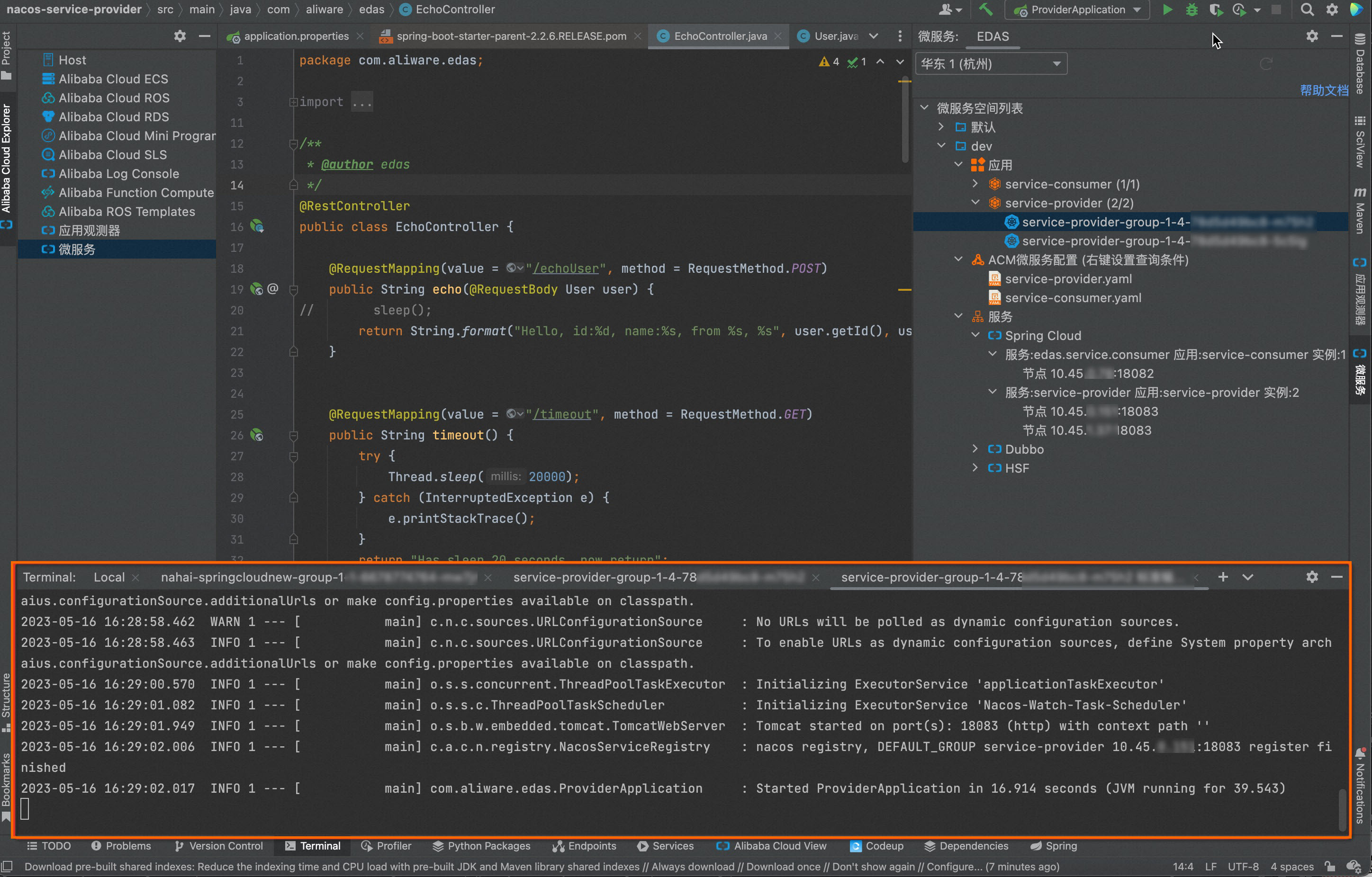
Right-click an instance node to open the pod terminal or view the standard pod output log.
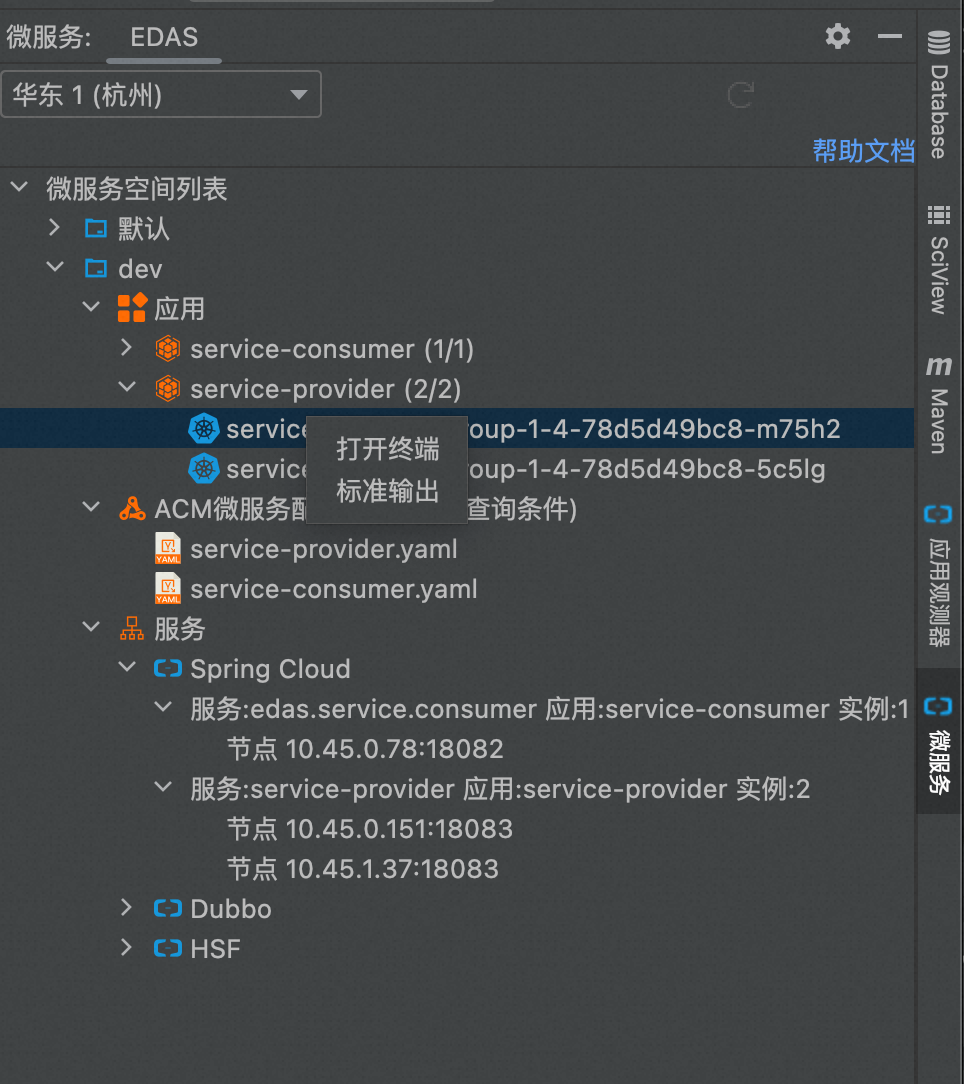
Open the Pod terminal.
The following is the standard output of the pod.
Microservice configuration
Right-click an Application Configuration Management (ACM) or Microservice Engine (MSE) microservice configuration node to query, import, export, edit, and update microservice configurations.
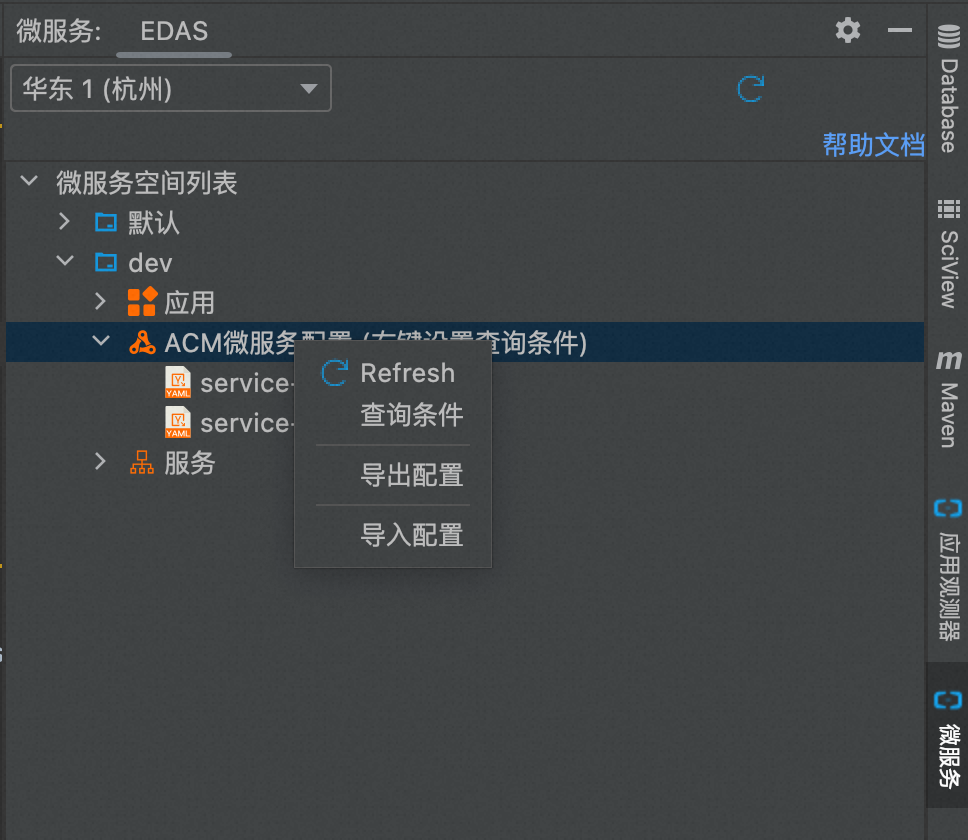
Select and right-click a single configuration to edit, update, or revoke local changes to the microservice configuration.
Services
You can use the sidebar to query registered Spring Cloud, Dubbo, or High-Speed Service Framework (HSF) services.