Query Spring Cloud services
When you deploy Spring Cloud applications in Enterprise Distributed Application Service (EDAS), you need visibility into which services are registered, how many instances are running, and how services call each other. The Service Query page in the EDAS console provides a centralized view of your Spring Cloud services, their instances, and call relationships within a selected namespace.
Prerequisites
Before you begin, make sure that you have:
A Spring Cloud application deployed in EDAS
Outbound TCP access on ports 8442, 8443, and 8883 allowed in your server's security group. For configuration steps, see Add a security group rule
View the service list
Log on to the EDAS console.
In the left-side navigation pane, choose Traffic Management > Microservices Governance > Spring Cloud.
Click Service Query.
In the top navigation bar, select a region, then select a microservices namespace.
The service list displays the following columns:
| Column | Description |
|---|---|
| Service name | The registered name of the Spring Cloud service |
| Application name | The EDAS application that provides the service |
| Instances | The number of instances |
Search and filter services
Enter a keyword in the search box to locate a specific service. Search is case-insensitive and supports the following fields:
| Filter field | Description |
|---|---|
| Service name | Registered service name |
| IP address | Instance IP address. For Elastic Compute Service (ECS) clusters, this is the ECS instance IP. For Kubernetes clusters, this is the pod IP |
| Application name | EDAS application name |
View service details
Log on to the EDAS console.
In the left-side navigation pane, choose Traffic Management > Microservices Governance > Spring Cloud.
Click Service Query.
In the top navigation bar, select a region, then select a microservices namespace.
Click a service name in the list.
The Service Details panel contains three sections:
Basic information
Displays core attributes of the service, such as the service name and registered instances.

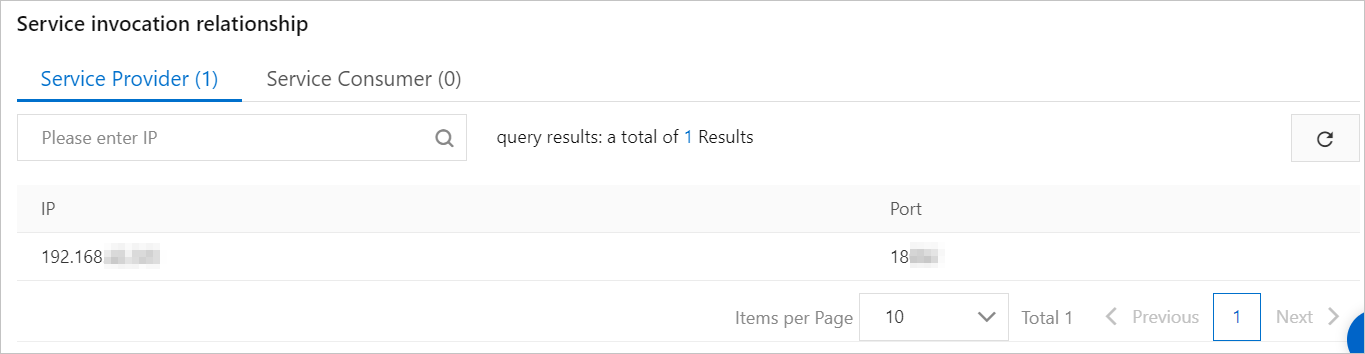
Service call relationship
Shows the Service Providers and Consumers tabs, which list information such as IP and port.
Metadata
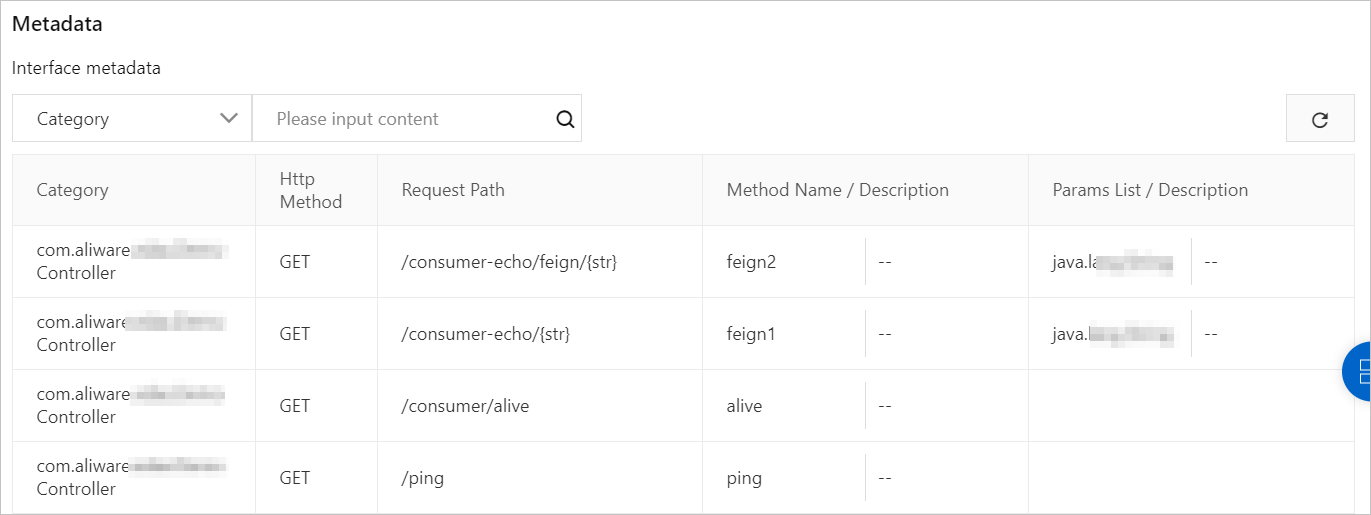
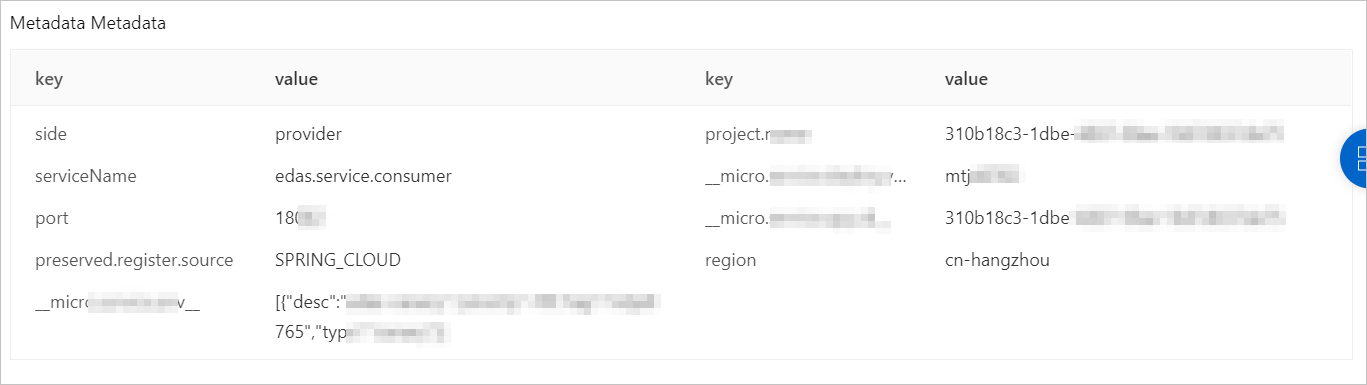
Contains two sub-sections:
Interface Metadata -- the class to which the service belongs, the request method, and the interface of the service
Metadata -- service-level metadata and EDAS-provided metadata for implementing microservice capabilities
Version differences
You can switch between the old and new versions of the Service Query page. The version you use determines which registries and Spring Cloud releases are supported.
| Capability | New version | Old version |
|---|---|---|
| Query method | EDAS Agent | -- |
| Supported registries | EDAS registry, Microservices Engine (MSE)-hosted registry, and self-managed registries (ZooKeeper, Nacos, Eureka, Consul) | EDAS registry only |
| Supported Spring Cloud releases | Edgware and later | Dalston and later |
Troubleshooting
If services appear on the old Service Query page but not on the new one, check the following:
Restart your applications. The new version was released at 00:00:00 on January 20, 2020. Applications started before this date need to be restarted so that the EDAS Agent is installed automatically.
Verify the Spring Cloud release. The new version requires Spring Cloud Edgware or later. See Version differences for supported releases.