Cache Deception Defense
Cache Deception Defense verifies that the response content type from the origin server matches the file extension in the request URL before caching. Enable this feature to prevent web cache deception attacks from exposing sensitive, user-specific content through your cache.
What is web cache deception
Web cache deception is an attack in which an attacker tricks a caching system into storing sensitive, user-specific content that should not be cached. The attacker then retrieves the cached content to access another user's private data, leading to information disclosure or security vulnerabilities.
Web caching mechanism
Web caching speeds up content delivery and reduces origin server load. When you use an edge security acceleration service such as ESA, edge nodes decide whether to cache client-requested resources (such as CSS, JavaScript, images, and other static or public files) based on preconfigured cache rules. After a resource is cached, subsequent requests for the same resource from the same region are served {{conref:t2595484.xdita#5ee251e92catc}} directly from the edge node, eliminating the need to fetch it from the origin server. This significantly reduces response time and improves user experience.
Attack principle
In a web cache deception attack, an attacker crafts a request URL that appears to reference a static, cacheable resource. For example, the attacker appends a static file extension such as .css or .jpg to a URL that serves dynamic, user-specific content. The attacker then tricks an authenticated user (the victim) into visiting the crafted URL. If the caching configuration does not verify that the actual content type matches the file extension, the cache stores the response, which contains the victim's private data. The attacker then requests the same URL to retrieve the cached sensitive information.
For example:
-
An attacker crafts the URL
http://www.example.com/profile/account.cssand tricks a victim into visiting it while the victim is authenticated. -
The origin server returns the victim's account page content with
content-type: text/html. -
The cache, relying on the
.cssextension, incorrectly stores the response. -
The attacker requests the same URL and retrieves the cached page, which contains the victim's private data.
How cache deception defense works
When you enable Cache Deception Defense, {{conref:t2595484.xdita#f46372e2f3dct}} checks whether the content type implied by the file extension in the request URL matches the actual content type in the origin server's response. If they do not match, {{conref:t2595484.xdita#f46372e2f3dct}} does not cache the resource.
For example, a client requests http://www.example.com/index.html:
-
If the origin server responds with
content-type: text/html, the content type matches the expected type for a.htmlextension. {{conref:t2595484.xdita#f46372e2f3dct}} caches the resource. -
If the origin server responds with
content-type: text/plain, the content type does not match the expected type for a.htmlextension. {{conref:t2595484.xdita#f46372e2f3dct}} does not cache the resource.
Enable cache deception defense
-
{{conref:t2595484.xdita#dbbf36a00784t}}
-
{{conref:t2595484.xdita#ce4a3df276ujj}}
-
{{conref:t2595484.xdita#09b3526eddj46}}
-
{{conref:t2595484.xdita#0b8b4a60bb8ll}}
-
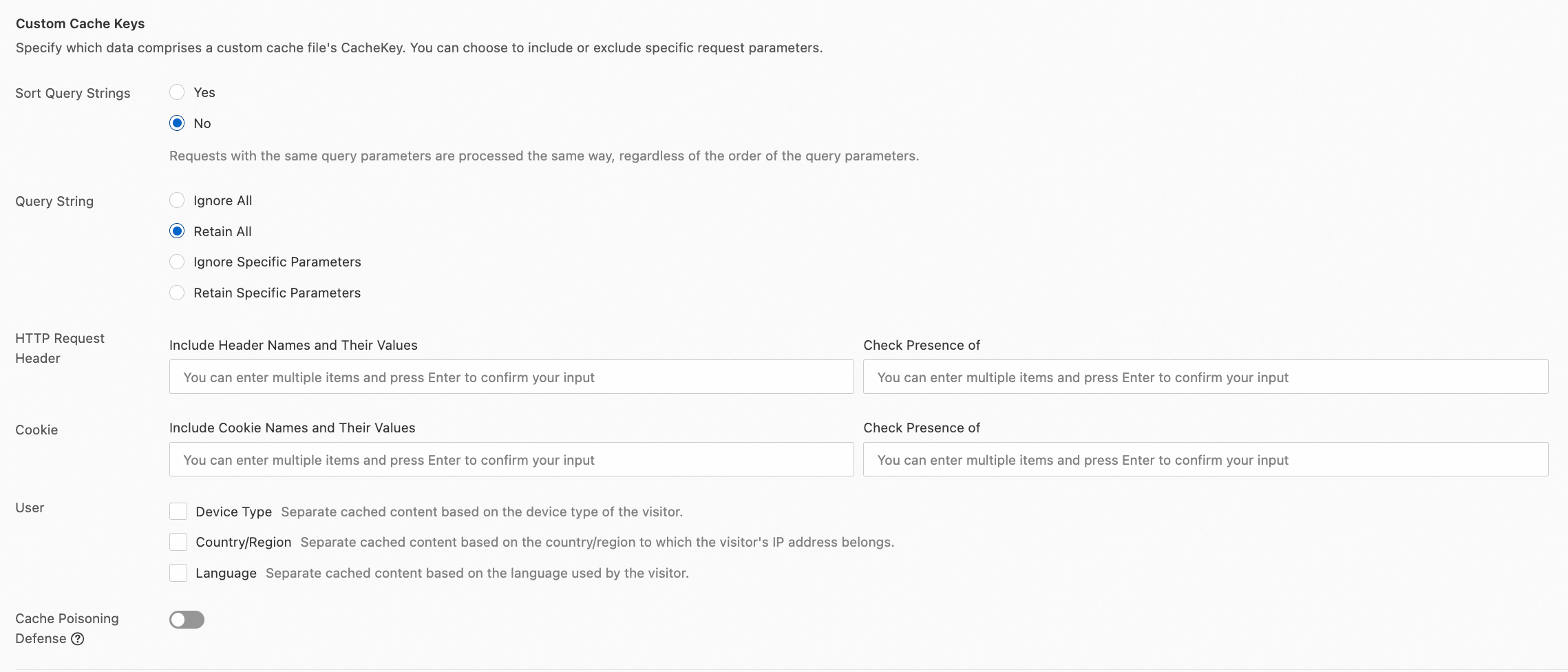
In the Custom Cache Keys section, click Configure to enable the Cache Deception Defense toggle.