User task nodes and interruptible integration flows
The Mobi platform offers powerful user task nodes and interruptible integration flows. These features make your flows more flexible and adaptable to handle complex business scenarios. This document explains how to use user task nodes and interruptible integration flows.
What are user task nodes and interruptible integration flows
A user task is a step in an automated flow that requires manual action. An interruptible integration flow can pause or stop at a specific step or state. This pause allows for checks, modifications, or waiting for external events to complete. In the Mobi low-code development platform, you can combine user task nodes with interruptible integration flows. This combination lets you create flexible and scalable automated integration flows that include manual steps to meet various business needs.
User task node
Configuration panel
Node type: Select
User Task.Context: Defines the content of the task.
Approver: Assign the user task node to a specific user or user group. You can select multiple users or groups.
Timeout settings: Sets a validity period for the user task node. The task expires after this period, and no further operations can be performed. The time unit is days.
Interruptible integration flow
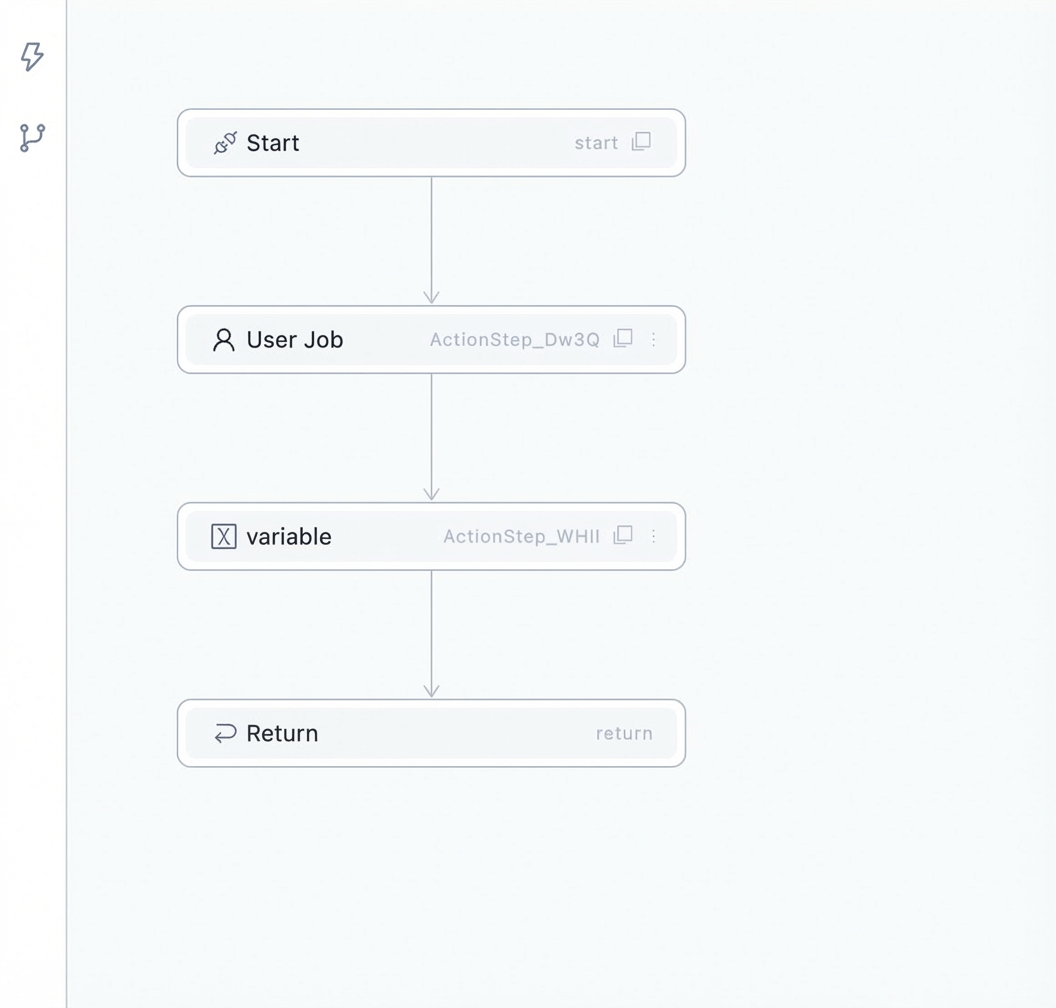
An integration flow that contains a user task node is an interruptible integration flow. This type of flow can pause or stop at a user task node.
The following figure is a state transition flowchart for an interruptible integration flow:

The integration flow pauses when it reaches a user task node, and the node's state changes to Pending. When an external event occurs, such as submitting or canceling the user task, the integration flow's state changes to Completed. When a cancel integration flow event occurs, the flow's state changes to Canceled. If the flow encounters an error during execution, its state changes to Error.