Human instance segmentation
Human instance segmentation identifies different human objects in an image and describes each object with a pixel-level mask.
Important
- This document applies only to the China (Beijing) region. You must use an API key from this region.
- The image-instance-segmentation model is available only as a free trial. Once the free quota is used, you can no longer call the model.
Introduction
Human instance segmentation uses detection and segmentation technologies to identify different human objects in an image and accurately outline each object with a pixel-level mask.
You can use the Image erase completion API operation to perform AI-powered human removal. To remove one or more people, select their complete mask area.
Scenarios
- Portrait matting: Human segmentation separates the main human subject from the background. This lets you blur the background to create a large-aperture, shallow depth of field effect, which makes the human subject stand out.
- ID photo creation: You can upload or take a casual photo of multiple people. The model precisely segments each person. Combined with the erasing and inpainting capabilities, you can create an ID photo of a single person.
- Marketing advertisement creation: You can segment product images or people from specific scenarios to separate unwanted foreground or background elements from the original image.
Features and benefits
- Adaptability to complex backgrounds: The model can accurately segment a person from a complex background.
- Enterprise-level platform service: The service provides stable responses during periods of high concurrency and heavy traffic. It offers a simple inference API operation that you can call directly.
Model overview
| Model name | Free quota(View) | Billing unit price | Throttling (including Alibaba Cloud accounts and RAM users) | |
| QPS limit for the task submission API | Number of tasks in simultaneous processing | |||
image-instance-segmentation | 500 images | For free trial only.
| 2 | 1 |
Getting started
Image input limits:
- Image resolution: The image height and width must be between 512 and 4,096 pixels.
- Image format: JPEG, PNG, JPG, BMP, or WEBP.
- Image size: No more than 10 MB.
- The URL cannot contain Chinese characters.
Input image | Output 1: Pixel-level mask image | Output 2: Visualization image |
|
|
|
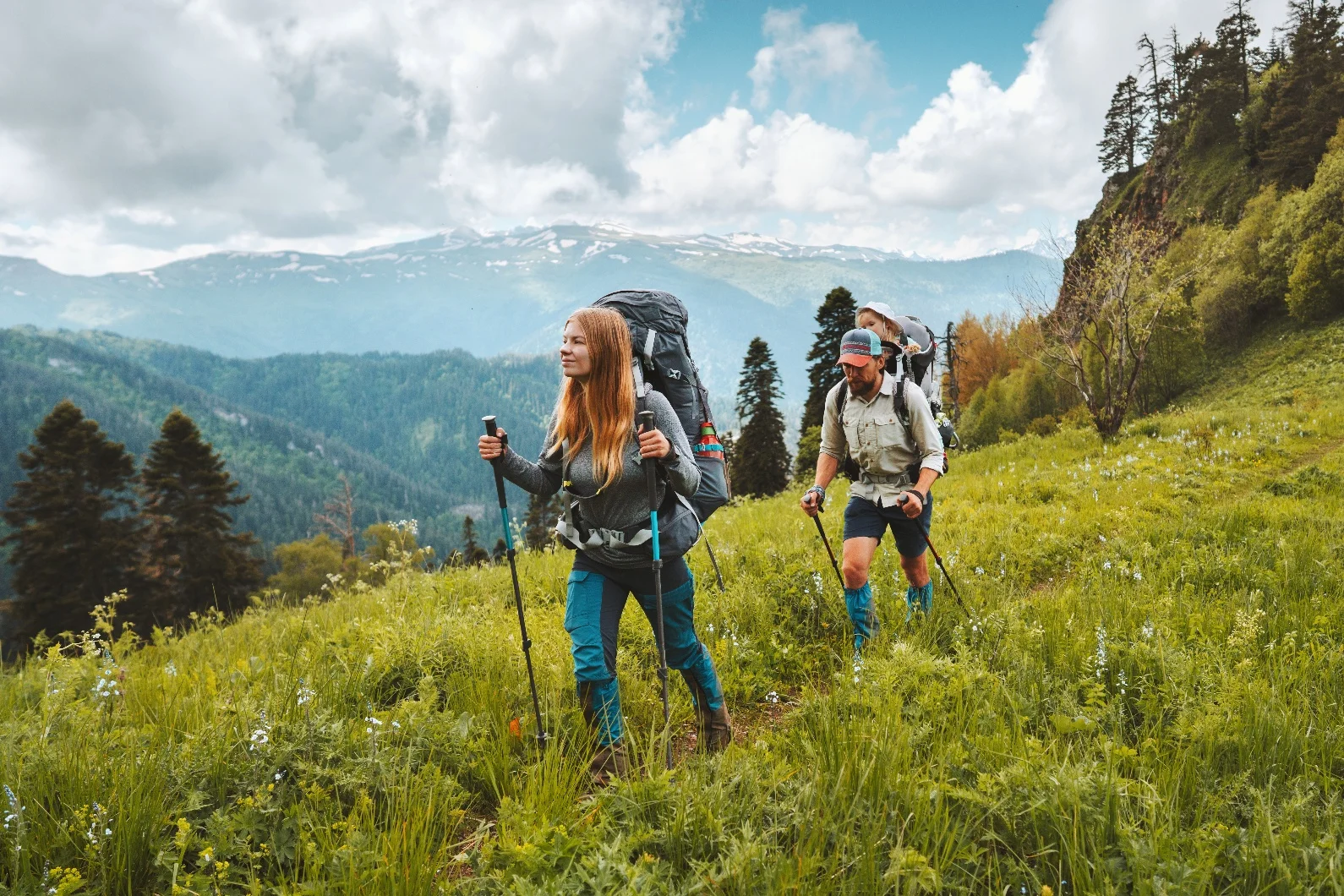
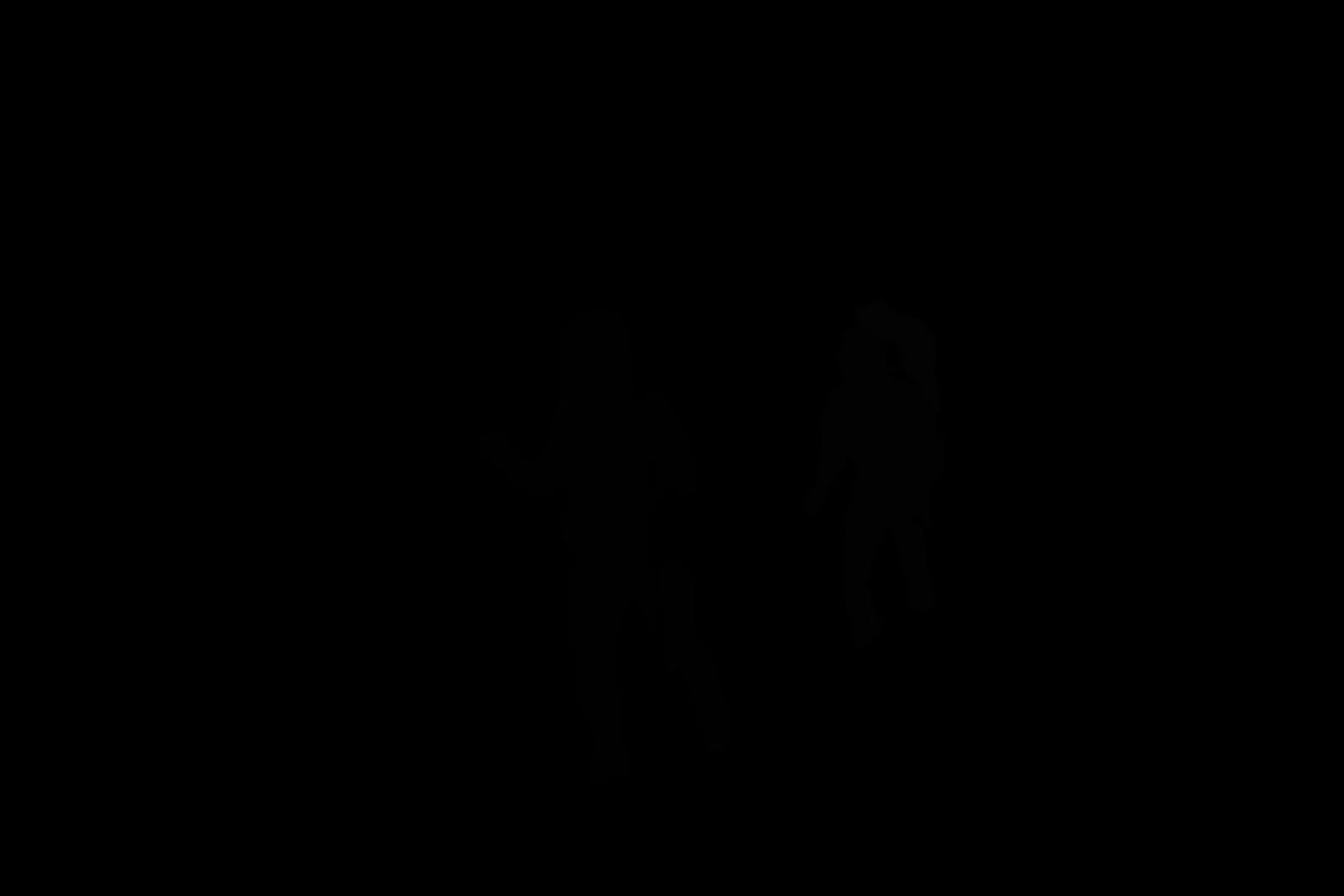
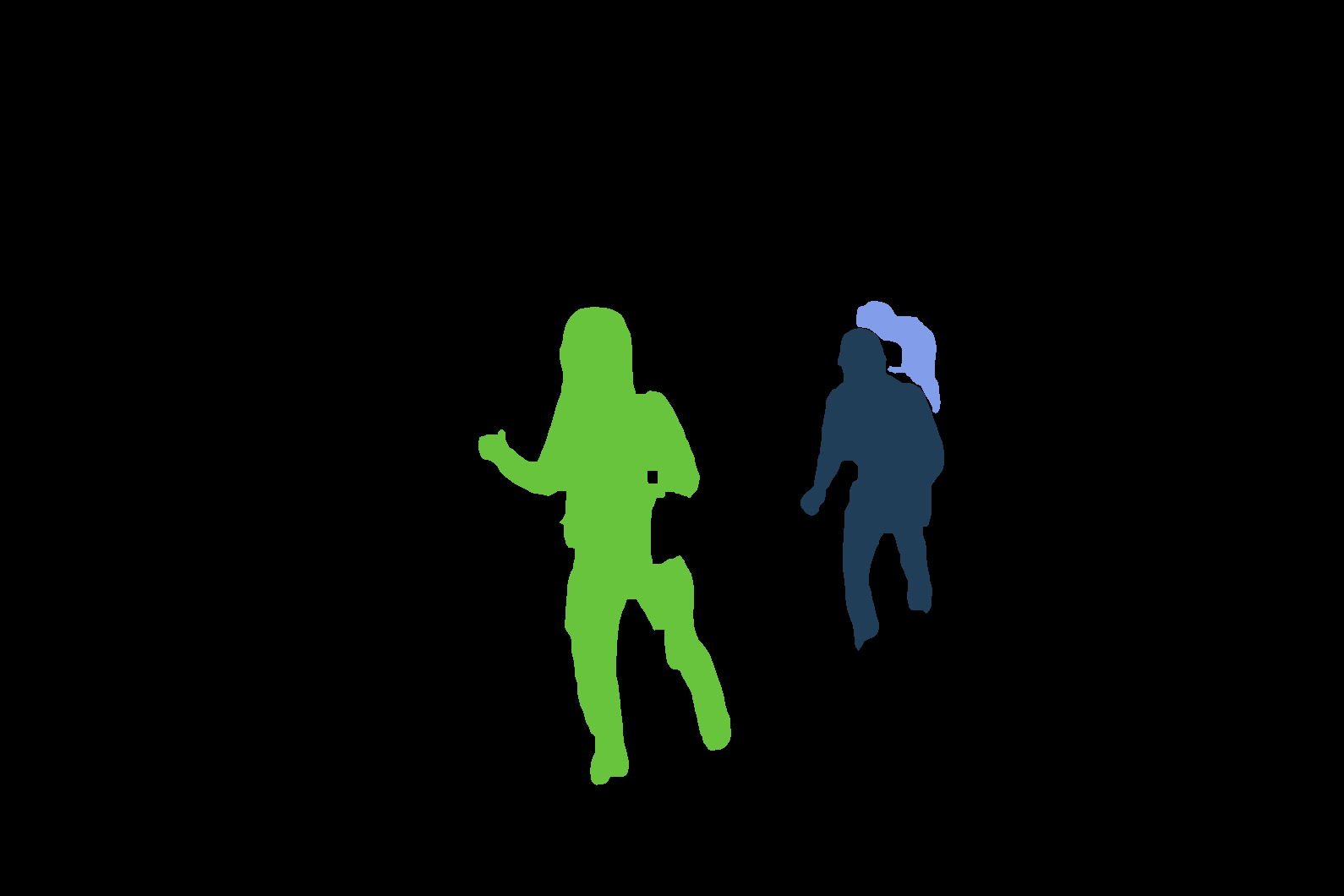
Because the model requires a long processing time, the sample code demonstrates how to use asynchronous calls to prevent request timeouts.
Obtain an API key and export the API key as an environment variable.
Replace {WorkspaceId} with your actual workspace ID.
curl
1. Create a human instance segmentation taskThe API returns a task ID. You can use this ID to query the image generation result.
# China (Beijing) region. Replace {WorkspaceId} with your Bailian workspace ID. URLs vary by region.
curl --location --request POST 'https://{WorkspaceId}.cn-beijing.maas.aliyuncs.com/api/v1/services/aigc/image2image/image-synthesis' \
--header 'X-DashScope-Async: enable' \
--header "Authorization: Bearer $DASHSCOPE_API_KEY" \
--header 'Content-Type: application/json' \
--data-raw '{
    "model": "image-instance-segmentation",
    "input": {
        "image_url": "https://help-static-aliyun-doc.aliyuncs.com/assets/img/zh-CN/0184161571/p841095.png"
    },
    "parameters": {}
}'
# China (Beijing) region. Replace {WorkspaceId} with your Bailian workspace ID. URLs vary by region.
curl -X GET https://{WorkspaceId}.cn-beijing.maas.aliyuncs.com/api/v1/tasks/{your_task_id} \
     -H "Authorization: Bearer $DASHSCOPE_API_KEY" \
API reference
For more information about the API input and response parameters, see Human instance segmentation.