Wanxiang - Image-to-Video - Video Effects
A video effect template is a preset for video generation effects. Provide a first-frame image and a template value to generate a video with a specific dynamic effect -- such as "Magic Levitation" or "Squeeze". This feature is suitable for social media, marketing promotions, and interactive entertainment.
The video effects list is supported only in Image-to-Video based on the first frame and Image-to-Video based on the first and last frames.
Usage
Video effects work differently from image-to-video. Follow these rules:
- Only one first-frame image required: Whether you use a model based on the first frame or based on the first and last frames, you only need to provide one first-frame image.
- No prompt required: In effect mode, the model ignores the prompt field. It is recommended that you do not pass this parameter and focus on selecting a visual effect.
- Select one template: Choose a dynamic effect from the effects list by using the
templateparameter. The model will generate the specified dynamic effect based on the template.
NoteDifferent models support different effect templates. Make sure to refer to Effects list - first frame to video and Effects list - first and last frame to video to ensure that the template value you use matches the model.
| Input first frame | Input prompt | Input template | Output video |
|---|---|---|---|
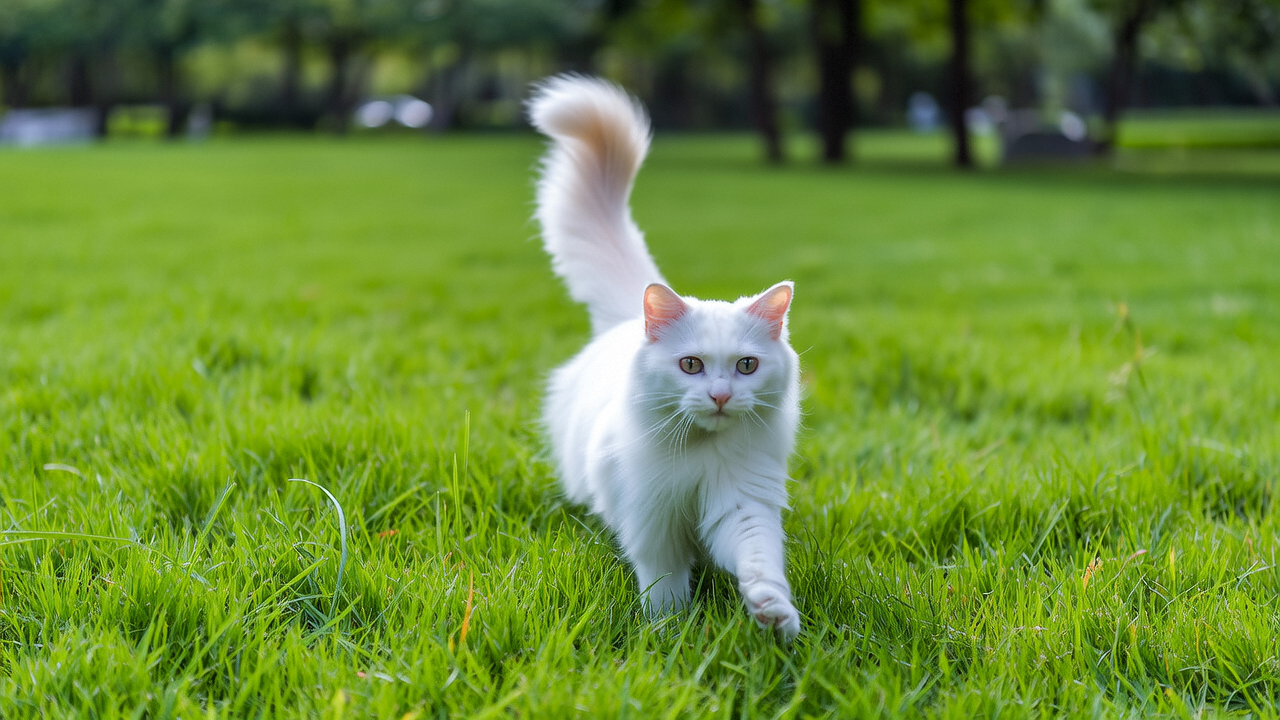 | Not required | flying
|
| Input first frame | Input last frame | Input prompt | Input template | Output video |
|---|---|---|---|---|
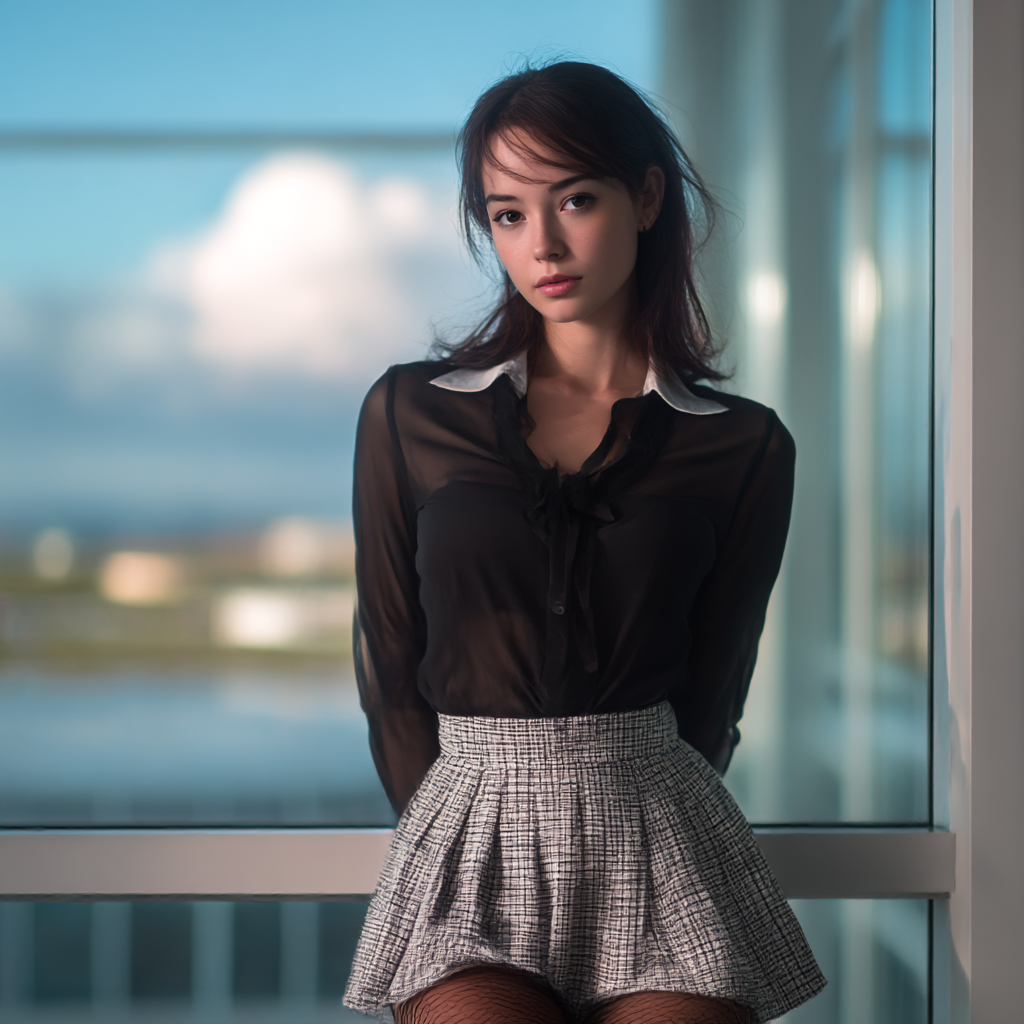 | Not required | Not required | hanfu-1
|
Image-to-Video based on the first frame
First-frame effect: Generate an effect video from a first-frame image.
# The URL below is for the China (Beijing) region. Replace {WorkspaceId} with your actual workspace ID. URLs vary by region.
curl --location 'https://{WorkspaceId}.cn-beijing.maas.aliyuncs.com/api/v1/services/aigc/video-generation/video-synthesis' \
    -H 'X-DashScope-Async: enable' \
    -H "Authorization: Bearer $DASHSCOPE_API_KEY" \
    -H 'Content-Type: application/json' \
    -d '{
    "model": "wanx2.1-i2v-turbo",
    "input": {
        "img_url": "https://cdn.translate.alibaba.com/r/wanx-demo-1.png",
        "template": "flying"
    },
    "parameters": {
        "resolution": "720P"
    }
}'
For the complete code, see Image-to-Video based on the first frame.
Python SDK
import dashscope
import os
from dashscope.v2 import DashScopeError

# If you have not configured environment variables, replace the following line with your API Key: api_key="sk-xxx"
# Get API Key: https://help.aliyun.com/en/model-studio/get-api-key
client = dashscope.Client(api_key=os.getenv("DASHSCOPE_API_KEY"))

def sample_async_call():
    # Submit video generation task asynchronously
    # template (the video effect template) is an input-section field, not in the named signature; pass it through extra_input.
    try:
        job = client.videos.jobs.create(model='wanx2.1-i2v-turbo',
                                        image_url='https://cdn.translate.alibaba.com/r/wanx-demo-1.png',
                                        extra_input={'template': 'flying'},
                                        resolution='720P')
        print(job)
        print("task_id: %s" % job.task_id)
    except DashScopeError as e:
        print(f"HTTP status code: {e.status_code}")
        print(f"Error code: {e.code}")
        print(f"Error message: {e.message}")
        print("See the documentation: https://help.aliyun.com/en/model-studio/developer-reference/error-code")
        return

    # Query task status
    try:
        snapshot = client.videos.jobs.fetch(job.task_id)
        print(snapshot.status)
    except DashScopeError as e:
        print(f"HTTP status code: {e.status_code}")
        print(f"Error code: {e.code}")
        print(f"Error message: {e.message}")
        print("See the documentation: https://help.aliyun.com/en/model-studio/developer-reference/error-code")

    # Wait for task to complete (exponential backoff polling, default total budget of 24 hours)
    try:
        done = client.videos.jobs.wait(job)
        print(done)
        print(done.video_url)
    except DashScopeError as e:
        print(f"HTTP status code: {e.status_code}")
        print(f"Error code: {e.code}")
        print(f"Error message: {e.message}")
        print("See the documentation: https://help.aliyun.com/en/model-studio/developer-reference/error-code")

if __name__ == '__main__':
    sample_async_call()
Image-to-Video based on the first and last frames
First and last frame effect: You only need to provide one first-frame image; no last-frame image is required to generate a video effect.
- If you provide first_frame_url, last_frame_url, and template at the same time, last_frame_url will be ignored.
- If you provide only last_frame_url and template, the request will fail.
# The URL below is for the China (Beijing) region. Replace {WorkspaceId} with your actual workspace ID. URLs vary by region.
curl --location 'https://{WorkspaceId}.cn-beijing.maas.aliyuncs.com/api/v1/services/aigc/image2video/video-synthesis' \
    -H 'X-DashScope-Async: enable' \
    -H "Authorization: Bearer $DASHSCOPE_API_KEY" \
    -H 'Content-Type: application/json' \
    -d '{
    "model": "wanx2.1-kf2v-plus",
    "input": {
        "first_frame_url": "https://ty-yuanfang.oss-cn-hangzhou.aliyuncs.com/lizhengjia.lzj/tmp/11.png",
        "template": "hanfu-1"
    },
    "parameters": {
        "resolution": "720P",
        "prompt_extend": true
    }
}'
For the complete code, see Image-to-Video based on the first and last frames.
Effects list - first frame to video
For how to use video effects, see Usage.
Video effects depend on the template and the input image. For best results, preview the template examples first, refer to their "Input image suggestions", and then try your own images.
General effects
| Effect name | template parameter value | Example effect | Supported models | Input image suggestions |
|---|---|---|---|---|
Squeeze | squish | wanx2.1-i2v-plus wanx2.1-i2v-turbo |
| |
Spin | rotation | wanx2.1-i2v-plus wanx2.1-i2v-turbo |
| |
Poke | poke | wanx2.1-i2v-plus wanx2.1-i2v-turbo |
| |
Balloon Inflation | inflate | wanx2.1-i2v-plus wanx2.1-i2v-turbo |
| |
Molecular Diffusion | dissolve | wanx2.1-i2v-plus wanx2.1-i2v-turbo |
| |
Heat Wave Melt | melt | wanx2.1-i2v-plus |
| |
Ice Cream Planet | icecream | wanx2.1-i2v-plus |
|
Single-person effects
| Effect name | template parameter value | Example effect | Supported models | Input image suggestions |
|---|---|---|---|---|
Carousel | carousel | wanx2.1-i2v-plus wanx2.1-i2v-turbo |
| |
Love You | singleheart | wanx2.1-i2v-plus wanx2.1-i2v-turbo |
| |
Swing Time | dance1 | wanx2.1-i2v-plus |
| |
Swing Dance | dance2 | wanx2.1-i2v-plus |
| |
Star Swing | dance3 | wanx2.1-i2v-plus |
| |
Finger Rhythm | dance4 | wanx2.1-i2v-plus |
| |
Dance Switch | dance5 | wanx2.1-i2v-plus |
| |
Mermaid Awakening | mermaid | wanx2.1-i2v-plus |
| |
Academic Coronation | graduation | wanx2.1-i2v-plus |
| |
Beast Pursuit | dragon | wanx2.1-i2v-plus |
| |
Money from Heaven | money | wanx2.1-i2v-plus |
| |
Jellyfish Rendezvous | jellyfish | wanx2.1-i2v-plus |
| |
Pupil Journey | pupil | wanx2.1-i2v-plus |
|
Single-person or animal effects
| Effect name | template parameter value | Example effect | Supported models | Input image suggestions |
|---|---|---|---|---|
Magic Levitation | flying | wanx2.1-i2v-plus wanx2.1-i2v-turbo |
| |
Rose for You | rose | wanx2.1-i2v-plus wanx2.1-i2v-turbo |
| |
Shining Rose | crystalrose | wanx2.1-i2v-plus wanx2.1-i2v-turbo |
|
Two-person effects
| Effect name | template parameter value | Example effect | Supported models | Input image suggestions |
|---|---|---|---|---|
Loving Hug | hug | wanx2.1-i2v-plus wanx2.1-i2v-turbo |
| |
Interdependent | frenchkiss | wanx2.1-i2v-plus wanx2.1-i2v-turbo |
| |
Double Heartbeat | coupleheart | wanx2.1-i2v-plus wanx2.1-i2v-turbo |
|
Effects list - first and last frame to video
Video effects depend on the template and the input image. For best results, preview the template examples first, refer to their "Input image suggestions", and then try your own images.
NoteThe effects for first-and-last-frame video generation are trained on the first-and-last-frame model, but in actual use you only need to provide a first-frame image -- no last frame is required, and the result is the same as generating a video from the first frame. For details, see Usage.
Single-person effects
| Effect name | template parameter value | Example effect | Supported models | Input image suggestions |
|---|---|---|---|---|
Tang Elegance | hanfu-1 | wanx2.1-kf2v-plus |
| |
Mecha Transformation | solaron | wanx2.1-kf2v-plus |
| |
Shining Cover | magazine | wanx2.1-kf2v-plus |
| |
Mechanical Awakening | mech1 | wanx2.1-kf2v-plus |
| |
Cyber Debut | mech2 | wanx2.1-kf2v-plus |
|
API reference
- For API parameter descriptions and complete code examples, see Image-to-Video based on the first frame and Image-to-Video based on the first and last frames.