Each table has 2 free data update resources by default. If your incremental data volume is high and the default 2 resources can no longer keep synchronization latency low, increase the resource count to match your throughput needs.
During this operation, real-time data synchronization is paused briefly. Incremental data that arrives during the pause is automatically synchronized after the operation completes.
Increase data update resources
Log on to the OpenSearch console. Go to the details page of the target instance and click Table Management in the left-side navigation pane.
In the Number of Resources for Data Updates column of the target table, click the Pen icon.

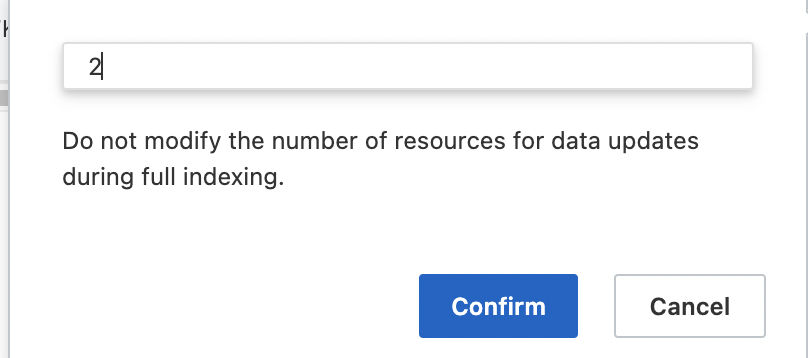
Enter the number of resources and click Confirm.
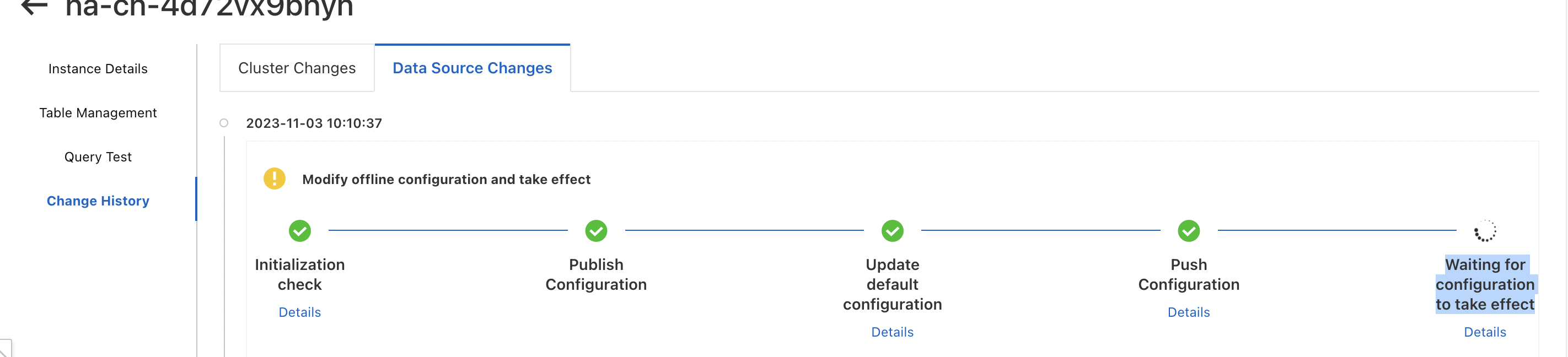
Click Change History in the left-side navigation pane. On the Data Source Changes tab, monitor the finite-state machine (FSM) process. The change takes effect when the FSM process completes.
Usage notes
The FSM process starts automatically after you confirm the change. Track progress on the Change History page.
The updated resource count applies only to new indexes created by subsequent reindexing.
Data update resources beyond the free quota of 2 are billed. For pricing details, see the "Data update resource fee" section in Billing overview of OpenSearch Vector Search Edition.