Applications
The Applications page displays key information for each monitored application, including its name, technology stack, agent type, request count, error count, response time, and trace quality. You can also assign tags to applications and use them for filtering.
Filter applications
Log on to the Managed Service for OpenTelemetry console.
-
In the navigation pane on the left, click Applications and select the resource group and region from the top menu bar.
-
You can search for an application by name, or filter applications by selecting a tag or the Only view application with data option.
The Applications page displays the name, technology stack, agent type, trace quality score, and the request count, error count, and response time for provided services for each application.
NoteThe request types include all types supported by provided services except for
user_method. For a full list of supported types, see Provided services.
Assign application tags
On the Applications page, click the  icon for an application to assign tags. Application tags are integrated with Alibaba Cloud resource tags. You can use them to filter applications, control access to resources, and allocate costs. For more information, see Use tags to control resource access and Use tags for cost allocation.
In the Edit Tag dialog box that appears, enter a tag key and a tag value. You can assign up to 20 tags to each resource. Then, click OK.
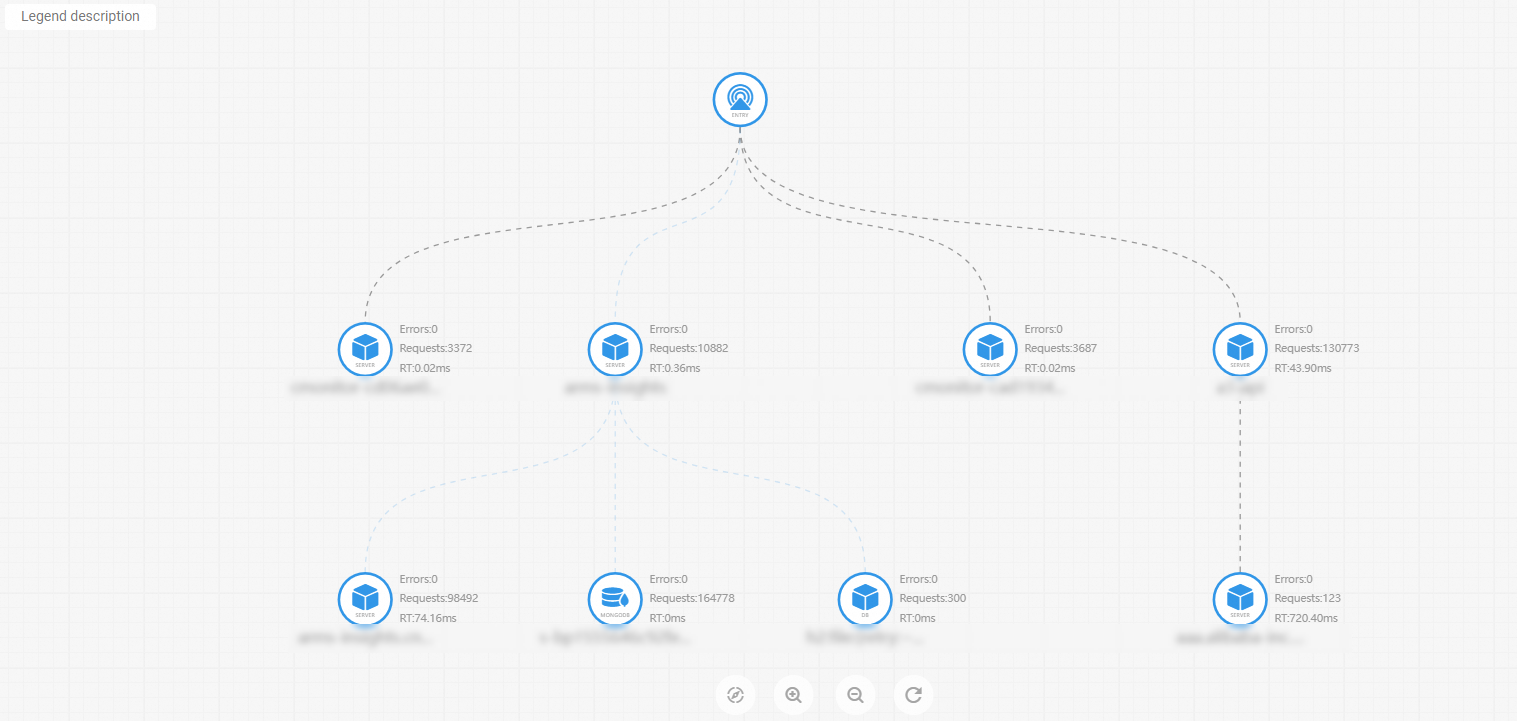
Application topology
On the Applications page, click the  icon in the upper-right corner to view the global application topology.