Unsubscription
Refunds are available only for prepaid products. To terminate a service, Alibaba Cloud deprovisions the resource and issues a refund based on the unsubscription rules. For postpaid products, refunds are not applicable. You can stop charges by stopping or deleting the instance in the console. This topic applies only to unsubscribing from prepaid AI computing resource groups. Postpaid resources (such as pay-as-you-go instances), resource plans (such as the DSW free trial resource plan), and overage fees incurred during a free trial are not covered by the refund process. Resource plans expire automatically and do not need to be unsubscribed from. For postpaid instances, stop charges by stopping or deleting the instance. Bills already generated for postpaid usage cannot be refunded or reversed.
AI computing resource group
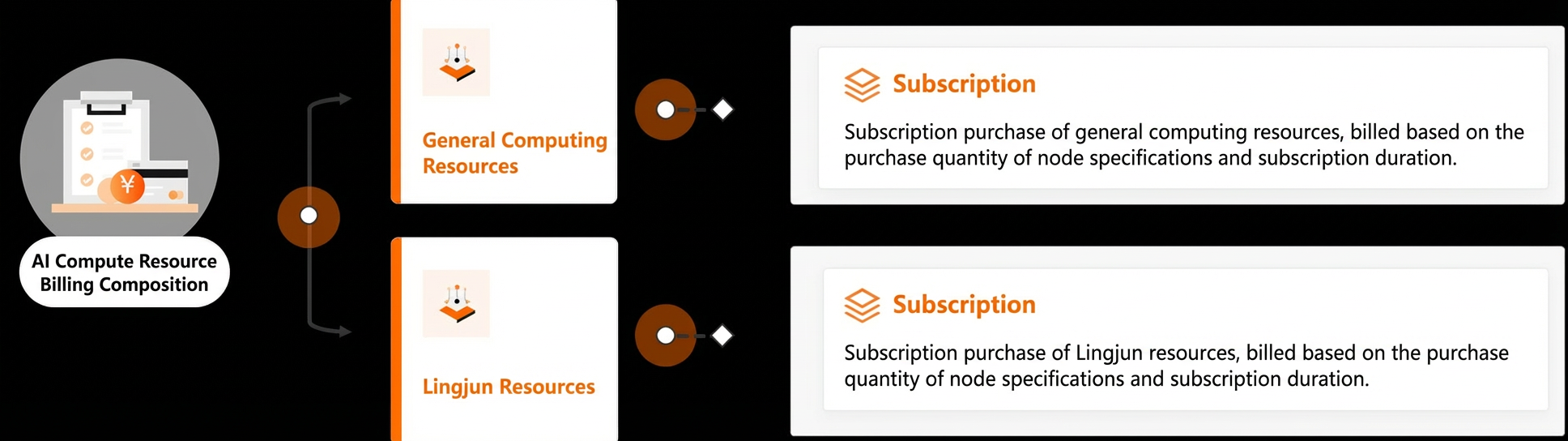
AI computing resources are categorized into General-purpose computing resources and Intelligent Computing Resources based on their use case:
Unsubscription rules
Before you request a refund, make sure you understand the unsubscription policies and how the refund amount is calculated. For more details, see Alibaba Cloud Unsubscription Rules.
|
Unsubscription rule |
Description |
|
5-Day Unconditional Full Refund |
AI Computing Resource Group supports a 5-Day Unconditional Full Refund. Within five days of a new purchase, you are eligible for one unconditional full refund per product per year, provided there is no malicious activity. For more information, see 5-Day Unconditional Full Refund Rules. |
|
Partial Refund |
For prepaid cloud products that do not meet the requirements for a 5-Day Unconditional Full Refund, you can apply for a Partial Refund. Refunds for AI computing resources are calculated as follows (for reference only):
For a detailed explanation of the refund calculation, parameter descriptions, and special cases, see Partial Refund Rules. |
|
Cancel a pending renewal |
You can cancel a pending renewal if the new subscription period has not begun and you have not modified the resource since placing the renewal order. For more information, see Cancel Pending Renewals. |
Unsubscription methods
-
Method 1: Unsubscribe from the Billing and Cost Management console.
-
Log on to the Billing and Cost Management console.
-
In the left-side navigation pane, choose Orders > Resource Unsubscription.
-
Select the unsubscription type based on your needs. For Product Name, select China Site_AI Computing Resource Group (prepaid), then follow the on-screen instructions.
Unsubscription types include 5-Day Unconditional Full Refund, Partial Refund, and Non-refundable.
-
-
Method 2: Unsubscribe from the Resource Group page in the PAI console.
-
Go to the Resource Group page and select Intelligent Computing Resources or General-purpose computing resources.
-
Click the name of the target resource group and go to the Order Information tab.
-
In the Actions column for the target instance, click Unsubscribe.
-
On the Resource Unsubscription page, find the target resource and click Unsubscribe Resource in the Actions column. Follow the on-screen instructions.
-
Refund processing
-
Refund destination: After you unsubscribe, see Refund Destinations for details on where the refund is sent and the processing timeline.
-
Refund timeline: After a successful unsubscription, the refund is typically credited to your account within 2 to 3 business days. For more information, see Unsubscription FAQ.