Capacity management
Use the capacity management page to view capacity usage and configure settings like capacity alerts.
Access
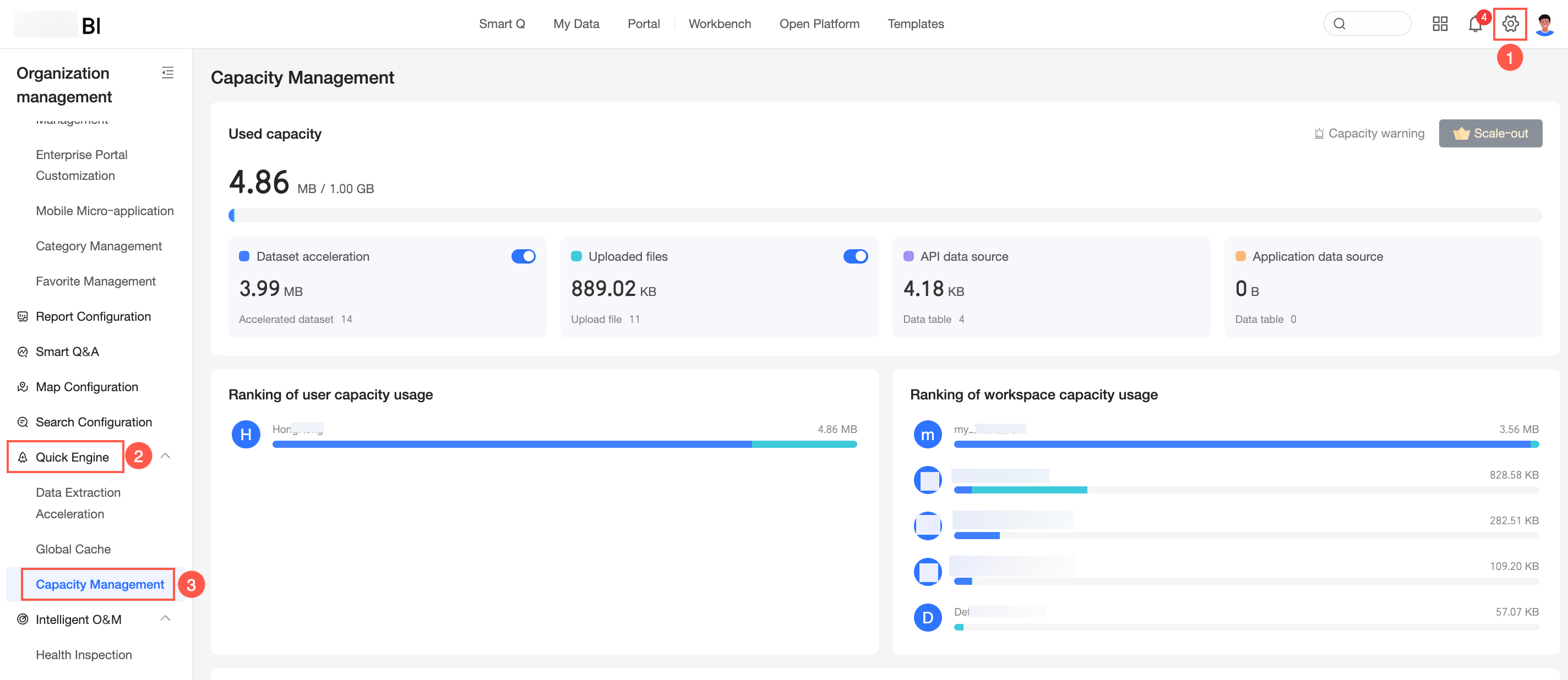
The following figure shows how to access the capacity management page.
Capacity usage
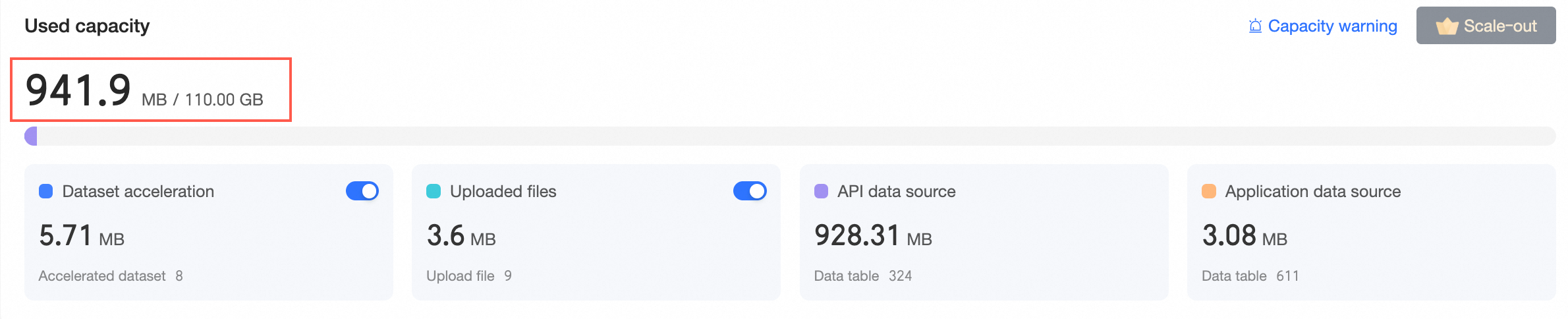
View capacity usage for features such as dataset acceleration, exploration space, API data sources, and application data sources. You can also set capacity alerts.
Overall capacity usage
Configure capacity alerts
Click capacity alert in the upper-right corner to open the alert settings panel and configure the following options.
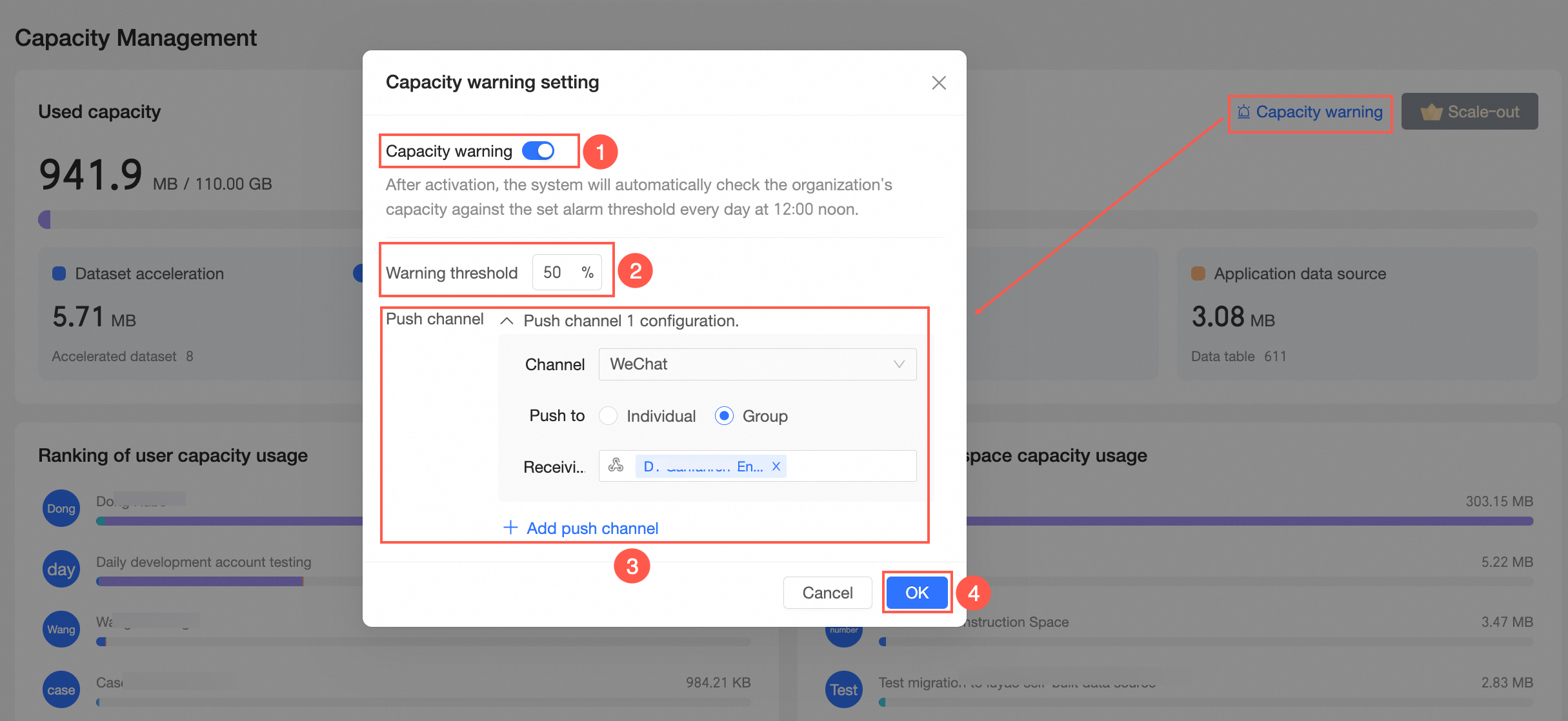
① Enable capacity alert. When enabled, the system automatically checks at 12:00 PM daily if your organization's capacity usage exceeds the alert threshold.
② Set the alert threshold. The default value is 80%. You can adjust this value based on your requirements.
③ Configure the push channel. You can add multiple channels, such as DingTalk, WeCom, Feishu, and email, to send notifications to individuals or groups.
You can add a maximum of nine push channels.
④ Click OK to save your settings.
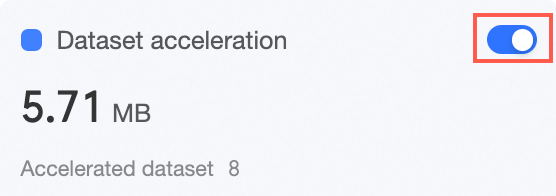
Enable dataset acceleration
Enabling the dataset acceleration feature allows you to configure acceleration for your datasets. For more information, see extraction acceleration.
Enable file uploads in exploration space
Enabling the file upload feature for the exploration space allows you to upload files there. For more information, see Create a file data source.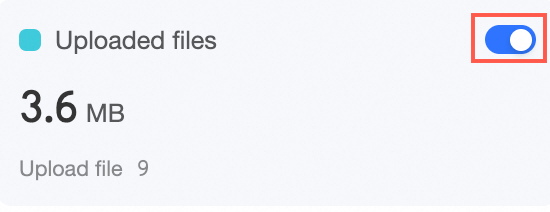
Usage ranking
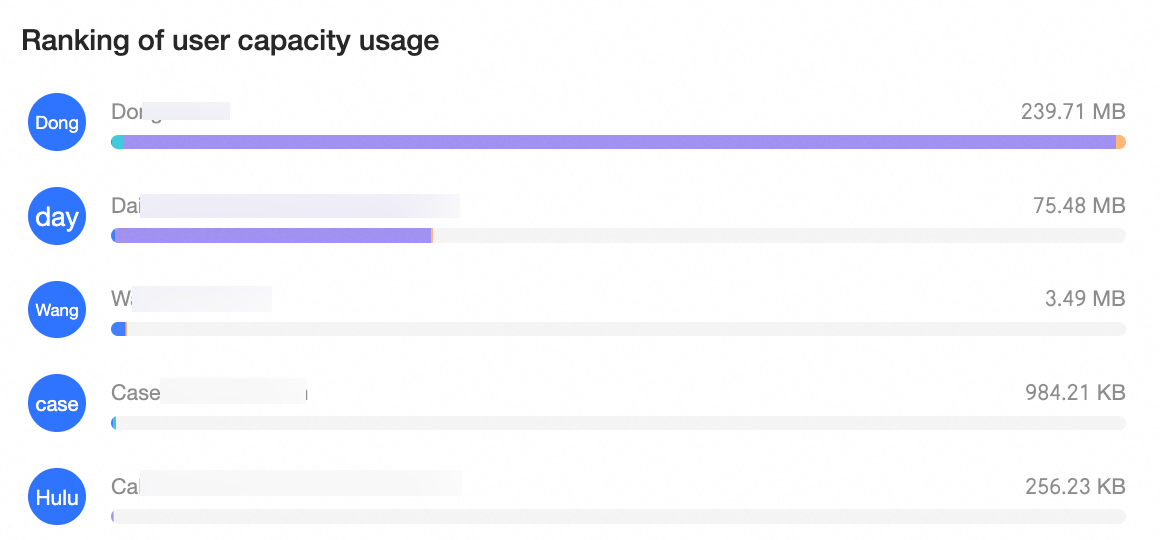
User storage ranking
View the top 10 users by storage capacity, ranked from highest to lowest.
Workspace storage ranking
View the top 10 workspaces by storage capacity, ranked from highest to lowest.

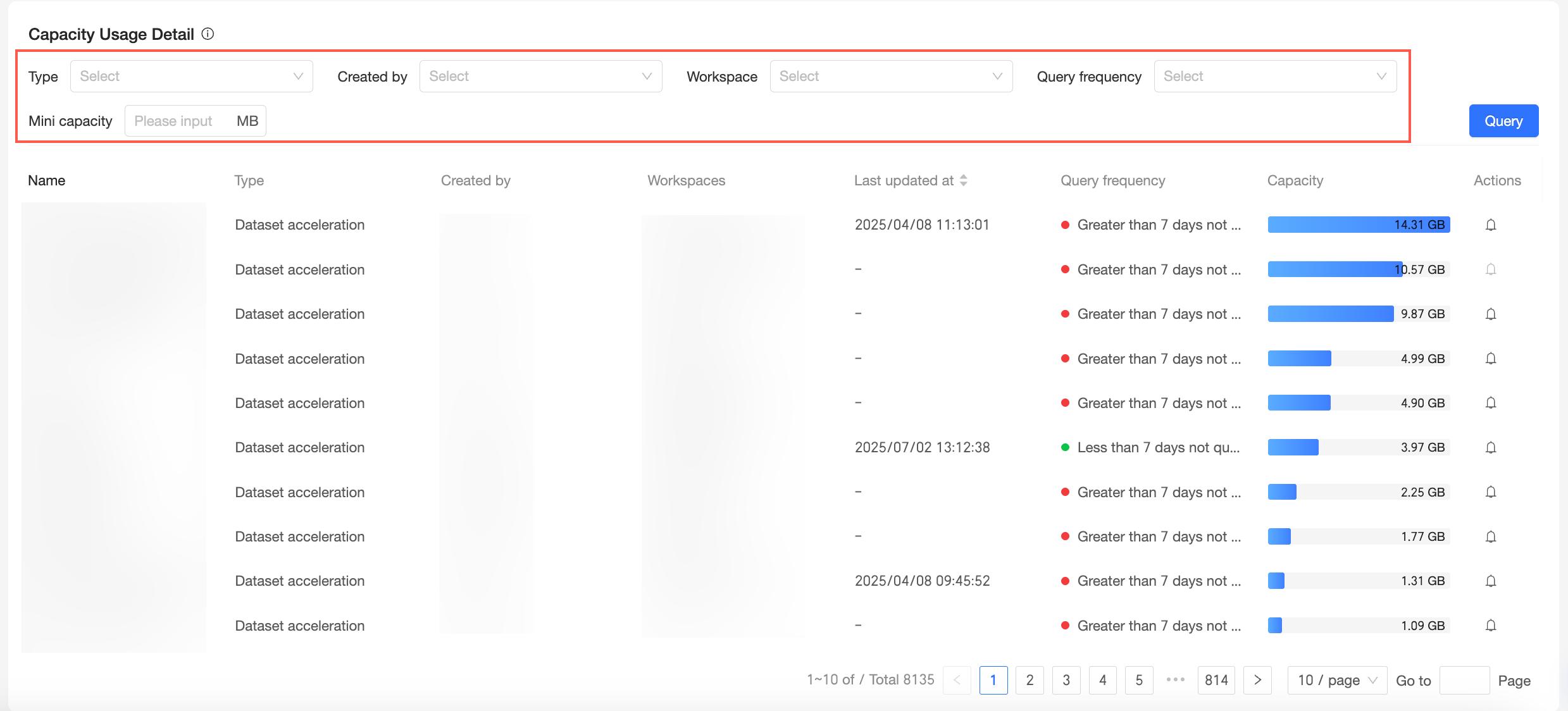
Storage usage details
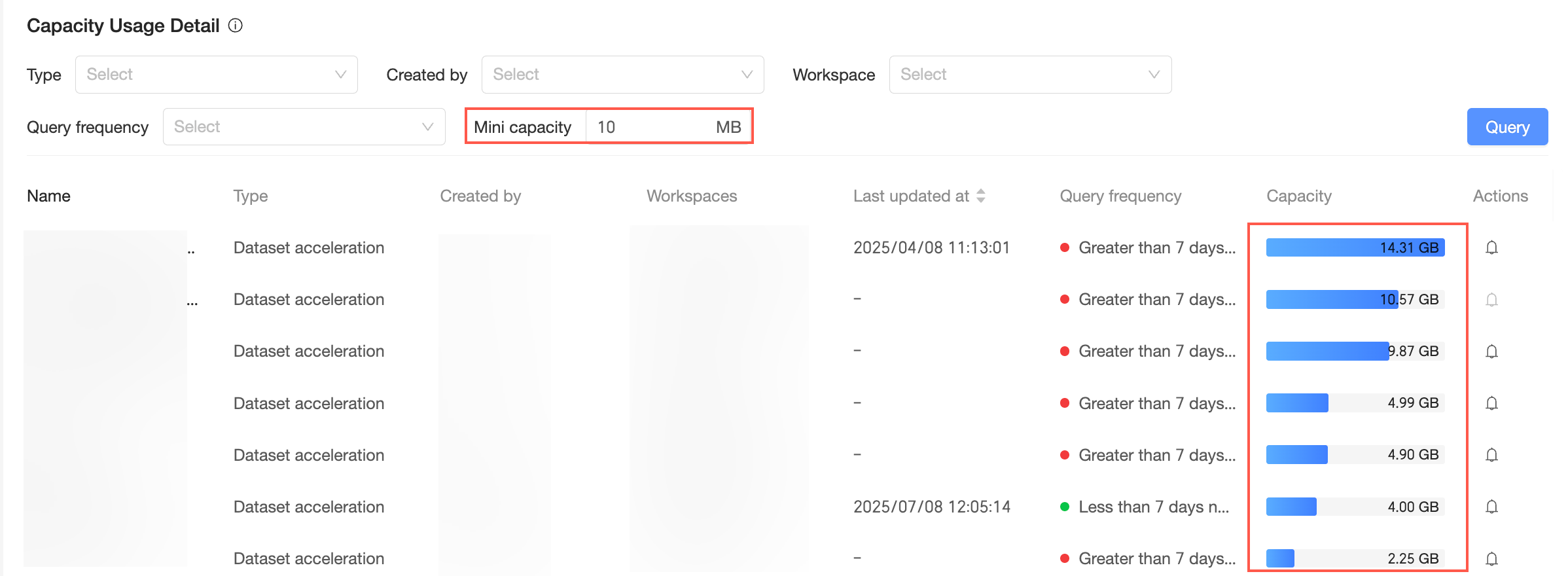
Storage usage statistics are from the previous day (T-1). The data is sorted by capacity in descending order, and the top 10,000 entries are displayed.
You can filter the storage usage details by Type, Creator, Workspace, Query Frequency, and Minimum Capacity.
Filter | Description |
Type | Includes dataset acceleration, exploration space, API data sources, and application data sources.
|
Creator | View storage usage details for a specific creator.
|
Workspace | View storage usage details for a specific workspace.
|
Query Frequency | Options include Queried within the last 7 days and Not queried for more than 7 days.
|
Minimum Capacity | Shows items with storage usage above the specified minimum capacity.
|