IFrame
Updated at:
Add and manage iframe controls on a visualization screen.
Prerequisites
A visualization screen is created. For more information, see Create a Data Visualization Screen.
Effect

Add iframe controls
On the dashboard edit page, click Media in the top navigation bar to add embedded page controls. 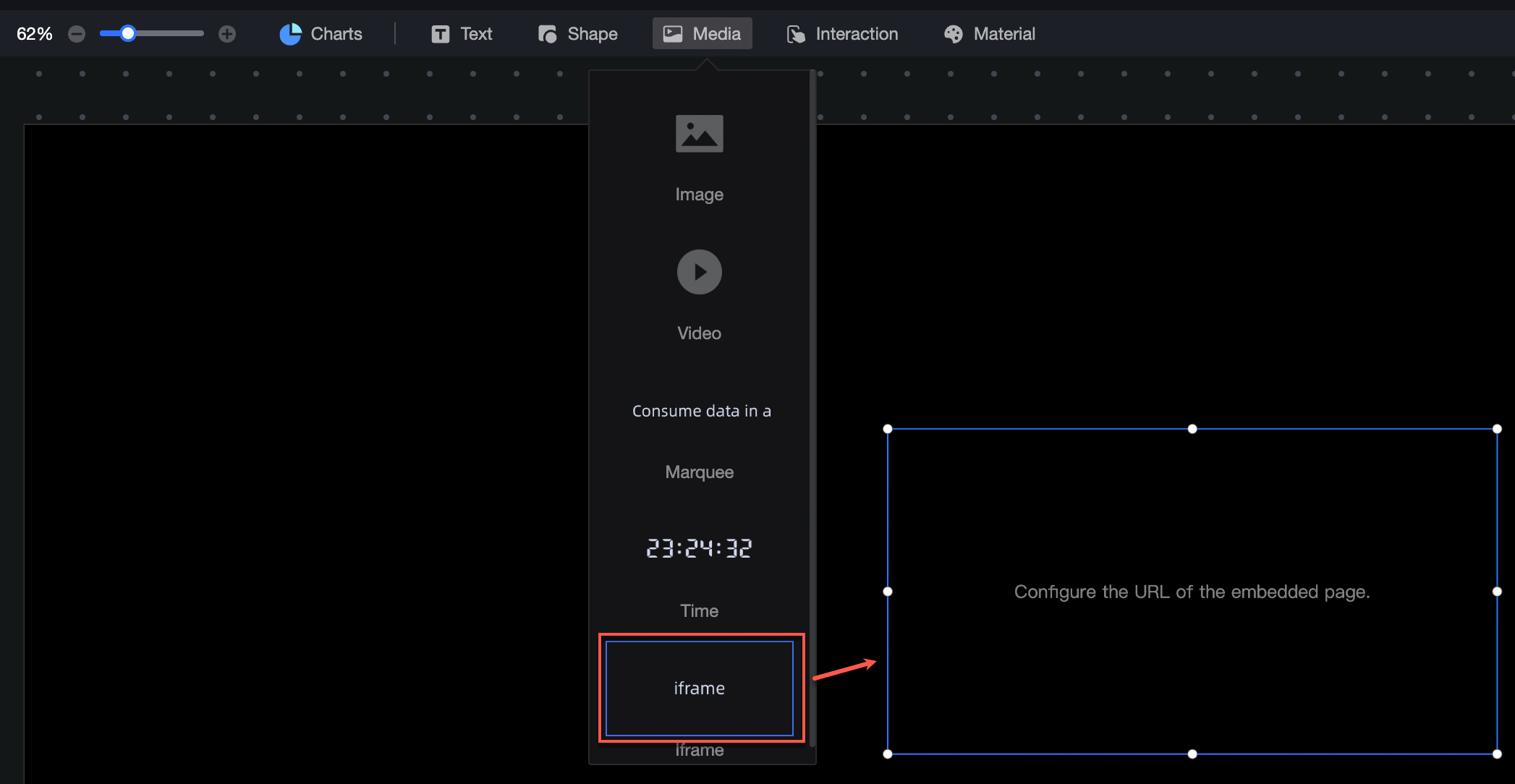
Embedded Page Style Configuration
Location and size
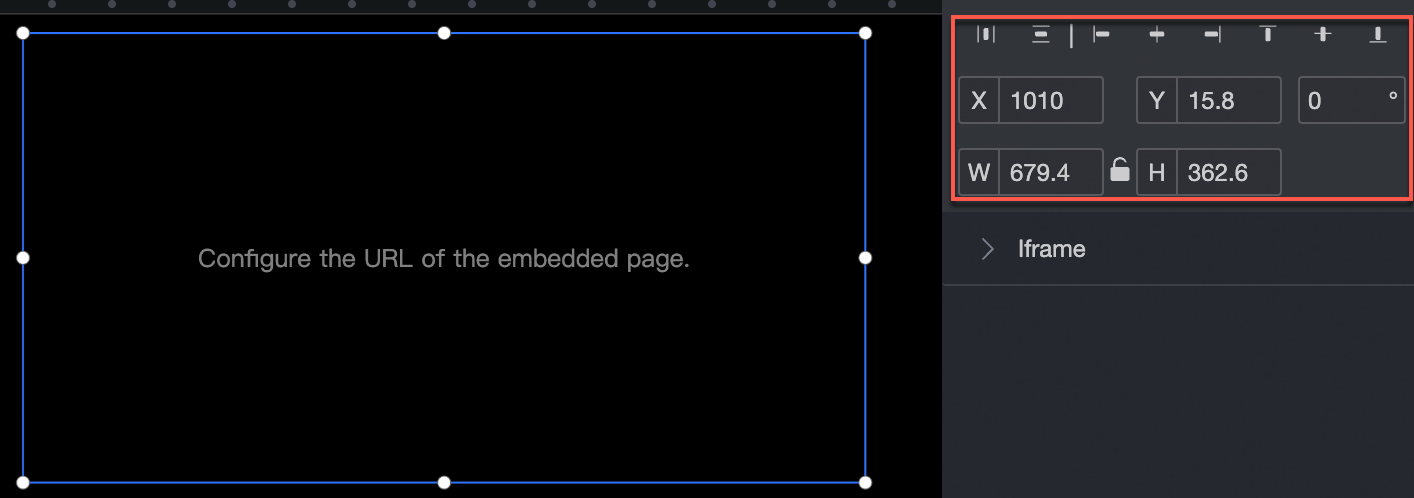
Configure the following settings in the configuration section:
-
Adjust the alignment of components: left, center, or right.
-
Adjust the position of the widget: set the X and Y values relative to the upper-left corner.
-
Adjust the angle of the widget: set the rotation angle.
-
Resize the widget: set the W and H values to adjust the width and height.
-
Lock the component: prevents changes to the size and position of the component.
Show Link
Set the URL of the embedded page.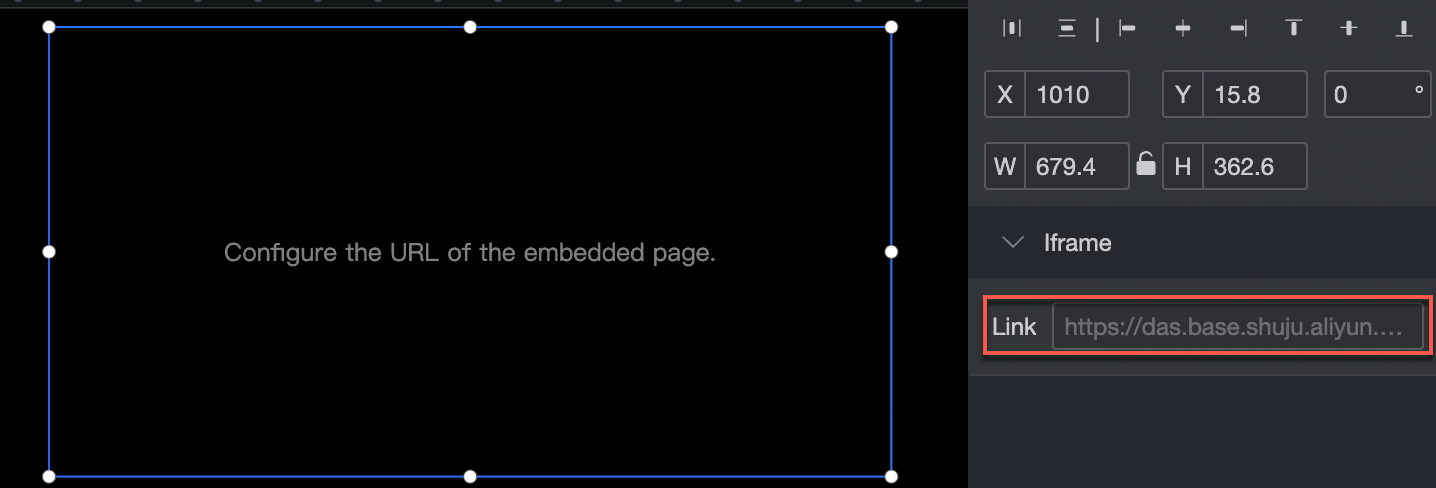
Is this page helpful?