Clock
Add and configure clock widgets on a visualization screen to display real-time information.
Prerequisites
A visualization screen is created. For more information, see Create a Data Visualization Screen.
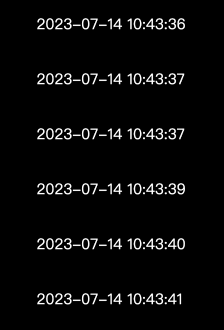
Effect
Add a clock control
On the dashboard edit page, click Media in the top navigation bar to add a clock widget. 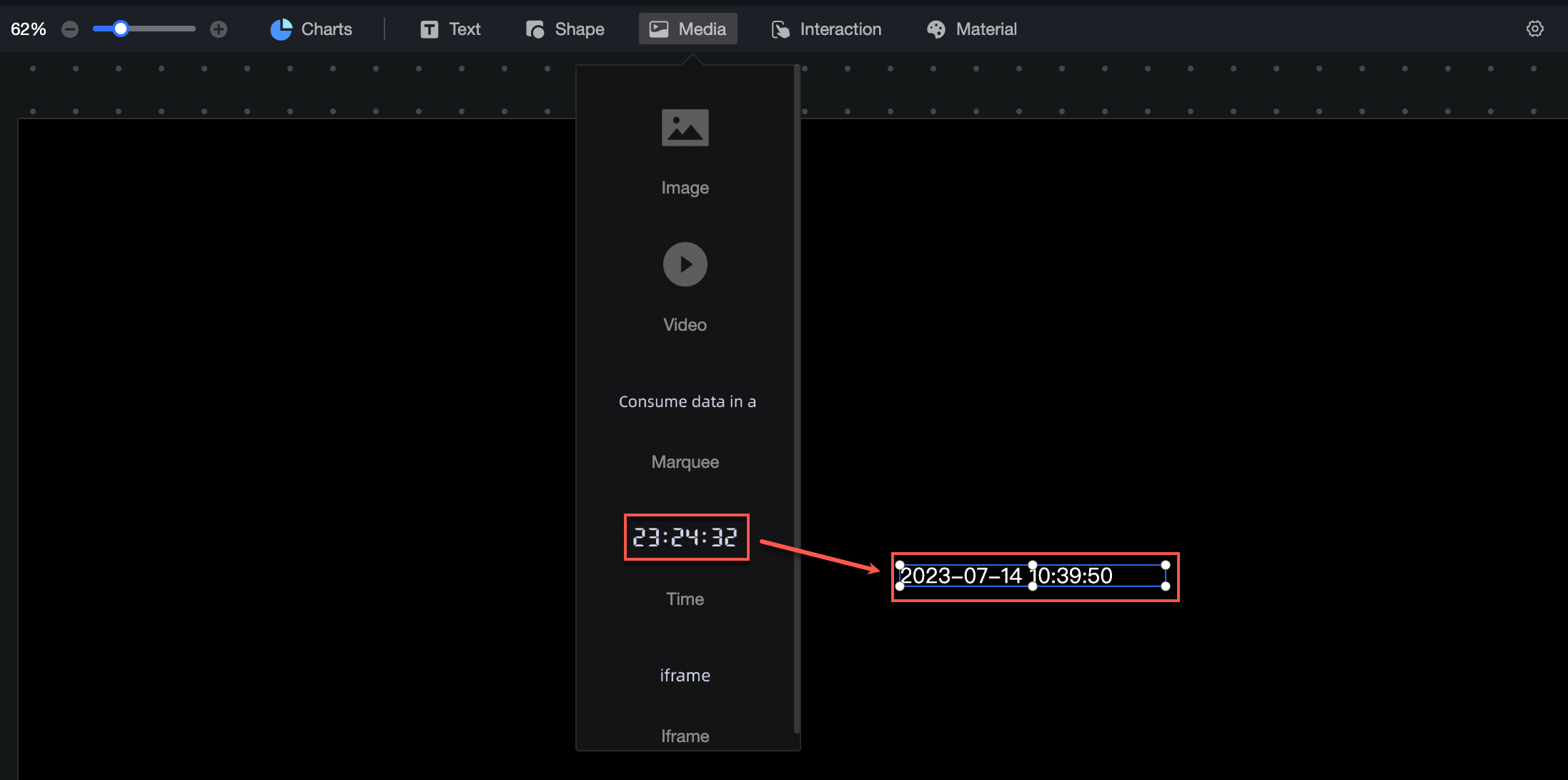
Clock Style Configuration
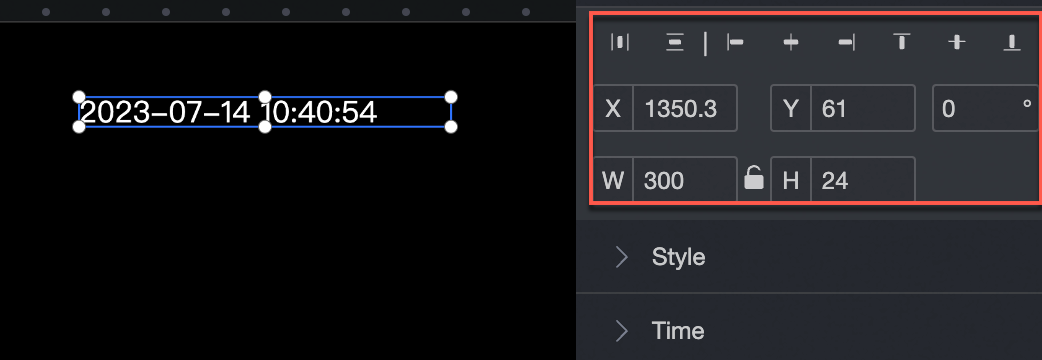
Location and size
Configure the following layout properties:
-
Adjust the alignment: left, center, or right.
-
Adjust the position: set the X and Y values relative to the upper-left corner.
-
Adjust the angle: set the rotation angle.
-
Resize the widget: set the W (width) and H (height) values.
-
Lock the widget: prevents further changes to its size and position.
Text Style
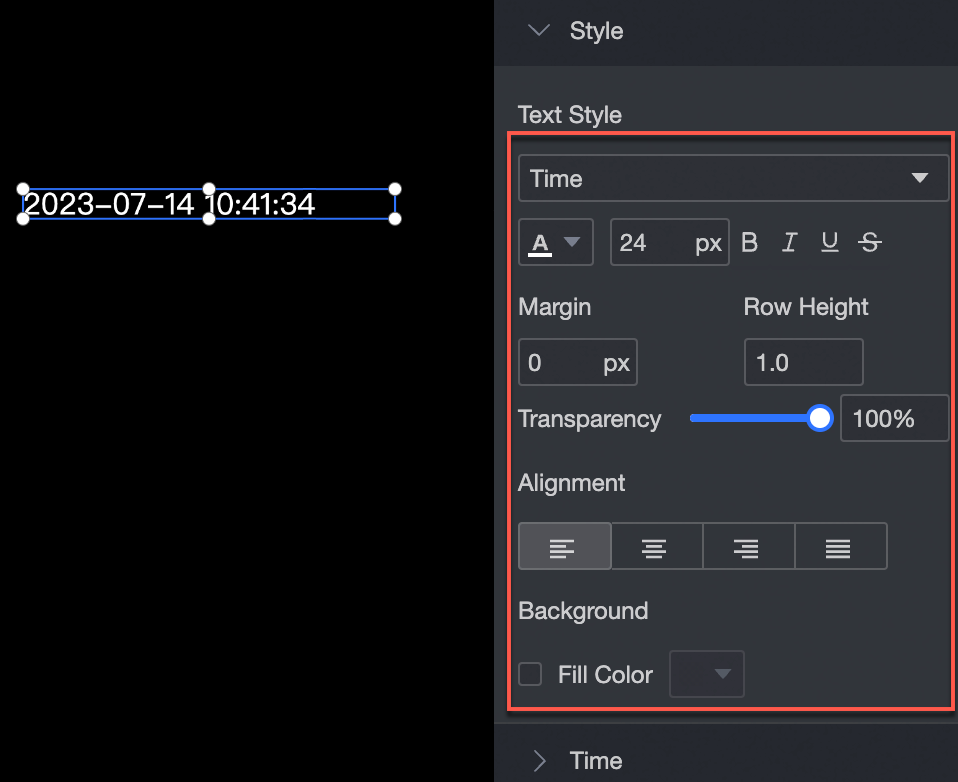
Configure the following text properties:
-
Font style: set the font family, color, size, bold, italic, underline, and strikethrough. You can also adjust letter spacing and line height.
-
Transparency: adjust the opacity of the widget.
-
Text alignment: left, center, right, or justified.
-
Background: set the fill color and background blur.
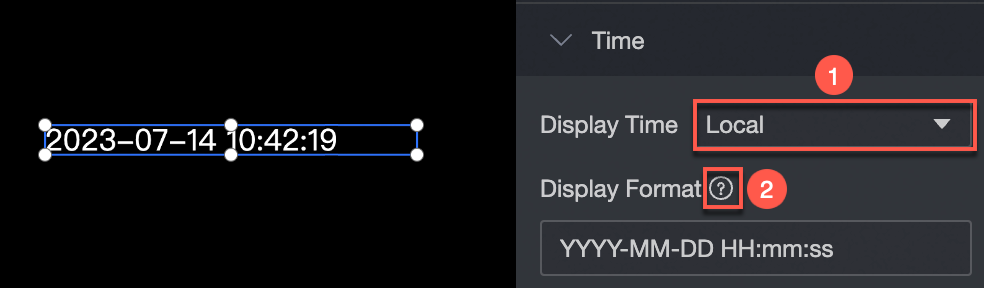
Display Time
Configure the following time display properties:
-
Time zone: select a time zone from the drop-down list ①.
-
Display format: customize the time format by following the standard shown in ②.