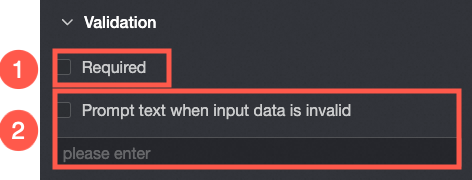
The ID card number control is an advanced control for data entry. It automatically validates input against the Chinese mainland ID card number format.
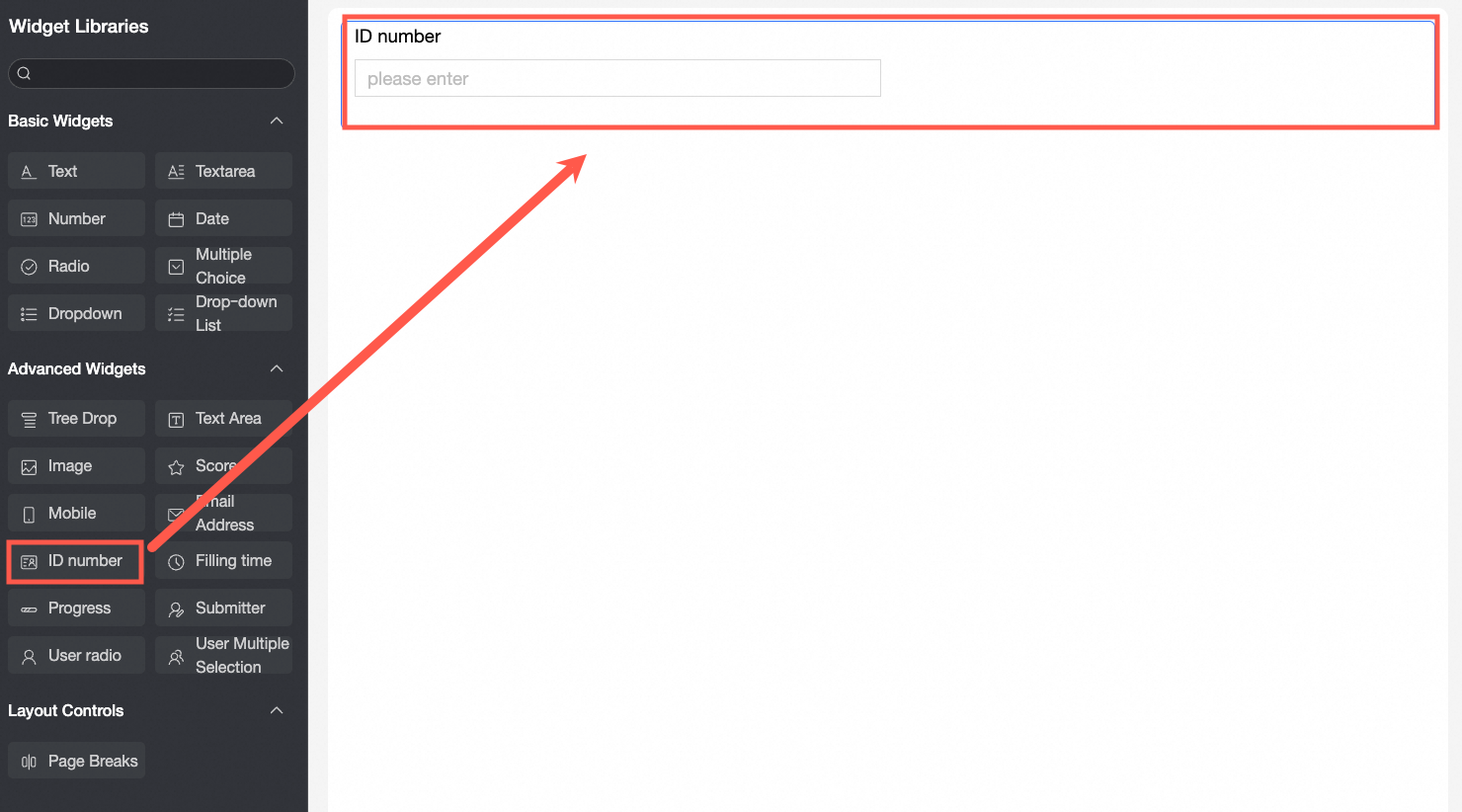
Scenarios
The ID card number control is used in various data collection scenarios, such as:
Validating ID card numbers on proof-of-income documents.
Ensuring data accuracy by requiring new employees to enter a valid Chinese mainland ID card number during onboarding.
Sample image
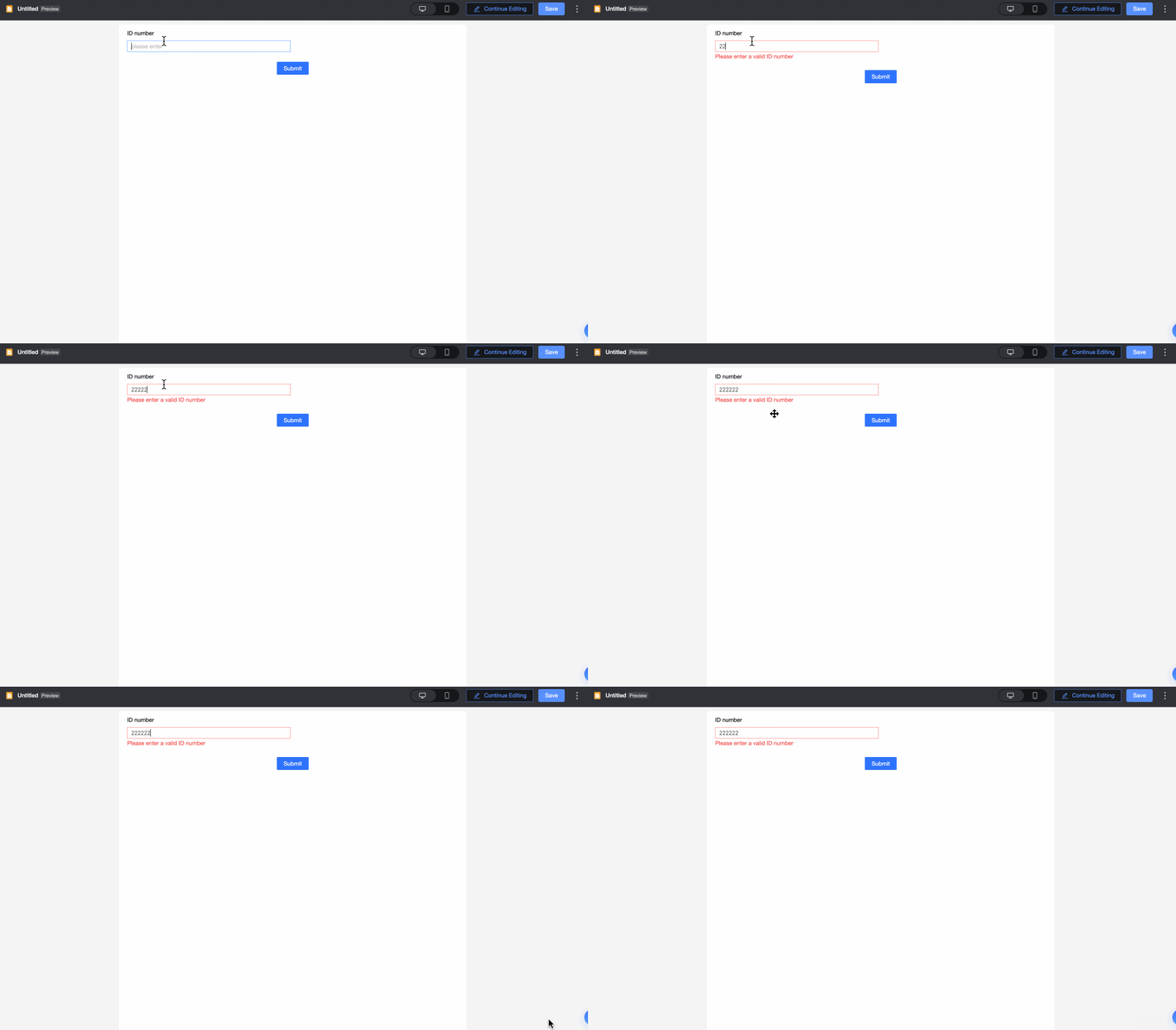
Control configuration
Basic settings
Parameter | Description |
| ① Display title: Sets the control's title, which is also used as the column name during data entry. |
② Control type: Lets you change the control to another type, such as a different basic or advanced control, from the dropdown list. | |
③ Field name: The corresponding field name in the table generated by this data entry form. Note A field name or table name must start with a letter and can contain only letters, digits, and underscores (_). The maximum length is 40 characters. | |
④ Prompt: Sets the prompt message that appears in the control when it is empty. For example, "Please enter your ID card number."
| |
⑤ Description: Sets the description for the control. | |
⑥ Description position: Sets the position of the description. Options include Bottom of control, Right of title, and Below title. | |
⑦ Default state: Sets the default state of the control. Options include Normal, read-only, and hidden. | |
⑧ Default value: Sets the default value displayed in the control. |
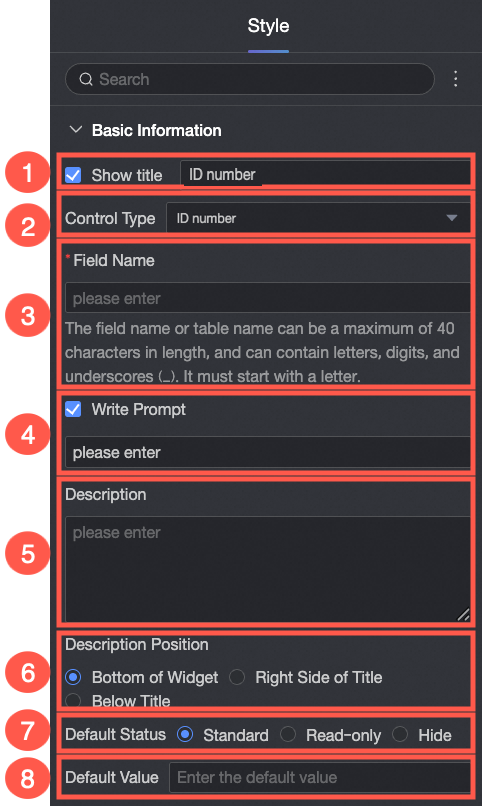

Validation
Parameter | Description |
| ① Required: Makes the control a required field. |
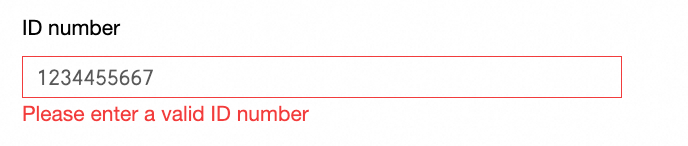
② Invalid input prompt: Lets you customize the error message for invalid input. For example, "Invalid ID card number."
|
Style
Parameter | Description |
| Control width: Sets the control's width. Options include default and entire row. Note On the data entry page, you can also adjust the control's width by manually dragging its border. |