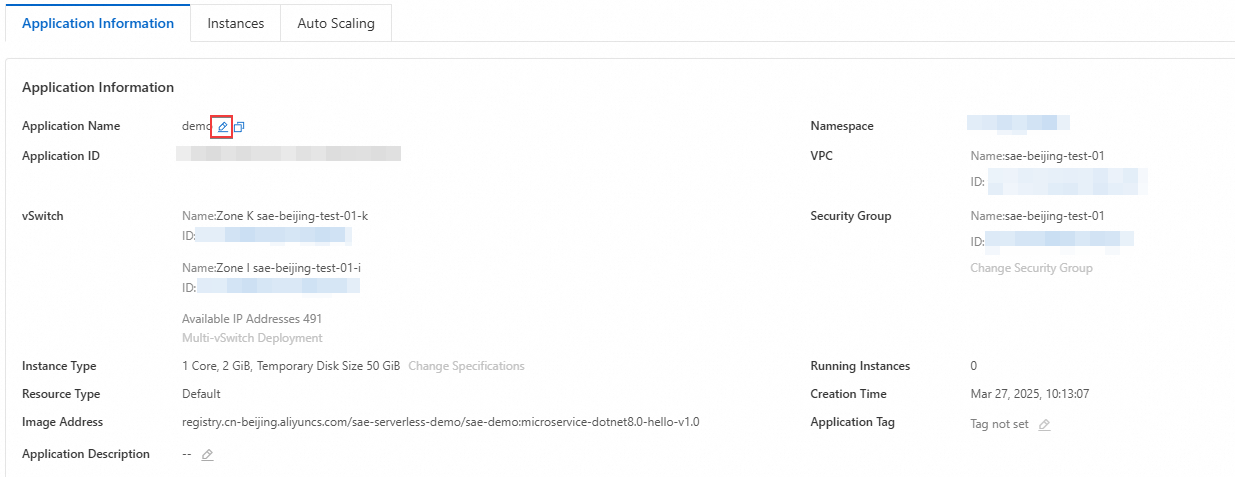
After you create an application, you can rename it at any time. Because integrated services such as Application Real-Time Monitoring Service (ARMS) use the application name as an index, renaming an application affects how those services retrieve historical data—review the impacts before proceeding.
This feature is in invitational testing. Contact technical support in the DingTalk group (group number: 32874633) to activate it.
Impact on integrated services
Renaming an application affects the following integrated services:
| Associated service | Feature | Impact | Solution |
|---|---|---|---|
| ARMS | Trace query | ARMS uses the application name as an index. After renaming, you cannot query trace data collected before the rename. Data example before name change: 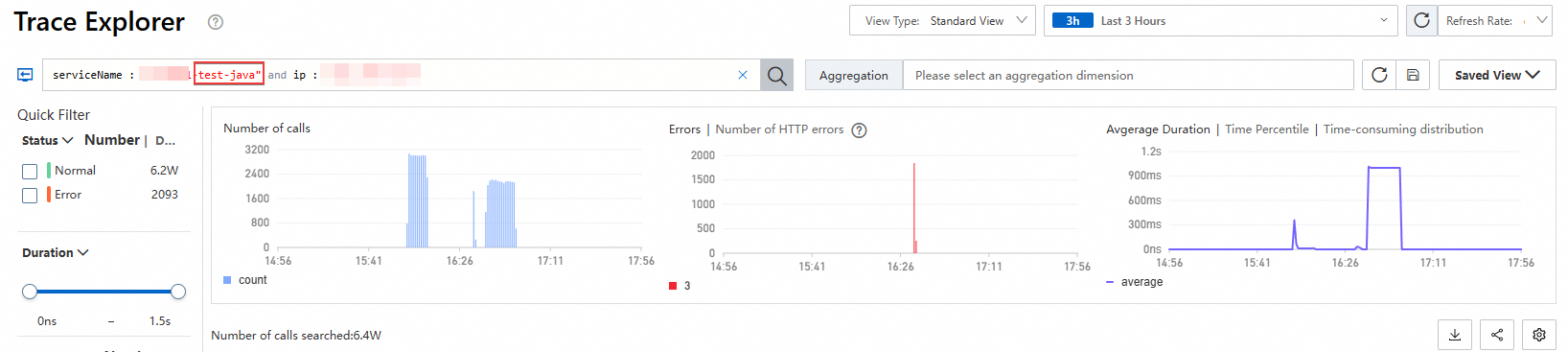 Data example after name change: Data example after name change: 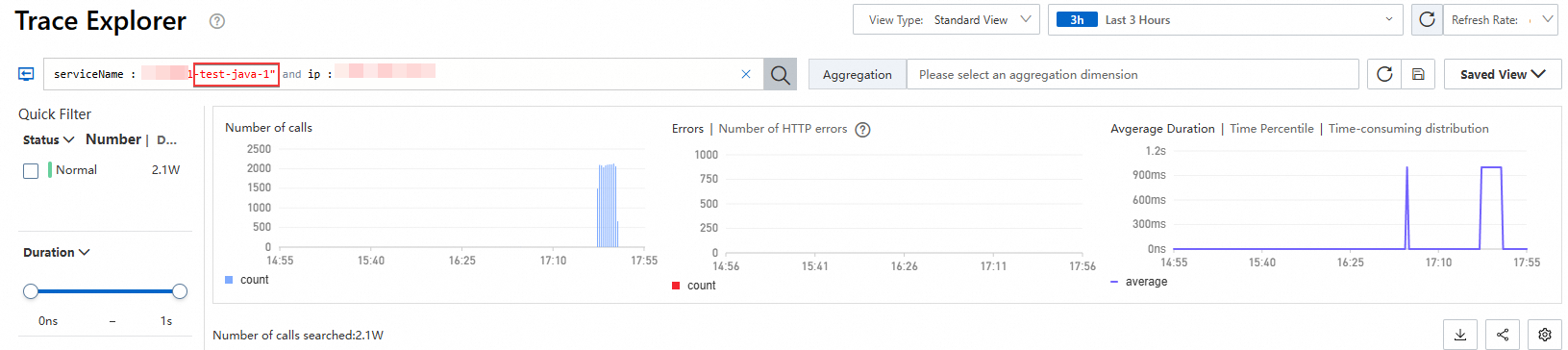 | To query data collected before the rename, change the application name back to the old name and query the historical data. |
Rename an application
SAE provides two ways to rename an application: from the Application List page or from the application's Basic Information page.
Method 1: Rename from the Application List page
Log on to the SAE console. In the left-side navigation pane, choose Applications > Application List.
On the Application List page, hover over the target application name, then click the
 icon.
icon.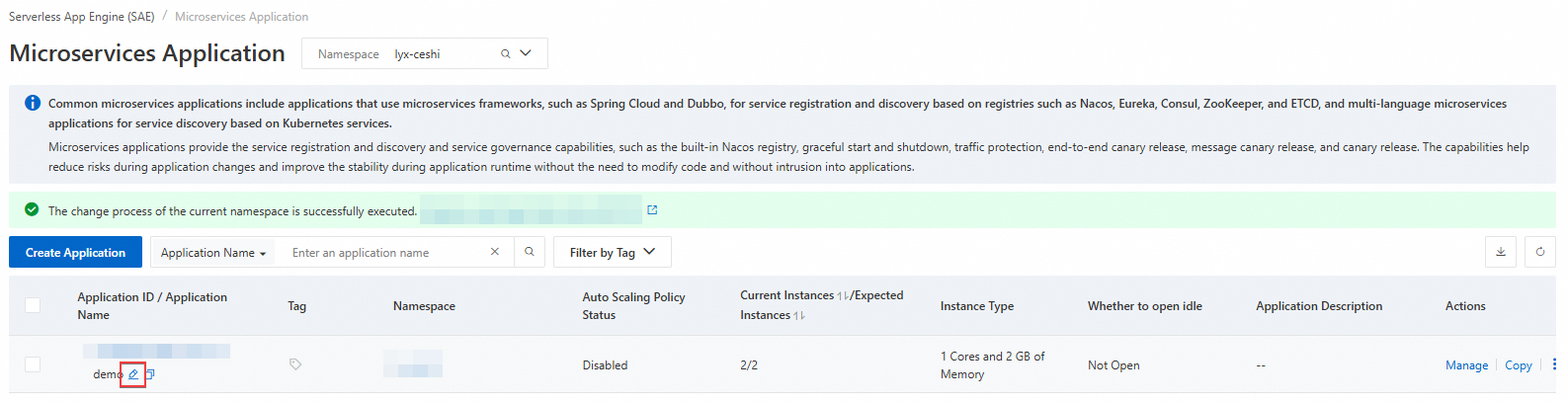
In the text box that appears, enter the new application name and click OK.
Method 2: Rename from the Basic Information page
Log on to the SAE console. In the left-side navigation pane, choose Applications > Applications. Select a region in the top navigation bar and a namespace from the Namespace drop-down list, then click the target application name.
On the Basic Information page, click the Application Information tab. Hover over the application name and click the
 icon.
icon.
In the text box that appears, enter the new application name and click OK.