This topic summarizes common issues encountered when integrating proprietary systems and their solutions.
Q: How do I integrate Cloud Contact Center into my own business system?
A: Cloud Contact Center supports integration with your business system. See Frontend SDK integration and CRM Demo AK version overview. Review both documents together. You can also download the demo (currently available only in Java).
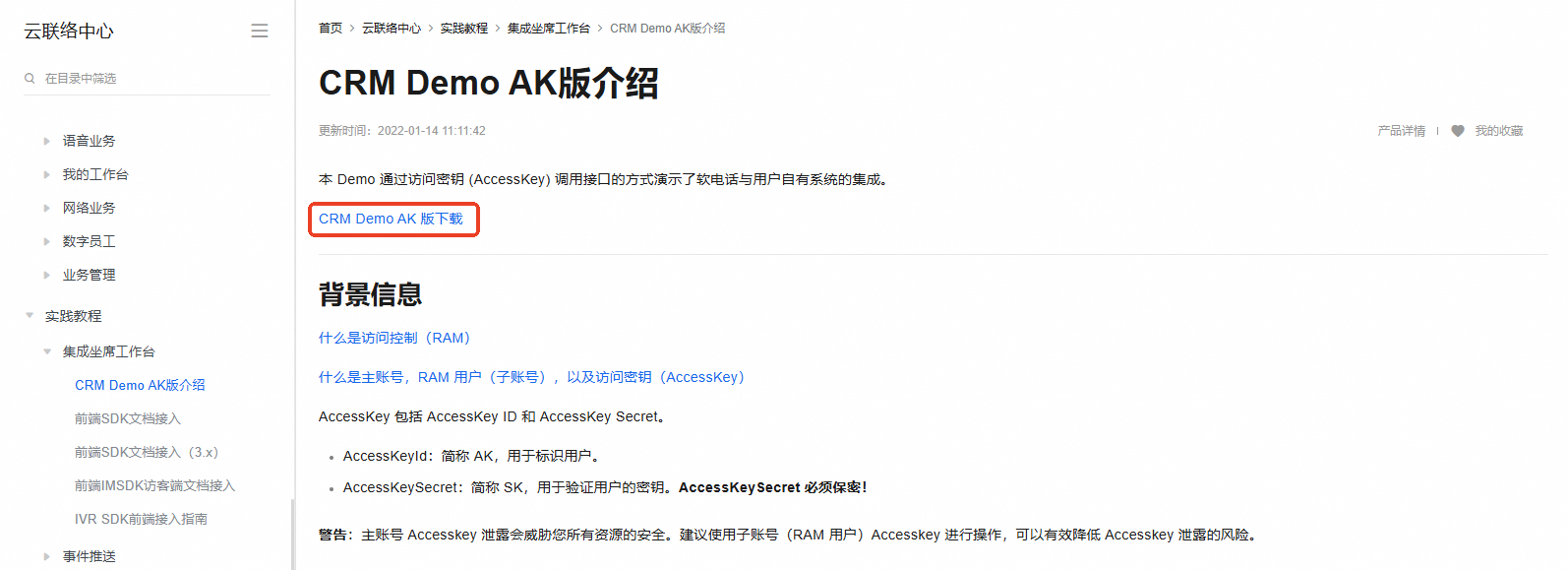
Q: How do I create an AccessKey (AK) and SecretKey (SK)?
A: Use one of the following methods:
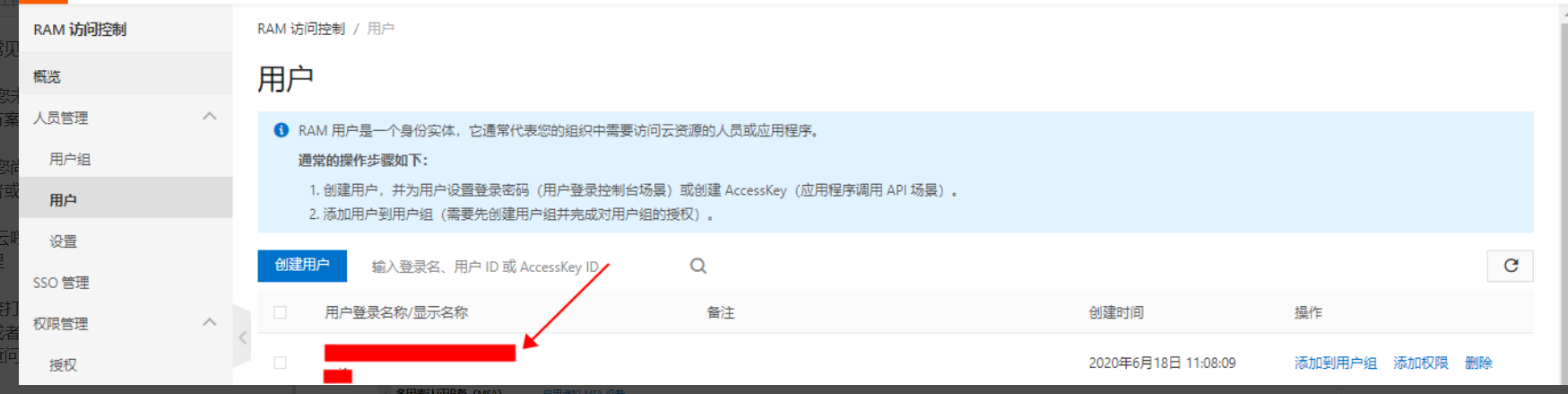
Create manually
Log on to the Resource Access Management (RAM) console using your Alibaba Cloud account.
Find the user and click the username to go to their page.
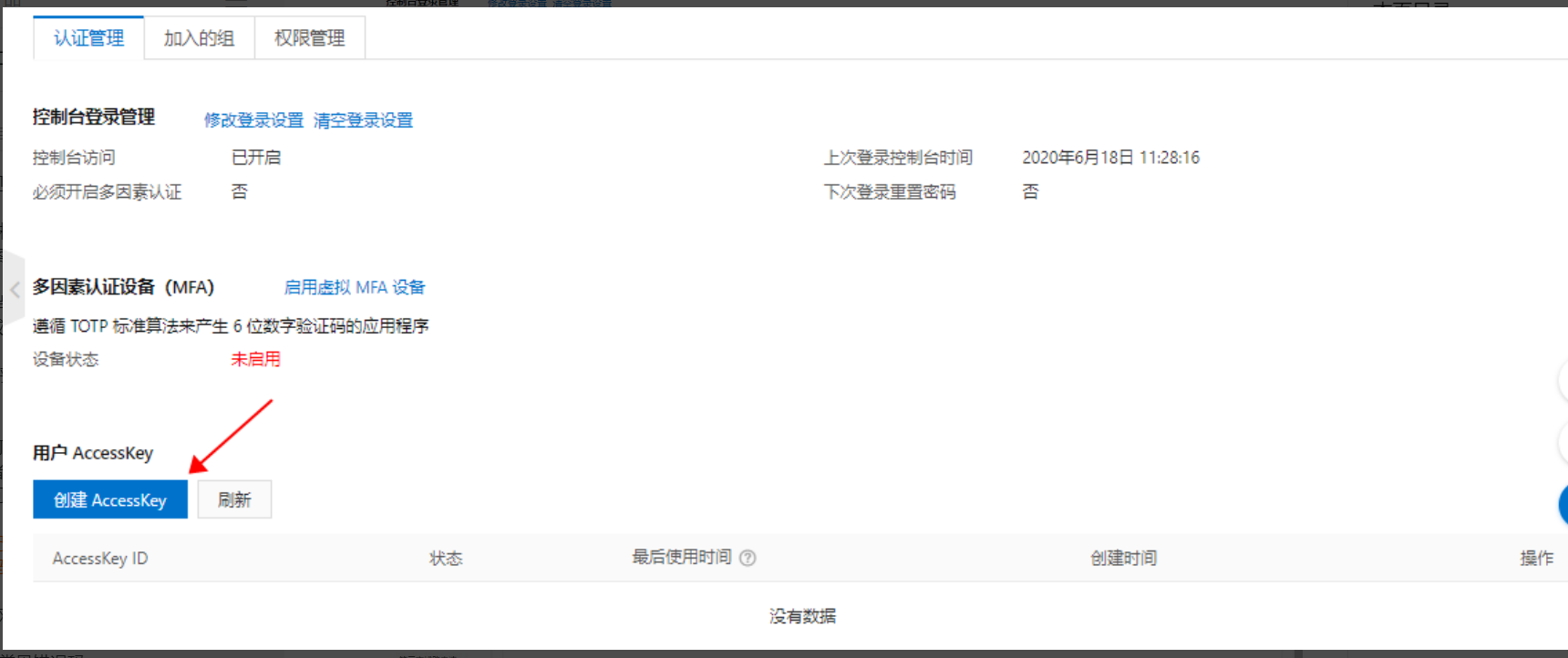
Create using an API.
Call CreateAccessKey to create an AK and SK for a RAM user.
Q: How do I implement number masking for outbound calls in the softphone panel?
A: The MakeCall API includes a parameter called MaskedCallee, which you can use to mask phone numbers. The Callee parameter establishes the actual call, while MaskedCallee determines what the agent sees.
You can pass ciphertext to MaskedCallee. However, when your backend forwards the request to the Cloud Contact Center backend API, repackage the data. Because MaskedCallee appears to agents and customers, add an extra layer of encapsulation inside your MakeCall method. Pass the plaintext number (after decrypting MaskedCallee) to the Callee field. Since MaskedCallee displays in the frontend, process this parameter in your backend as well. The frontend Callee parameter supports only digits and asterisks (*).
Backend MakeCall API documentation: MakeCall.
Frontend call method: call(callee, caller, callback, otherParams), MakeCall.
Add allowCalleeEncryption: true to the SDK. Then, the callee parameter in the call method can accept ciphertext. Your backend decrypts it inside the makeCall method and passes a masked number to otherParams.MaskedCallee. This ensures plaintext numbers never appear in the frontend.