Text components
Updated at:
This topic describes the properties of text components and the display effects.
Left margin and top margin
You can click the up or down arrow in the spin box of the property, or drag and drop the component on the canvas to adjust the left and top margins. After the properties are modified, the component is displayed based on the specified margins.
Font and color
You can adjust the following properties of the text: font, font weight, font size, and font color. The available font colors vary based on different devices. For example, standard colors of black, white, and red are provided for a three-color ink screen.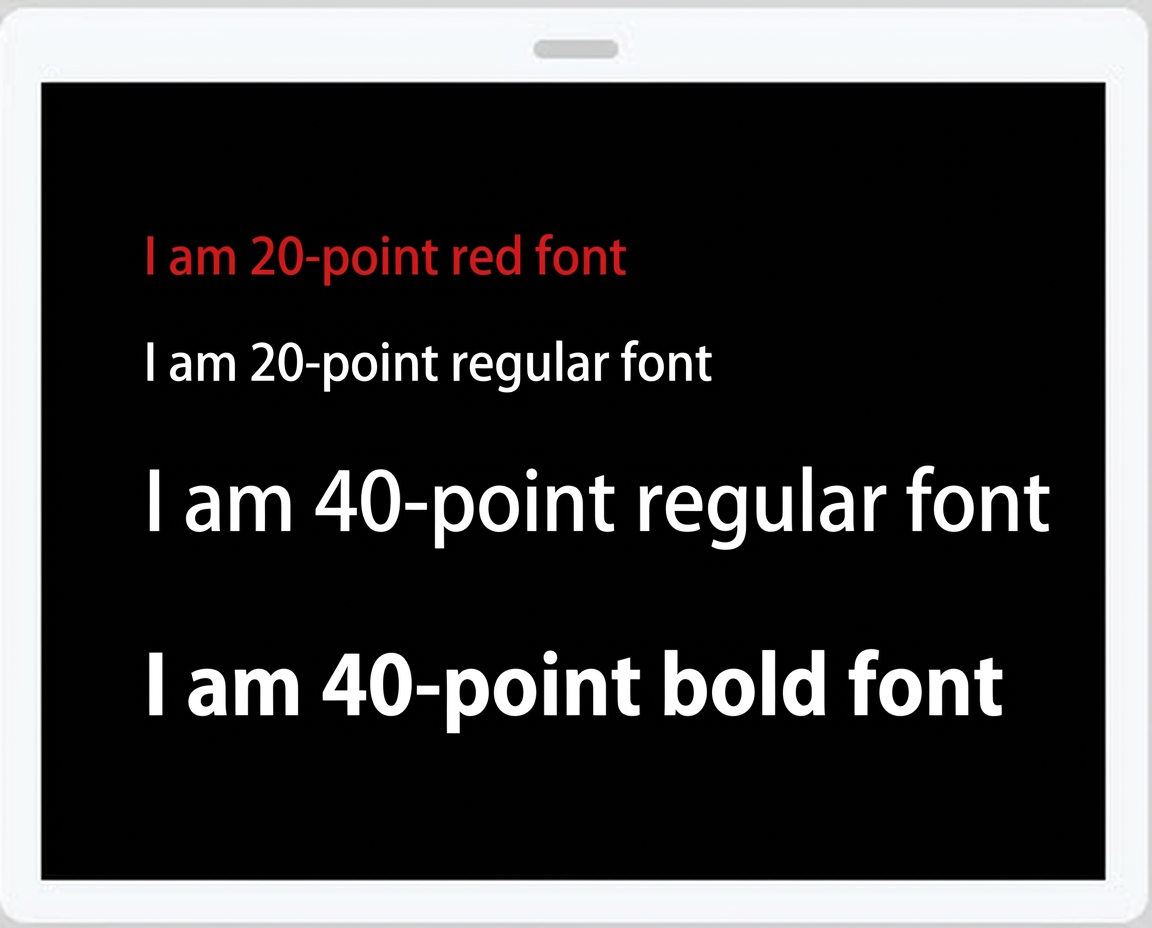
Fixed text
You can enter text in the text box for display.
Is this page helpful?