Unpublishing a service invalidates its deployment URL, preventing customers from deploying new service instances. Existing service instances are not affected, and the service status on the customer side changes to Unpublished.
Prerequisites
If the service is associated with a product in Alibaba Cloud Marketplace, you must first delist the product from Alibaba Cloud Marketplace. For more information, see Delist a product.
Procedure
Log on to the Compute Nest console.
-
In the left navigation bar, select My Services. On the My Services page, select the Created Services tab.
-
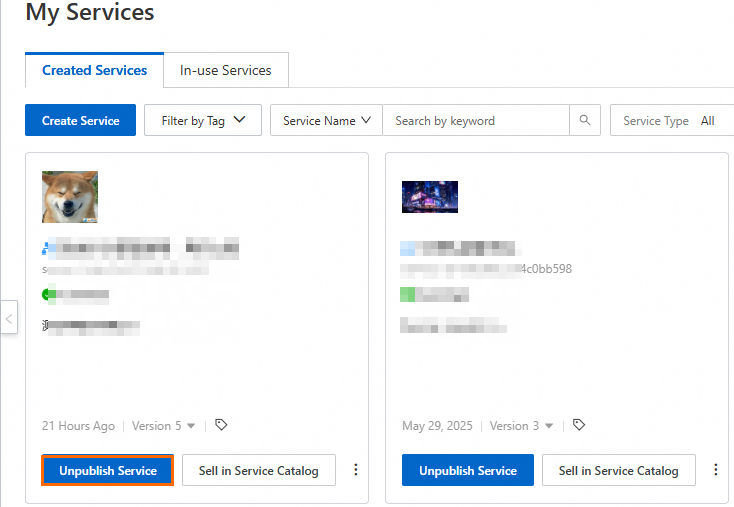
Find the service you want to unpublish and click Unpublish Service.
-
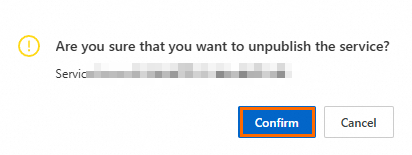
In the confirmation dialog box, click Confirm.
The service status changes to Unpublished.
What to do next
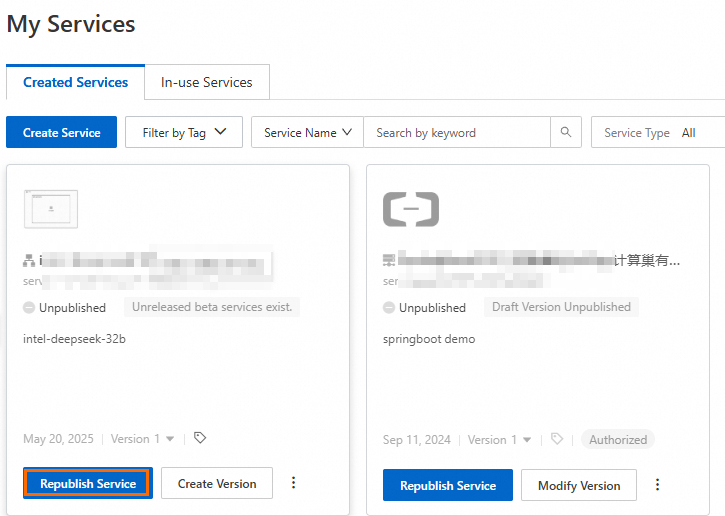
To republish a service, filter for unpublished services on the Created Services tab and click Republish Service to publish its latest version.