Console overview
DataV-Board 6.0 is no longer updated. For version 7.0 features, go to DataV-Board 7.0.
Learn the layout and key modules of the DataV console.
Console
Access the DataV console to add and manage visualization applications, data, and assets. 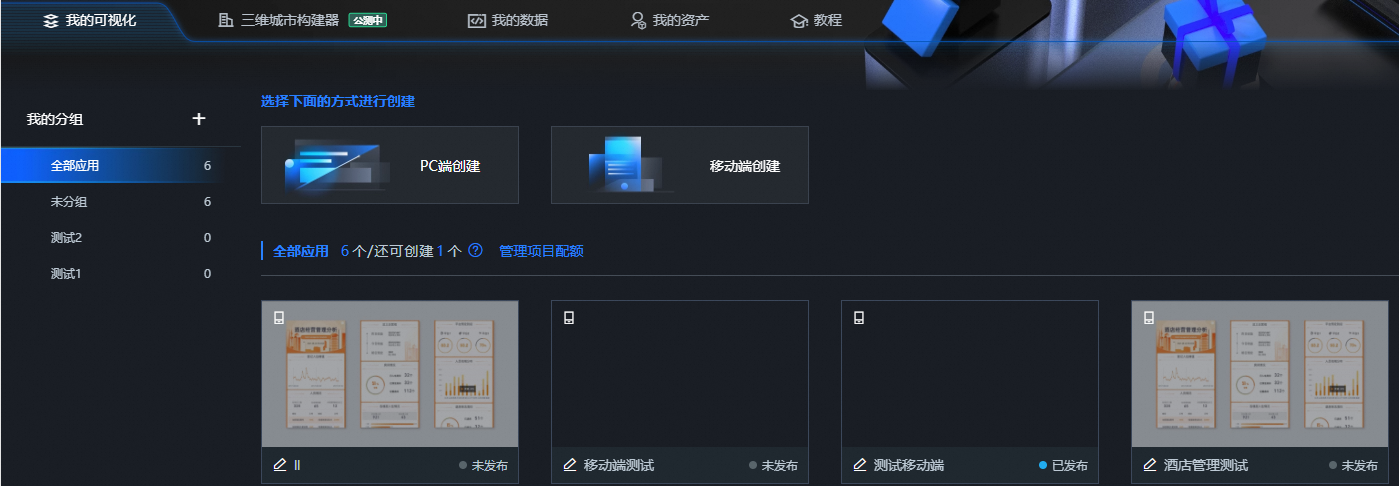
Menu bar
Use the menu bar to access different management pages. 
Professional Edition users can also select My Assets > My Component Packages to view their developed components.
My visualization
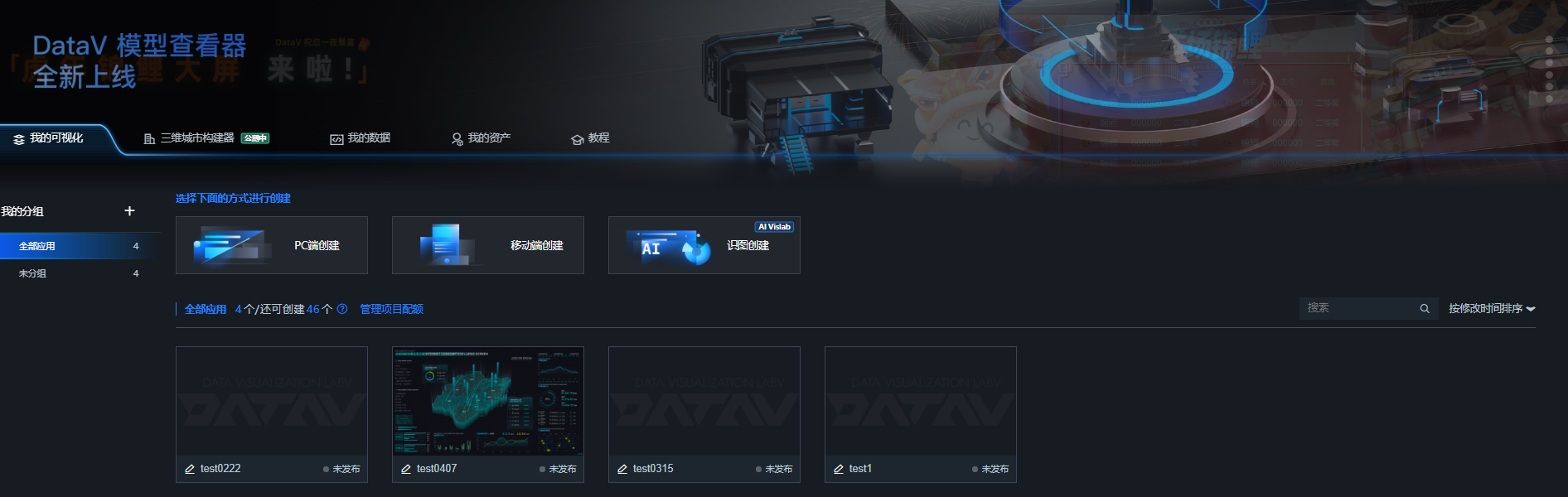
The My Visualization page lets you:
-
Create visualization applications using two supported methods. Create a PC Visualization Application Using a Template, and Create a Mobile Visualization Application Using a Template.
-
View your visualization applications and check the remaining creation quota. The creation limit varies by version. Specifications.
-
Organize visualization applications into groups. Visualization Application Group Management.
-
Sort visualization applications. Visualization Application Sorting Management.
-
Search visualization applications by name. Visualization Application Search Management.
My data
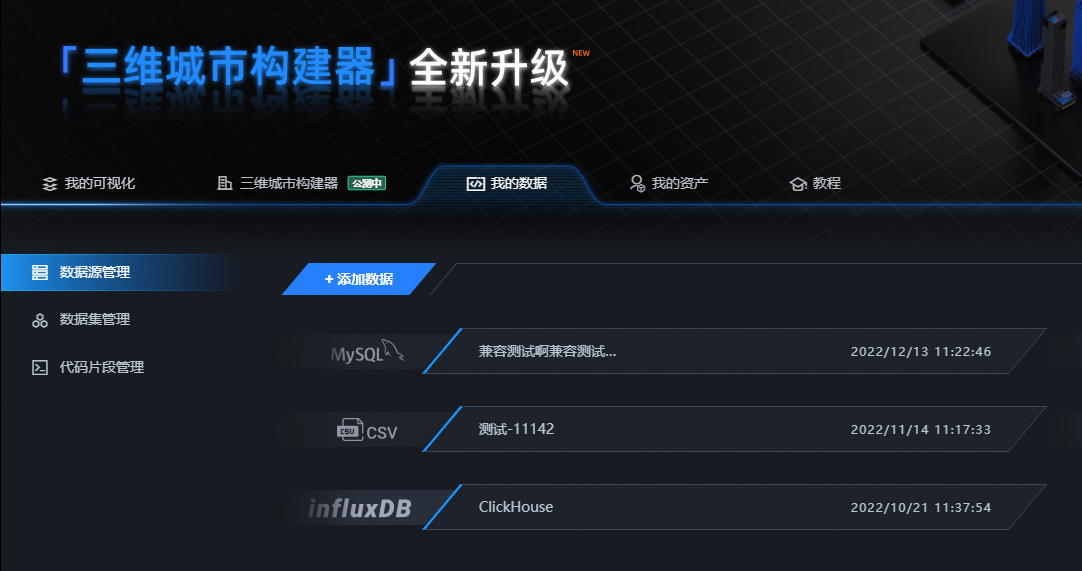
Manage data sources and datasets on the My Data page. Data Source Management and Dataset Management.
My assets
Manage blocks, design assets, favorite components, and custom component packages on the My Assets page. Asset Management. 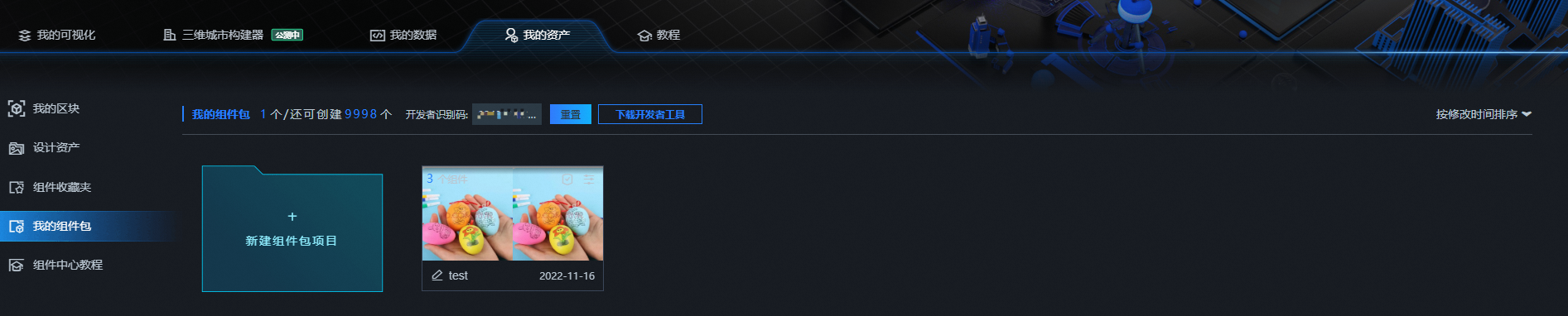
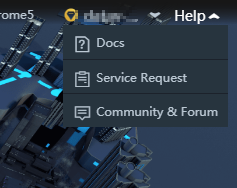
Help
Click Help in the upper-right corner to access documentation, submit a ticket, or join the product community.