Resolve "Sending frequency is too high" errors
Alibaba Mail may restrict outgoing emails if the sending frequency or volume exceeds system limits, or if spam is detected. This topic explains causes and solutions.
Problem
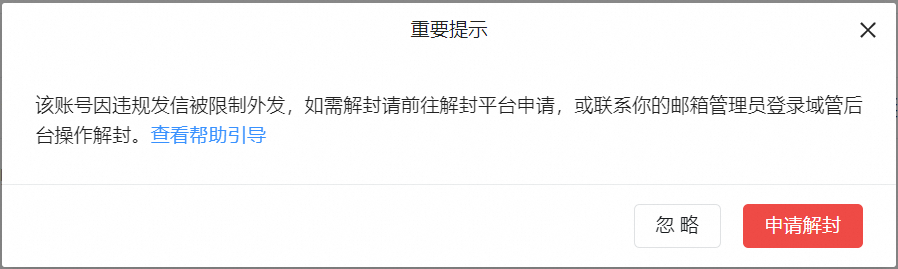
When sending an email, you receive one of these errors: Sending frequency is too high or other unknown errors occurred. Please try again later. or This account is restricted from sending outgoing emails due to sending non-compliant emails....

Causes
-
Spam or marketing emails triggered a system-imposed sending restriction.
-
Email volume or frequency exceeded system limits.
Solutions
1. Verify that your email content complies with sending policies, then revise and resend.
If you did not send these emails, change your password to a strong password immediately. Secure your mailbox to prevent unauthorized access.
2. Stop sending marketing or promotional emails. The restriction is automatically lifted after a period of time. Replying to emails is not affected.
Alibaba Mail is designed for regular communication and does not support automated emails such as system notifications, registration confirmations, event invitations, or monitoring alerts. For these, use Alibaba Cloud Direct Mail.
3. Reduce the frequency and volume of outgoing emails. The sending restriction is automatically lifted. Bounce email error: too frequently sending.