Log in to the Mini Program Open Platform - Developer Backend to publish and manage mini programs.
Prerequisites
You have registered for the Mini Program Open Platform - Developer Backend. If you have not registered yet, complete Register for the Developer Backend Platform first.
Procedure
-
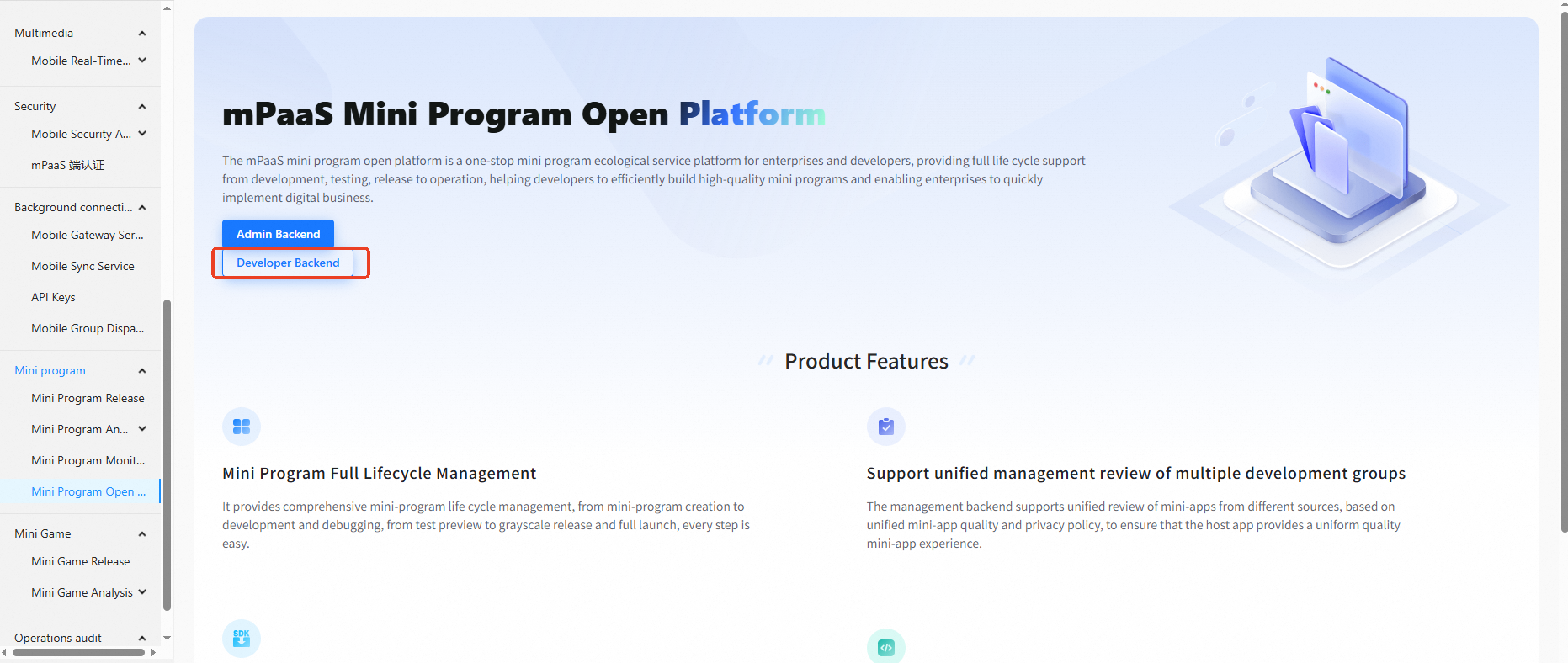
Log in to the mPaaS console and go to your mPaaS application. In the navigation pane on the left, choose Mini Program > Mini Program Open Platform > Developer Backend.
-
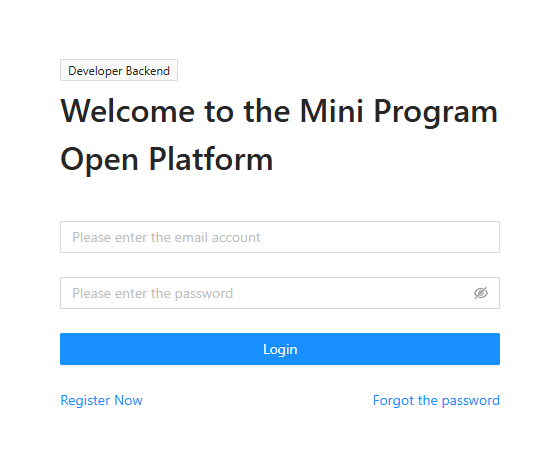
On the Login interface, enter your Account and Password, and click Login to log in to the Mini Program Open Platform - Developer Backend.
-
In the Welcome To the Mini Program Open Platform dialog box, select a developer group.
NoteDeveloper groups are created in the Admin Backend of the Mini Program Open Platform. After you select a developer group, you can publish and manage mini programs under the application. For more information, see Developer group management.
-
Click OK to log in to the Mini Program Open Platform - Developer Backend. You can now publish and manage mini programs.