Operation Log records sensitive and important actions performed by platform users after login, so you can audit who did what, from which IP address, and whether it succeeded.
In the Mini Program Open Platform > Developer Console, click Operation Log in the left navigation pane to go to the Operation Log page.
-
The Operation Log page displays the log list. Each entry contains the following fields:
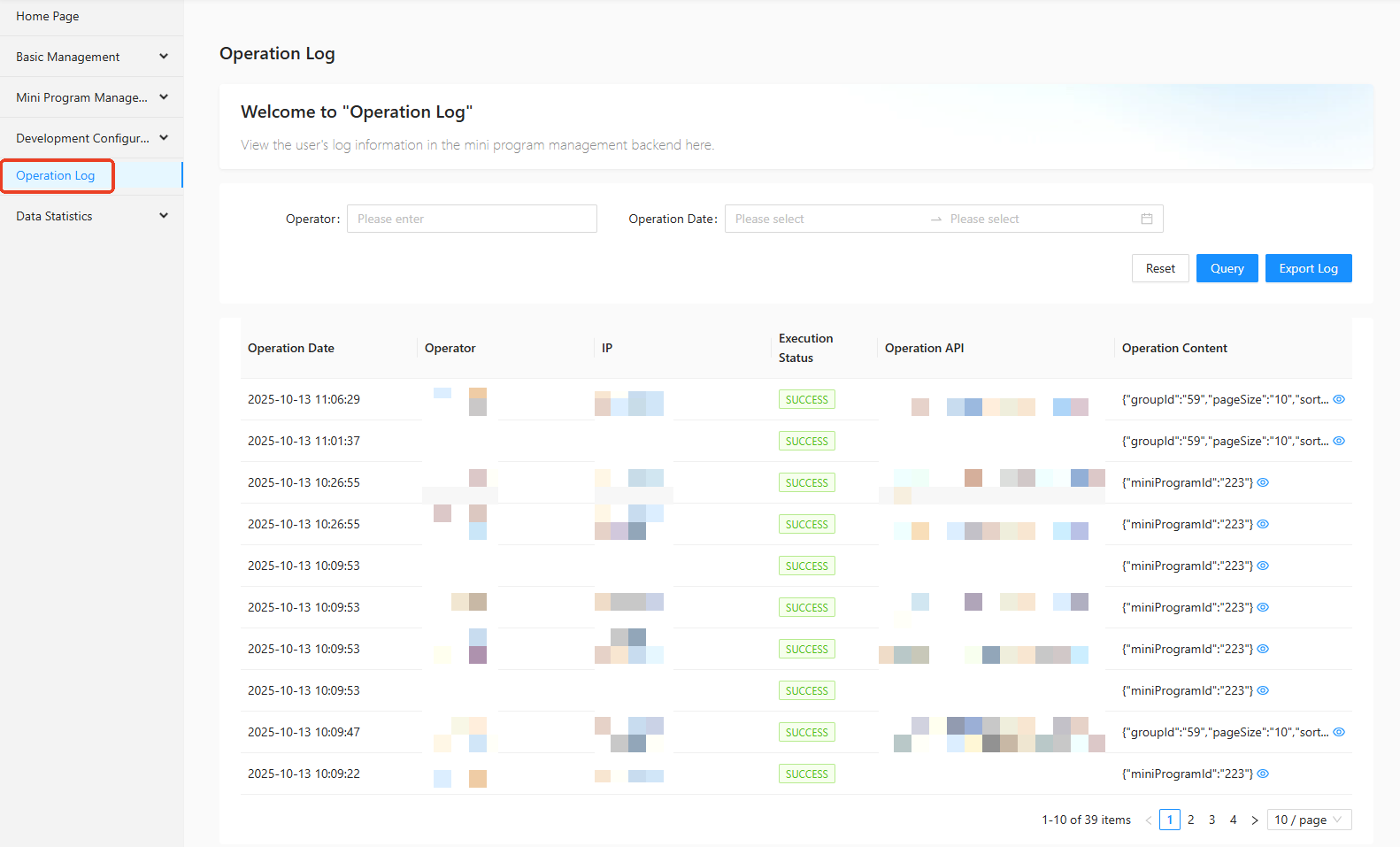
Operation date: The date when the action occurred.
Operator IP: The IP address of the user who performed the action.
Execution status: Whether the action succeeded or failed.
Operation API: The API called for the action.
Operation content: Details of the sensitive action.
To filter log entries, select an operator and operation date on the Operation Log page, then click Query.