Add or delete whitelists to control which users can access mini programs during grayscale release.
Add whitelist
-
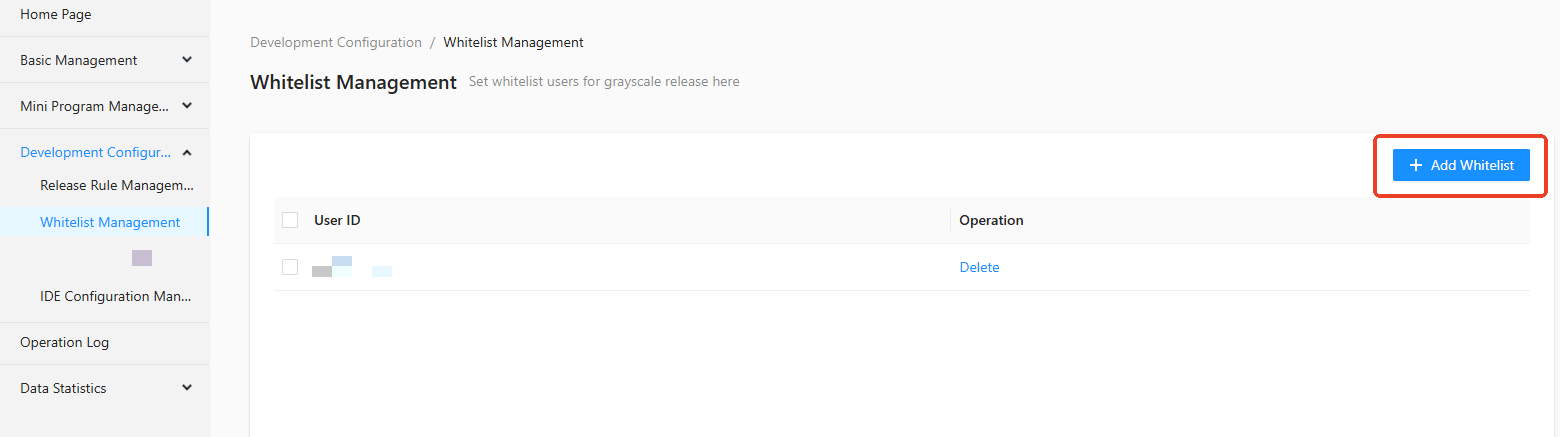
In the Mini Program Open Platform > Developer Backend, click Development Configuration > Whitelist Management > + Add Whitelist in the left menu bar.
-
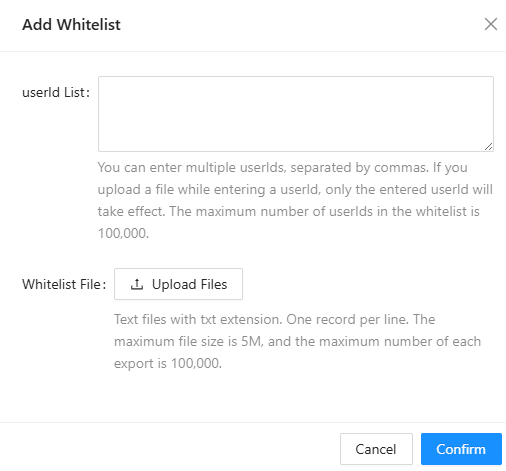
In the Add Whitelist dialog box, set the UserId List and Whitelist File.
-
Click Confirm. The whitelist is added.
Delete whitelist
In the Mini Program Open Platform> Developer Backend, click Development Configuration > Whitelist Management in the left menu bar.
Delete a single whitelist
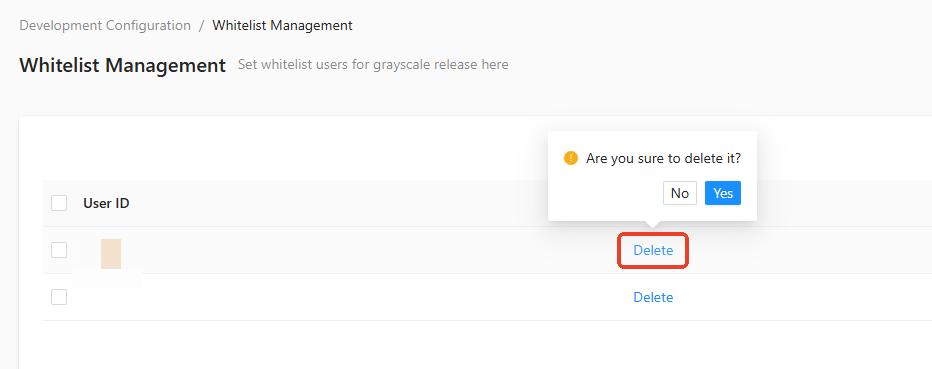
On the Whitelist Management page, click Delete in the operation column of the target whitelist entry. Confirm the deletion when prompted.
Batch delete whitelist
-
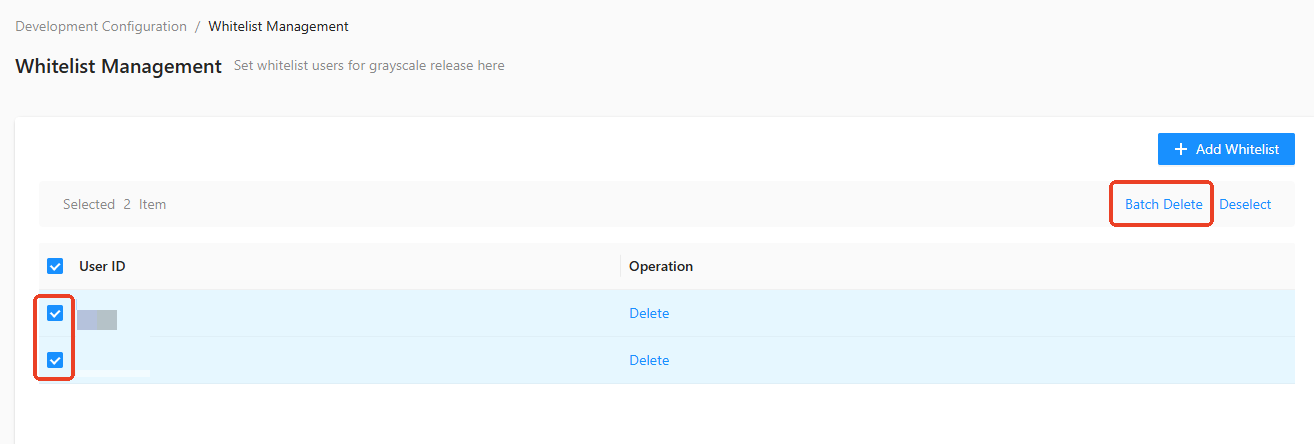
On the Whitelist Management page, select the whitelists that you want to delete.
-
Click Batch Delete. The selected whitelists are deleted.