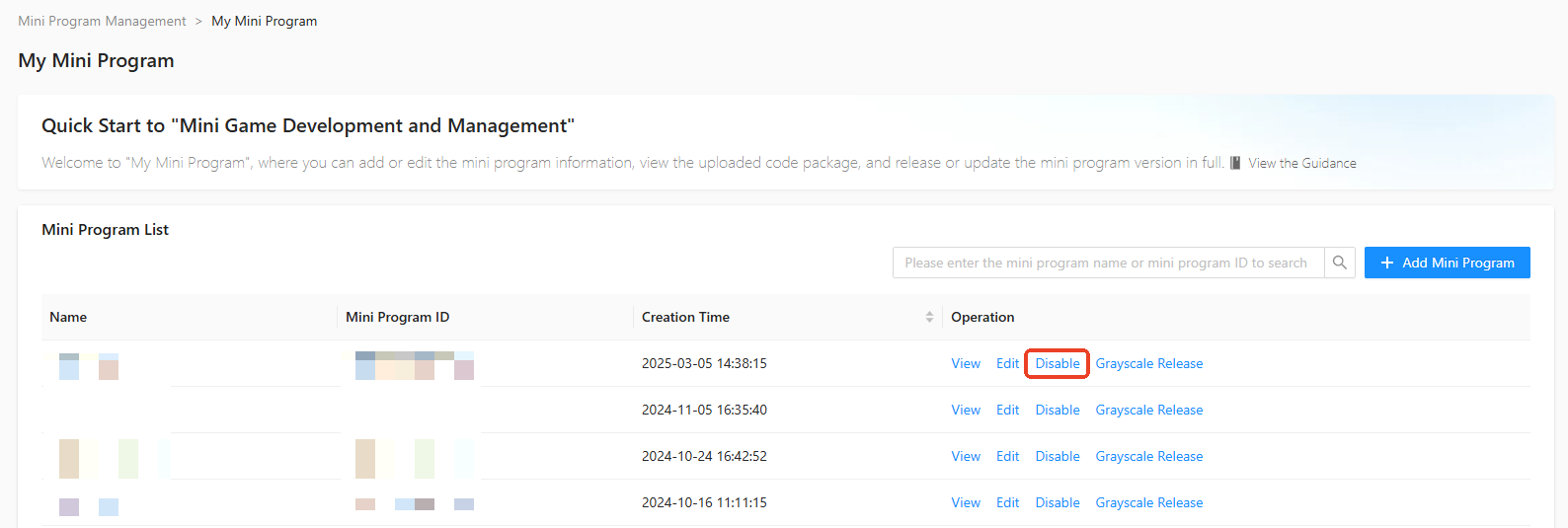
In the left-side navigation pane of Mini Program Open Platform > Developer Backend, click Mini Program Management > My Mini Program to go to the My Mini Program page. If a mini program is no longer in use, click Disable in the operation column of the mini program list on the My Mini Program page. After you confirm, the mini program is disabled. To resume using a disabled mini program, enable it again.
该文章对您有帮助吗?