Procedure
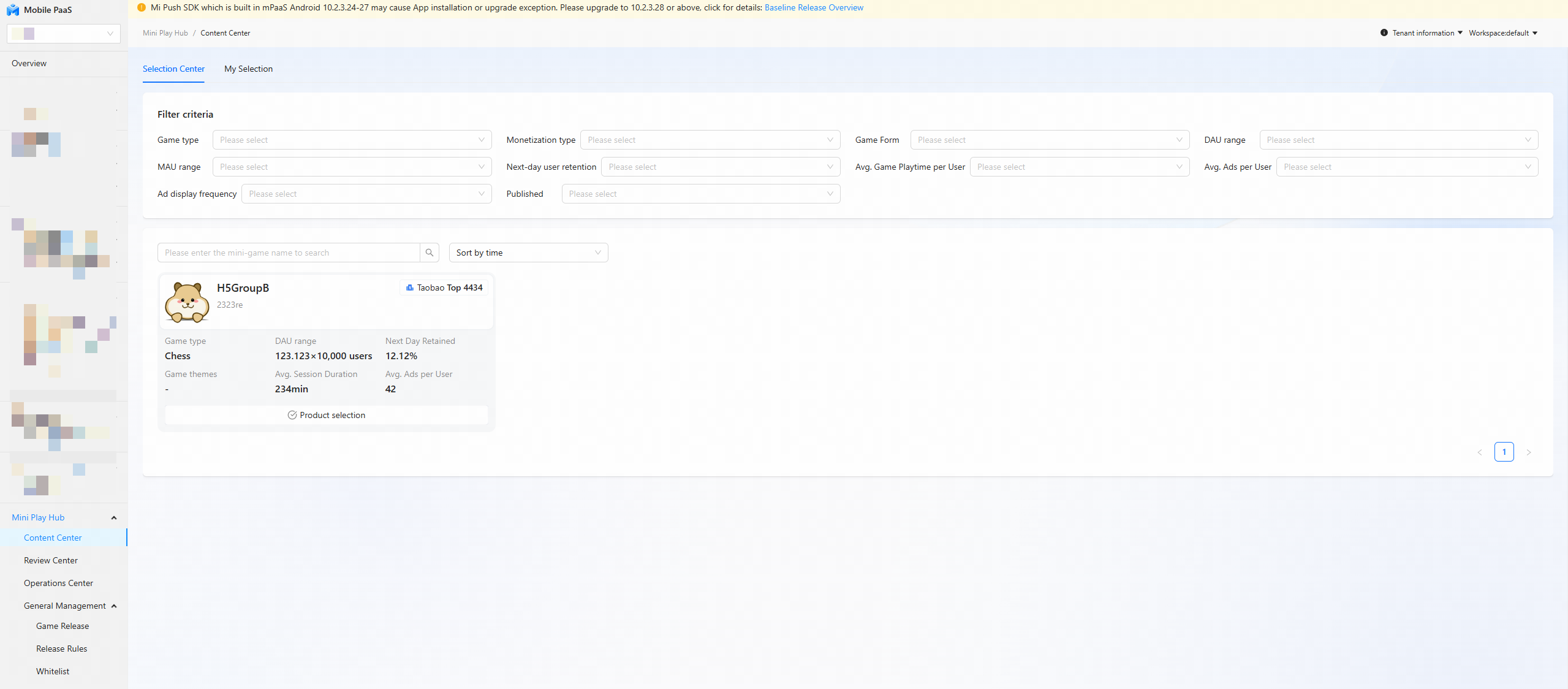
On the Content Cube page, in the left navigation pane, click Content Center in the Actions column for a mini-game to open the Mini-Game Selection Center page.
Go to Content Cube > Content Center to select the mini games that you want to publish to the app channel.
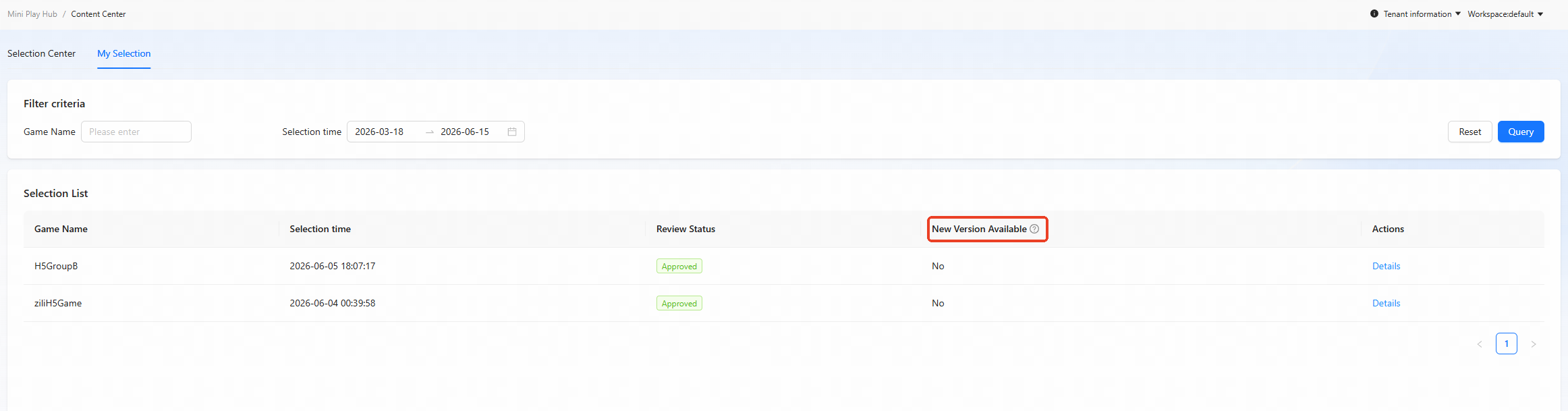
Click My Selections to open the My Selections page. You can view the basic information of your selected mini games.
NoteIf a game in the list has a "Yes" status, indicating a new version is available, you can click Details to initiate another review process.
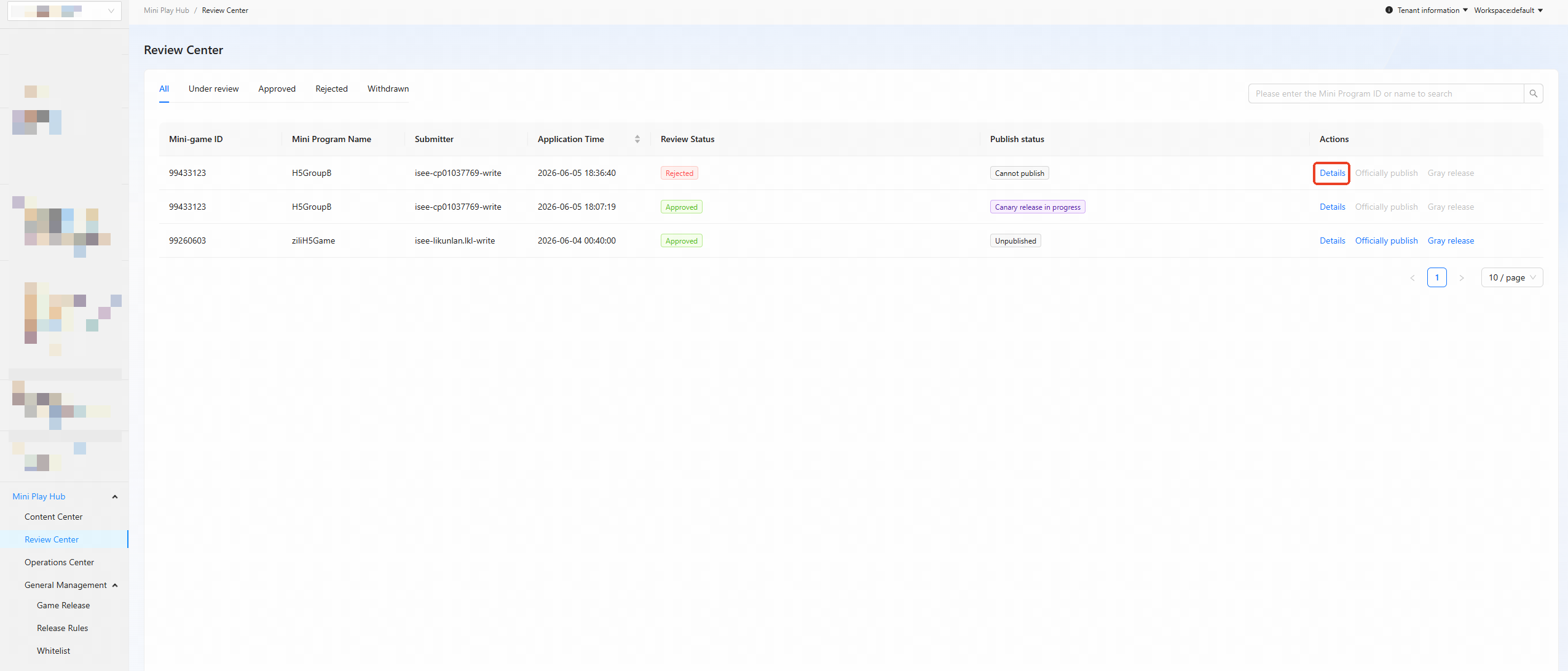
Go to Content Cube > Review Center, and then click Details to review a selected mini game.
Click the Create Experience Task button to synchronize resources.
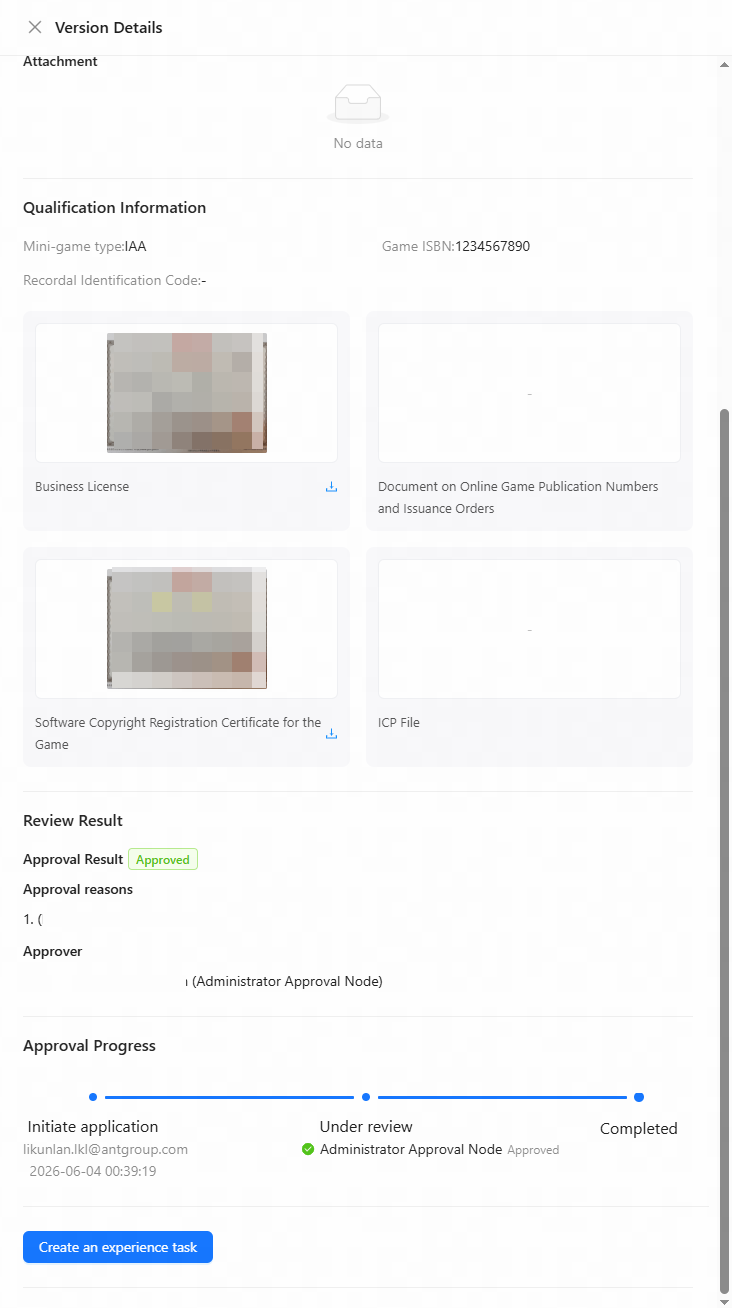
After the resources are synced, a test QR code is generated. After completing the platform adaptation, scan the QR code with your app to test the game. For more information, see QR code testing and adaptation.
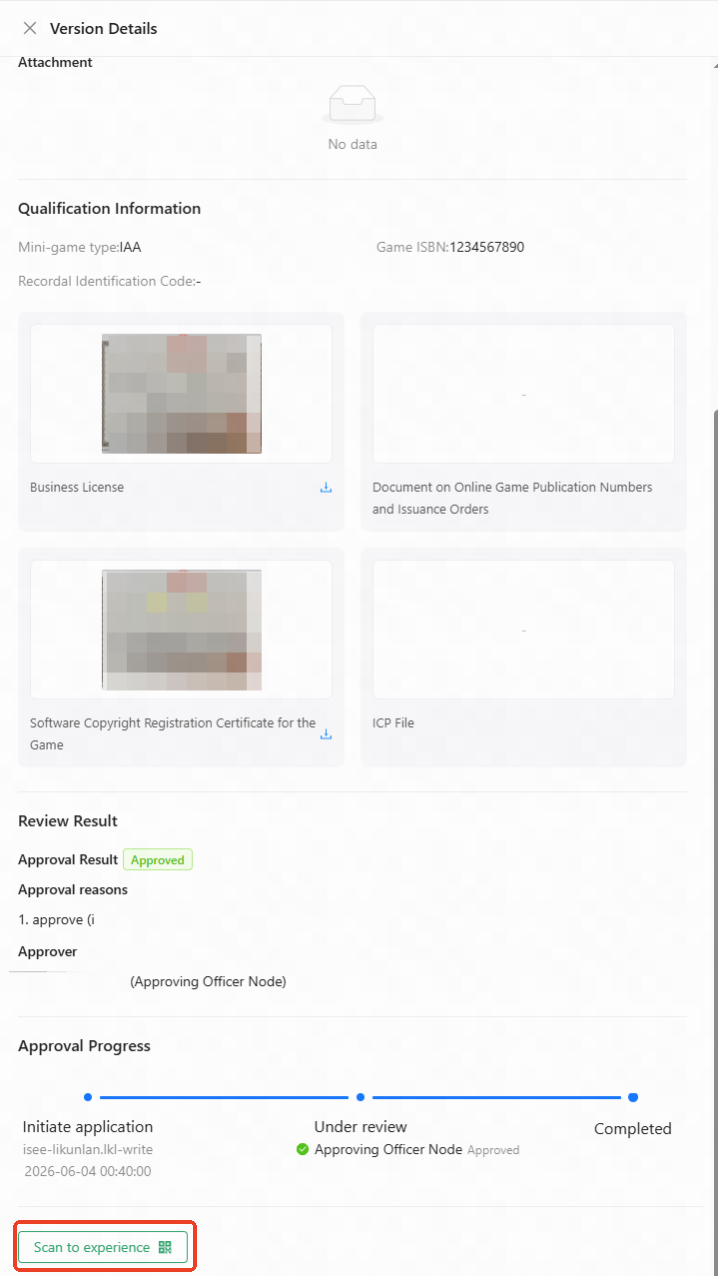
After successful testing, click Approve or Reject. Enter a reason and click submit to complete the review.