Enter enterprise information
Game developers typically enter their enterprise information when they first sign in to the developer console.
Go to Basic Management > Enterprise Information and click Add Enterprise Information. Then, fill out and save your enterprise information.

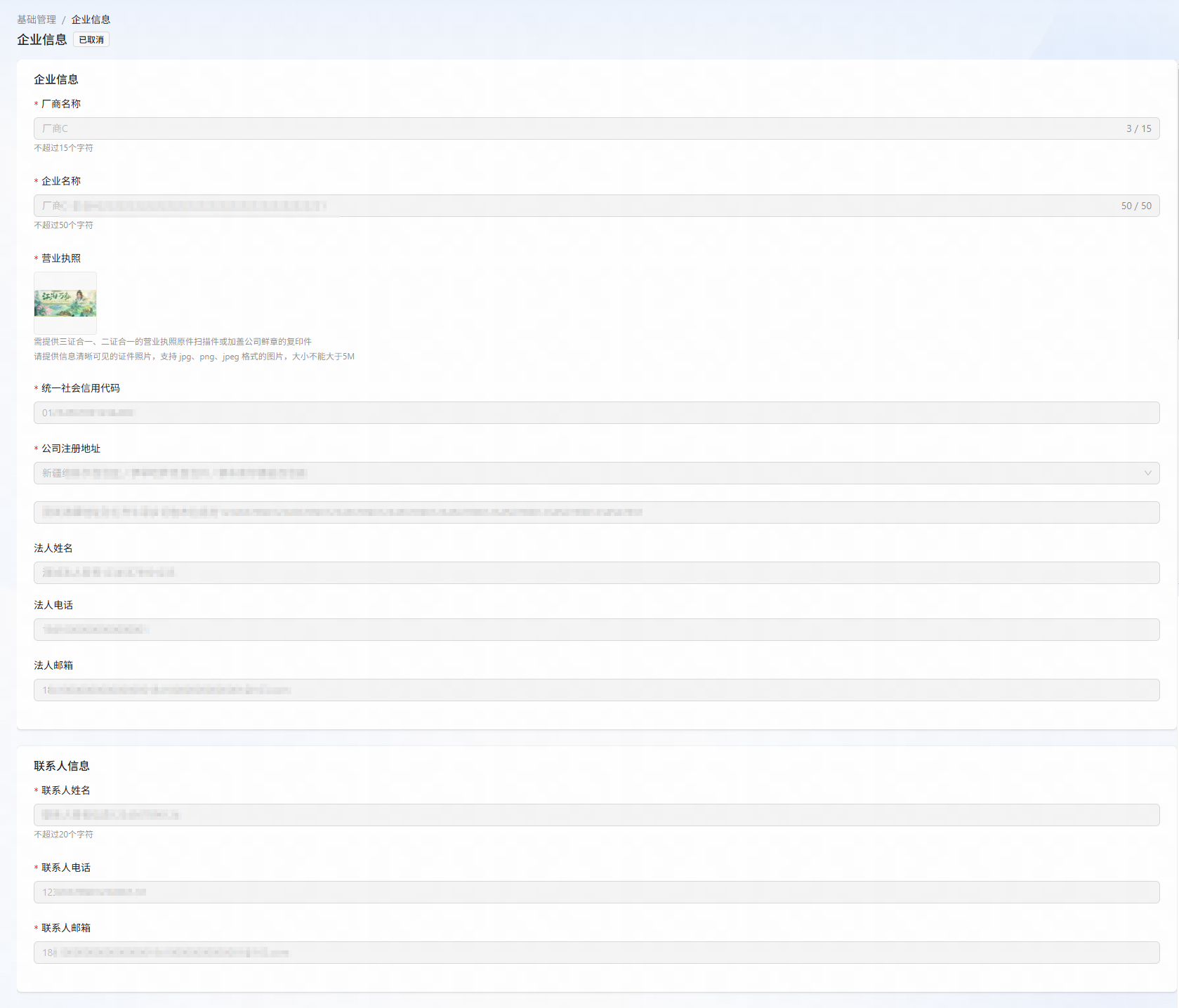
Submit enterprise information for review
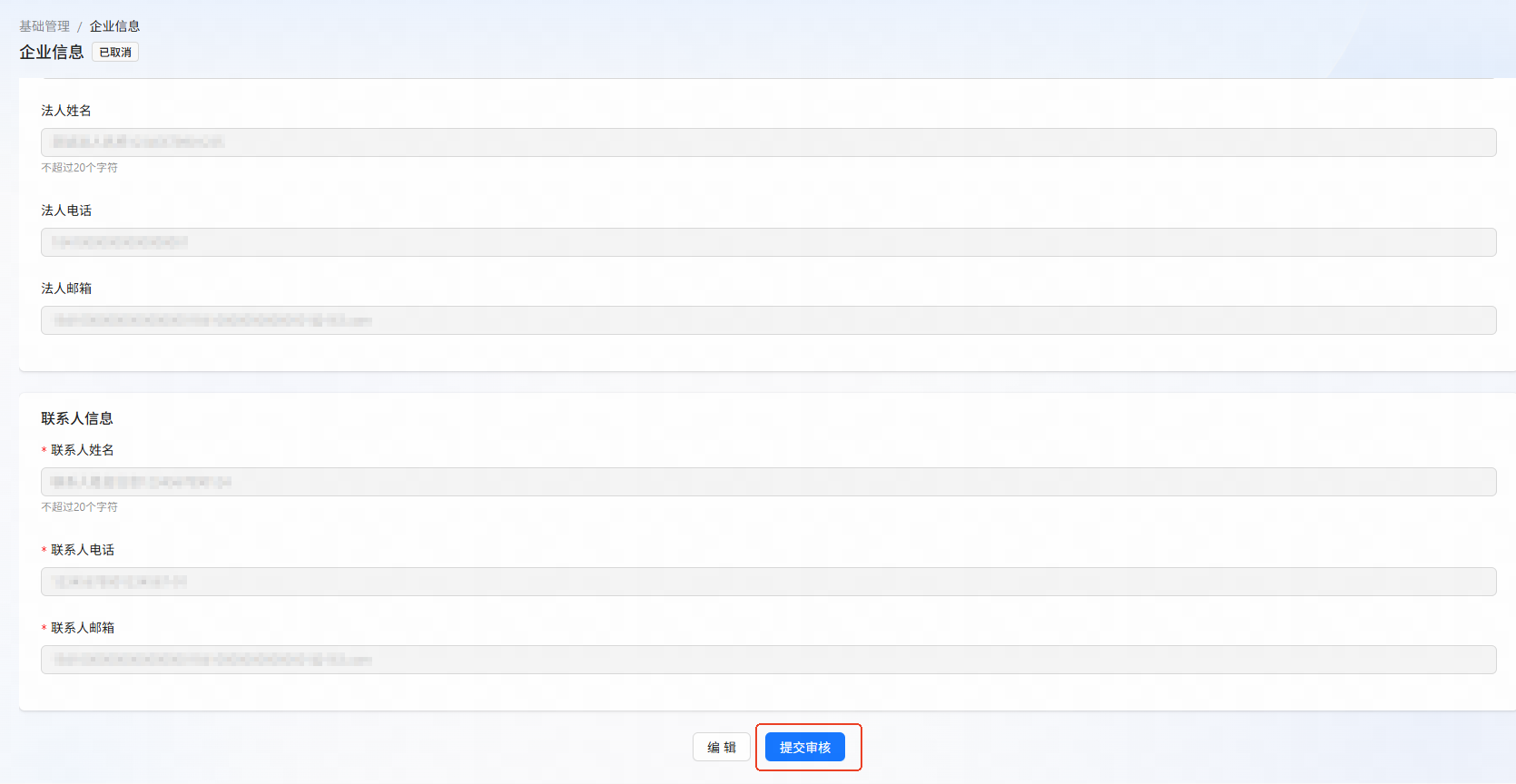
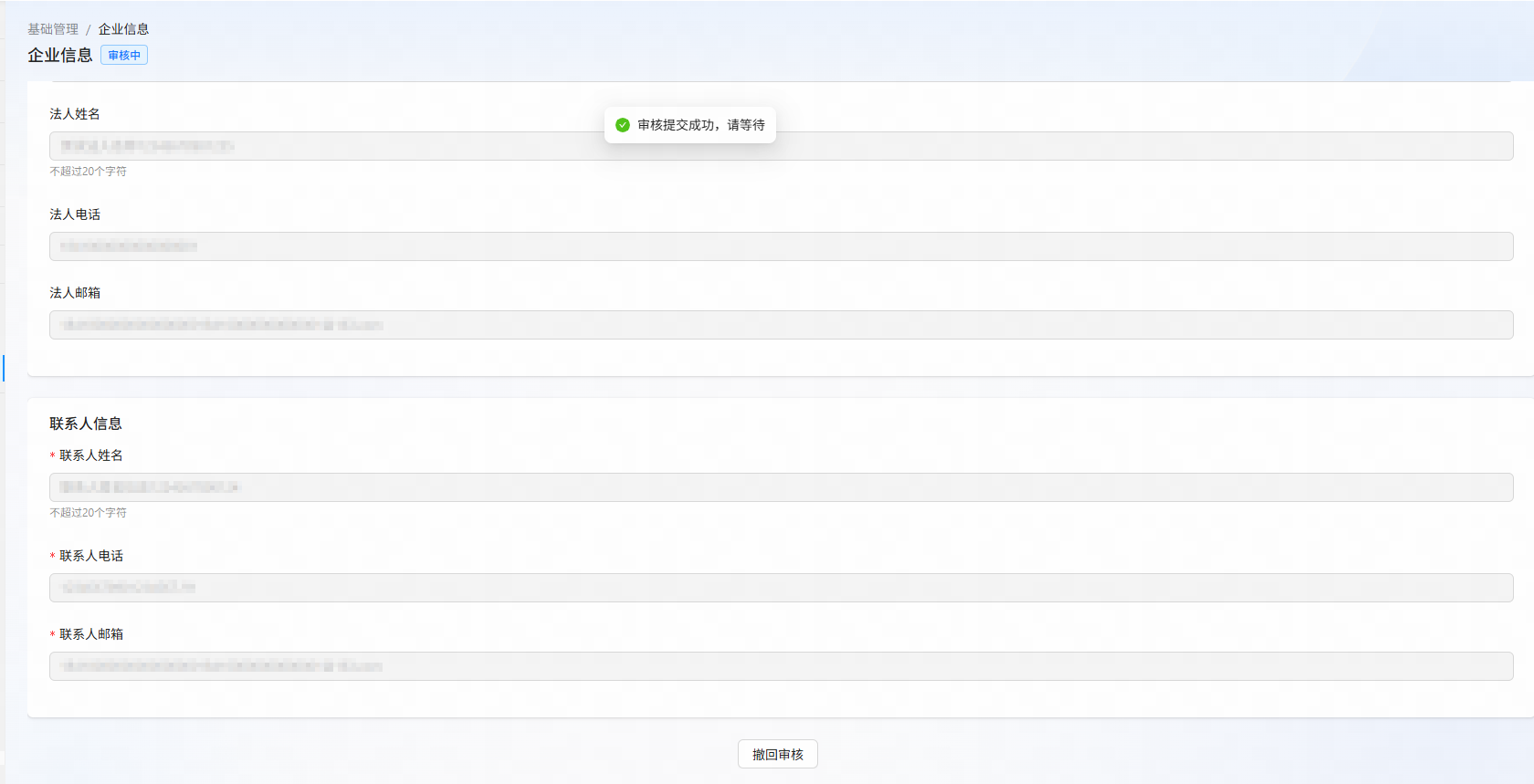
After entering your enterprise information, click Submit for Review.
Note
Under Review: All enterprise information fields are read-only.
Approved: You can only modify your Contact Information.
Rejected: You can edit your Enterprise Information and Contact Information and resubmit them for review.
该文章对您有帮助吗?