Bind Data Bank
After obtaining the data bank token, you need to bind the data bank account to Quick Audience before you can push it.
A binder can bind up to 10 data bank accounts.
The bound data bank account is only used by the binder and the administrator, and cannot be used by other members.
After a data bank account is bound, it can only be used in the current workspace. If you want to use it in multiple workspaces, you need to enter different workspaces to bind it.
Procedure
Choose Workspace> Configuration Management > Marketing Configuration > Account Management. Click Account Authorization. In the dialog box that appears, select Data Bank from the drop-down list.
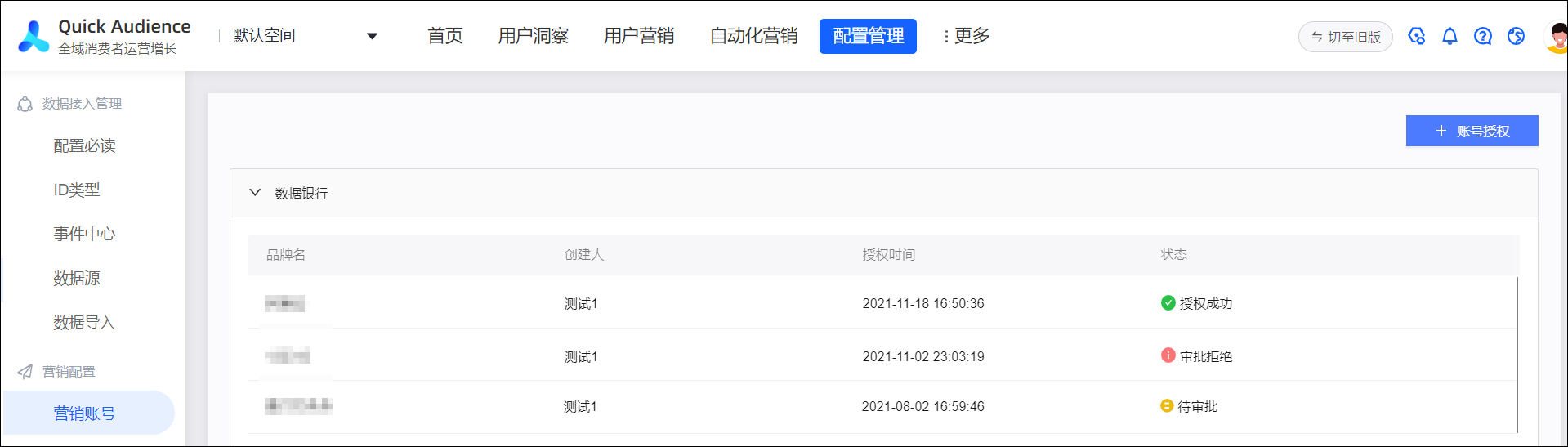
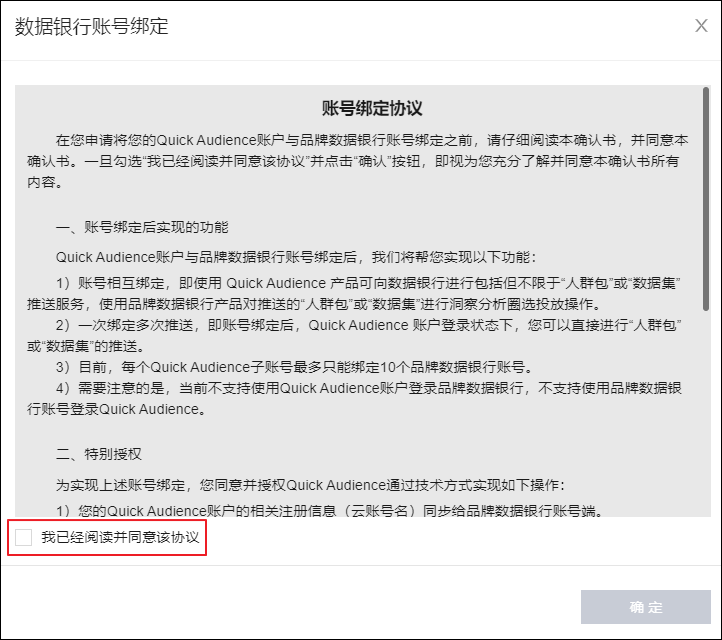
In the dialog box that appears, read the account binding agreement, select I have read and agree to the agreement, and then click OK.
Enter the brand name, brand name, data bank account, and token. Enter the account used to obtain the data bank token. The brand name, brand name, and token must be the same as those on the QuickAudience Access Token page when you obtain the data bank token. Obtain Data Engine Token
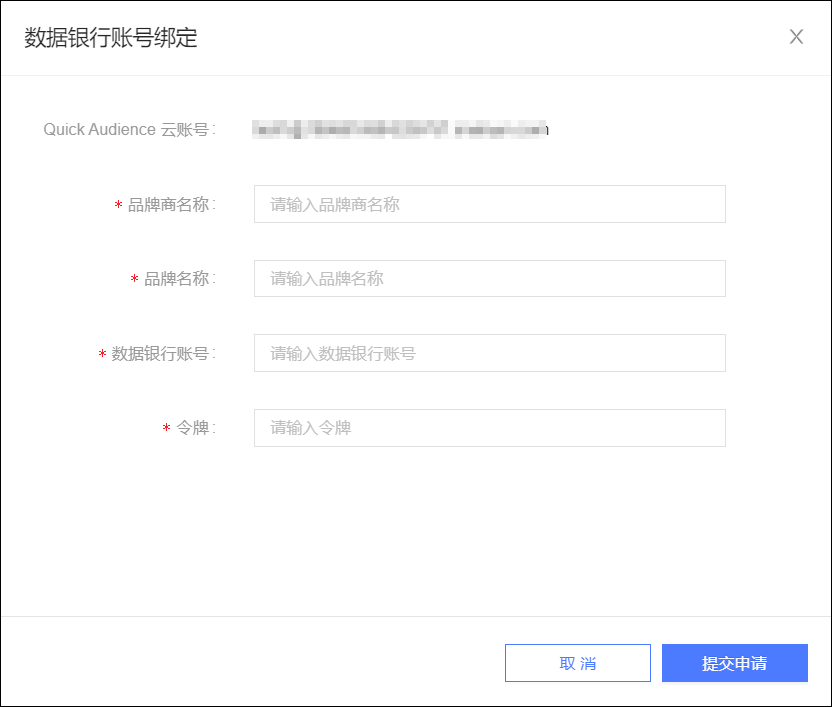
Click Submit to go to the approval process.
The binding application is approved by the organization administrator and workspace administrator. For more information, see Pending My Approval.
You can view the application progress in the Message Center section of the My Applications page. For more information, see My Applications.