Login-free path
The login-free feature for container applications in IoT edge computing reduces login and authorization time. After developing the feature, you can associate a login-free path with an application for credential-free access.
Preparations
To obtain development documentation and technical support for the login-free feature, submit your requirements through the IoT edge computing DingTalk group.
Prerequisites
You have created a container application. For more information, see Create a container application.
You have received technical support and developed the login-free feature.
Procedure
Log on to the Edge Computing console.
From the drop-down list in the navigation pane on the left, select your instance.
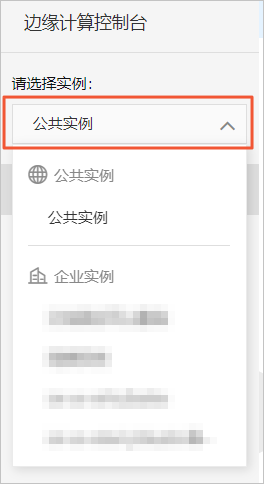
In the left-side navigation pane, choose Node Management > Application Management.
On the Application Management page, click the Container Application tab. Find the desired container application, and in its Actions column, click View.
On the Application Details page, on the Application Information tab, find the application version you want to configure, and in its Actions column, click Develop.
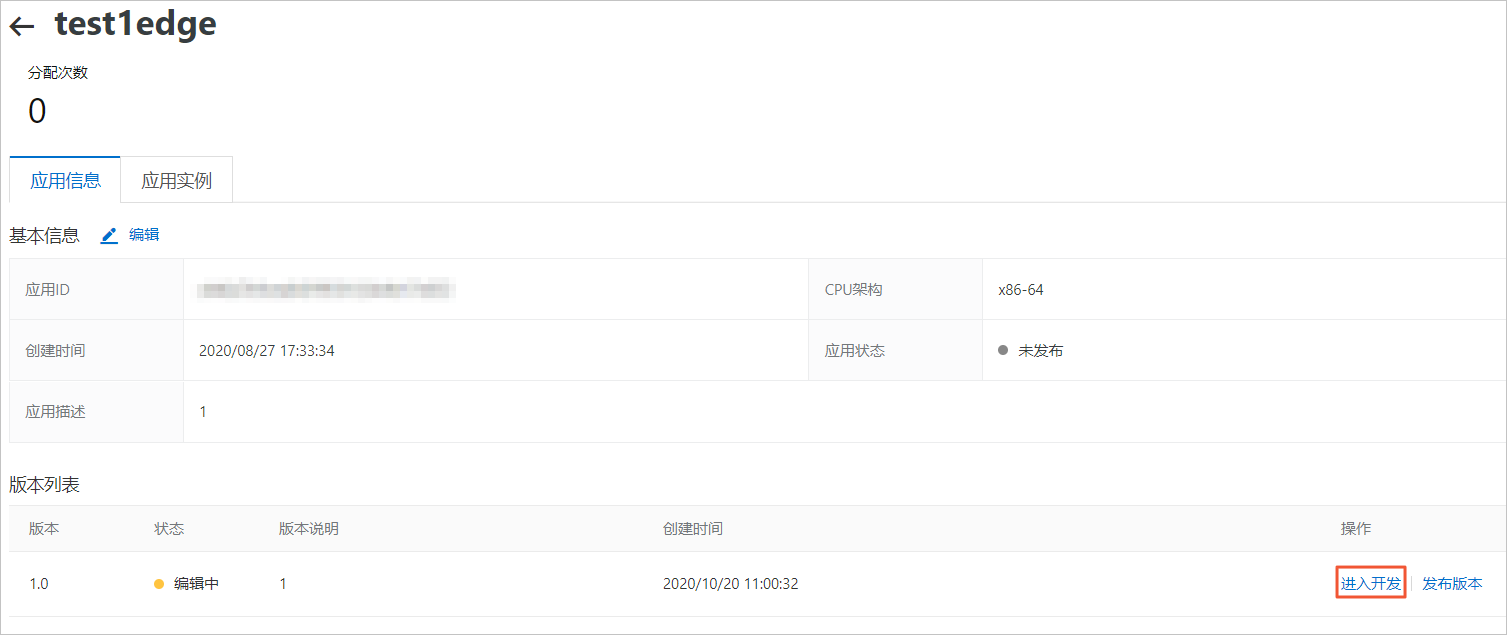
On the Version Details page, click the Login-Free Path tab.
Configure the login-free path parameters and click OK.
To apply the configuration, deploy the container application to an edge integrated machine. For details, see Deploy a container application to an edge integrated machine.