LinkedMall onboarding process (formerly supplier onboarding process)
This document describes how to complete the LinkedMall onboarding process.
Register and verify an Alibaba Cloud account
Go to the Alibaba Cloud official website. Log on to your account. If you do not have an account, you must register for one. For more information about account registration, see Alibaba Cloud account registration process.
You can use multiple methods to complete enterprise identity verification for your account. We recommend using Enterprise Alipay authorization. For more information, see Enterprise identity verification and individual business verification.
Apply for onboarding
Log on to the LinkedMall supplier platform. On the Shop Center > Taobao Shop Management page, click Apply for Onboarding in the upper-right corner.
In the Prompt dialog box, click Confirm. Then, log on to the root account of your Taobao or Tmall shop by scanning a QR code or entering your account credentials. Accurately fill in the required information and click Submit. The review takes one to two business days. You can add multiple Taobao or Tmall shops to a single Alibaba Cloud account.
Activate secured transactions
The Alipay account used to activate secured transactions will serve as the receiving account for the shop in the LinkedMall channel.
This step is important. Follow the instructions carefully.
After your onboarding application is approved, click Activate on the right side of the shop entry.
Fill out the form with the information for the enterprise Alipay account that is associated with the shop. The information in the form must match the enterprise information registered with Alipay. After you fill out the form, select the checkbox to accept the agreement and click Submit. After submission, the status changes to In Review.
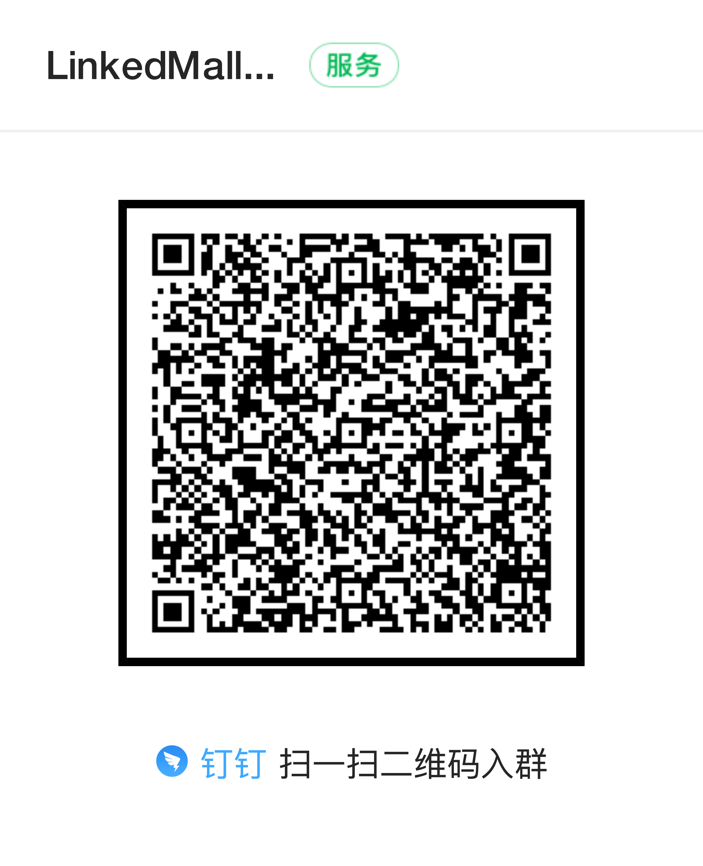
ImportantIf the legal representative does not have a Chinese citizen ID card, join the onboarding group to consult with a LinkedMall representative. Scan the QR code with DingTalk to join the group. After joining, carefully read the group announcement. If you have questions, mention @Service Assistant Ding in the group.
Log on to the Alipay Merchant Center using the Alipay account that you submitted for secured transactions. On the Account Center > Acquiring Service Agreement page, click Sign. After the agreement is signed, the status in the console automatically changes to Activated. If the status is Activation Failed, hover over the status to view the reason for the failure. Then, resubmit the form as prompted.
ImportantThis review is conducted by Alipay. If you have any questions, contact Alipay support directly.
Sign contracts
Log on to the LinkedMall supplier console. On the Contract Center > Alibaba Cloud page, click Sign to the right of the two agreements. After signing both, join the onboarding group and contact a LinkedMall representative to have the third agreement sent to you. Ensure that all three agreements are in effect.
Supplier Service Agreement (for online commissions)
No.
Options
Description
1
P1 Party A
Company name from the business license
2
P1 Party A correspondence address
Address from the business license, not the contact phone number
3
P1 Party A contact person
Legal representative or shop operator
4
P1 Party A email
Email address of the contact person
5
P2 Payee entity
Company account used for signing the secured transaction agreement
6
P2 Payee Alipay
Alipay account used for signing the secured transaction agreement
7
P6 Supplier
Supplier's business license name
Special Integrity Agreement (for online commissions)
For both the P1 First Company Name and P1 Second Company Name fields, enter the company name exactly as it appears on your business license.
Set up online customer service
Currently, only after-sales customer service is supported.
LinkedMall uses XSpace as its customer service tool. Ensure that your customer service representatives' online hours match your Tmall or Taobao hours. Your customer service response time and response rate will be evaluated. To activate your after-sales customer service accounts, submit them on the LinkedMall merchant form submission page.
After-sales requirements
Your after-sales rules and shipping times must match those on the main Taobao and Tmall platforms. Special cases require separate handling.
Customer complaint emails must be handled within 24 hours on business days.
While your products are listed in the channel, your customer service staff must be logged on to XSpace during business hours. This ensures that users can contact customer service and prevents an increase in fallback emails or potential public relations issues.
Provide high-quality service during all customer interactions. Abusive behavior towards users is prohibited and will impact future collaboration.