Delete an execution
Updated at:
You can delete an OOS execution only when it is in a final status. If an execution is in a non-final status, such as waiting or running, you must cancel it first.
-
Log in to the OOS console.
-
In the left-side navigation pane, click Task Execution Management.
-
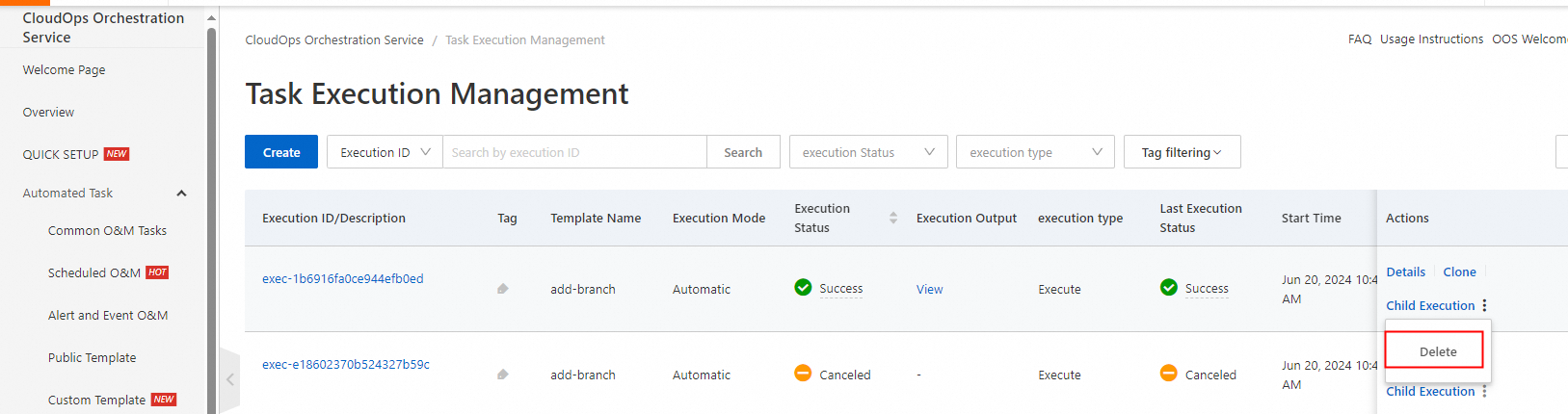
Find the execution to delete and click Delete in the Actions column.
-
In the confirmation dialog, click OK.

Is this page helpful?