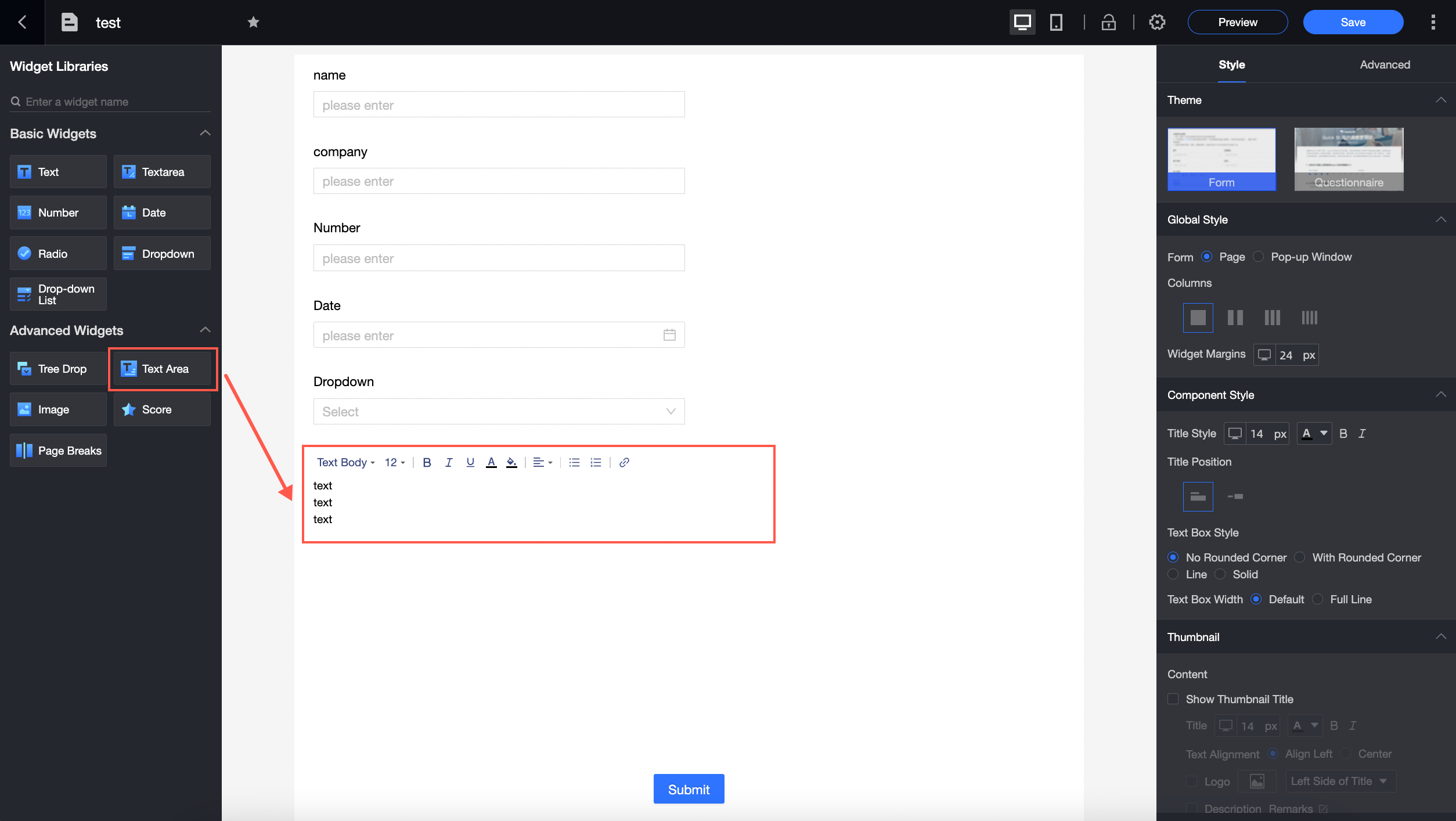
An advanced control that adds descriptive text to a data entry form.
Use cases
Commonly used in forms that require detailed descriptions, such as terms and conditions.
Screenshot
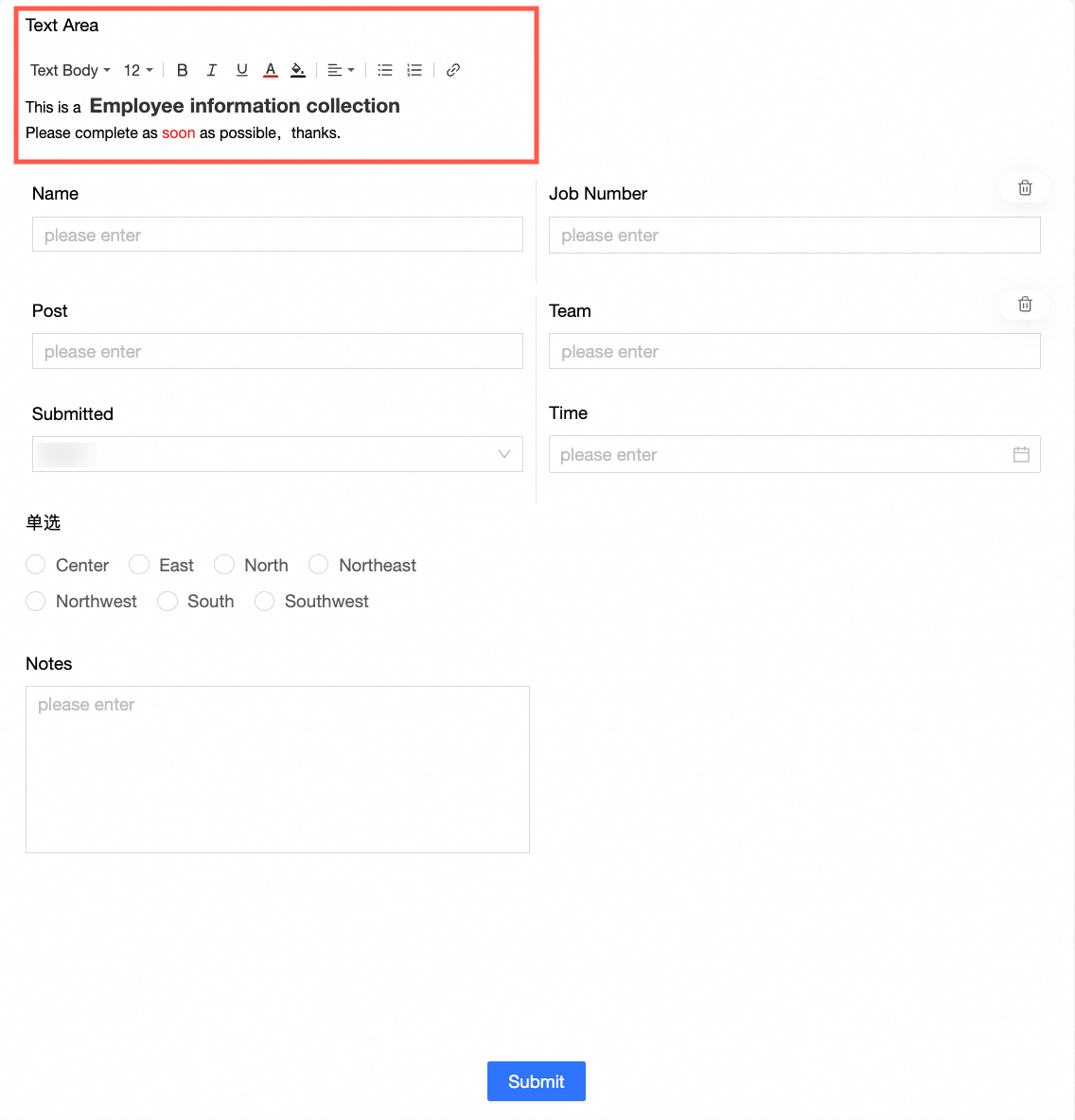
Overview
Edit rich text content
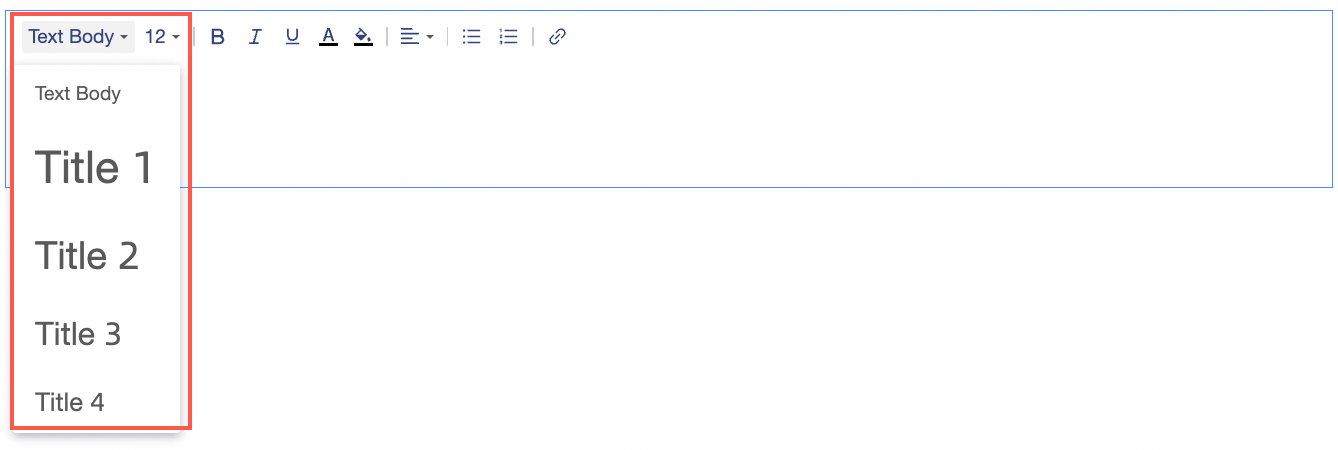
Click the rich text control to enter content, such as a title and body text.
Format rich text content
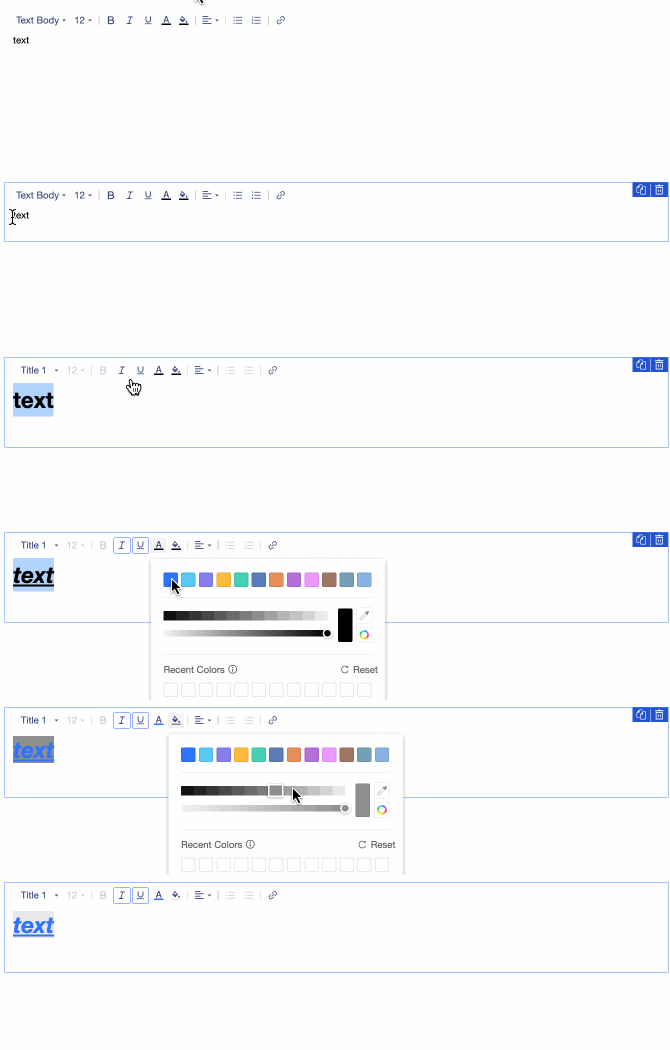
Supports content style, font size, font style, text color, background color, and alignment.
Adding a link
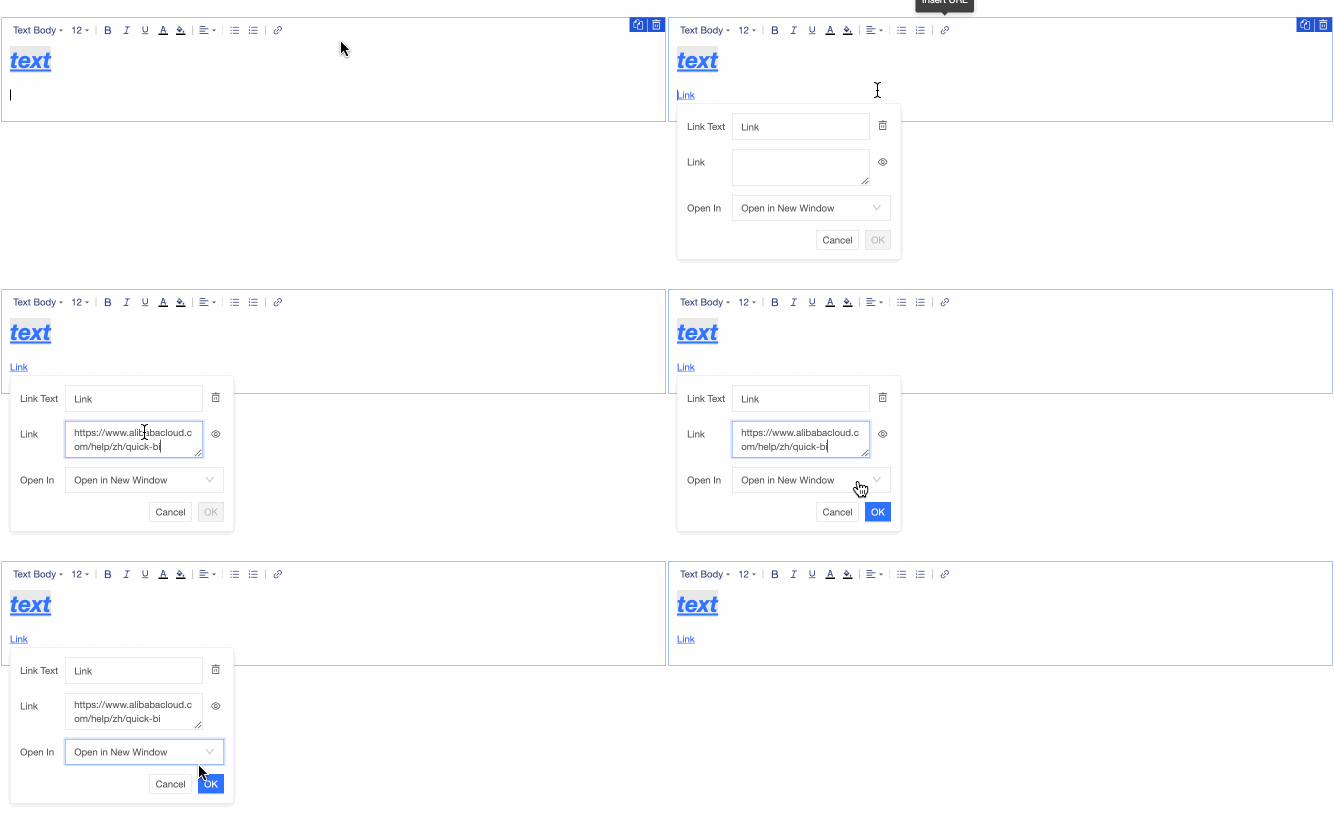
In the rich text toolbar, click the  icon to add a link.
Control settings
Basic settings
|
Parameter |
Description |
|
|
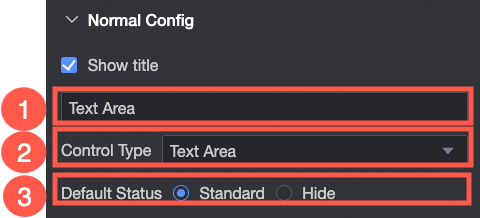
① Display Title: Shows or hides the control title. The custom name serves as the column header for data entry.
|
|
② Control Type: Changes the selected control to a different basic or advanced control type from the drop-down list. |
|
|
③ Default State: Sets the default state of the control. Options include Normal and Hidden. |

Style
|
Parameter |
Description |
|
|
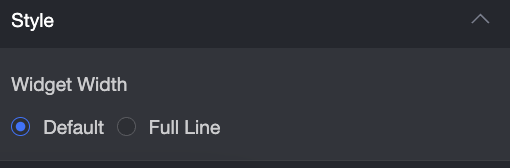
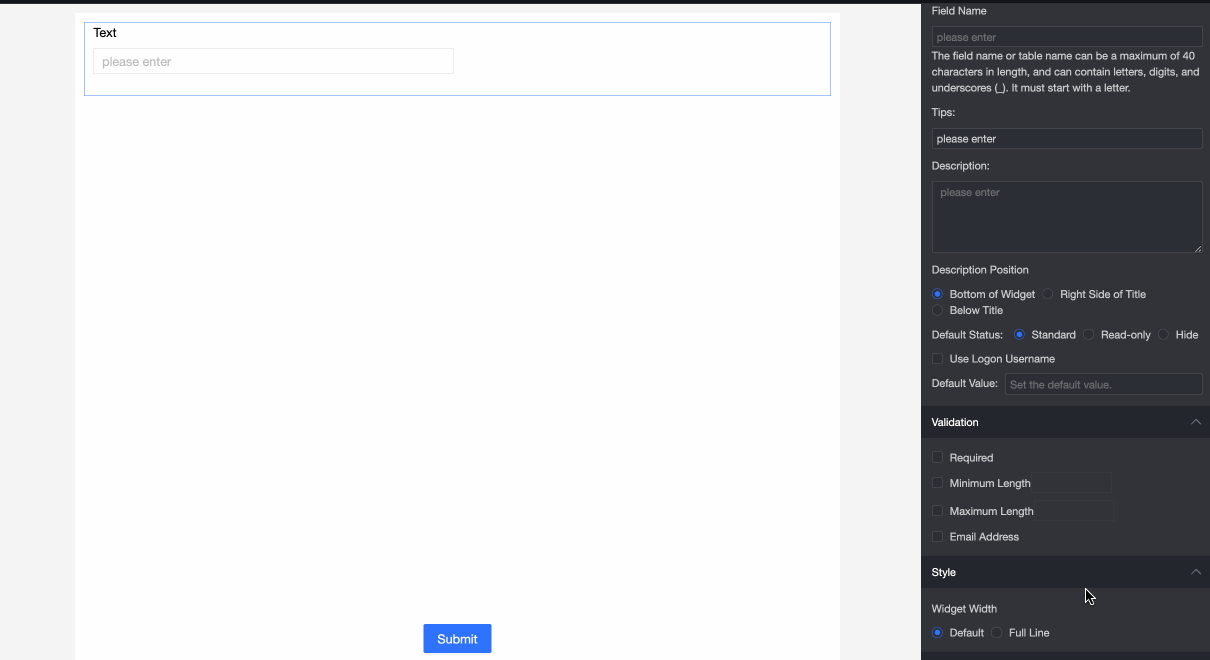
Control Width: Sets the control width. Options are: Default and full-width. Note
On the data entry page, you can also adjust the control width by dragging its border.
|